NextGen Essentials / The journal
All Stories & Guides
A comprehensive collection of research, hands-on tests, and considered buying frameworks covering mechanical watches, functional desk setups, and everyday wardrobe essentials.
The cover story / Watches
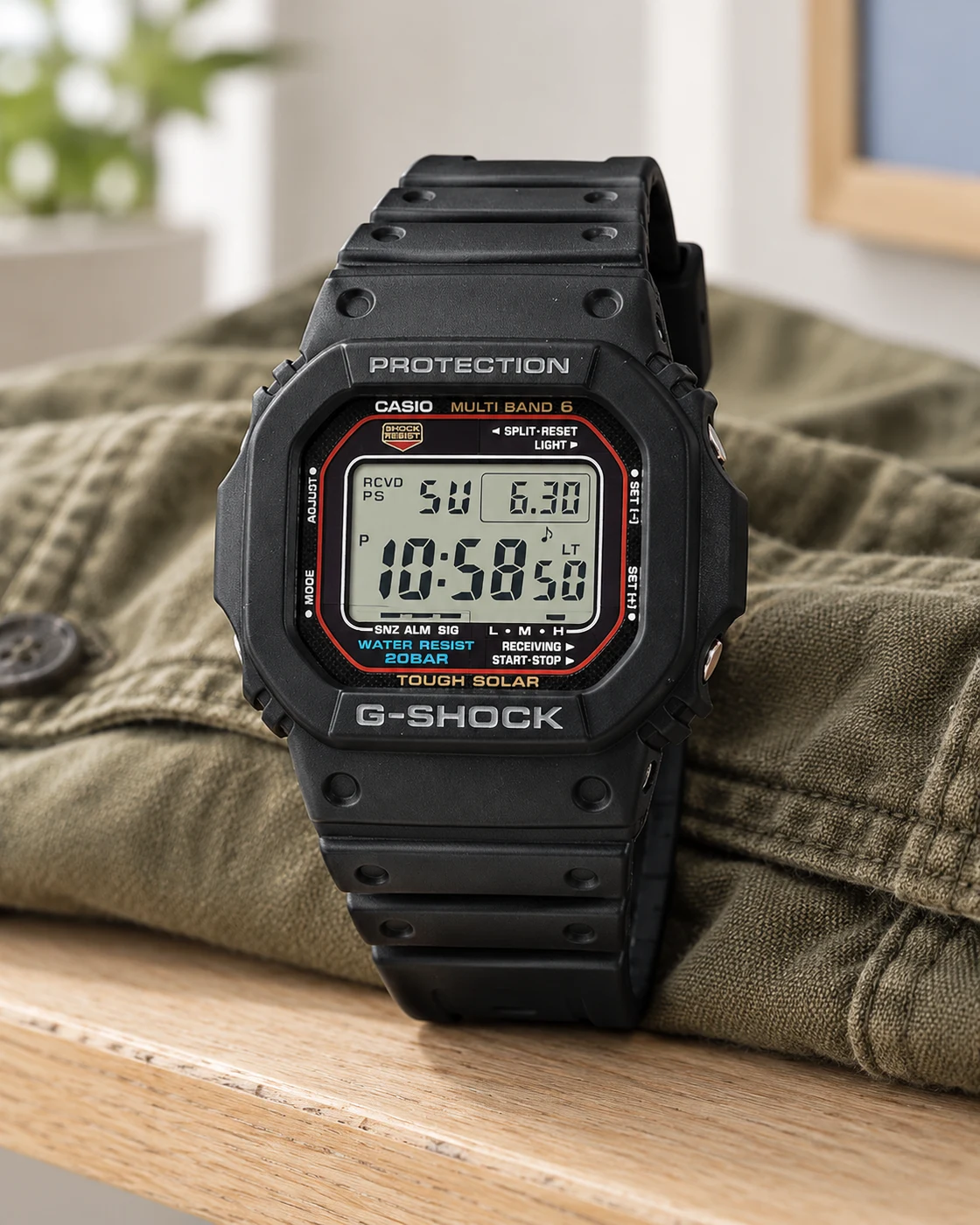
Best G-SHOCK Square for Everyday Wear: DW-5600BB or GW-M5610U?
The square has lasted because it knows its job. Choosing your version is less about collecting features and more about reading the time.
Read the full story ↗The reading list 95 stories
 Read the story ↗
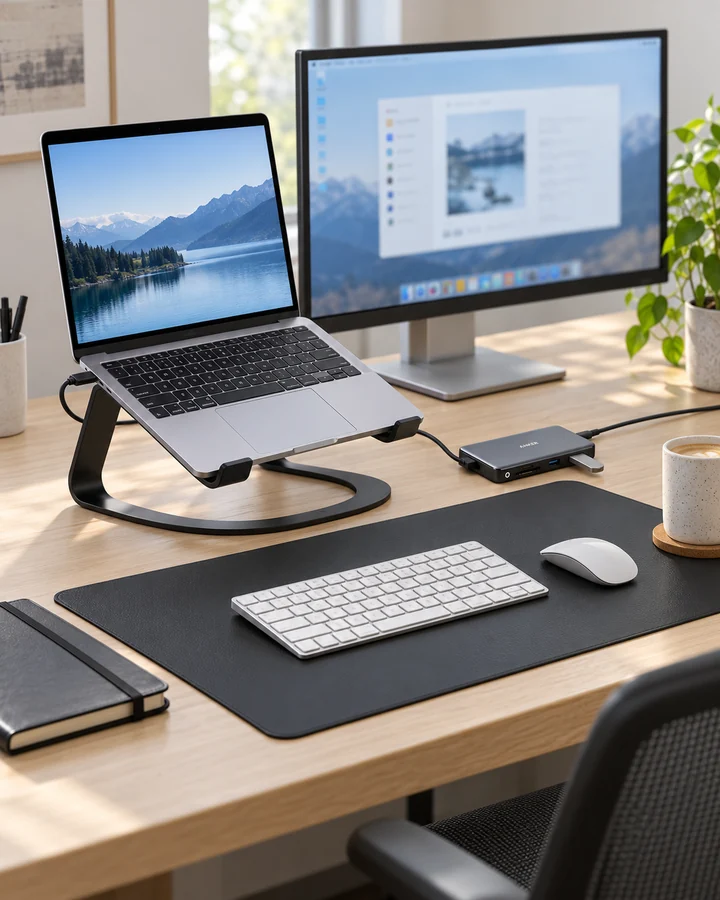
USB-C Laptop Desk Setup: A Practical Six-Piece Kit
One screen, fewer loose connections and six clearly defined jobs. Start with the laptop's limits, then buy only the pieces your desk is missing.
 Read the story ↗
Dual Monitor Office Setup: A DisplayLink Desk Kit Explained
Two work screens need a compatible connection plan. Here is where the UD-3900Z fits, where it does not, and how five supporting accessories earn their place.
 Read the story ↗
Work from Home Video Call Setup: Six Useful Pieces
Clearer conversations start with the microphone, camera position and room. Build the desk around those jobs before paying for a longer feature list.
 Read the story ↗
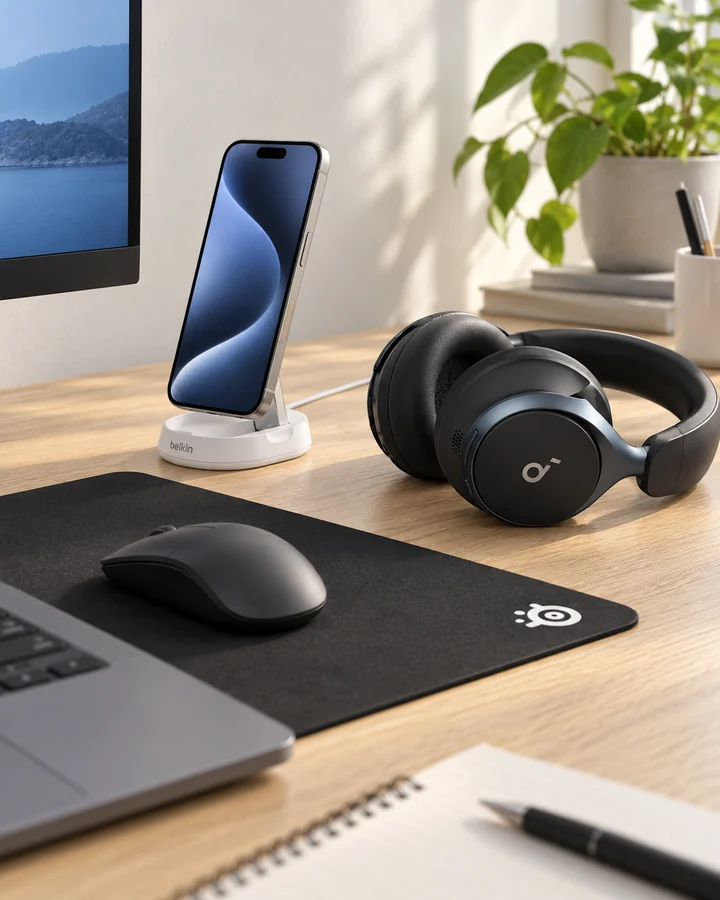
Home Office Desk Accessories for Focus: Six Picks Explained
Choose one audio format, give charging a routine and keep room for the mouse. A quiet-looking desk is useful when the arrangement also fits the way you work.
 Read the story ↗
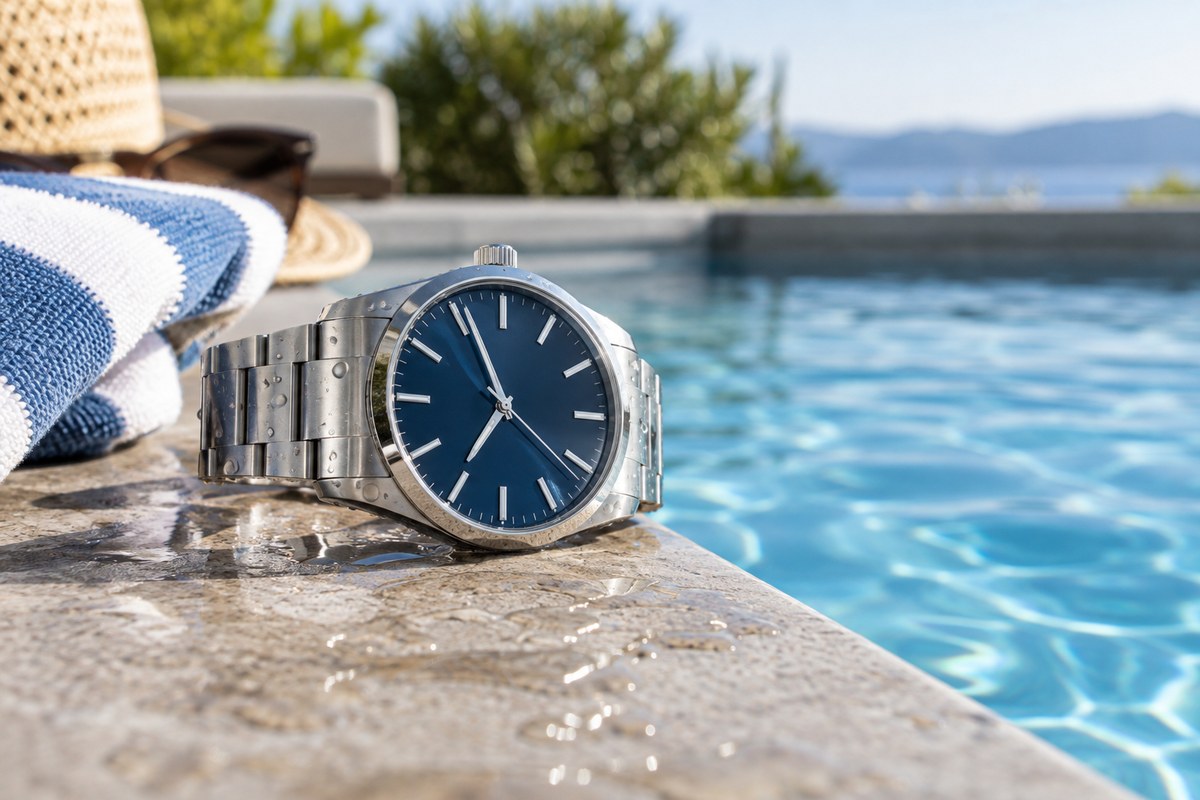
100m vs 200m Water Resistance: What Watch Ratings Actually Tell You
A 100m or 200m marking is a laboratory-rated pressure specification, not permission to dive to that depth in ordinary conditions. Use the exact manufacturer instructions, check crown and gasket condition, and distinguish everyday water resistance from a certified diver’s watch. The extra rating is useful margin, but it does not replace maintenance or correct use.
 Read the story ↗
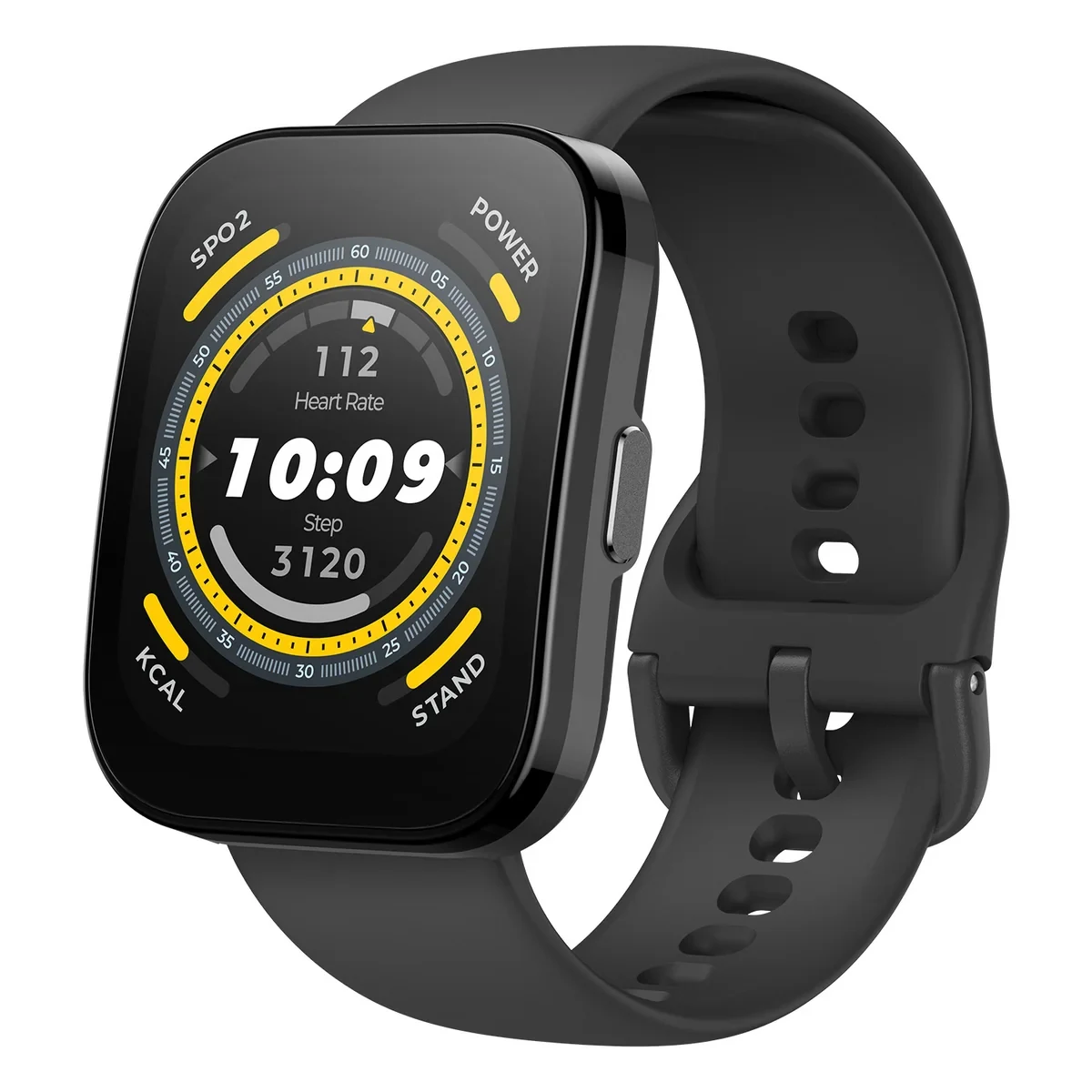
Amazfit Bip 5 Review: GPS, Battery Life, Display and Who It Suits
A practical Amazfit Bip 5 buying guide covering its 1.91-inch display, built-in GPS, advertised battery life, water-resistance limits and trade-offs.
 Read the story ↗
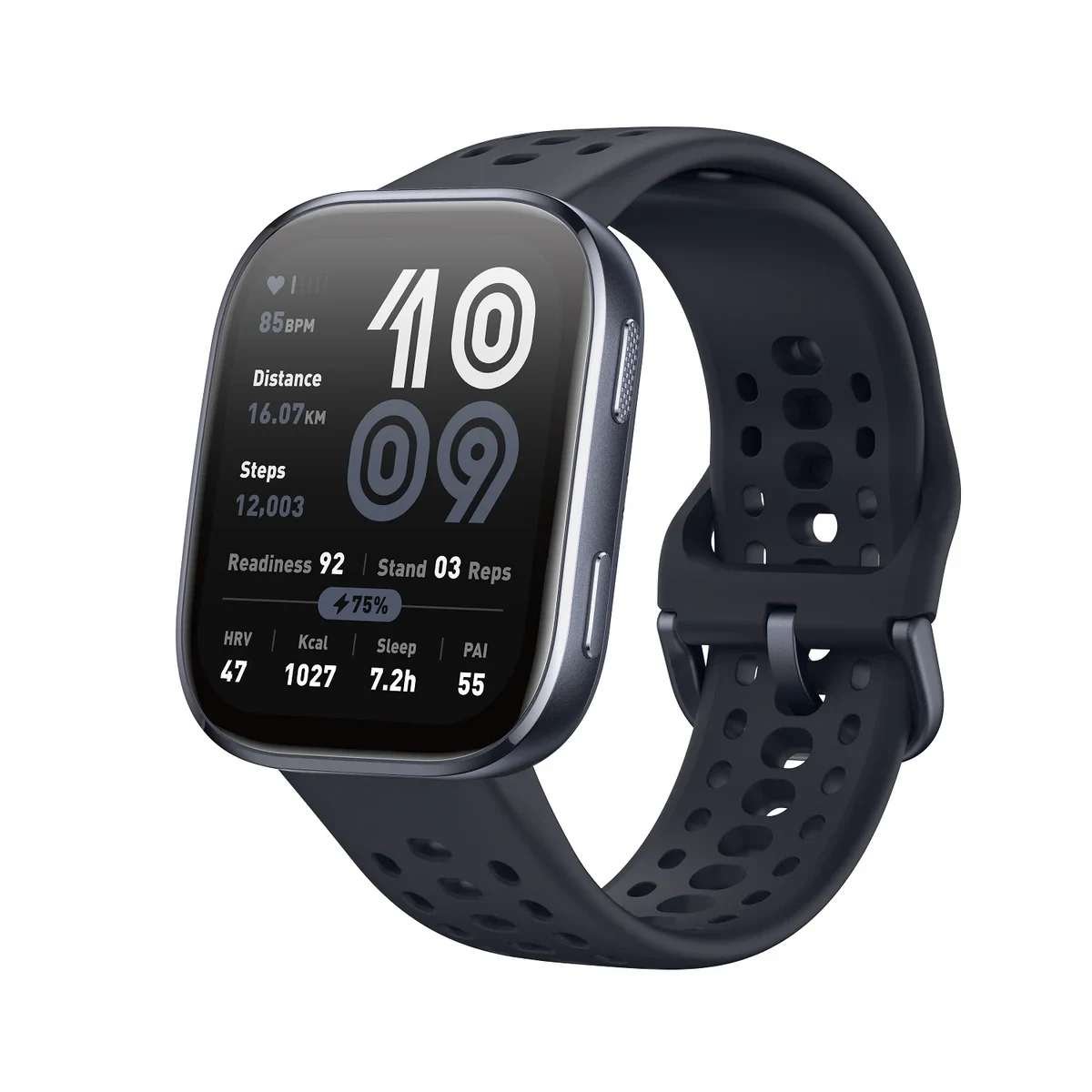
Amazfit Bip 6 Review: AMOLED, GPS, Battery and Key Trade-offs
A specification-led Amazfit Bip 6 review with the official display, battery and water-resistance claims, plus the practical questions to check before buying.
 Read the story ↗
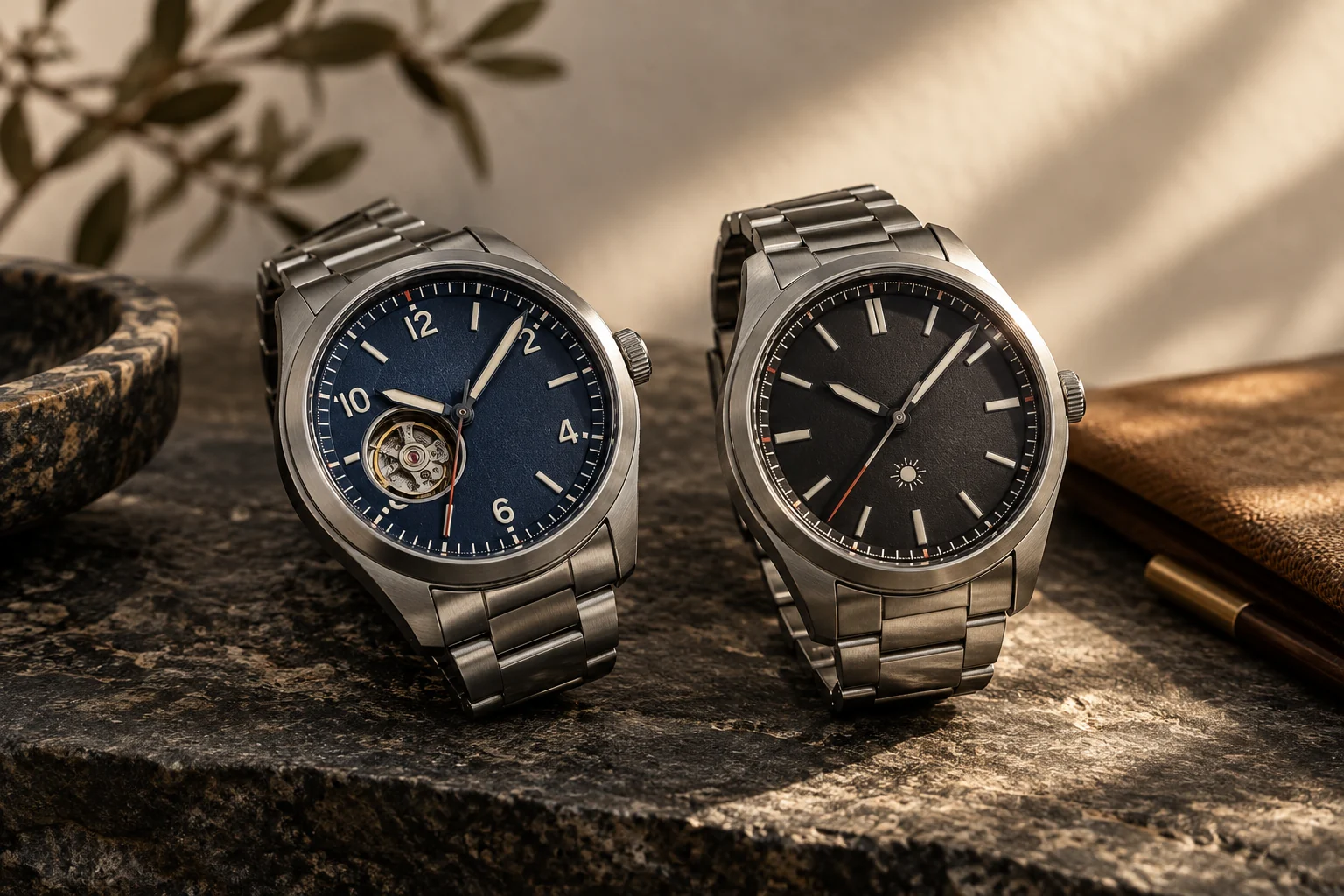
Automatic vs Solar Watch for Everyday Wear: Which Movement Fits Your Life?
A practical movement guide for choosing the charm of an automatic watch or the low-maintenance reliability of a light-powered watch.
 Read the story ↗
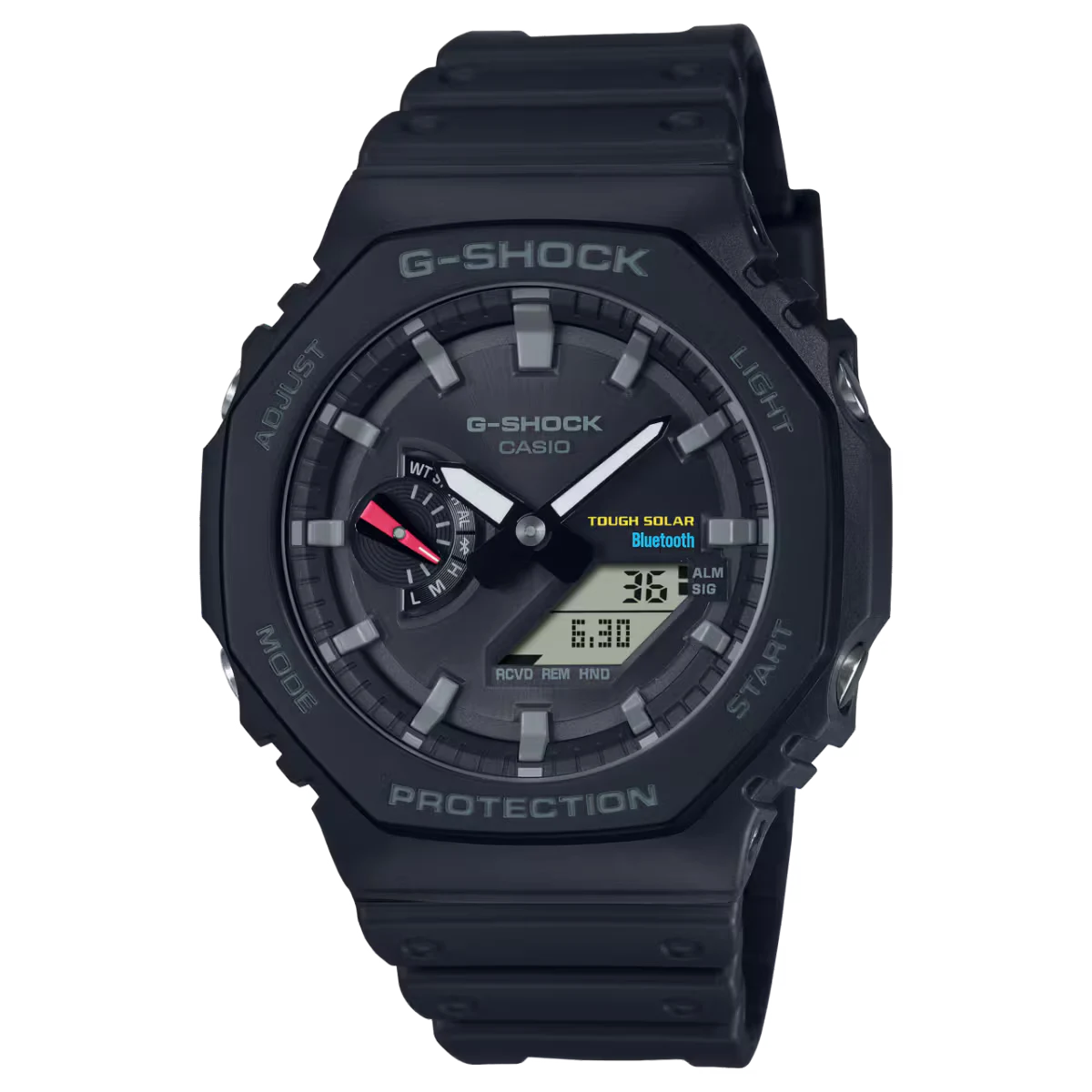
Why Does My Automatic Watch Stop Overnight? A Practical Checklist
A quiet day can leave less energy than you expect. Start with a controlled observation before buying a winder or assuming the movement is broken.
 Read the story ↗
10 Best Everyday Tool & Field Watches (2026)
Compare ten named everyday watches by power source, fit and intended use. See original product images, exact references and practical checks before buying.
 Read the story ↗
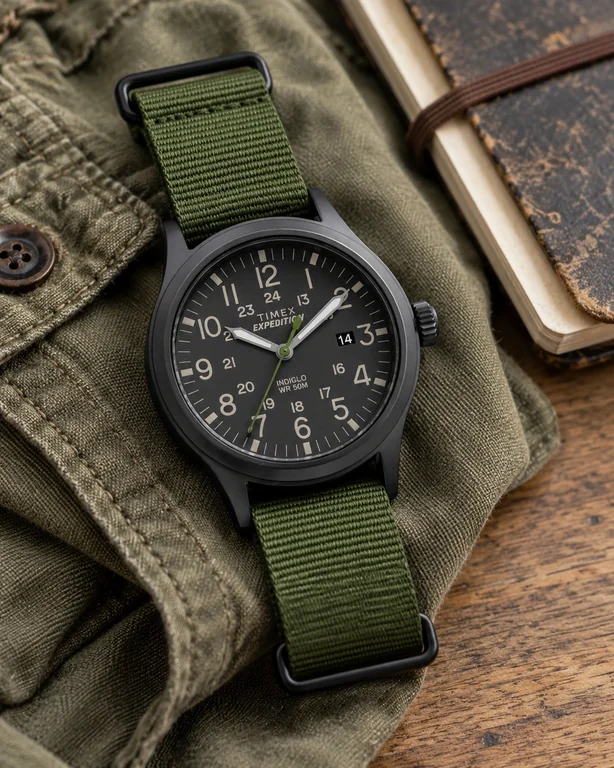
Best Field Watch for Everyday Wear: Why Simple Still Works
A field watch does not need a fictional expedition to earn its place. A busy ordinary day is a demanding enough brief.
 Read the story ↗
Best Automatic Watches Under $200: A Budget-Honest Buying Guide
A smaller shortlist. A complete bill. A watch you will actually wear.
Read the story ↗Best G-SHOCK Square for Everyday Wear: DW-5600BB or GW-M5610U?
The square has lasted because it knows its job. Choosing your version is less about collecting features and more about reading the time.
 Read the story ↗
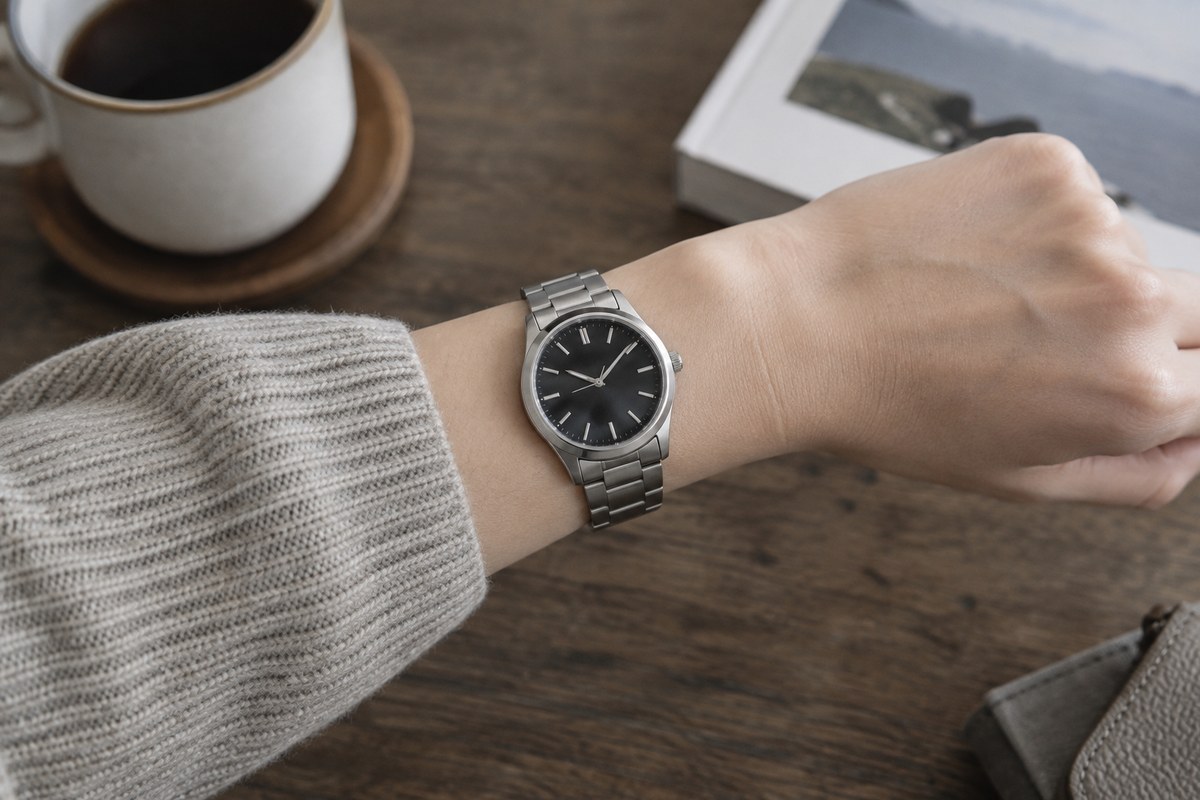
Best Small Automatic Watches Under $300: A Fit-First Shortlist
For a smaller-wrist automatic under $300, prioritize case diameter, lug-to-lug length, thickness and lug shape before movement names or brand prestige. A compact watch with a short lug span can wear smaller than its diameter suggests. Prices and availability change, so treat this as a measurement-led shortlist and confirm exact dimensions on the current listing.
 Read the story ↗
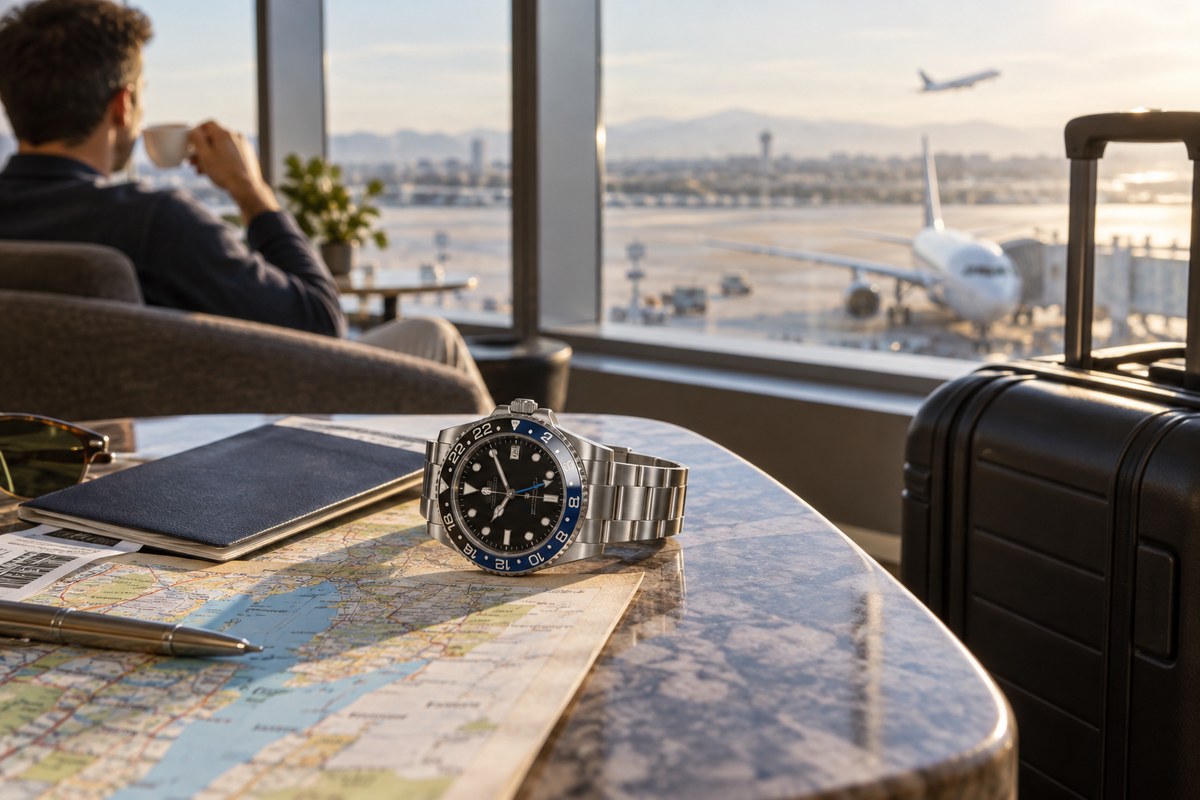
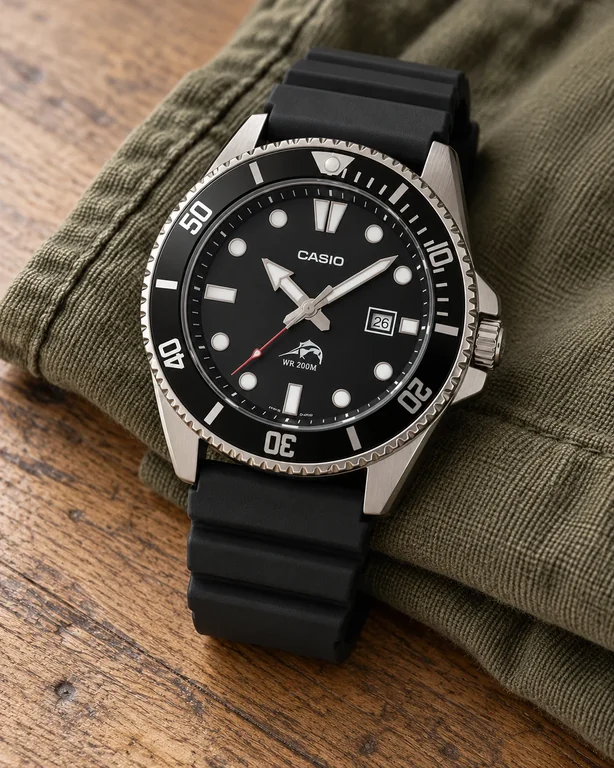
Best Travel Watches: GMT vs World Time and the Features Worth Paying For
Choose a GMT watch if you regularly track a second time zone; choose a world-time display if you need to scan several cities quickly. For occasional travel, a clear 24-hour hand or reliable phone may be enough. Compare the exact setting method, legibility, case comfort, local availability and daylight-saving behavior before paying for complications.
 Read the story ↗
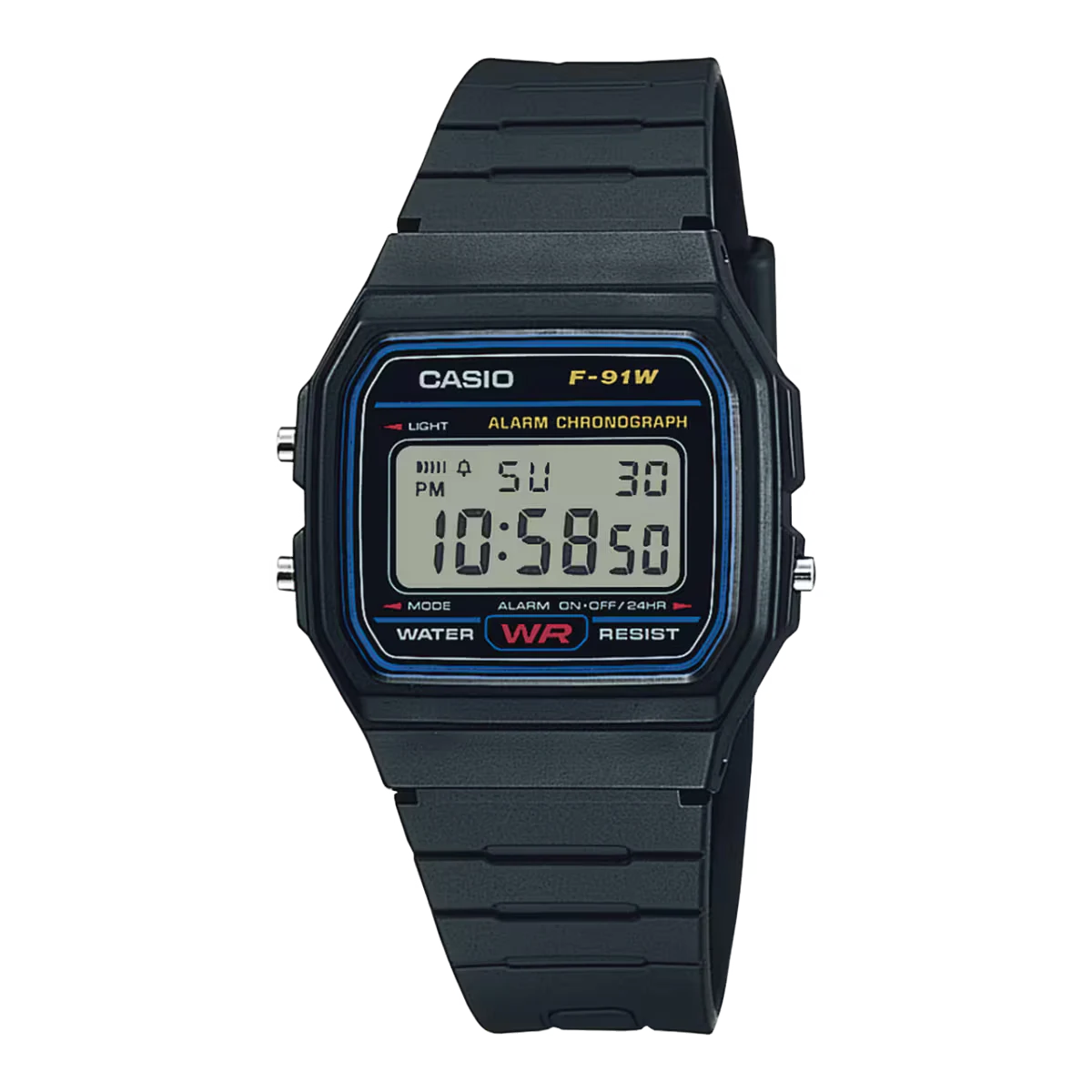
Best Watches Under $100: 6 Practical Everyday Choices
Small digitals, a bracelet classic, an analog sports watch and a field-style option. Choose the job first, then keep the complete purchase inside your budget.
 Read the story ↗
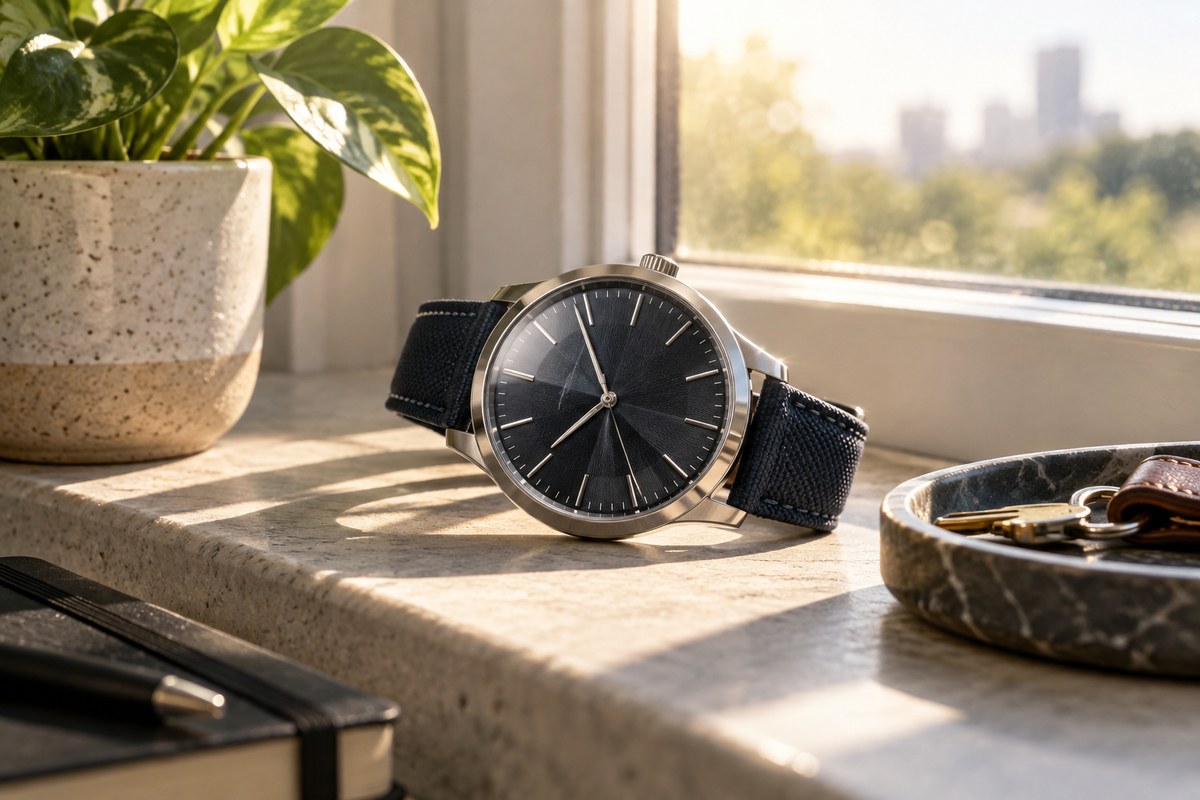
Casio F-91W vs A158WA vs AE-1200 vs A168: Which One Fits?
Compare four classic Casio digital watches by size, display, everyday features and use case, with official specifications and clear trade-offs.
 Read the story ↗
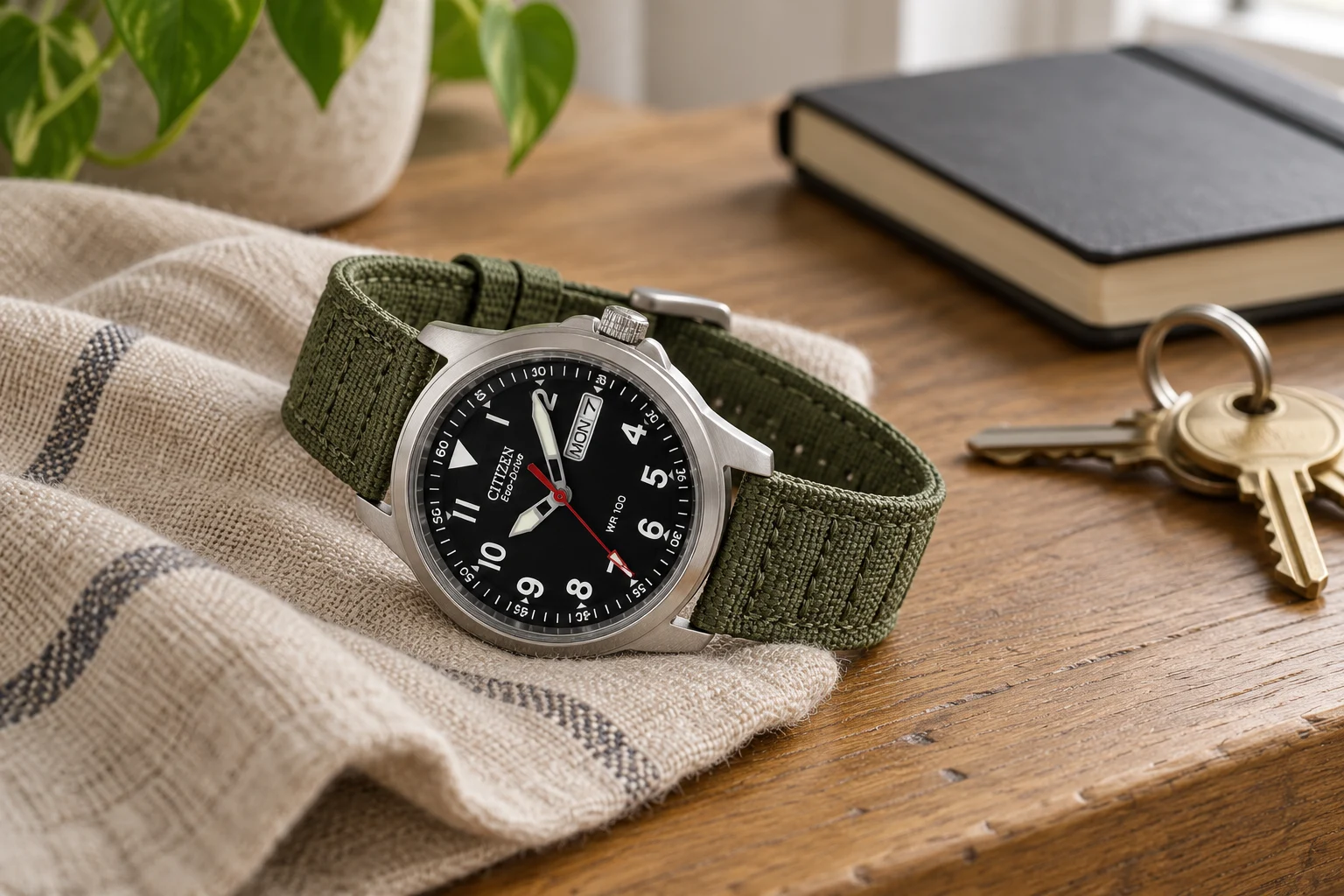
Citizen Eco-Drive vs Casio Tough Solar: Two Solar Watch Approaches
Citizen Eco-Drive and Casio Tough Solar both use light to power watches, but they serve different design priorities across broad product families. Eco-Drive spans many analog styles; Casio solar models often pair charging with digital features or rugged designs. Compare the exact reference, display, charging guidance, reserve, service options and current price.
 Read the story ↗
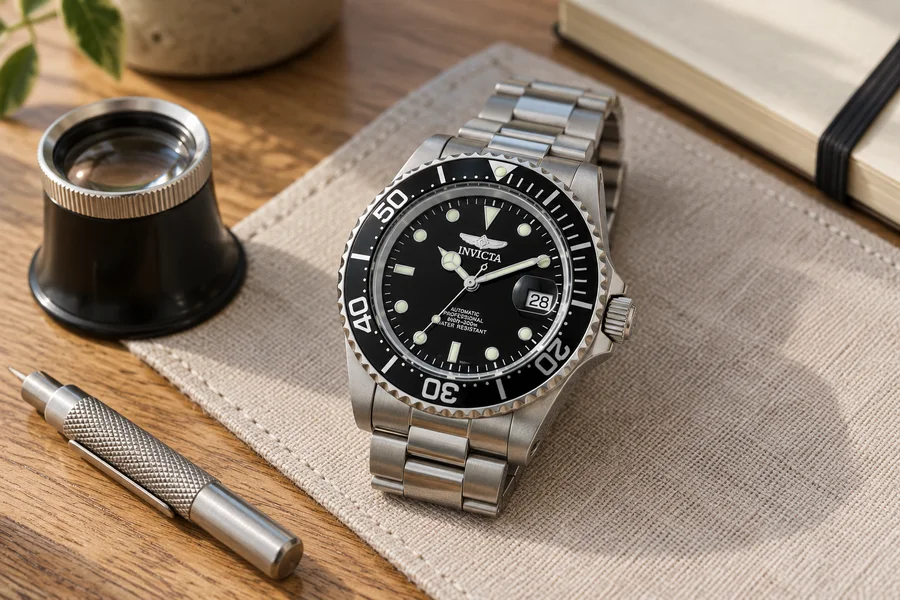
How to Choose an Everyday Watch You’ll Actually Wear
Start with your Tuesday, not somebody else’s collection. A practical route from daily routine to a watch that earns its place.
 Read the story ↗
NH35 vs Miyota 8215: Accuracy, Hacking and the Watch You Buy
Start with the version. Finish with the complete watch.
 Read the story ↗
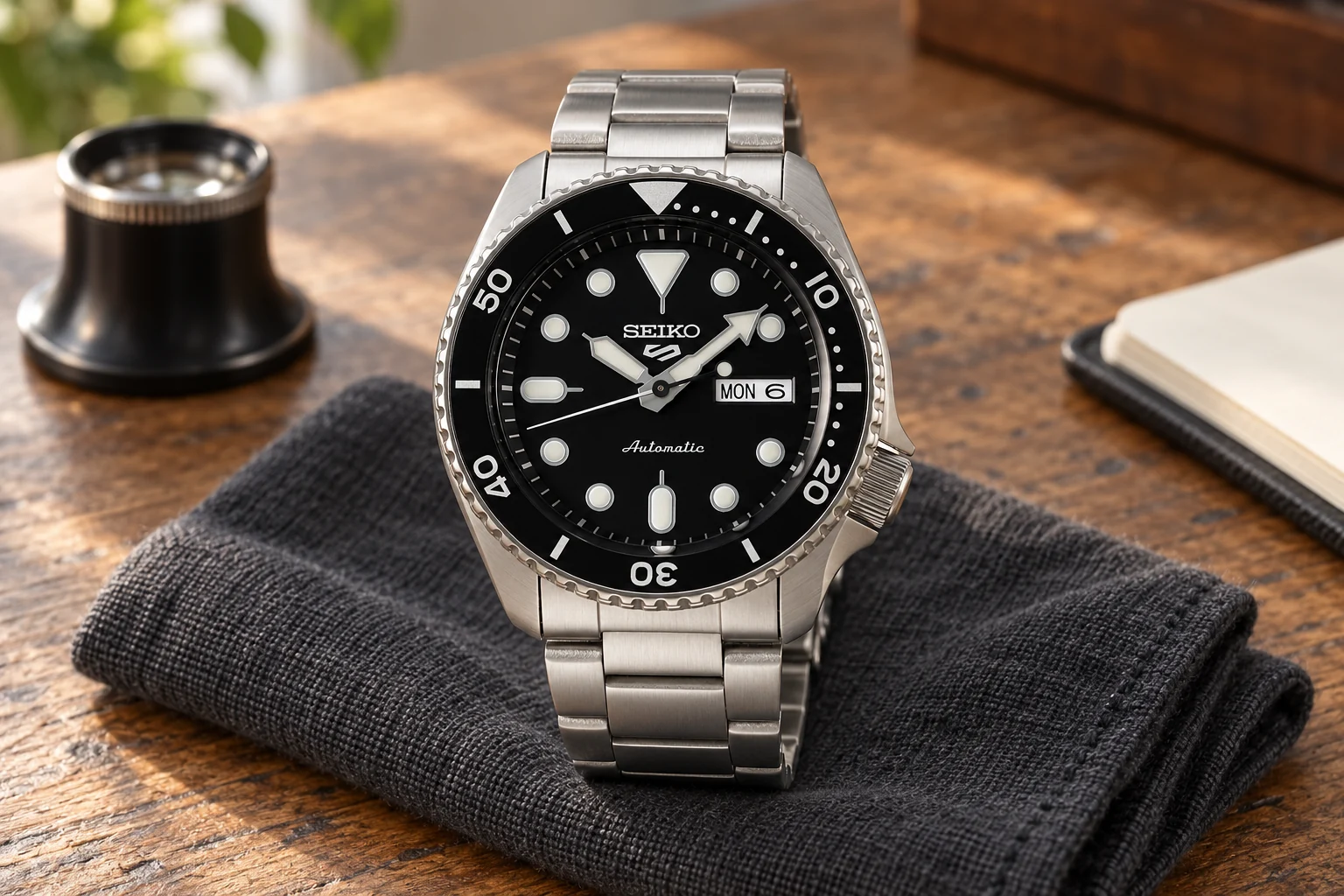
NH35 vs Miyota 9015: What Changes in Daily Use?
Compare the movement, then judge the watch built around it.
 Read the story ↗
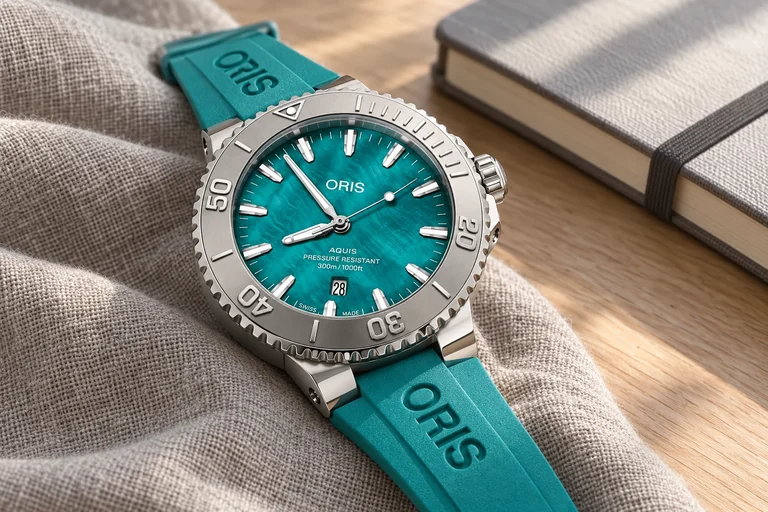
NH36 vs 4R36: Accuracy, Specifications and Buying Checks
The numbers only help when you keep their conditions attached. Understand the movement names, read accuracy claims, and choose between a finished watch and a project.
 Read the story ↗
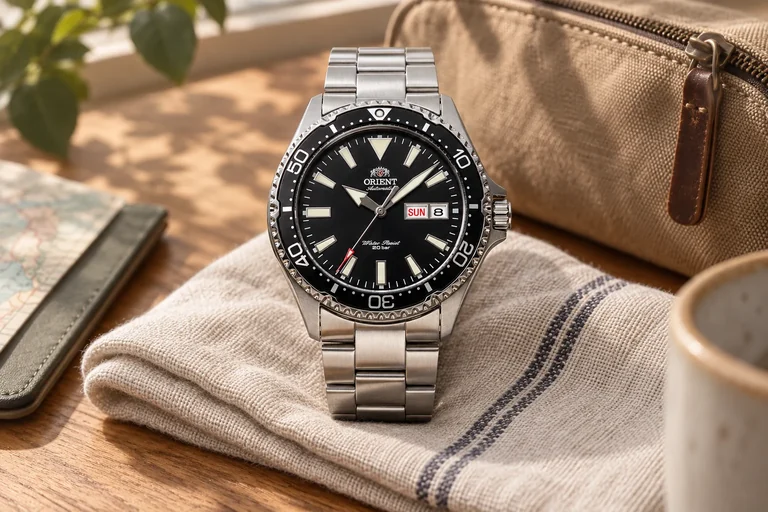
Omega Seamaster vs Oris Aquis: What Does the Extra Money Buy?
Both can tell a compelling ocean story. The harder question is which parts of that story you want to pay for.
 Read the story ↗
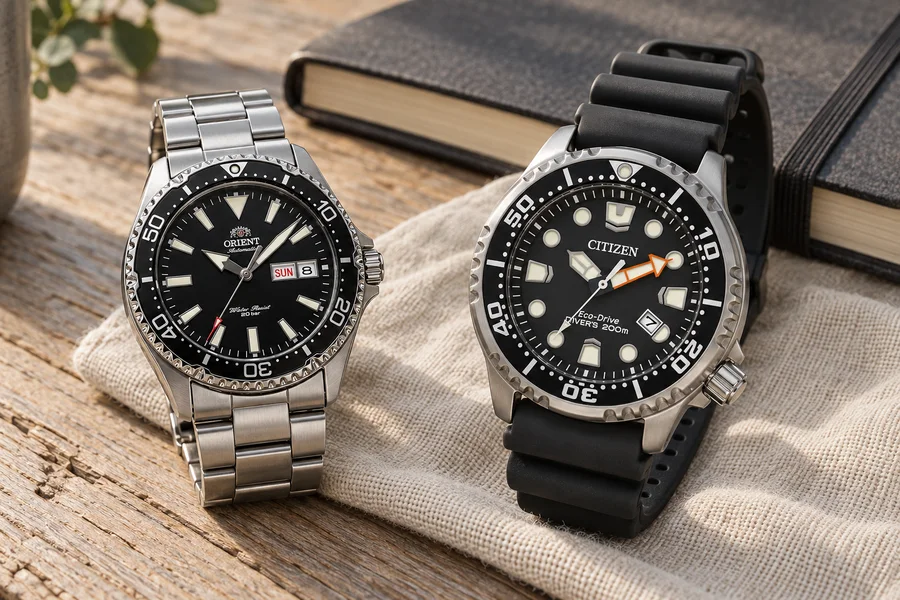
Orient Kamasu Review: Sapphire, Fit and the Details That Matter
An everyday scene. Real product close-ups. Clear buying compromises.
 Read the story ↗
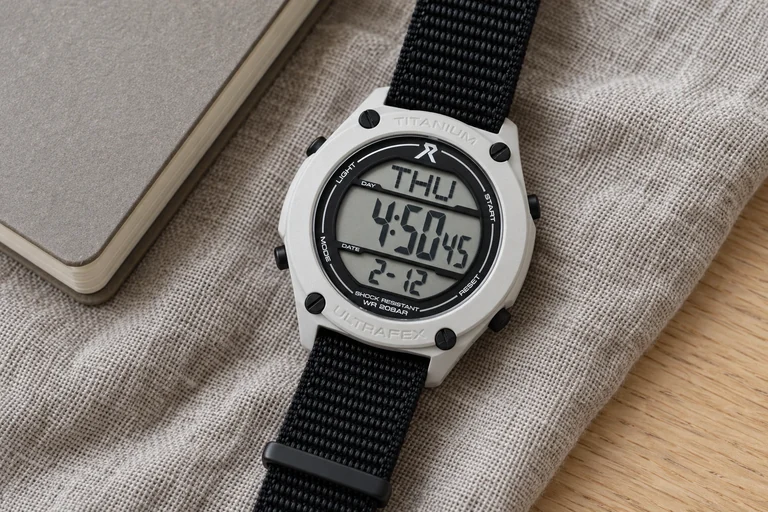
Orient Kamasu vs Citizen Promaster: Automatic or Eco-Drive?
Two black-dial divers. Two very different ownership routines.
 Read the story ↗
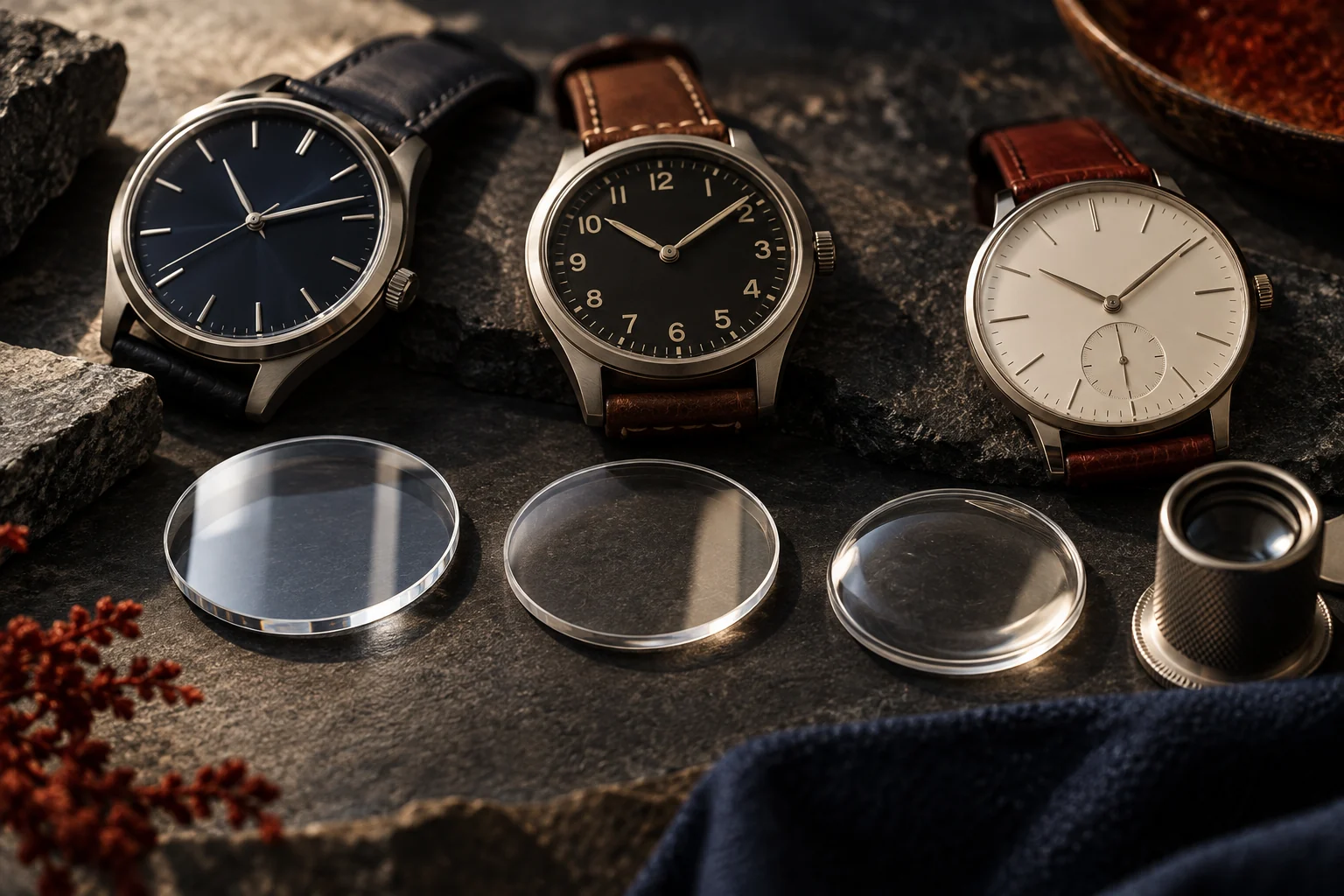
RZE UTD-8080: A Small Digital Watch Story With a Big Question
The interesting part is not another countdown timer. It is the idea that a newer watch need not make your older one obsolete.
 Read the story ↗
Sapphire vs Mineral vs Acrylic Watch Crystal: The Real Tradeoffs
Scratch resistance is only one part of a watch crystal. Here is how sapphire, mineral glass, and acrylic differ in daily use and repair.
 Read the story ↗
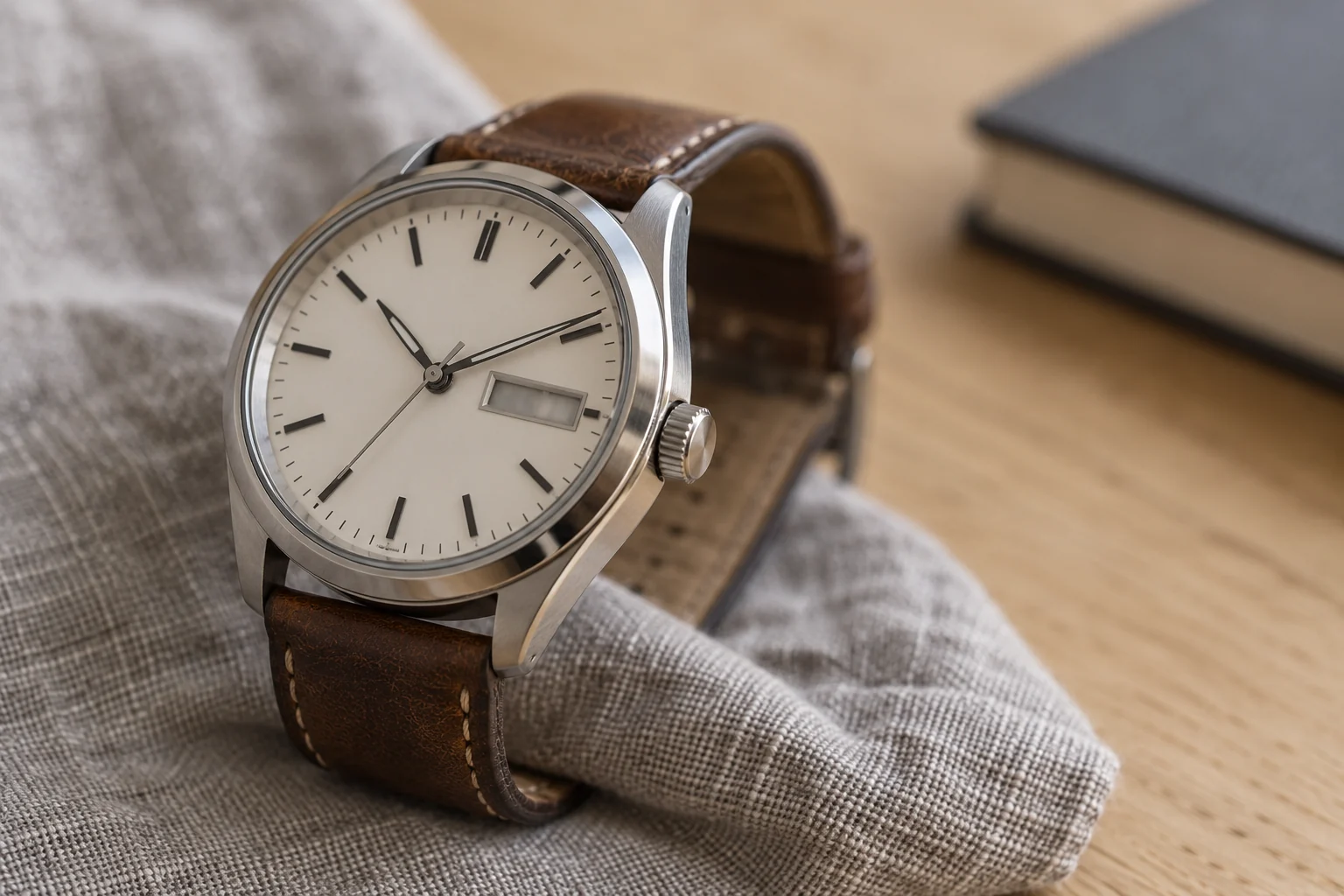
Seiko 4R36 Accuracy: How to Measure a Watch That Runs Fast or Slow
A repeatable seven-day check tells you more than one alarming reading.
 Read the story ↗
How to Set the Day and Date on a Seiko 4R36 or NH36 Watch
Get the calendar right by establishing morning and evening first.
 Read the story ↗
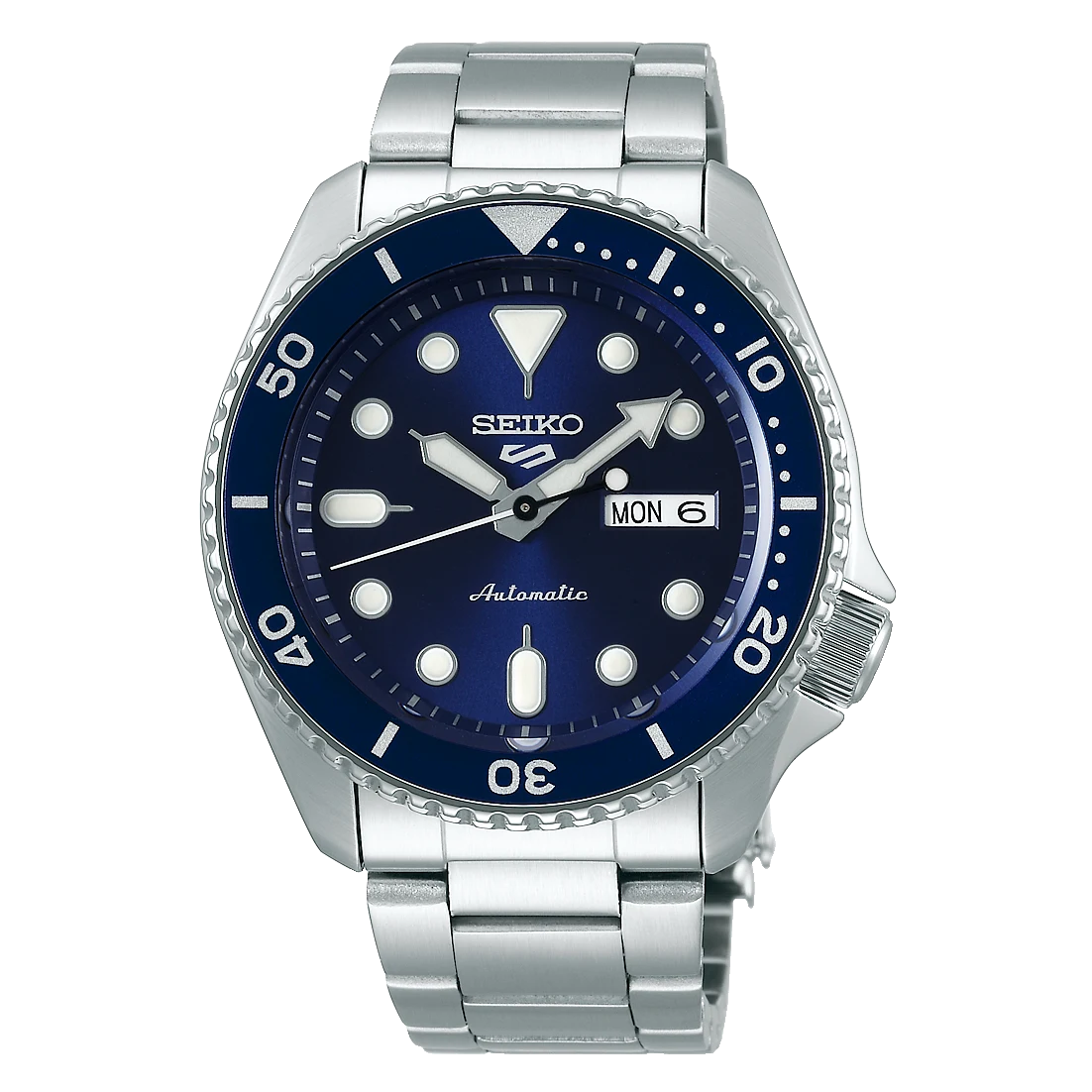
Seiko 5 Blackout Mod Guide: Parts, Fit and What to Verify
A practical guide to Seiko 5 blackout-style modifications: what may change, what depends on the exact parts and what to verify before buying.
 Read the story ↗
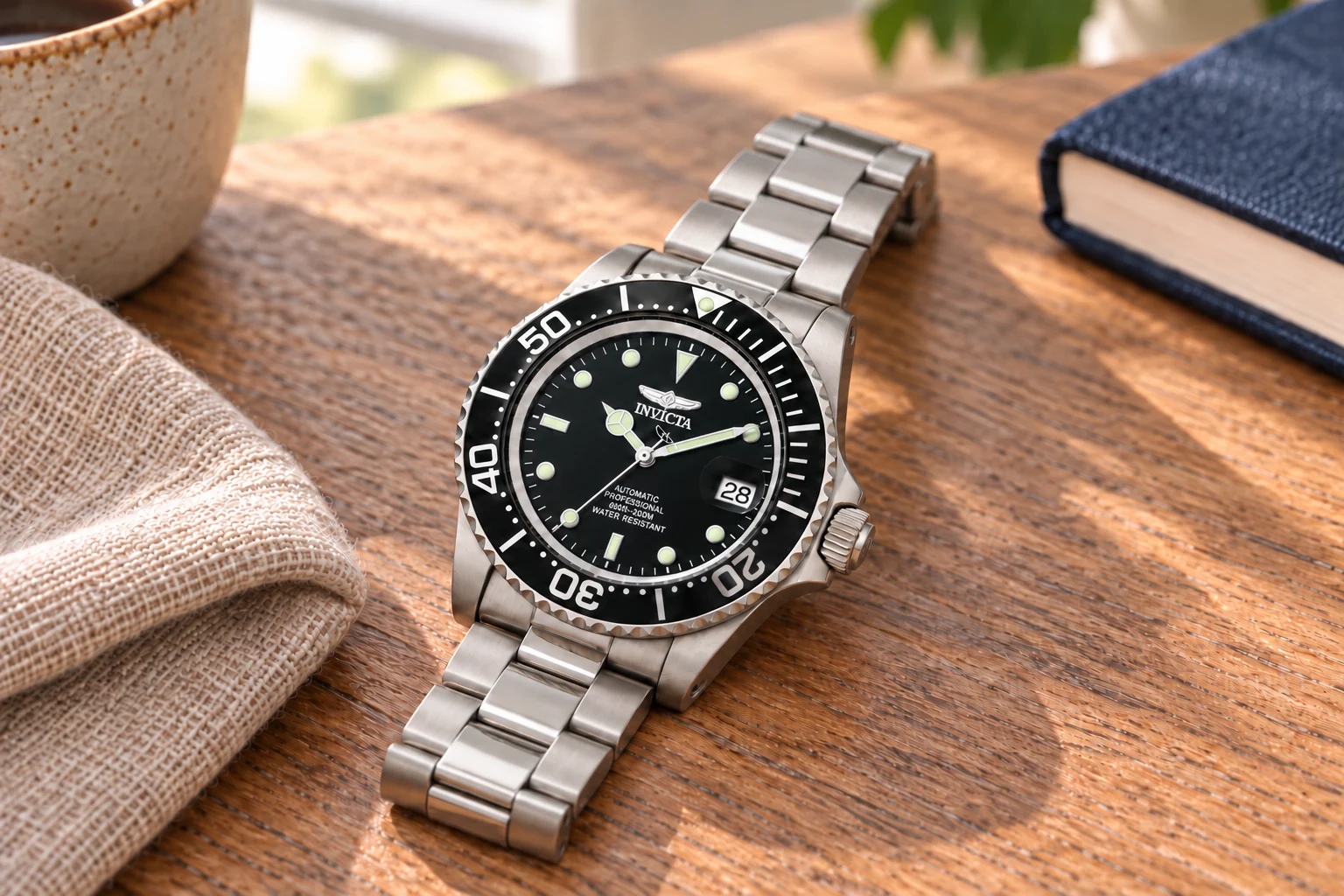
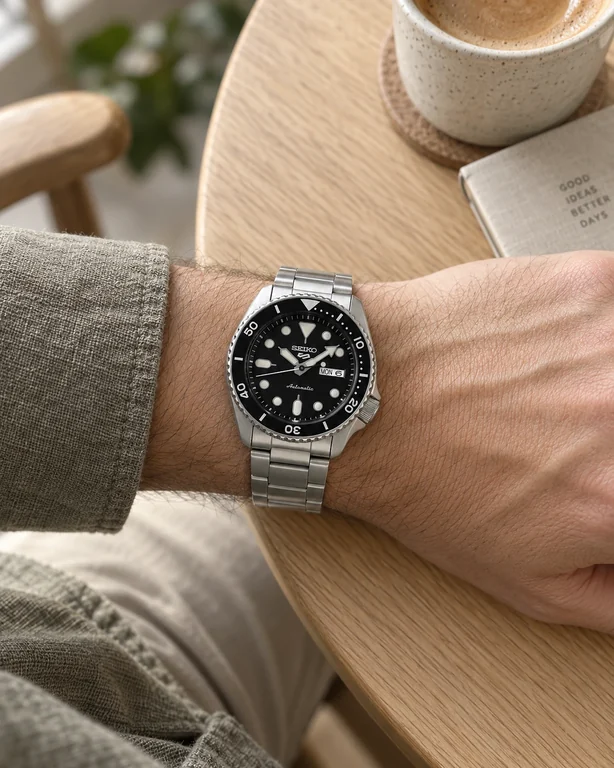
Seiko 5 Sports vs Invicta Pro Diver: What Are You Really Paying For?
Two familiar affordable automatics, two different personalities. The useful comparison starts after you stop counting specification wins.
 Read the story ↗
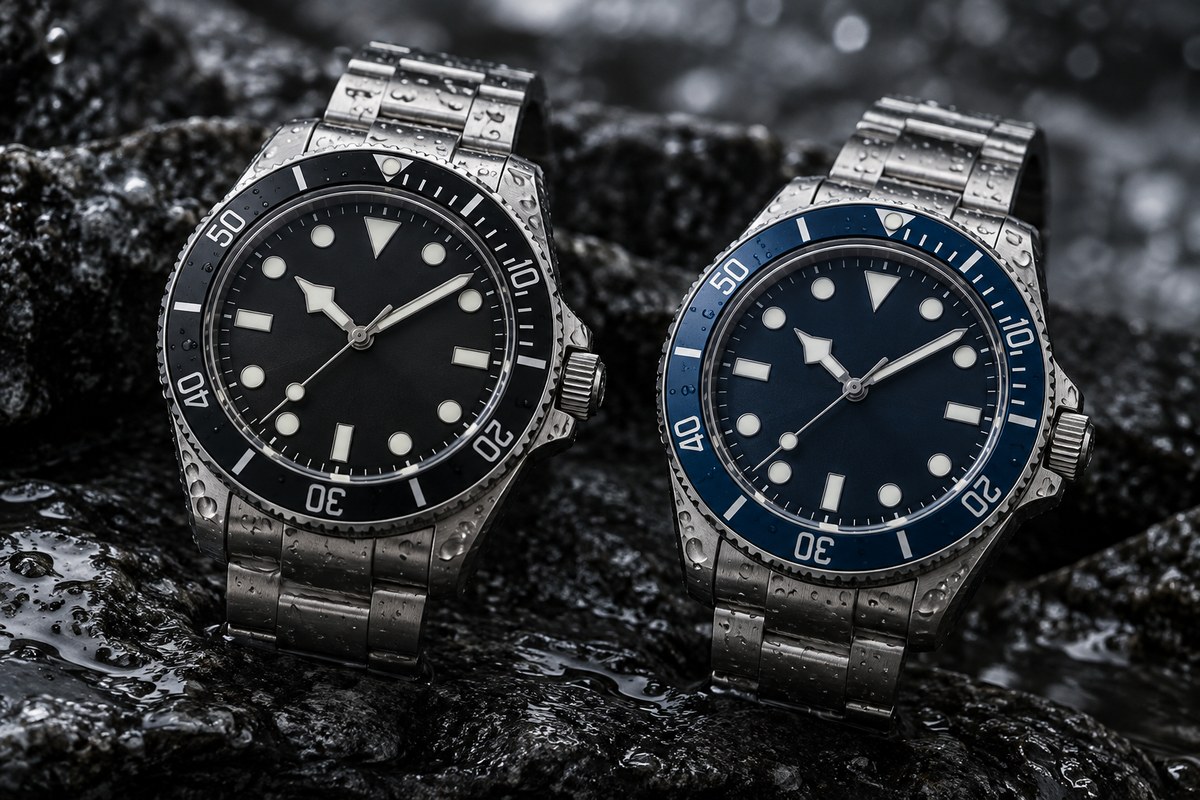
Seiko 5 vs Orient Kamasu: Compare Use, Fit and Water Rating
Seiko 5 and Orient Kamasu are not one-to-one alternatives: Seiko 5 covers a broad range of casual sports watches, while Kamasu references are more explicitly diver-style. Compare the exact case dimensions, crystal, water-resistance marking, movement, bracelet and price. Choose by intended use and fit, not by brand generalizations.
 Read the story ↗
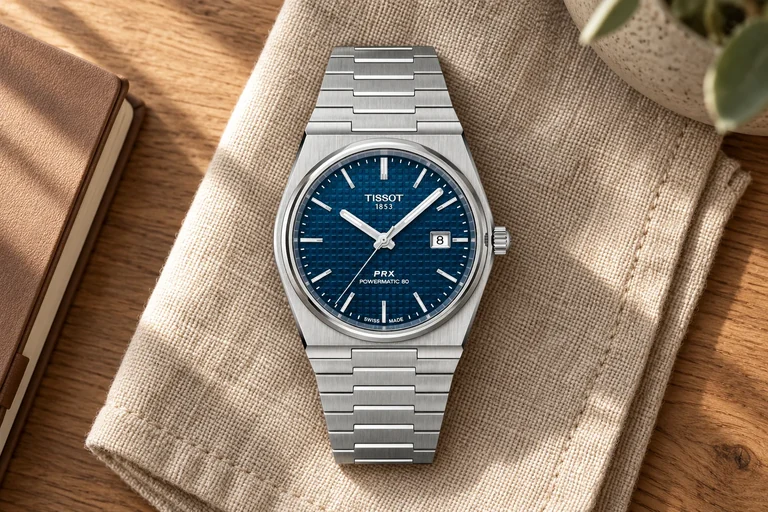
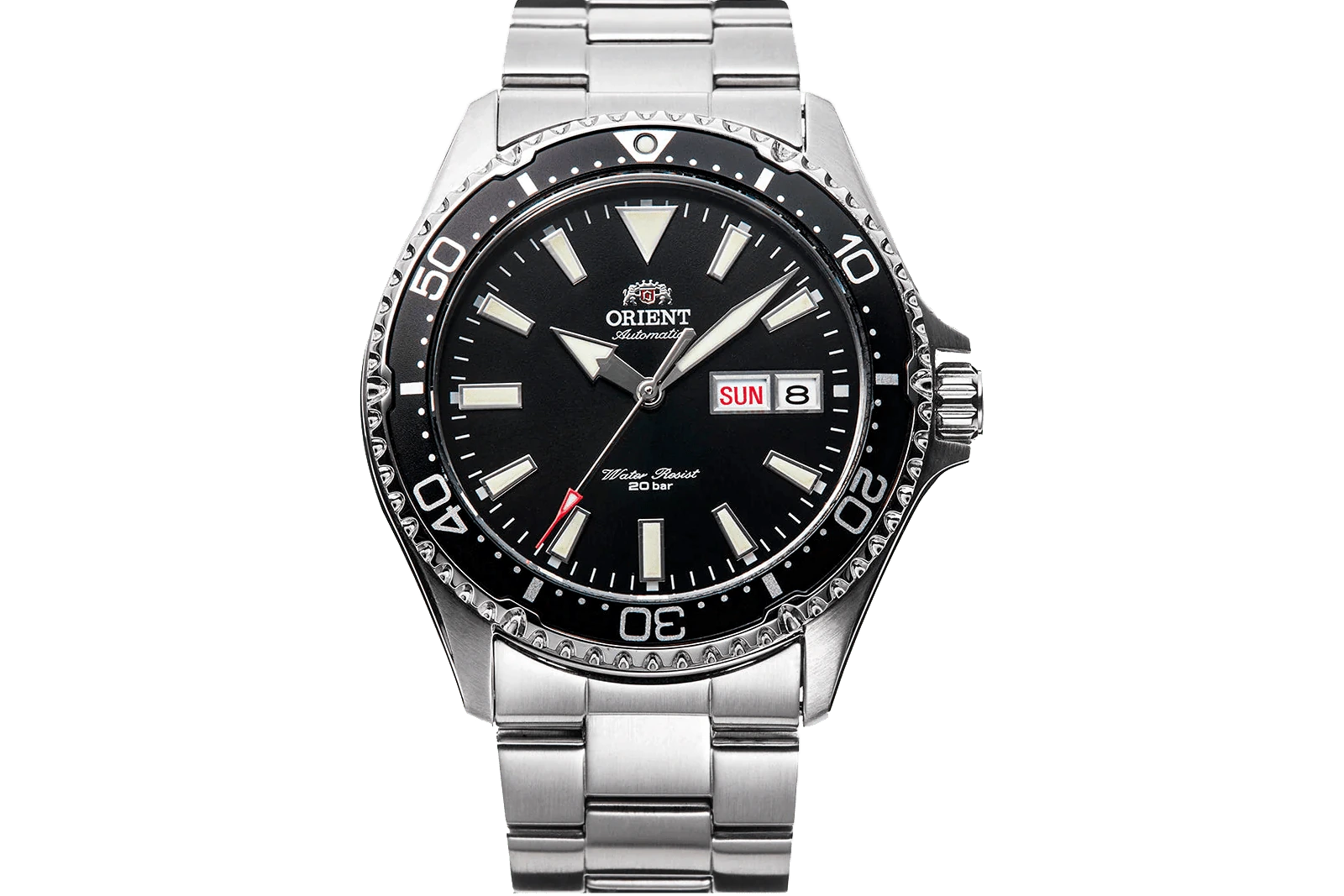
Tissot PRX Powermatic 80 Review: Fit, Bracelet and Value
The blue 40mm PRX is a design choice as much as a movement choice. Check the fit, ownership routine and seller offer before deciding it is your everyday watch.
 Read the story ↗
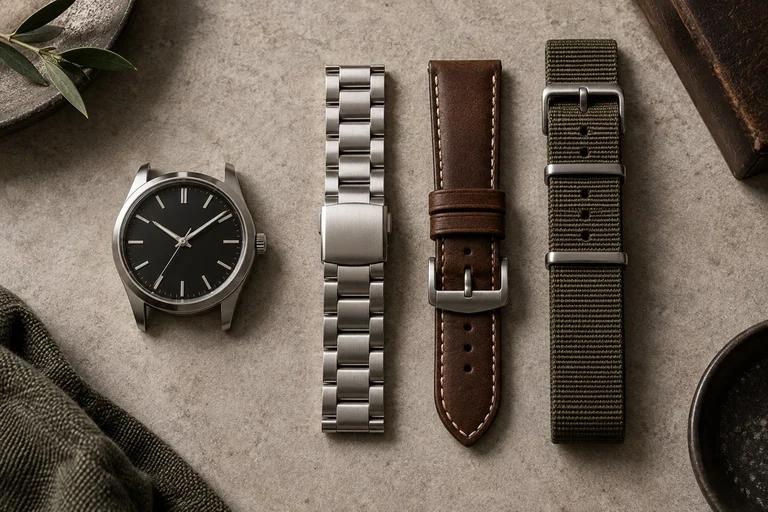
10 Automatic Watches Beginners Can Shortlist: Specs and Trade-offs
A beginner’s shortlist of automatic watches with different styles and trade-offs, plus a simple framework for checking fit, movement and price.
 Read the story ↗
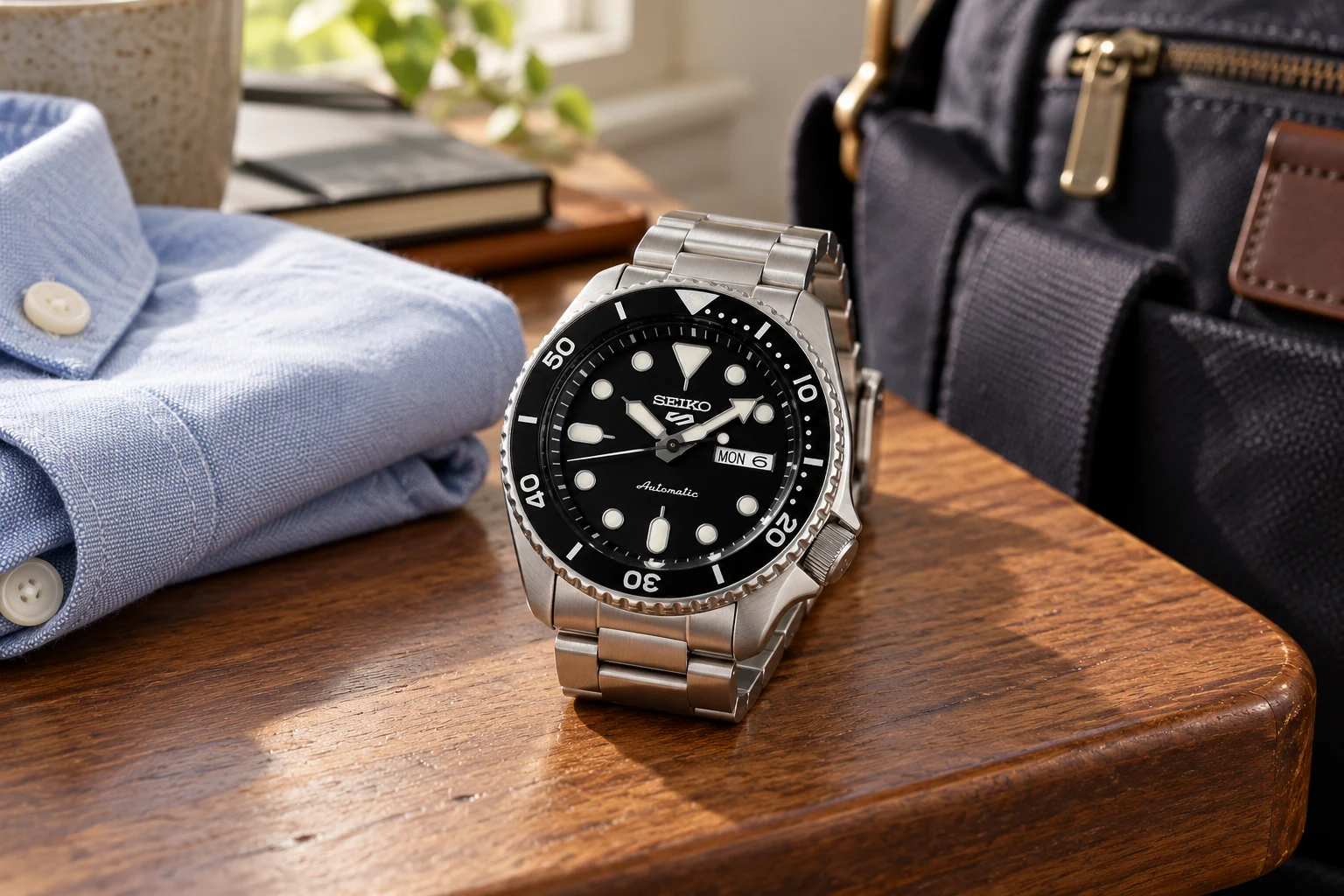
Watch Bracelet vs Leather vs Nylon: Comfort, Climate and Care
A bracelet is durable and easy to rinse but can feel heavier; leather is comfortable and formal but dislikes sweat and water; nylon is light and quick-drying but may feel casual and collect dirt. The right choice depends on climate, watch case weight, skin comfort and whether the strap can be changed safely.
 Read the story ↗
One Watch for Work and Weekends: A Practical Buying Guide
A watch should work with the week you have. Here is how to balance office clothes, relaxed weekends and the details that affect everyday comfort.
 Read the story ↗
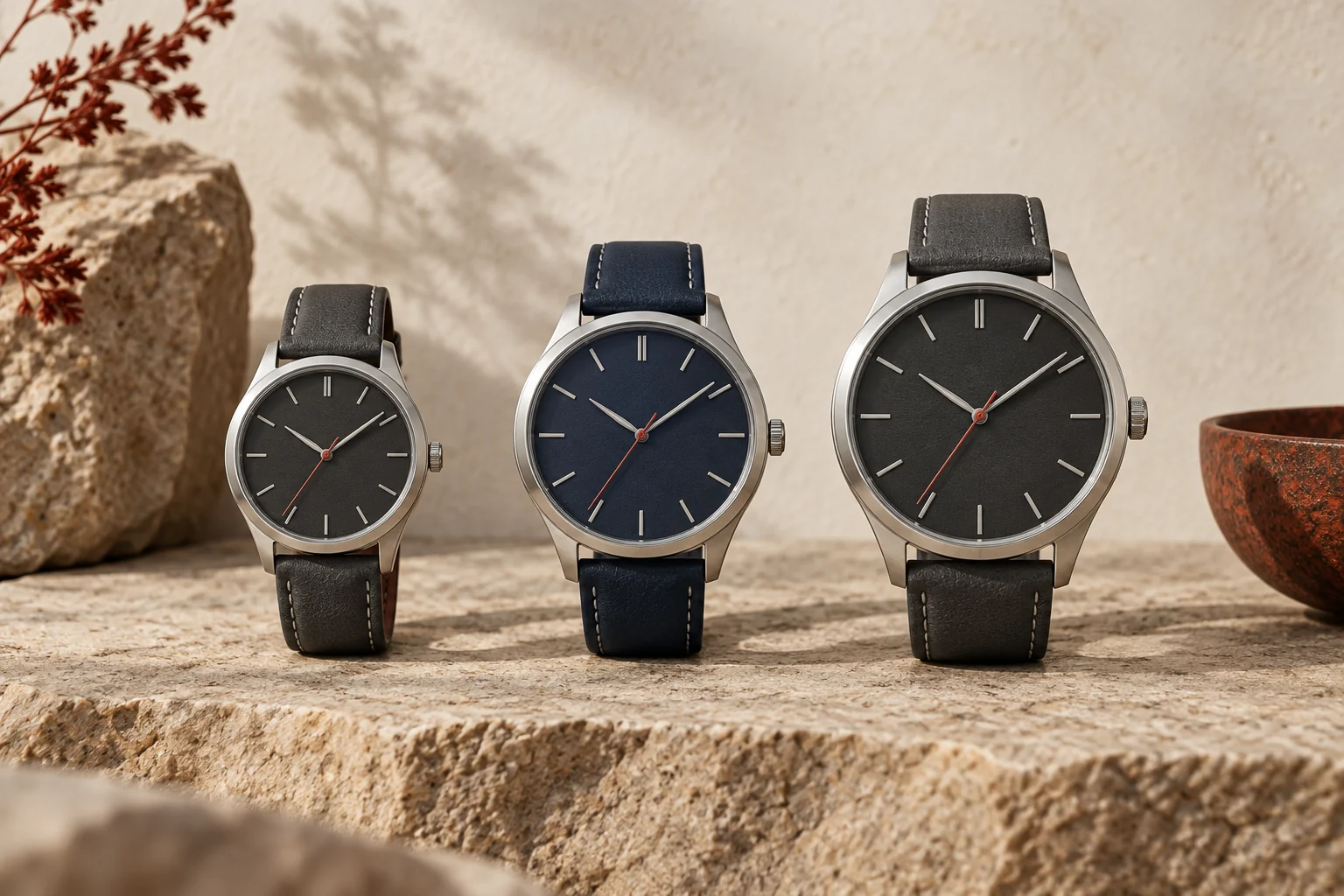
How to Evaluate a Watch Microbrand Before Buying
An attractive dial is easy to judge. The ownership arrangement takes a few more questions—and matters long after the unboxing.
 Read the story ↗
Watch Size Guide: 38mm vs 40mm vs 42mm on the Wrist
Case diameter is only the beginning. This guide explains why lug-to-lug, dial opening, thickness, and wrist shape decide how a watch really wears.
 Read the story ↗
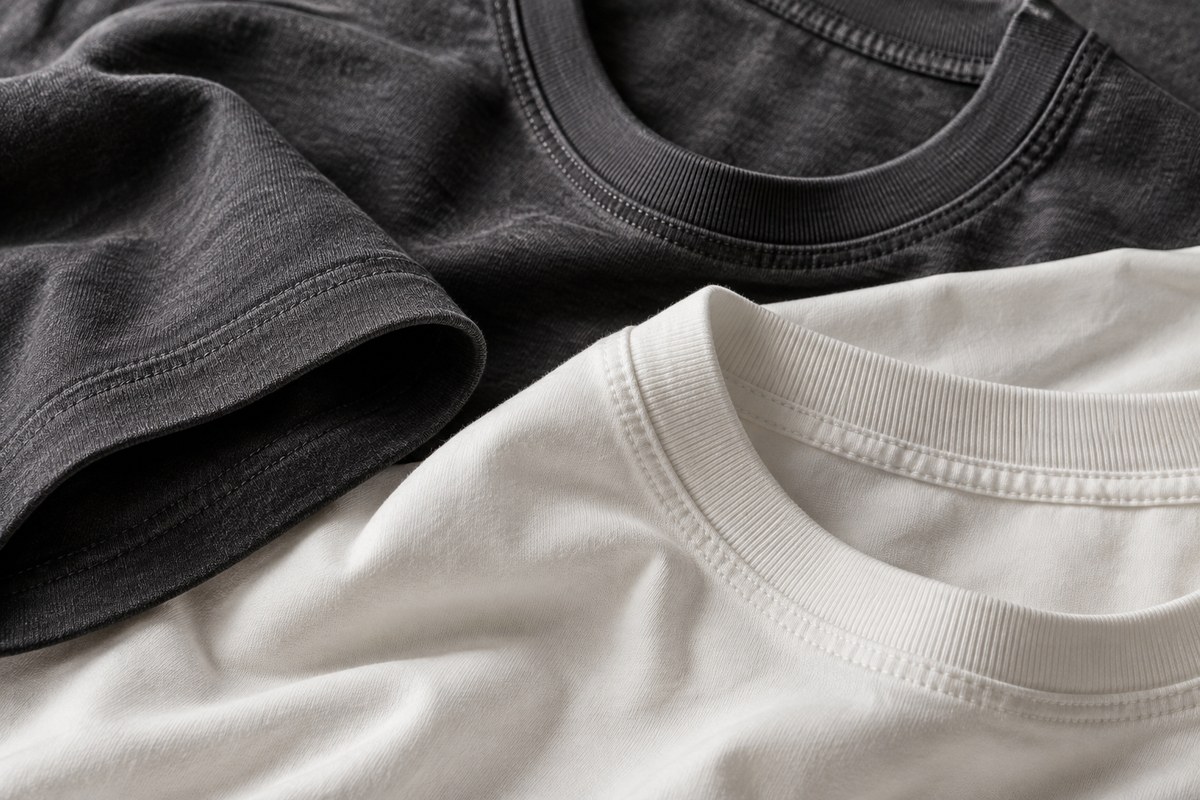
Best Heavyweight T-Shirts Under $40: Fabric, Fit and Value Guide
A heavyweight T-shirt can drape cleanly and feel substantial, but GSM alone does not guarantee quality or comfort. Under $40, compare fabric weight, cotton type, shrinkage guidance, collar construction, fit measurements and return policy. Choose a shirt that suits your climate and layering habits rather than treating the thickest fabric as automatically best.
 Read the story ↗
A Casual Office Capsule Wardrobe: Five Outfits Without Overbuying
Five workdays do not need five separate wardrobes. Build a few compatible combinations that fit the job, the commute and your body.
 Read the story ↗
Cotton vs Cotton-Polyester Hoodies: Fabric, Drying and Everyday Use
The composition label is useful information. It is not a complete forecast of comfort, drying time or how the hoodie will wear.
 Read the story ↗
Do Cotton Hoodies Shrink? How to Check Fit and Reduce Further Shrinkage
A tighter fit can come from a real size change, measurement differences or the way the hoodie is sitting. Find out which before trying to stretch it back.
 Read the story ↗
A Men’s Fall and Winter Capsule Wardrobe That Fits Your Actual Week
Warm enough outside, comfortable inside, and easy to put together on a normal morning. Build the wardrobe around those jobs.
 Read the story ↗
Hoodie and Salomon Speedcross 6: Fit, Fabric and Everyday Tradeoffs
Build a practical hoodie-and-trail-shoe outfit. Check fabric weight, garment measurements and Speedcross 6 use cases without invented wash or grip tests.
 Read the story ↗
Heavyweight T-Shirt GSM Guide: 180 vs 240 vs 300 GSM
What fabric weight changes—and what it does not—when choosing a substantial T-shirt for a practical capsule wardrobe.
 Read the story ↗
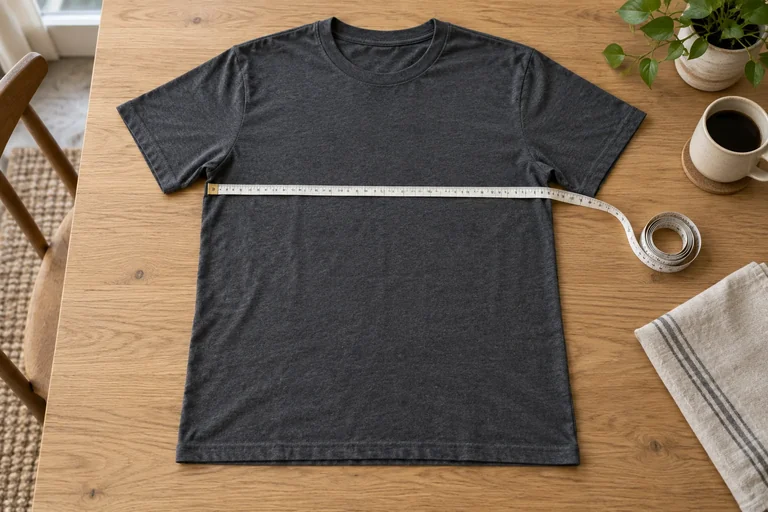
How to Measure a T-Shirt for Online Shopping: Chest, Length and Shoulders
Your favorite washed tee is a useful size reference—as long as you measure it using the same definitions as the seller.
 Read the story ↗
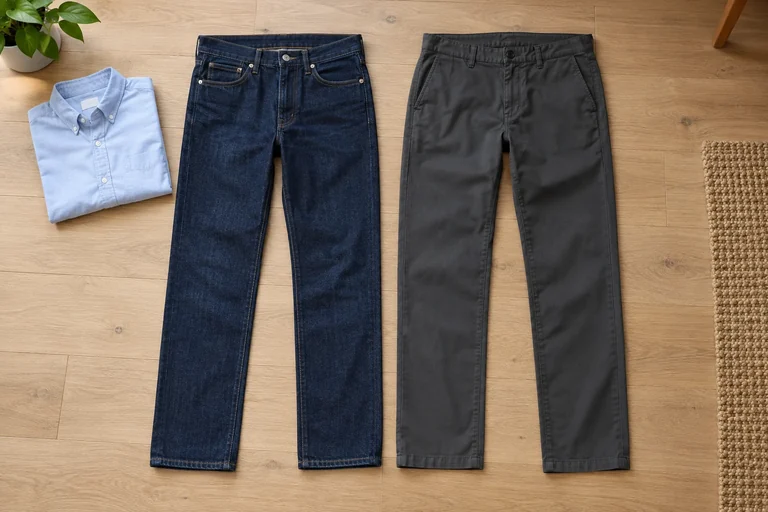
Jeans or Work Pants for the Office? A Fit-First Buying Guide
A neat trouser that feels wrong after ten minutes is not a good office buy. Start with how you sit, move and dress, then choose the fabric.
 Read the story ↗
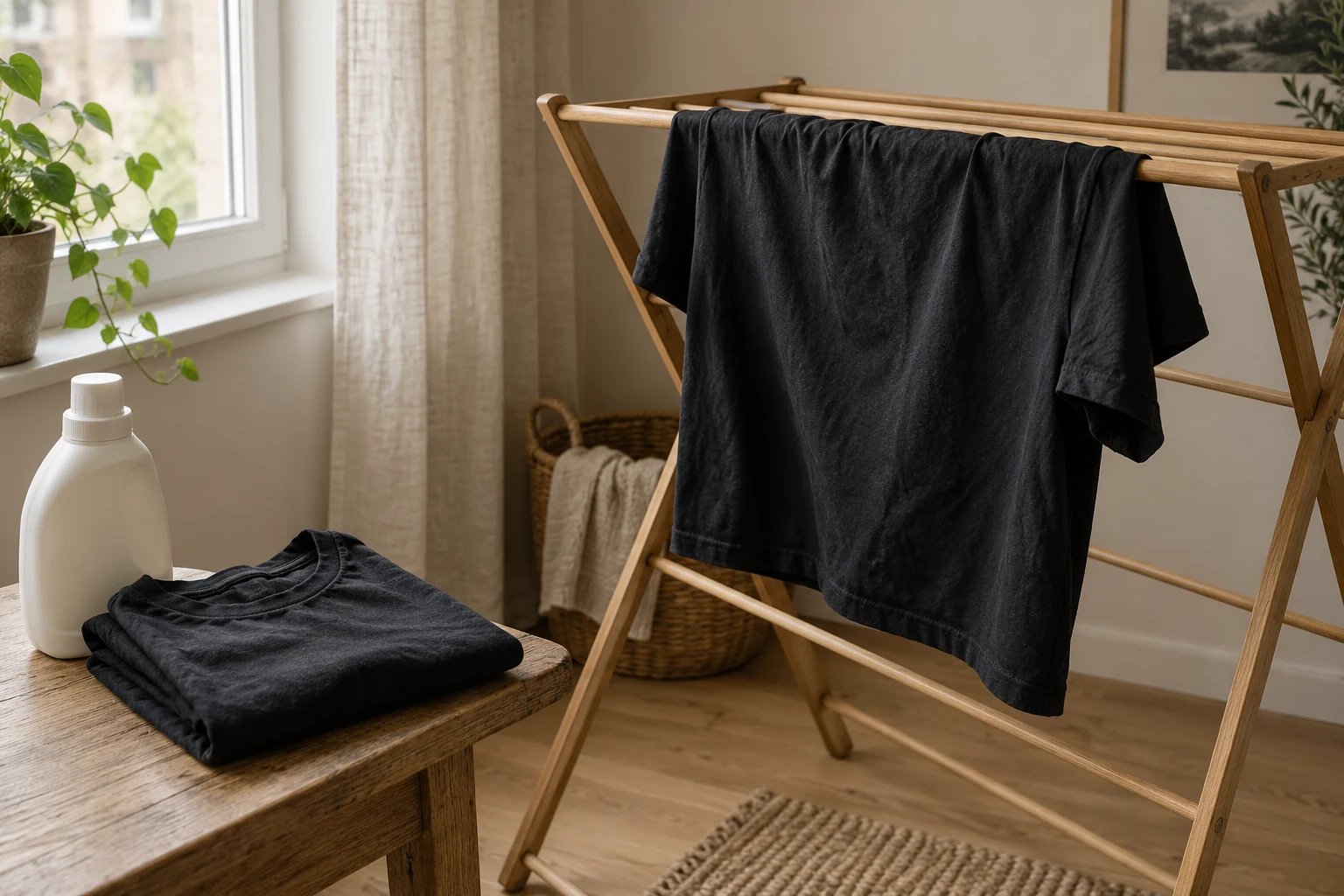
How to Keep Black Clothes from Fading: A Care-Label-First Routine
Before adding a new laundry product, find out whether you are seeing lost color, a surface deposit or loose fibers.
 Read the story ↗
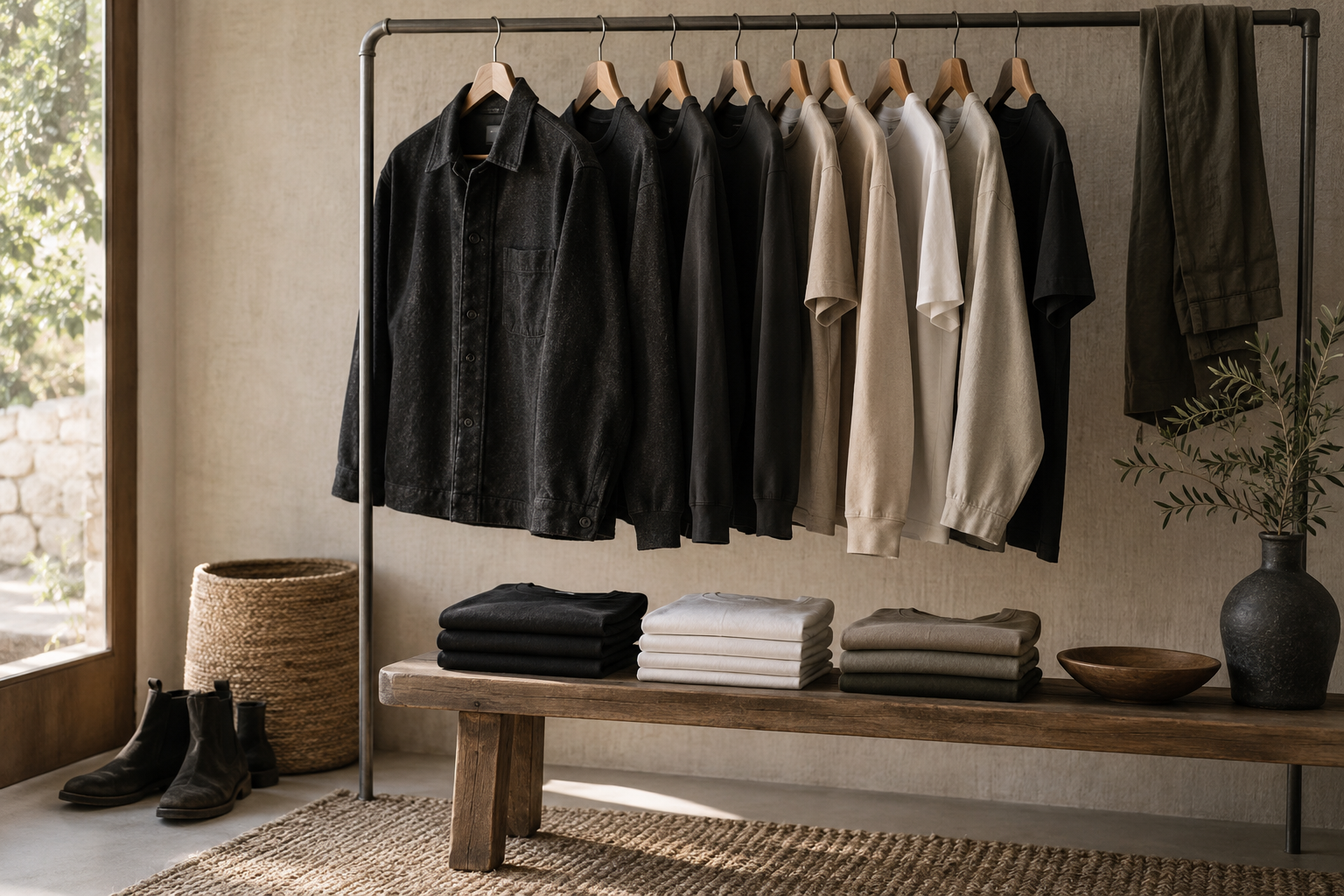
Men’s Travel Capsule Wardrobe: A Practical Packing List for a Week
A useful one-week travel capsule starts with the weather, activities and laundry access, then repeats a small set of compatible colors. A practical baseline is two trousers, one optional short, four or five tops, one versatile outer layer and two shoe choices. Adjust for formal plans, climate and baggage limits rather than packing a fixed internet checklist.
 Read the story ↗
Men's Workwear Capsule Wardrobe 2026: 10 Built-to-Last Staples That Outlast Fast Fashion
With straight-leg denim replacing restrictive cuts and heavyweight workwear dominating modern menswear, building an indestructible wardrobe comes down to fabric density and structural durability. Here is an objective evaluation of 10 market benchmarks.
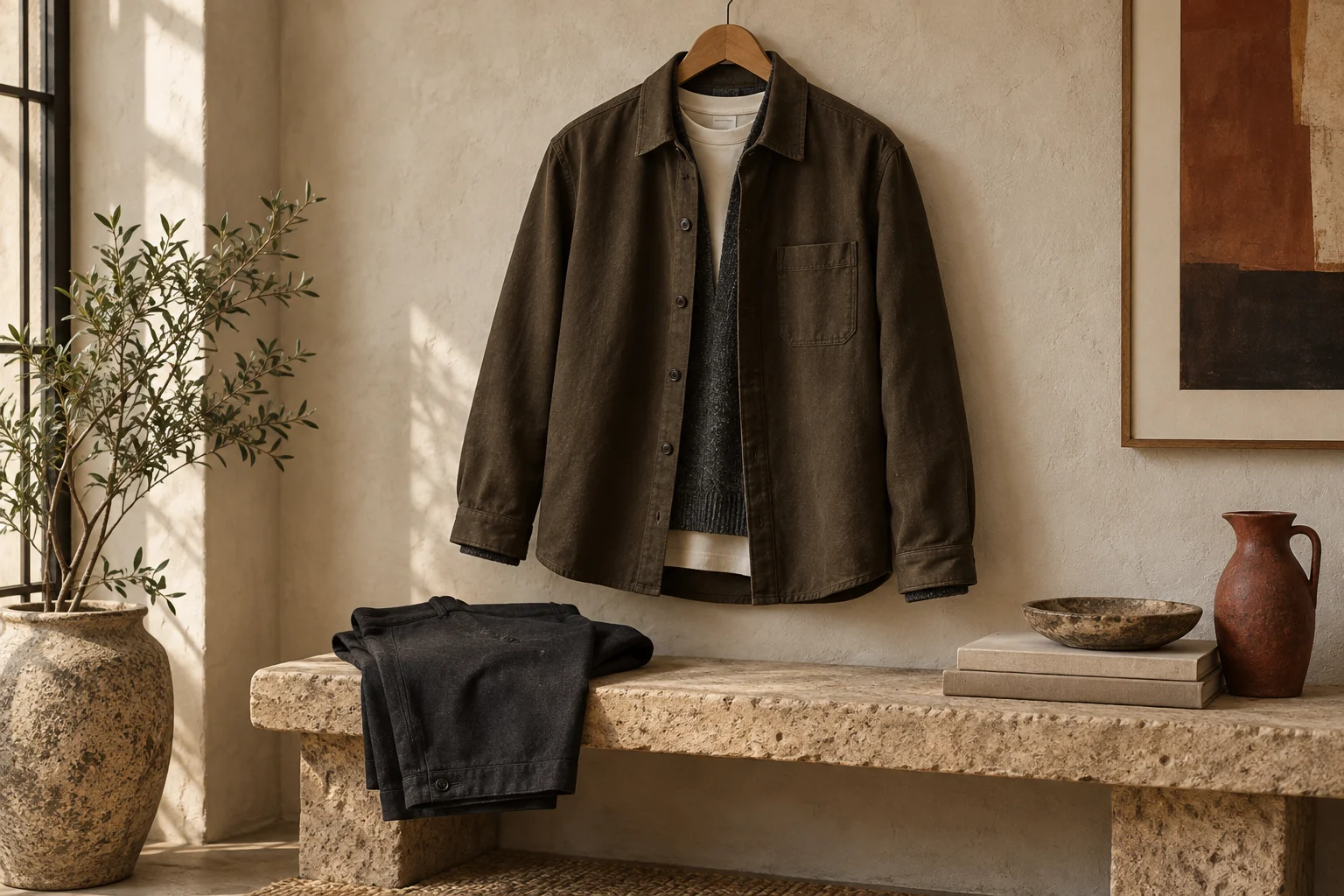
Read the story ↗A Minimalist Outfit Under $150: A Practical Budget and Fit Plan
Plan a simple outfit around a $150 delivered budget. Start with clothing you own, allocate the remaining cost and check exact sizes, fabric and seller terms.
 Read the story ↗
Overshirt Fit & Layering: A Capsule Wardrobe Guide
How one well-fitted overshirt can bridge a T-shirt and jacket without becoming another rarely worn layer.
 Read the story ↗
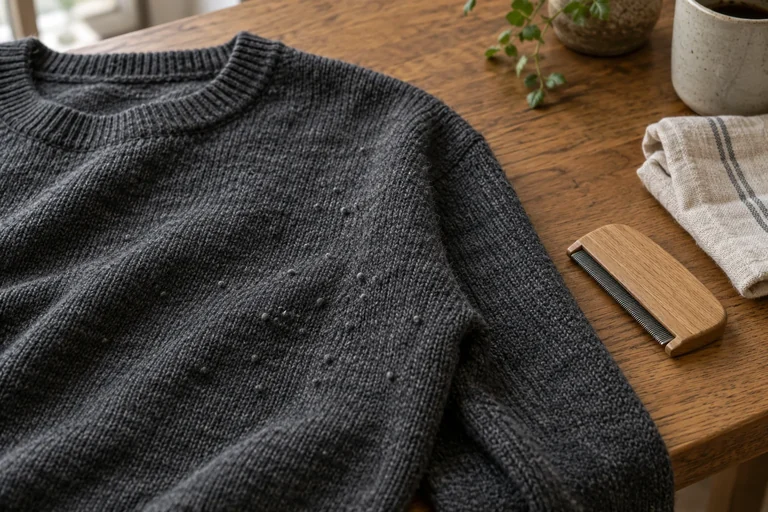
Overshirt vs Chore Jacket: Choose the Right Layer for Everyday Wear
An overshirt is usually the lighter, softer layer for indoor comfort and mild weather; a chore jacket is often more structured, durable and pocket-forward. Labels vary by brand, so compare fabric weight, lining, cut and intended season. Try the layer over the clothes you actually wear and check movement, sleeve length and pocket use.
 Read the story ↗
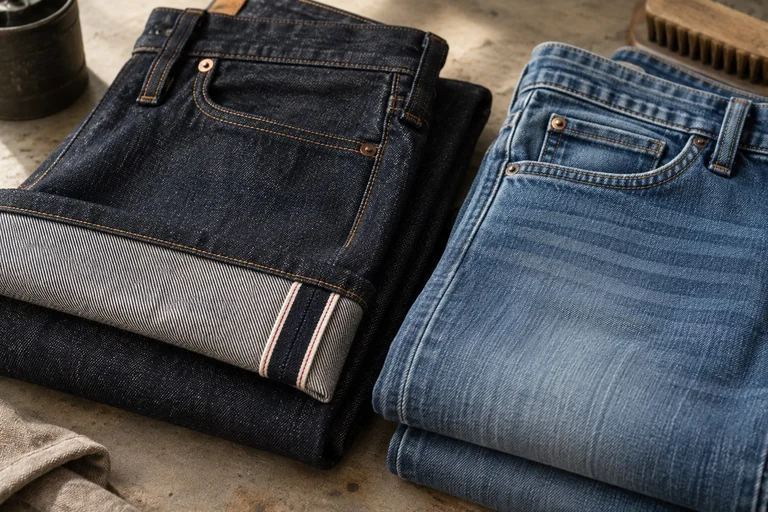
How to Remove Pilling from Hoodies and Sweaters Without Damaging the Fabric
Start with the fabric, not the sharpest tool. A small local trial gives you more useful information than shaving the entire garment at once.
 Read the story ↗
Selvedge vs Stretch Denim: Comfort, Construction and Care Explained
Selvedge describes a clean self-finished edge created by a particular weaving method; stretch describes fabric with added elasticity. They are not opposites, and some denim can combine selvedge construction with stretch fibers. Choose by fit, comfort, fabric weight and care—not by assuming selvedge is automatically stronger or stretch denim is disposable.
 Read the story ↗
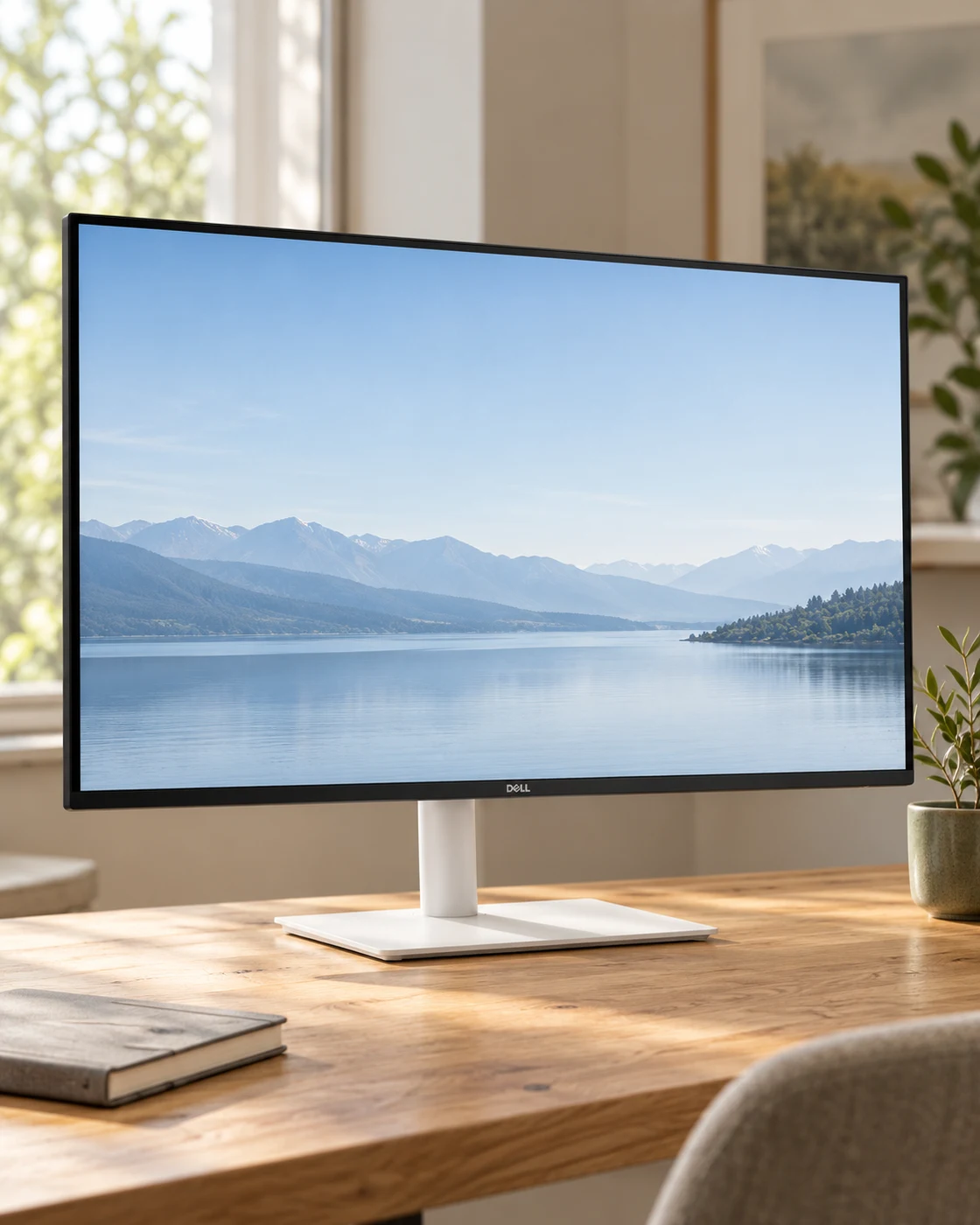
144Hz Monitor for Office Work: A Useful Upgrade or a Gaming Distraction?
The refresh-rate number has escaped the gaming aisle. That does not mean it should be the first thing you buy for a desk.
 Read the story ↗
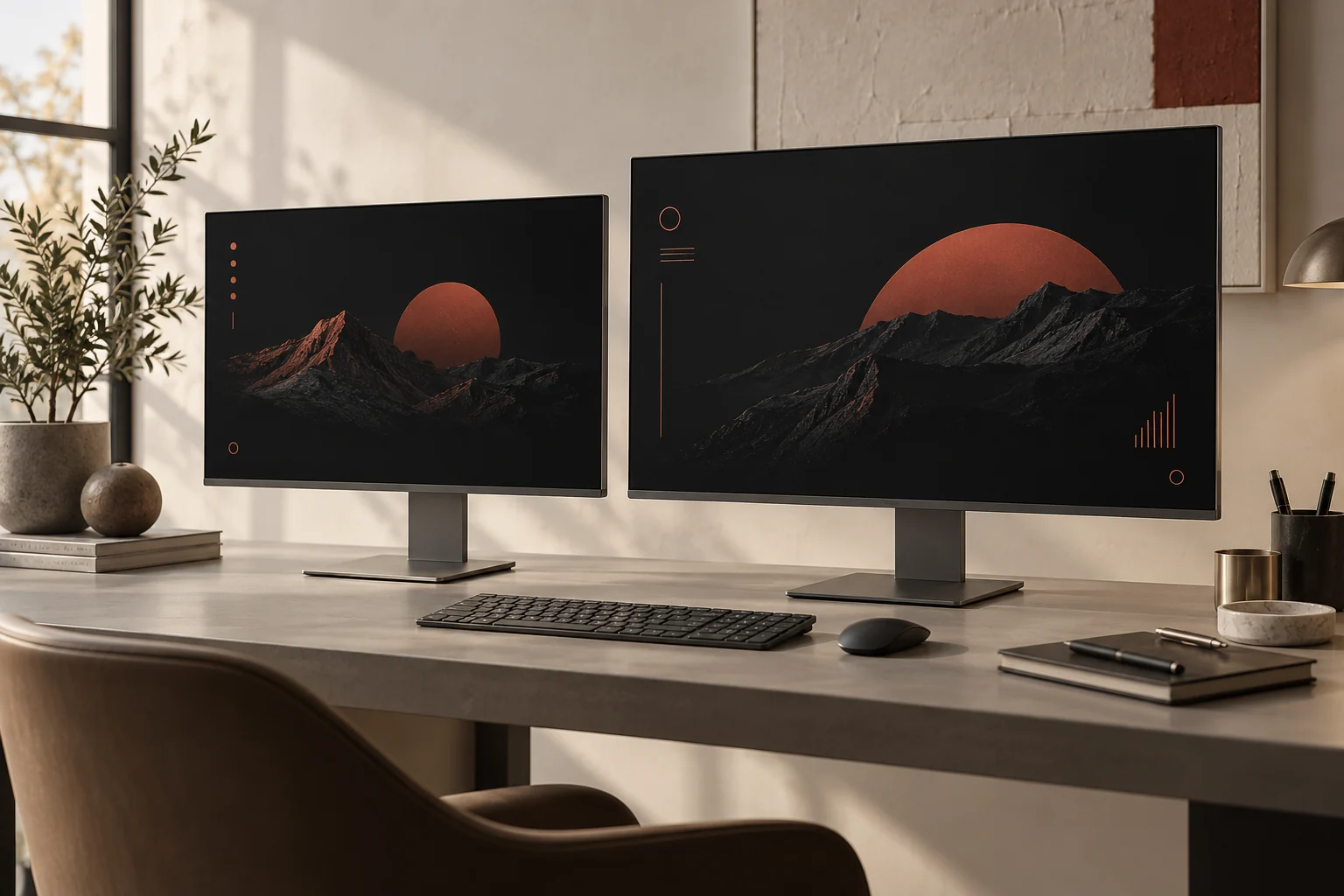
24-Inch vs 27-Inch Monitor for Productivity: The Practical Desk Guide
A practical size-and-resolution guide for choosing a 24-inch or 27-inch monitor without crowding your desk or paying for screen space you cannot use.
 Read the story ↗
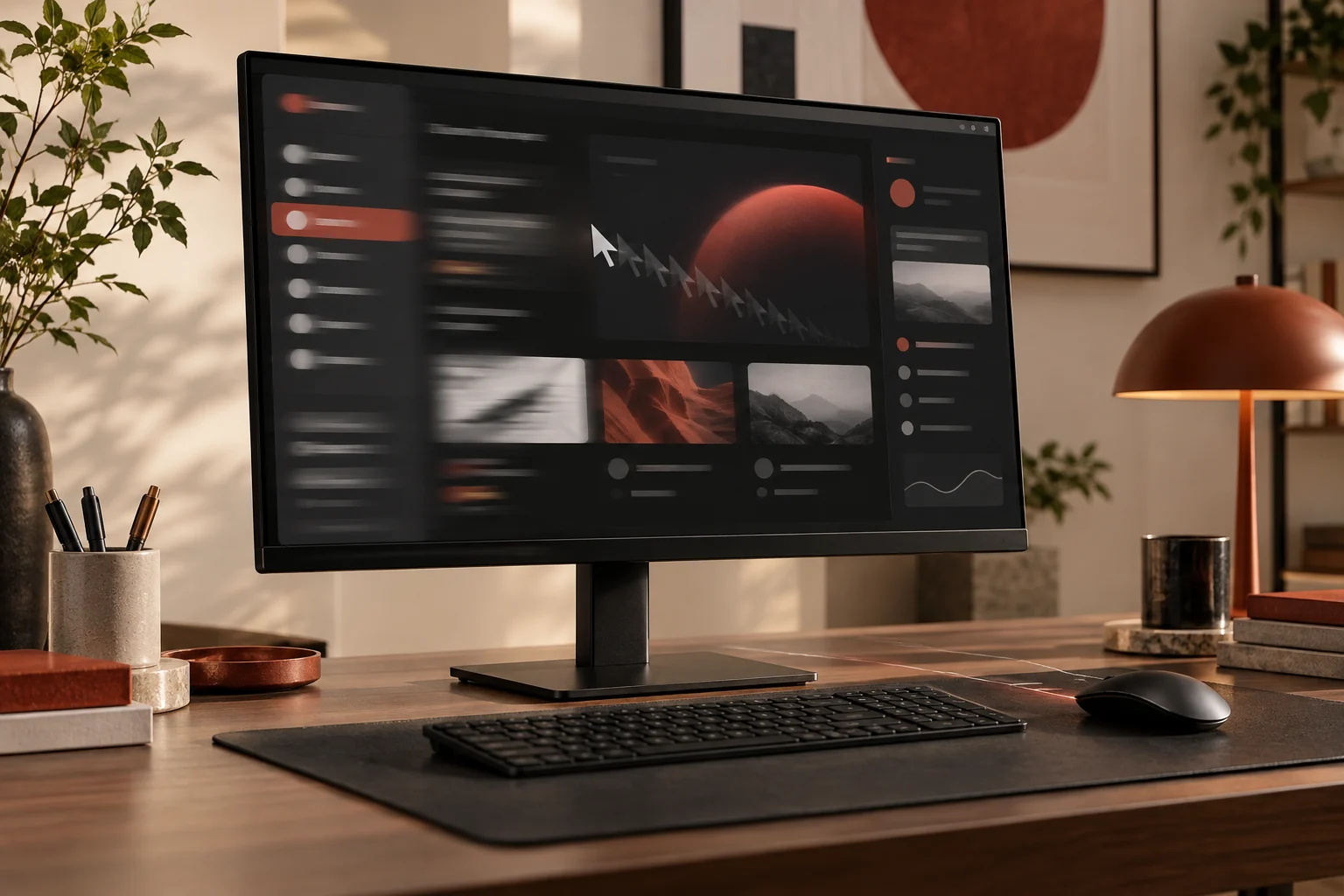
27-Inch 4K vs QHD Monitor for Productivity: Which Makes Sense?
At 27 inches, QHD is usually the balanced productivity choice when you want more workspace without heavy scaling or a demanding graphics connection. 4K gives finer detail and more pixels, but may require operating-system scaling and a capable computer. Choose by text comfort, apps, viewing distance and workflow—not by pixel count alone.
 Read the story ↗
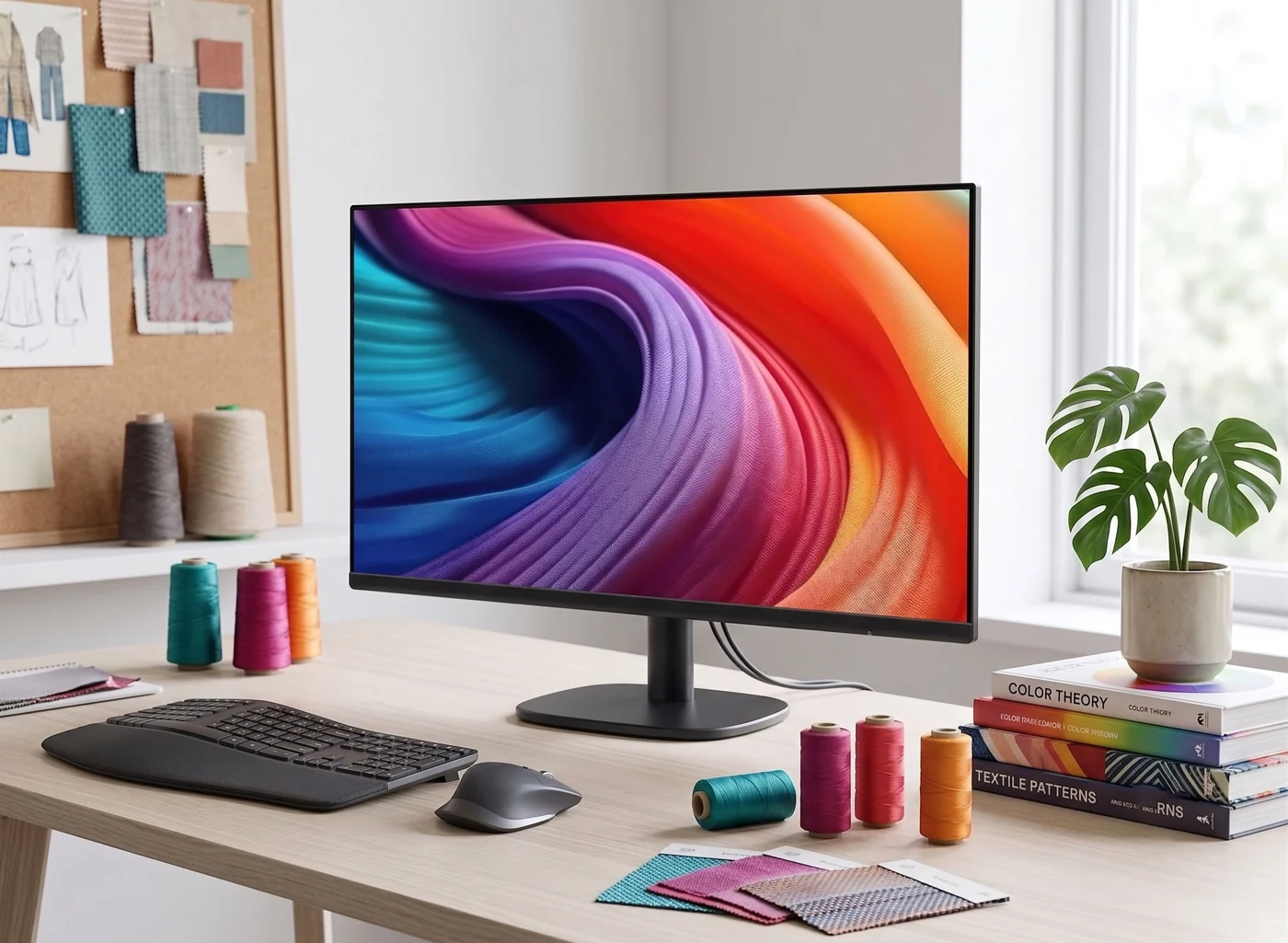
60Hz vs 100Hz Monitor for Office Work: Is the Upgrade Noticeable?
What a 100Hz office monitor changes, what it does not, and when resolution, panel quality, or an adjustable stand should come first.
 Read the story ↗
Amazon Basics 24-Inch 100Hz Monitor Review: Who Should Buy?
A compact screen can be the right purchase. Work out what the exact 23.8-inch model offers, what the complete setup costs, and when it is worth spending more.
 Read the story ↗
ASUS ProArt PA279CRV Review: Color Work Without a Crowded Desk
A calm workspace for image-making, with the color workflow left in.
 Read the story ↗
BenQ MA270U Review: A Simpler MacBook Desk, With a Few Checks
The right cable helps. Comfortable text and a routine that works matter more.
 Read the story ↗
Best 24-Inch Monitor for a Small Workspace: Three Practical Routes
Choose the footprint and connection path before the bezel.
 Read the story ↗
Best Monitors for Work and Gaming: 5 Picks by Use
An office screen, a USB-C creative-work option, a gaming-focused choice and compact alternatives. Start with the task that matters most.
 Read the story ↗
Best Monitors for Small Desks: A Space-First Buying Guide
For a compact desk, start with usable viewing distance and stand depth, then choose 24–27 inches based on resolution and eyesight. A slim 24-inch display is the safer fit for shallow worktops; a 27-inch QHD screen earns its footprint when you need more readable workspace. Measure before shopping, including the base, cables and keyboard zone.
 Read the story ↗
Monitor with Built-In KVM vs Separate KVM Switch: Which Fits Two Computers?
A built-in monitor KVM is convenient when two computers share one display and a keyboard/mouse, but its USB routing and video inputs must match your setup. A standalone KVM provides more flexibility across monitors and peripherals. Draw the actual signal path before buying and confirm resolution, refresh, USB switching and laptop charging separately.
 Read the story ↗
Dell U2725QE Review: A Cleaner Desk, If You Can Use the Hub
A sharper screen is useful. A simpler working day is the real point.
 Read the story ↗
Remote Work Tech Setup: Headphones, Mouse, Hub and Clearer Calls
A practical, exhaustive look at Sony’s lightweight wireless headphones: where they fit a working day, what independent testing adds, and which call checks matter most before buying.
 Read the story ↗
Blurry Text on an External Monitor: Windows and Mac Fixes
Find out whether the problem is the signal, scaling, one application or pixel density. Work through the checks before paying for a new screen.
 Read the story ↗
Factory-Calibrated Monitors: What Color Accuracy Actually Means
A calibration report can be useful evidence. It is not a magic certificate that makes every photograph look right in every application.
 Read the story ↗
Which Desk Upgrade Should You Buy First? A Home Office Buying Order
A better desk starts with the thing that interrupts your day. Fix that first, then stop buying when the problem is solved.
Read the story ↗How to Choose a Monitor for Work: Size, Text and Laptop Connections
The best work screen is the one that fits your desk, your eyes and your computer. Start with those three checks before paying for a longer feature list.
 Read the story ↗
IPS vs VA vs OLED for Office Monitors: Match the Panel to Your Room
For general office work, a good IPS monitor is a dependable all-rounder; VA can suit users who value contrast, while OLED delivers deep blacks and fast pixel response at a higher price and with different long-term-use considerations. Exact models matter more than panel labels. Compare measured performance, text appearance, room lighting, warranty and your workload.
 Read the story ↗
Two Monitors Show the Same Image on a MacBook: What to Check
Two physical screens do not always mean two independently addressable displays.
 Read the story ↗
Matte vs Glossy Monitor in a Bright Room: Manage Reflections First
In a bright room, a matte monitor finish is often easier to live with because it diffuses reflections, while glossy screens can look more vivid in controlled lighting. Neither finish makes glare disappear. First position the display perpendicular to windows, adjust blinds and test at your normal seat; then compare the exact coating and room conditions.
 Read the story ↗
Minimalist Desk Setup: Buy the Essentials, Skip the Clutter
Build a desk around the problems you actually have. Start with a staged plan, then compare the monitor, mouse or hub that earns its place.
 Read the story ↗
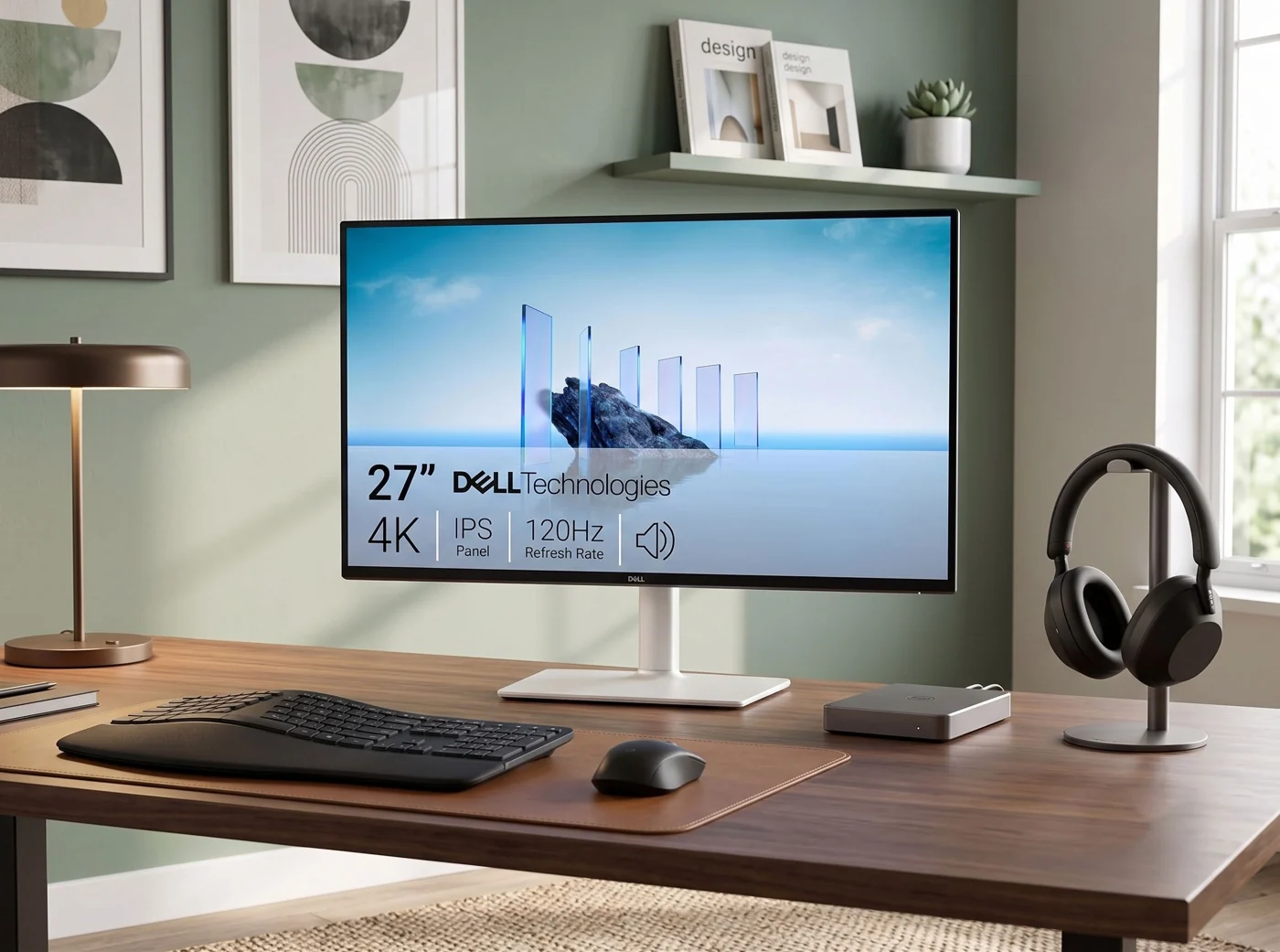
Minimalist Desk Setup Essentials: 7 Useful Upgrades
Seven practical upgrades, matched to a real desk problem—with the compromises left in.
 Read the story ↗
5 Best Minimalist Monitors for a Clean Desk Setup
A clean desk is nice. A screen you can read, connect and position comfortably is better. Here are five minimalist monitors for 4K office work, one-cable USB-C laptops and compact desks—plus the catches worth knowing before you buy.
 Read the story ↗
Triple-Monitor Setup: Compatibility, Desk Fit and Buying Guide
Three screens only help when the entire system supports them. Map the host, connection path and desktop before choosing a dock or a mount.
 Read the story ↗
Monitor Arm vs Stand for a Shallow Desk: Measure Before Buying
The folded arm, the panel and the desk all have to fit.
 Read the story ↗
Monitor Dead Pixels and Warranty: What to Check Before You Buy
The least glamorous line in a monitor purchase can become the most important one after the box is open.
 Read the story ↗
Monitor Distance and Desk Depth: Set Up a Comfortable Viewing Position
There is no single perfect monitor distance for everyone. OSHA gives a general preferred range of about 20–40 inches, while stressing readable text and neutral posture. Start by centering the monitor, sitting back with support, and adjusting text size so you do not lean forward. Desk depth should accommodate that comfortable position plus keyboard space.
 Read the story ↗
Monitor Light Bar vs Desk Lamp: Reduce Glare and Light the Work Area
A monitor light bar is a space-saving way to light the desk without a lamp base, while a desk lamp offers wider placement and can illuminate paper or objects more flexibly. Neither guarantees glare-free viewing. Choose a light source you can aim away from the screen, control for brightness and color, and position alongside the window and monitor.
 Read the story ↗
Over-Ear Headphones vs Earbuds for Remote Work: A Day-Long Comfort Guide
A workday-focused comparison of over-ear headphones and earbuds for calls, focus, portability, and long sessions.
 Read the story ↗
10 Functional PC Accessories That Actually Fix Desk Problems
Not another generic "gear list." Every product here is mapped directly to one specific, everyday friction point — afternoon eye fatigue, dead phone batteries, tangled standing desk cables, or poor video call lighting. Tested for genuine transactional value.
 Read the story ↗
Single-Monitor Desk Setup: Screen Placement, Space and Mouse Fit
Plan a comfortable single-monitor desk around text size, reach and adjustable placement. Compare Logitech Lift by hand fit and controls without pain-relief promises.
 Read the story ↗
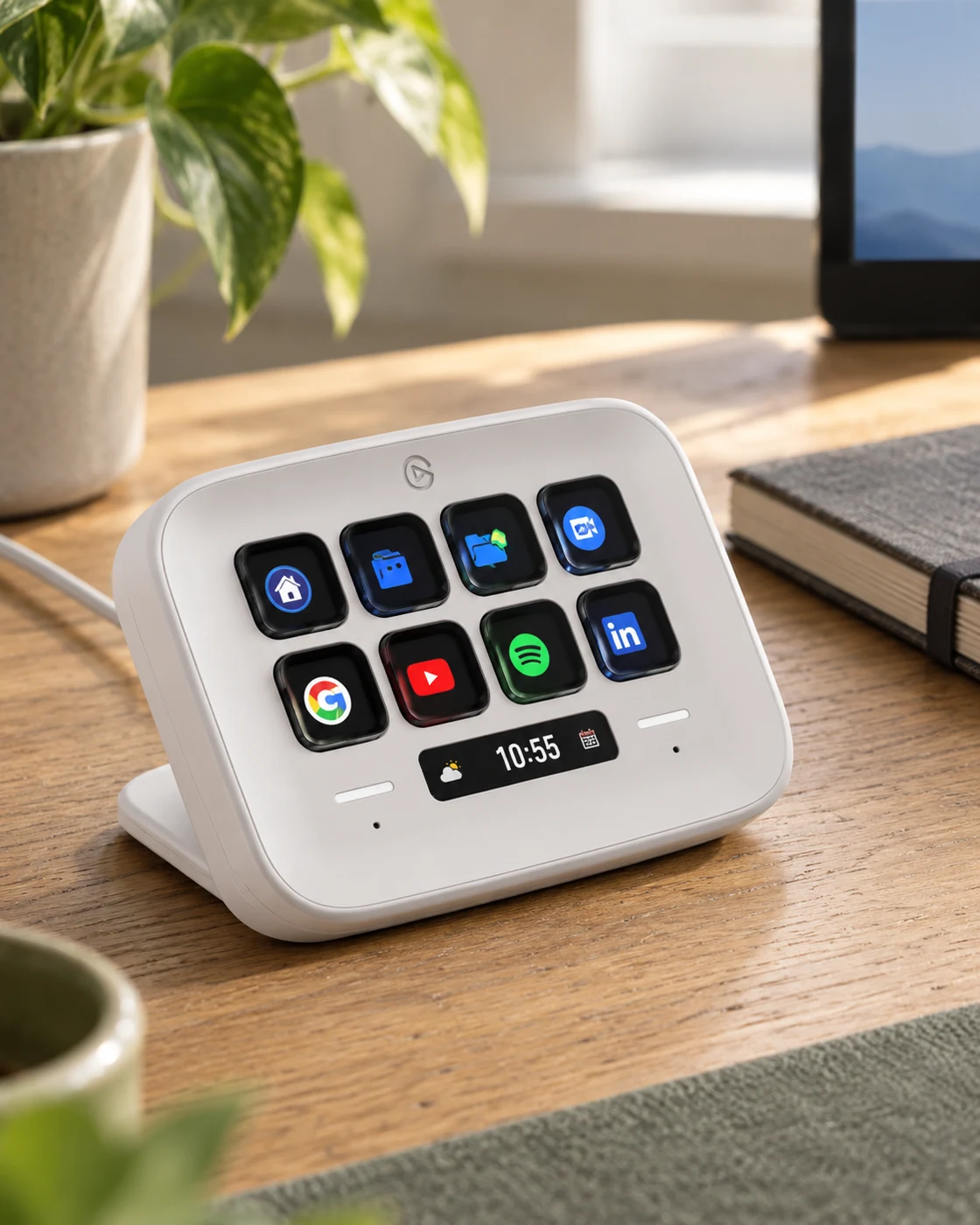
Stream Deck Neo for Work: Eight Buttons That Need a Real Job
A shortcut pad can be useful outside streaming. First give each button a job you already do, rather than inventing eight reasons to own the gadget.
 Read the story ↗
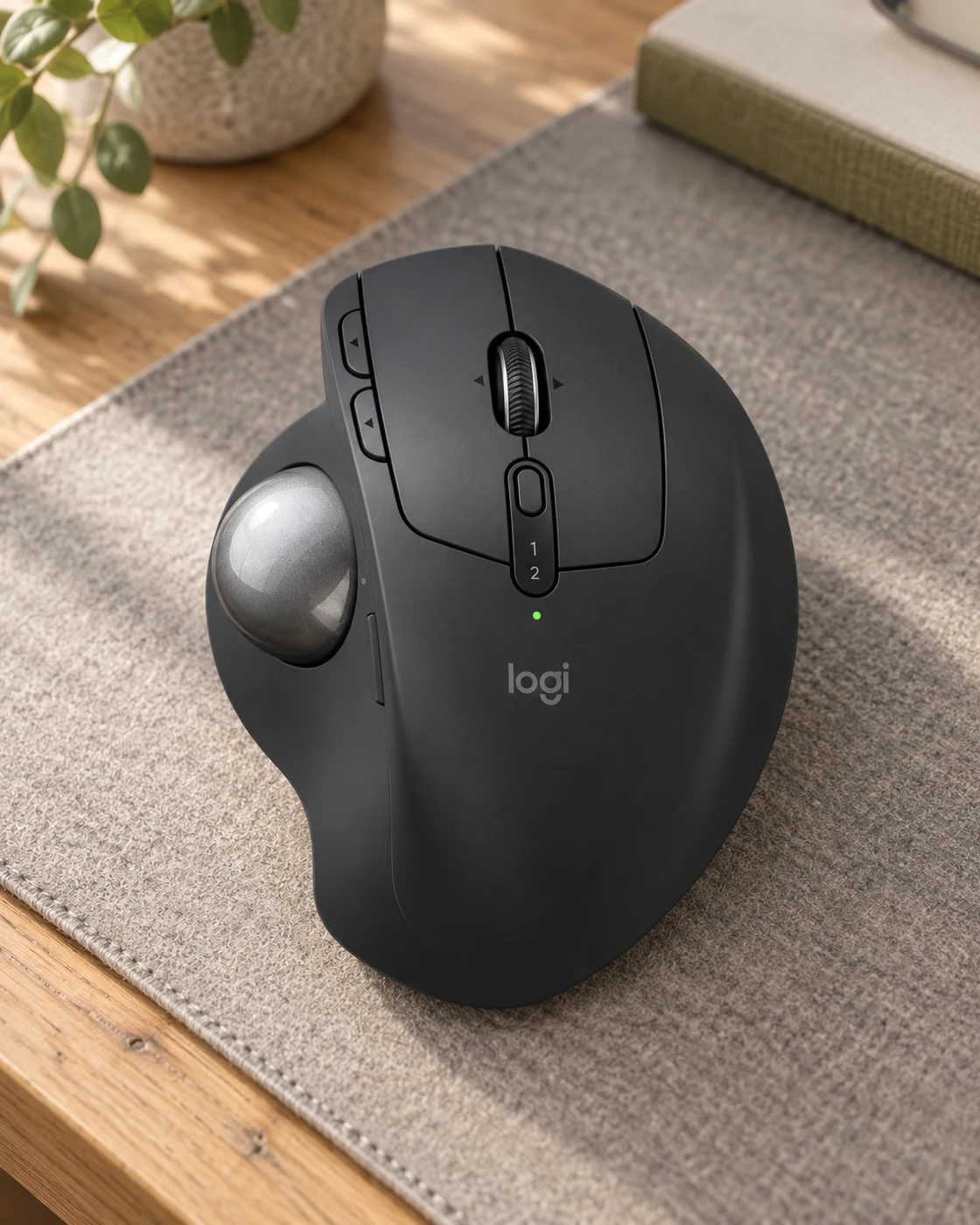
Trackball vs Mouse: Does the Logitech MX Ergo S Make Sense for Work?
A mouse that barely moves sounds like a contradiction. On the right desk, that is exactly the point.
 Read the story ↗
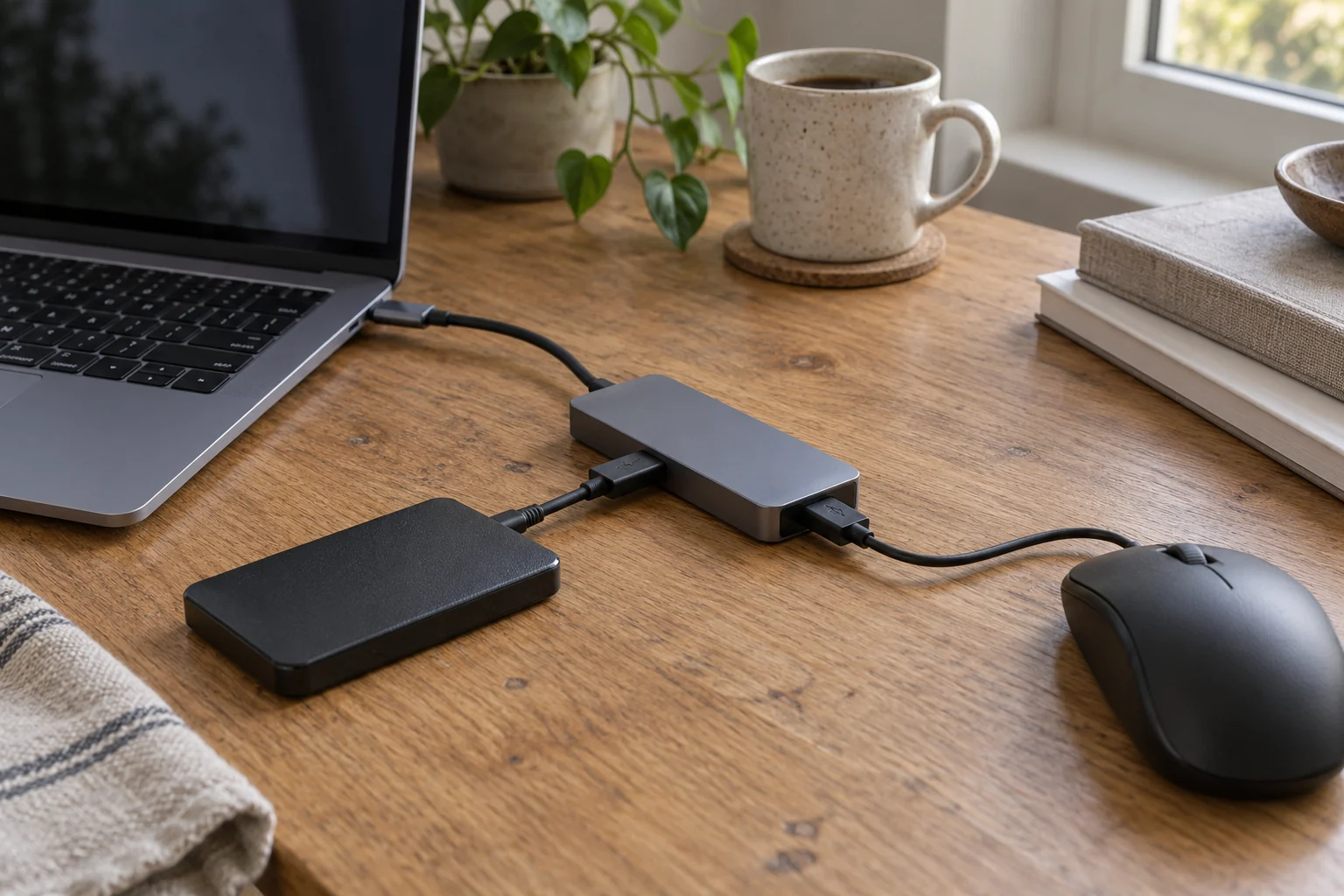
USB-C Hub Keeps Disconnecting: Isolate the Cause Before Replacing It
A disappearing drive and a blank monitor do not necessarily have the same cause. Describe the failure first, then change one part of the setup.
 Read the story ↗
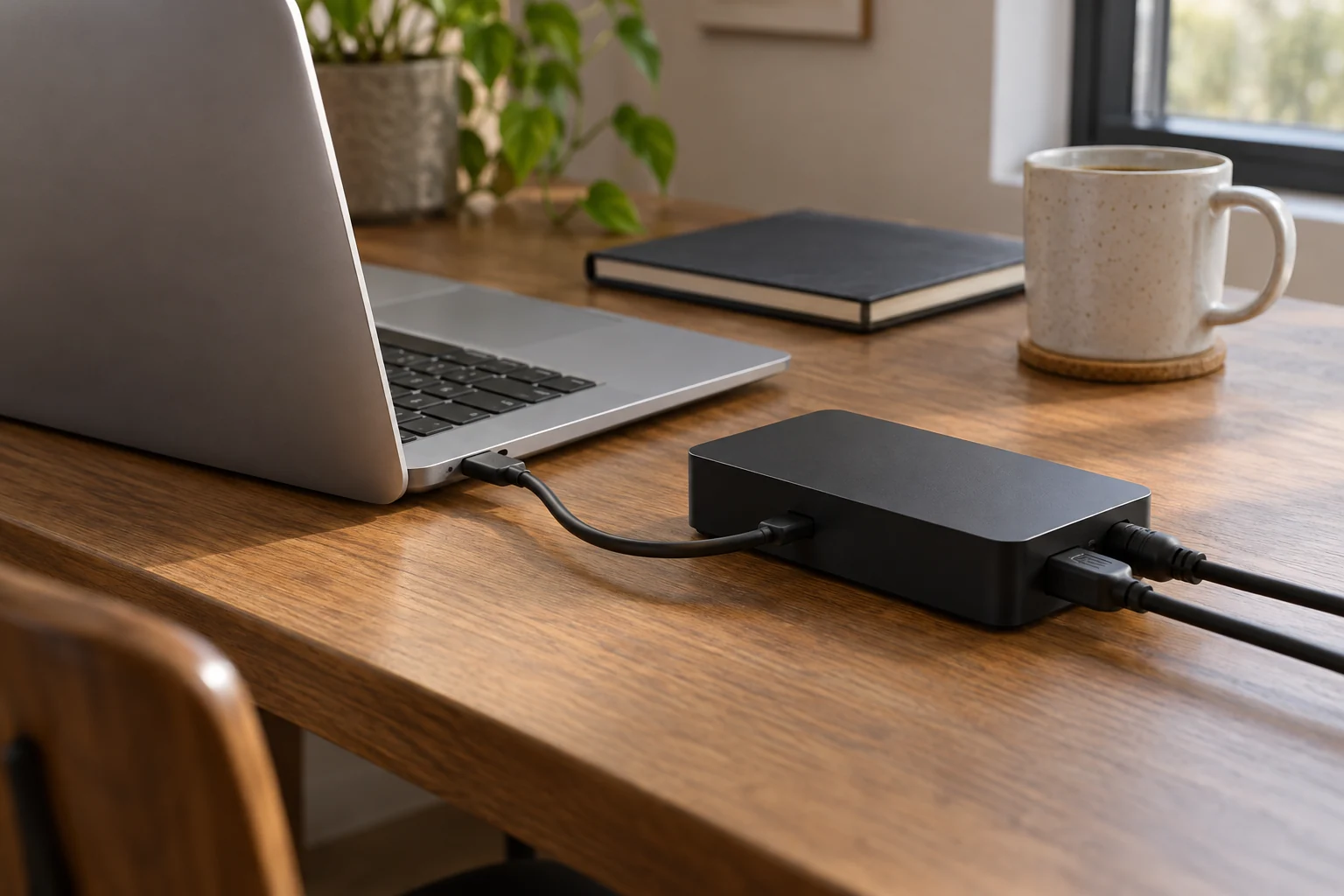
USB-C Hub vs Thunderbolt 4 Dock: Buy for Your Actual Setup
One cable is convenient only when every required function works.
 Read the story ↗
Laptop Charging Slowly Through a USB-C Monitor or Dock? Check the Power Path
The wattage on the power brick is only one part of the connection. Find the number that actually applies to the laptop-facing output.
 Read the story ↗
USB-C Monitor Not Detected? Check the Port, Cable and Input
Charging proves that power is passing. It does not prove that video can pass.
 Read the story ↗
USB-C Monitor vs Dock: Build a One-Cable Laptop Setup Without Guesswork
A USB-C monitor can replace a separate dock when it supports the video mode, charging wattage and downstream ports your laptop needs. A dock is more flexible for several displays and peripherals. USB-C describes a connector, not a guaranteed feature set, so verify the exact laptop, monitor, cable and dock capabilities as a complete chain.
 Read the story ↗
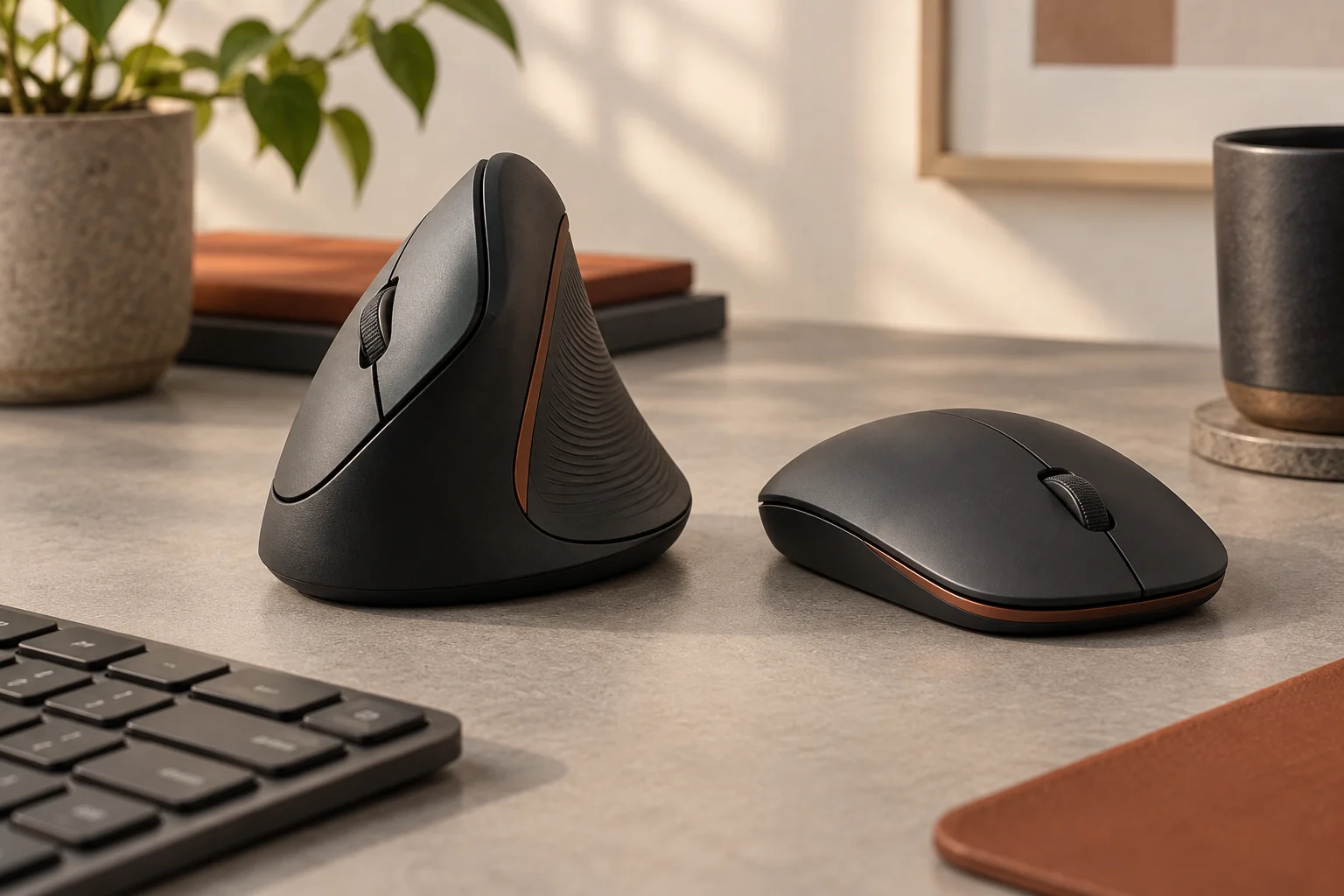
Vertical Mouse vs Traditional Mouse: A Fit-First Ergonomic Guide
A fit-first comparison of vertical and conventional mice, with a practical method for deciding whether a different grip will improve your desk.
Read the story ↗The Definitive Minimalist Monitor Guide (2026): Aesthetics, Specs & Setup
Building a truly clean desk requires far more than just hiding a few cords. We examine what defines a proper minimalist monitor, how to evaluate panel fidelity, and why a true monitor minimalist prioritizes long-term ergonomics over superficial aesthetics.
No matching stories. Try a model name or a broader topic.