Desk & tech / A closer look
ASUS ProArt PA279CRV Review: Color Work Without a Crowded Desk
A calm workspace for image-making, with the color workflow left in.
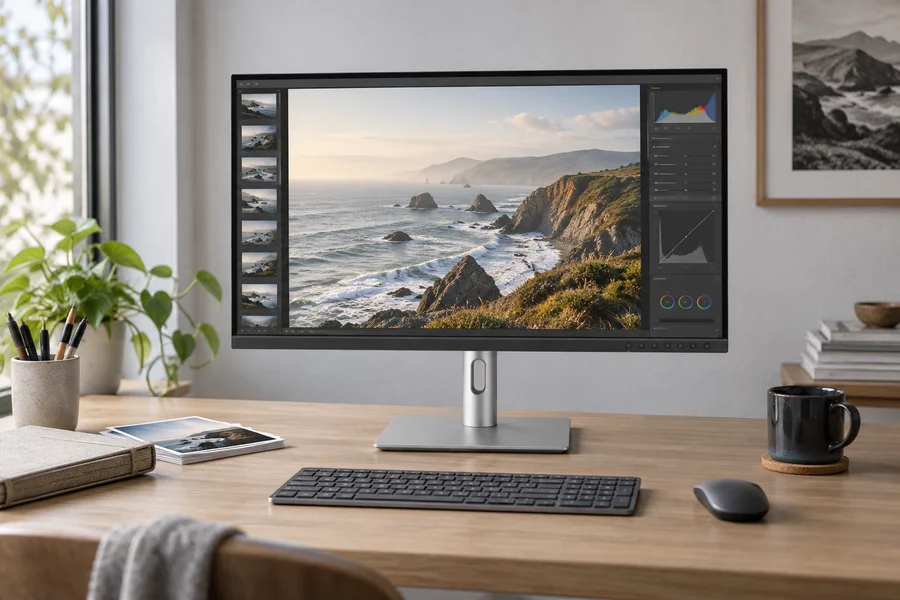
Start here
The ASUS PA279CRV is a sensible shortlist choice for a 27-inch 4K, color-oriented workspace when 60Hz is enough. Its wide-gamut presets and USB-C connection are useful only within a compatible, understood workflow. Factory calibration is a starting point, not a replacement for validating professional color work.
As an Amazon Associate, we earn from qualifying purchases. How our links work ↗
The useful details, in one place.
Specifications that shape the decision
| Detail | Published information | How to use it |
|---|---|---|
| Panel / refresh | 27-inch 4K IPS / 60Hz | A color-oriented design priority |
| Gamut claims | 99% DCI-P3 / 99% Adobe RGB | ASUS specifications, not our measurements |
| Factory claim | Calman Verified / ΔE below 2 | Not an independently measured sample result |
| USB-C power | Up to 96W | Computer and cable must support the arrangement |
| Output planning | DisplayPort daisy-chain support | Check host and OS topology |
Manufacturer information checked October 15, 2026. These are published claims, not our sample measurements. Match the exact model, revision and instructions.
The short answer: a work tool for people who care about color
The ASUS ProArt PA279CRV deserves a place on a minimalist-monitor shortlist when the desk is used for making images, rather than only consuming them. Its appeal is a combination of 27-inch 4K resolution, wide-gamut color options, an adjustable stand and a USB-C connection that can carry video, data and laptop power. You can build a restrained workspace around it without pretending that every creative task needs an enormous display or a separate docking station.
The compromise is that the PA279CRV is a 60Hz, color-oriented display, not a high-refresh all-purpose champion. That distinction matters more than its tidy appearance. This researched review examines the published specifications and the checks that should come before an order. We have not calibrated a unit, measured uniformity, timed its response or compared prints under controlled lighting. Manufacturer claims are identified as such. The useful question is whether the monitor supports your workflow, not whether its marketing vocabulary sounds more professional than the alternatives.
Start by identifying the work you need to deliver
A photographer preparing images for print has different priorities from someone cutting social video or reviewing browser-based designs. Write down where the finished work goes. A wide-gamut screen can be useful, but only if the application, profile and output process handle that color information appropriately. More vivid is not a reliable synonym for more accurate. If you work mainly on websites, the ability to use a sensible sRGB workflow may matter more than the largest color-gamut percentage on the box.
Ask what is currently going wrong. Are you struggling with tiny text, inconsistent color between applications, an uncomfortable stand or an unreliable laptop connection? Those are separate problems. The PA279CRV might address some of them, but buying it does not automatically correct an unmanaged workflow or the wrong export setting. Make a short list of jobs you expect the monitor to improve. That list will become a practical acceptance test when the screen arrives, instead of leaving you to judge the purchase by its first colorful wallpaper.
The published features, without a borrowed test score
ASUS specifies a 27-inch 3840 × 2160 IPS display with 99% DCI-P3 and 99% Adobe RGB coverage, Calman Verified factory calibration and a claimed Delta E below two. USB-C power delivery is listed at 96W. Those statements describe the manufacturer's target and configuration; they are not measurements we made. They give you reasons to investigate the model, but they do not tell you the condition of an individual panel delivered by a particular seller. Read the ASUS product specification.
Check the complete PA279CRV model name on the selected listing. Other ProArt monitors can have similar names while using a different resolution, screen size, connector arrangement or stand. Keep a copy of the listing and its included accessories. If two offers look far apart in price, compare condition, local warranty coverage and seller terms before declaring one a bargain. We do not publish a made-up overall rating or a fixed Amazon price to fill the space where those checks belong.
Color gamut is a capability, not the correct setting for everything
A wide gamut lets a display represent colors outside a smaller working space, but content still needs to be interpreted correctly. An ordinary web image viewed through an unmanaged path can look different from the same file in a color-managed application. If one app looks unusually saturated, do not immediately blame the panel. Check the application, selected monitor mode, operating-system profile and file's embedded profile. Change one thing at a time so that an improvement has a traceable explanation.
The practical habit is to use a mode suited to the job and maintain a known baseline. For web work, begin with the relevant sRGB-oriented path; for another delivery standard, follow that workflow's requirements. Do not keep changing modes until one picture looks pleasing and call the result calibration. ASUS offers multiple ProArt presets, but a preset's name is not a substitute for understanding your output. An accurate-looking sunset cannot validate the behavior of every neutral tone, shadow or application on the computer.
What factory calibration can and cannot settle
Factory calibration is helpful because it gives the monitor a documented starting point. It does not eliminate changes caused by your chosen mode, ambient light, application settings or the passage of time. If color is part of paid delivery, decide how you will validate and maintain the complete workflow. That might involve a suitable measurement device and a documented process, but it should be a decision driven by the work. It is not a reason to buy extra equipment merely because the monitor has ProArt in its name.
Be cautious with review screenshots showing dramatic before-and-after colors. Your current screen, browser and viewing environment all affect the image you see. A photograph of a display is particularly poor evidence for subtle accuracy differences. A useful external review should explain its equipment, mode, settings and measurement method. We are not supplying those measurements here. Our recommendation is conditional on the product's documented capabilities and on the buyer checking the delivered unit, rather than borrowing someone else's result and presenting it as our own.
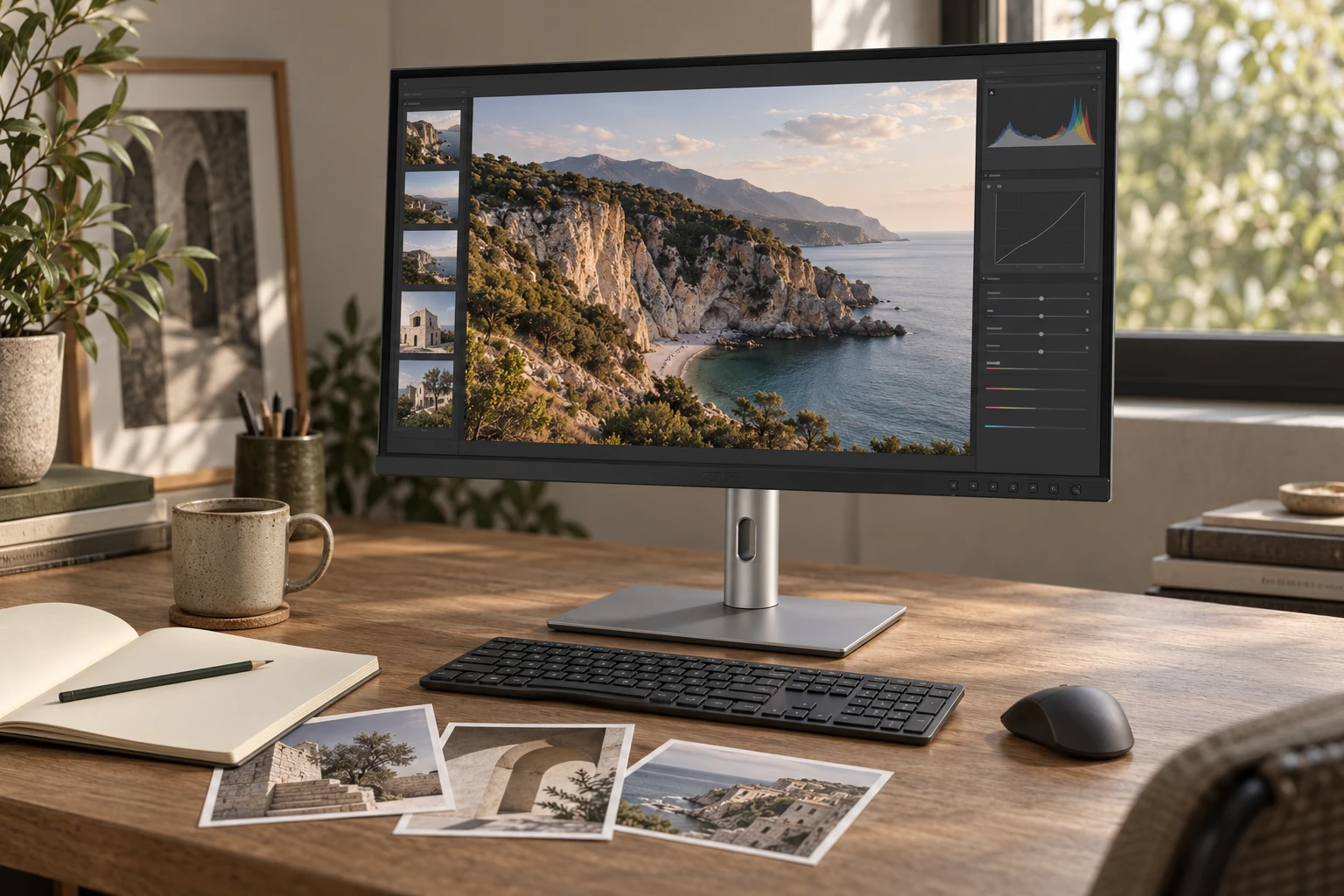
Why 4K does not require microscopic menus
The 27-inch 4K format can give text and image details a clean appearance while still letting you choose comfortable interface sizes. Start with the operating system's recommended scaling, then examine your daily applications at a normal seated distance. Judge your editing controls, file browser and menu text as well as the central image. A canvas that looks impressive is little consolation if you keep leaning forward to read the tools around it.
Separate image zoom from interface scaling. Viewing a photograph at a particular zoom level serves a different purpose from making the application usable. A scaled desktop can still display a detailed image when the app handles it properly. Older software may behave differently, so test the programs you actually use rather than assuming a generic “4K ready” label resolves everything. Our external-monitor text guide helps distinguish scaling issues from a genuinely unsuitable screen size or resolution.
A 60Hz screen can be the right creative compromise
For still-image editing, writing and many ordinary design tasks, 60Hz may be entirely acceptable. Higher refresh can make movement feel smoother, but it does not replace color management or improve an incorrectly exported file. If you frequently switch between a high-refresh laptop panel and a 60Hz external screen, try a comparable arrangement before ordering. Some people notice the change immediately; others care much more about the usable workspace and stand position.
Think about mixed use honestly. If the same screen must also satisfy fast-paced gaming preferences, the PA279CRV's priorities may not match yours. The Dell U2725QE is one alternative to examine when 120Hz and a more extensive hub are worth the extra complexity and cost. That is a comparison of design priorities, not a declaration that one monitor makes better creative work. Buy for the activities that occupy most of the week, and accept the compromise explicitly.
USB-C can simplify the desk if the laptop supports the plan
The USB-C port can reduce the number of daily connections, but your laptop needs a compatible video-capable port and an appropriate cable. Charging support alone does not prove that a port can drive the display. Likewise, a cable advertised mainly for phone charging may not be the correct video connection. Start with the supplied cable and the computer manufacturer's port documentation. Make the first test direct, without an intervening adapter, to keep the number of unknowns small.
The 96W rating is an upper capability, not an assurance that every laptop will charge at that amount. Some machines need more power during demanding work or have different charging constraints. Observe the battery through a normal editing session, not only at an idle desktop. If you need the original charger for certain jobs, count that honestly in your cable plan. One remaining charger does not make the monitor a failure, but it may change which alternative represents better value for you.
Daisy chaining needs a host-specific answer
ASUS documents DisplayPort daisy-chain support, which can be useful on a compatible computer. The mistake is to treat a connector diagram as a universal promise of two independent desktops. The computer, operating system, display topology and available bandwidth all matter. If two monitors are essential, write down the exact computer model and connection path before buying either screen. Ask the manufacturer a question that includes those details, rather than asking only whether the display “supports Mac.”
For a MacBook in particular, distinguish DisplayPort MST from the arrangements your specific Mac supports for extended displays. Do not assume a second panel connected downstream will automatically behave as an independent desktop. A connection that mirrors successfully may still fail your intended workflow. If this is central to the purchase, a manufacturer-confirmed diagram and a useful return window are worth more than a confident comment from someone using a different machine. Our mirrored-monitor troubleshooting guide explains the distinction.
A minimalist desk still needs room for the stand
The monitor's restrained design is easy to place visually, but a desk is a physical working area. Mark the base position and leave space for your keyboard, pointing device, notebook and wrists. A screen pushed back against the wall can look tidy while the keyboard ends up too close to the desk edge. Also check that the monitor can sit at a comfortable height without an improvised stack of books blocking its ventilation or cable routing.
If an arm is part of the plan, confirm the mounting arrangement and the arm's weight range for the screen without its stand. Check desk thickness, rear clearance and construction as carefully as the monitor's attachment points. You do not need an arm merely to make a desk look minimal. The supplied stand may provide a simpler, more predictable result, especially if you move the screen between landscape and portrait positions. Choose the arrangement that makes adjustment easy while keeping the workspace stable.
HDR and a wide gamut are different questions
The PA279CRV carries a DisplayHDR 400 label, but that label should not be used as shorthand for mastering-grade HDR performance. If HDR delivery is part of your work, you need a much more specific discussion of luminance, tone mapping, black levels and your required standard. This review does not supply laboratory measurements for those subjects. A creator buying primarily for SDR photography or ordinary design should not let the presence of an HDR logo distract from the workflow they actually need.
Set up a comfortable SDR baseline first. Match room lighting to your work, choose the relevant display mode and use familiar files to check for obvious problems. Experiment with HDR separately, keeping a record of what changed. Otherwise, an unexpectedly bright document or an app that looks washed out can send you chasing several settings at once. A calm, repeatable setup process is more useful than cycling through every enhancement and deciding the most dramatic image must be the most correct.
Inspect the delivered panel with ordinary work
During the return period, look at plain backgrounds and familiar images at normal viewing distance. Check for obvious pixel defects, distracting unevenness and reflections that interfere with the content you use. Avoid judging everything from an overexposed phone photograph in a dark room. You are deciding whether a particular unit serves your work in a particular room, not trying to manufacture a dramatic defect picture. Read the seller's pixel and return policies before relying on assumptions about what counts as a returnable issue.
Then test the complete routine: sleep, wake, reconnecting the laptop, using the monitor's USB devices and switching inputs if needed. Keep the original packaging until those checks are finished. If a problem occurs, record the cable, port, computer, operating system, mode and application. A clear sequence makes support conversations shorter. Do not open the display or undertake hardware repairs as part of a buying evaluation; use the seller's documented process if the unit fails the checks you reasonably need.
Compare the complete cost, not just the screen price
A lower monitor price can be offset by adapters, a separate hub, a different mounting arrangement or the need to replace an unsuitable cable. Equally, a premium hub monitor can be poor value if you will never use its extra ports. Compare complete setups that solve the same problem. Include the current delivered total, warranty route, return costs and any accessories required by your specific laptop. This is a more useful spreadsheet than a ranking based on one headline specification.
The BenQ MA270U is worth considering if your priority is its Mac-oriented software and matte-screen approach. The Dell U2725QE is a different candidate if high refresh and a broader hub are central. If your current screen already supports a dependable color workflow, keeping it may be the best decision of all. A new purchase should remove a recurring limitation. It does not need to be justified by a before-and-after desk photograph.
Who I would put this on the shortlist for
The PA279CRV is a sensible researched shortlist choice for a photographer, designer or mixed creative worker who wants a manageable 27-inch 4K screen and can use its color-oriented features. It is less compelling when the primary problem is high-refresh motion, when the laptop connection is incompatible, or when a specialized HDR requirement goes beyond what this class of screen can establish. You do not have to make it win every category for it to be a good purchase for the right job.
Before ordering, confirm PA279CRV, the selected condition, included stand and cable, local warranty and current return terms. If you use our Amazon search link, check the individual result rather than assuming every item in the results is the exact monitor. Keep your workflow checklist with the order details. The outcome to aim for is simple: readable controls, a dependable connection and a color process you understand well enough to repeat. That is a more useful kind of minimalism than an empty desk.
Make the next step concrete.
Your before-you-buy checklist
Use this as a personal decision list. The boxes stay in this page session; your answers are not submitted.
Mark the checks that you have completed.
Clear answers, without the shortcuts.
Questions readers ask
Is the PA279CRV suitable for photo editing?
Its published wide-gamut capabilities and color-oriented presets make it a candidate. Suitability depends on the application, profiles, output requirements and validation of the delivered unit; we have not measured a sample.
Is the PA279CRV a 120Hz monitor?
No. This model is a 60Hz display. Compare a different monitor if high-refresh scrolling or gaming is a central requirement.
Can the PA279CRV charge a laptop over USB-C?
ASUS lists up to 96W power delivery. Confirm that the laptop accepts suitable power and video through its selected port, using an appropriate cable.
Can I assume DisplayPort daisy chaining works with every Mac?
No. Computer capabilities, operating system and connection topology matter. A daisy-chain feature is not a universal guarantee of two independent Mac desktops.
When the checks are settled.
Compare the exact offer
The links below open model-specific Amazon searches and may include other versions, accessories or unrelated results. Check the selected reference, seller, condition, delivered total, warranty and return terms before ordering.
As an Amazon Associate, we earn from qualifying purchases. We do not publish unverified live prices, availability, sales counts or star ratings. How our links work.
Explore the everyday picks →Evidence and limits.
Sources and how this review was prepared
This article was prepared by NextGen Editorial Desk from the published manufacturer specifications and manuals, checked October 15, 2026. It is a researched assessment. We have not claimed hands-on ownership, laboratory measurements, pressure tests, scratch tests or a representative analysis of Amazon reviews. Suggested arrival checks and arithmetic examples are guidance, not results from a tested sample.
Lifestyle scenes illustrate everyday settings and styling. They do not establish exact dimensions, fit, color accuracy or performance. Use the manufacturer's original product information to verify fine details. Manufacturer claims, our interpretation and your own checks are kept distinct.
- ASUS ProArt PA279CRV: product features and manufacturer claims
- ASUS official launch: product family and published features
- Apple: display resolution and scaling
If a specification or model revision has changed, use the site contact information and include the exact reference and source. An update should improve the evidence, not merely change the date.
Keep following the useful question.
Read next
The next good question
Keep exploring.
 Read the story ↗
BenQ MA270U Review: A Simpler MacBook Desk, With a Few Checks
The right cable helps. Comfortable text and a routine that works matter more.
 Read the story ↗
USB-C Laptop Desk Setup: A Practical Six-Piece Kit
One screen, fewer loose connections and six clearly defined jobs. Start with the laptop's limits, then buy only the pieces your desk is missing.
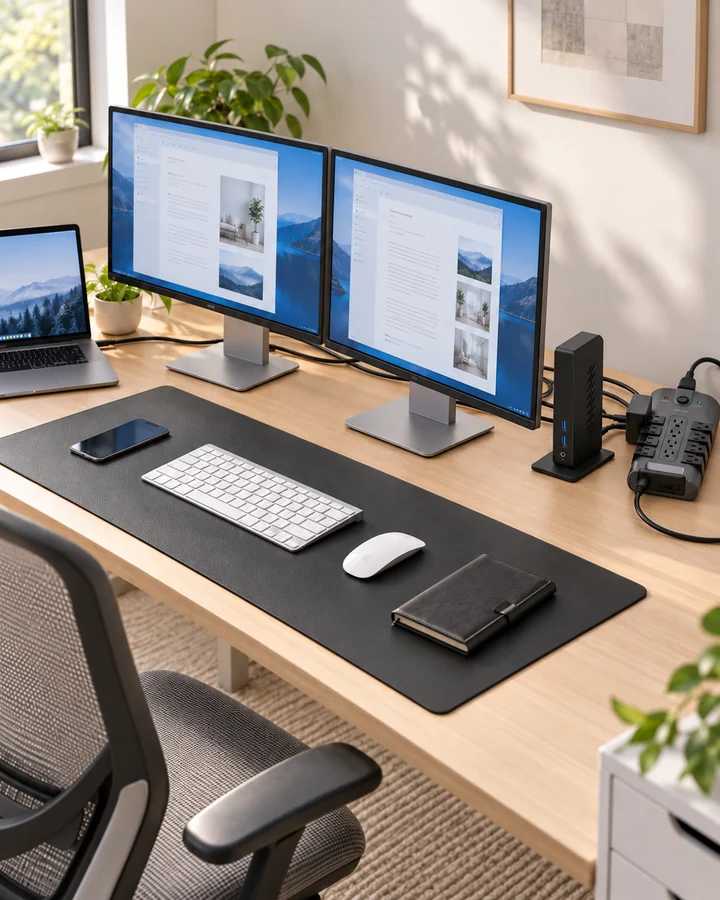 Read the story ↗
Dual Monitor Office Setup: A DisplayLink Desk Kit Explained
Two work screens need a compatible connection plan. Here is where the UD-3900Z fits, where it does not, and how five supporting accessories earn their place.