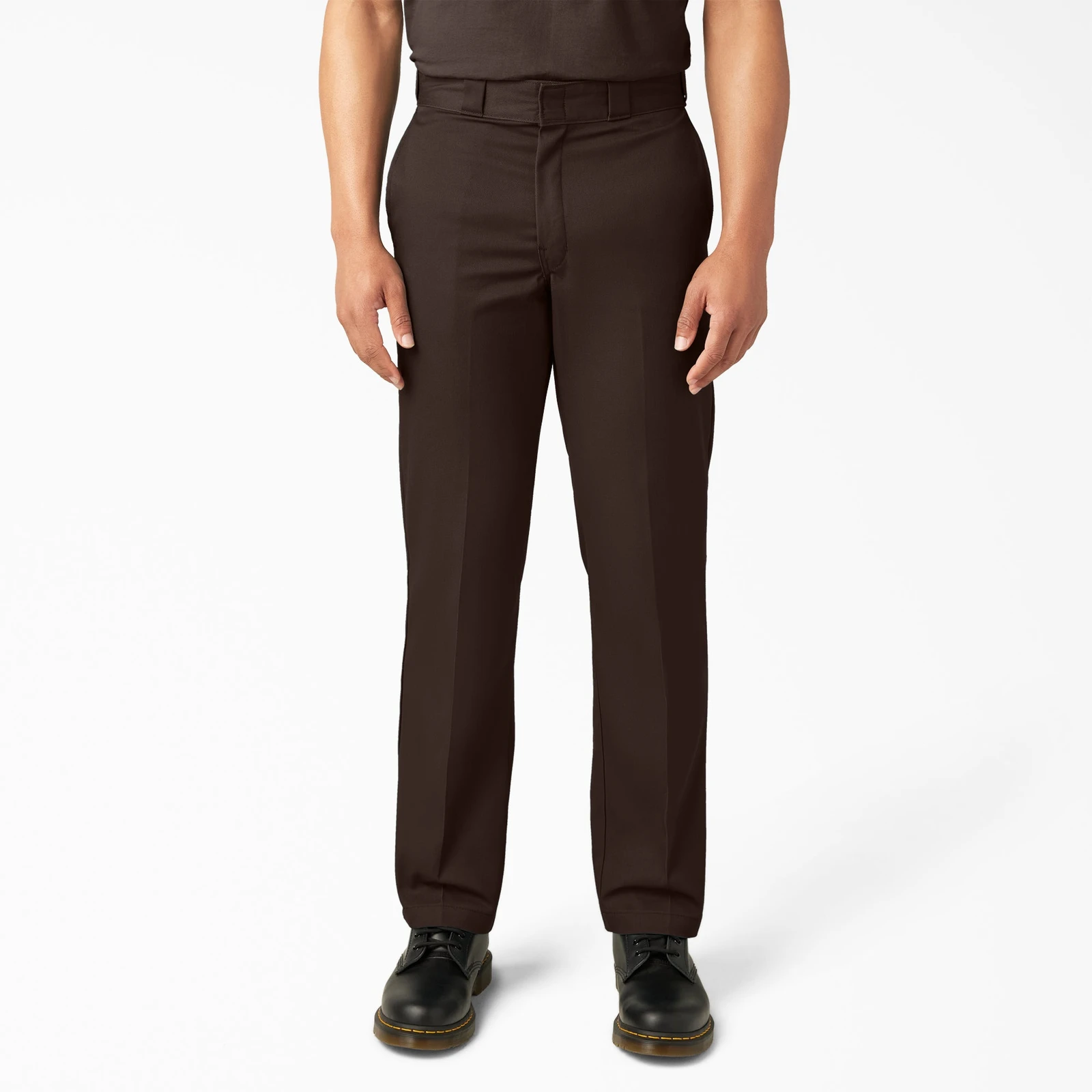
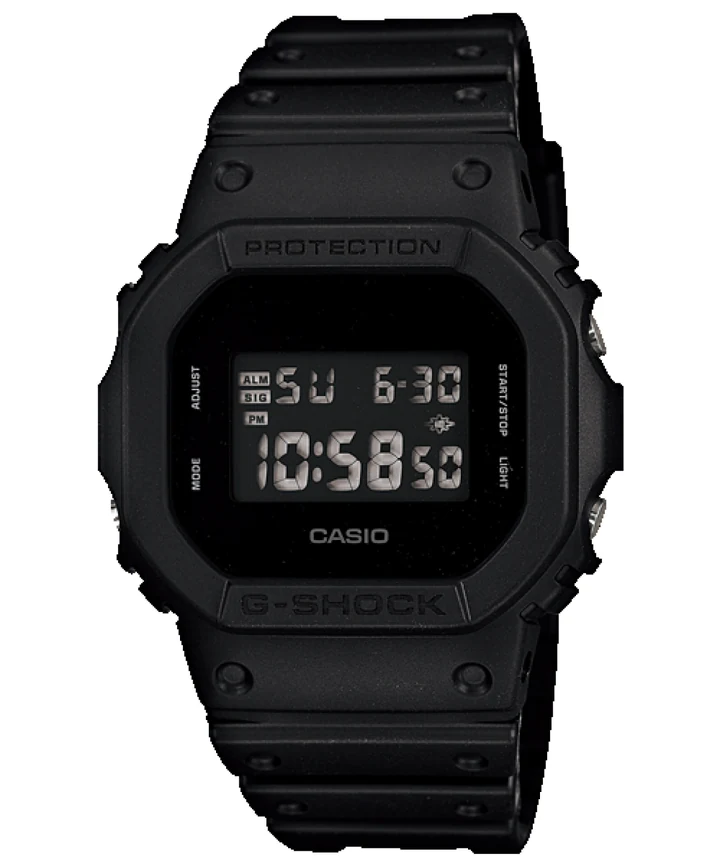
 DW-5600BB
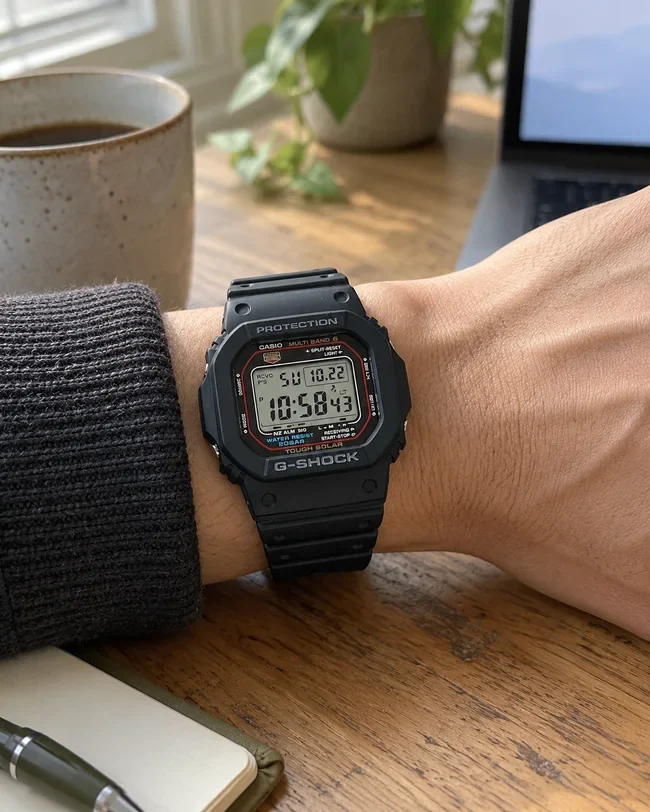
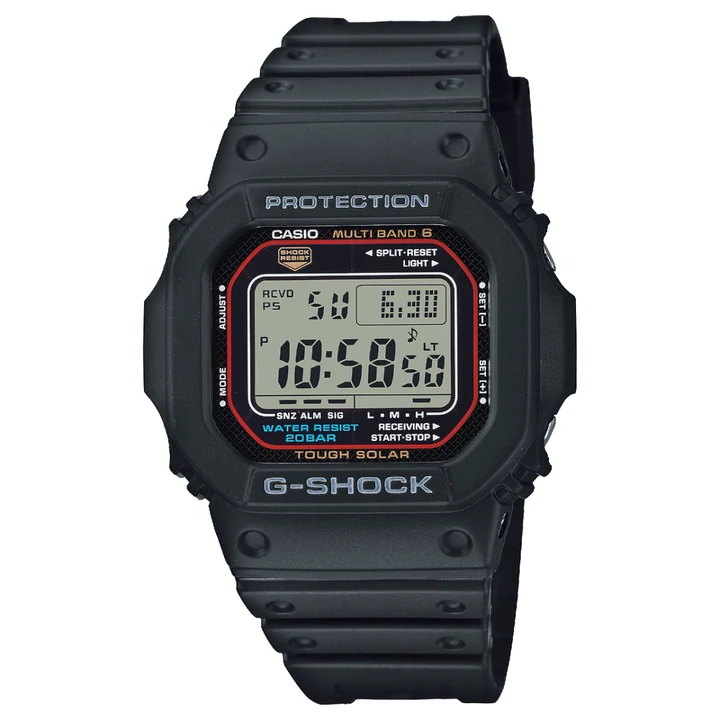 GW-M5610U
Watches · Model comparison
DW-5600BB vs GW-M5610U: all-black or solar?
Love the all-black look? Check the display first. Here's what you gain—and give up—by choosing the solar G-SHOCK instead.
Compare these G-SHOCKsWatches. Minimalist desks. Everyday menswear.
Spec-driven buying guides for automatic watches, minimalist desk setups & modern menswear.
Fit, connections and the things you'll notice every day.
Watch comparisons · Minimalist monitors · Menswear guides
DW-5600BBGW-M5610UWatches · Model comparison
Love the all-black look? Check the display first. Here's what you gain—and give up—by choosing the solar G-SHOCK instead.
Compare these G-SHOCKs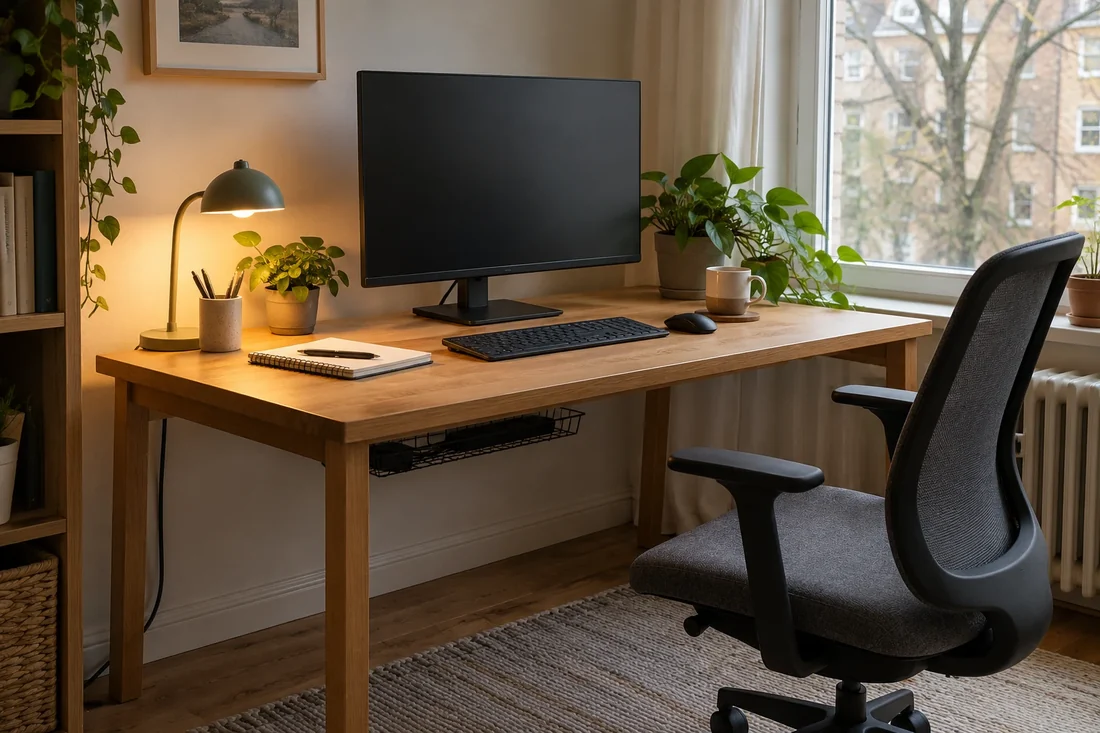
Monitors · Buying guide
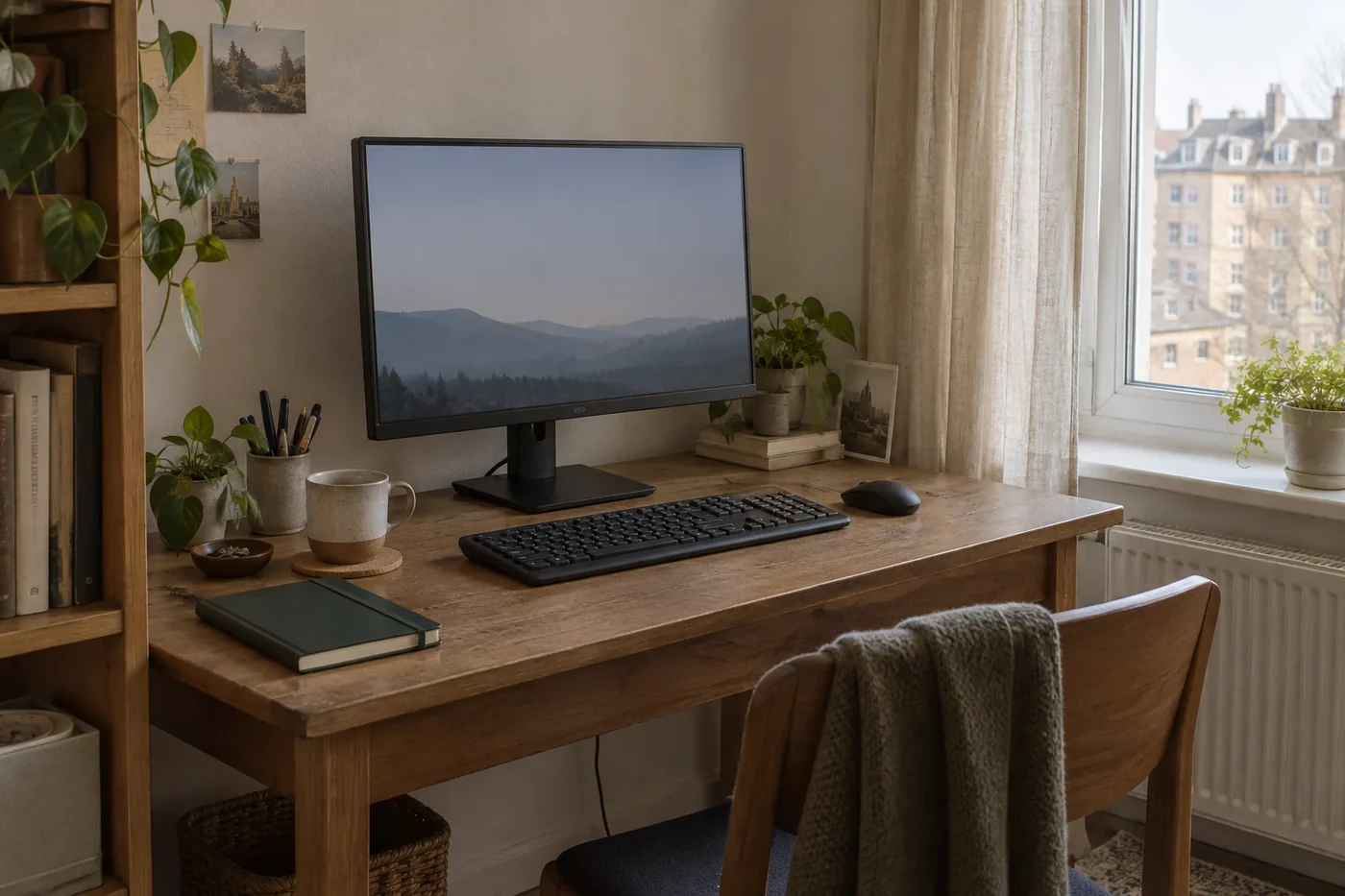
Measure the desk before you fall for a slim bezel. Compare screen size, text clarity and the cables your laptop needs.
Explore minimalist monitors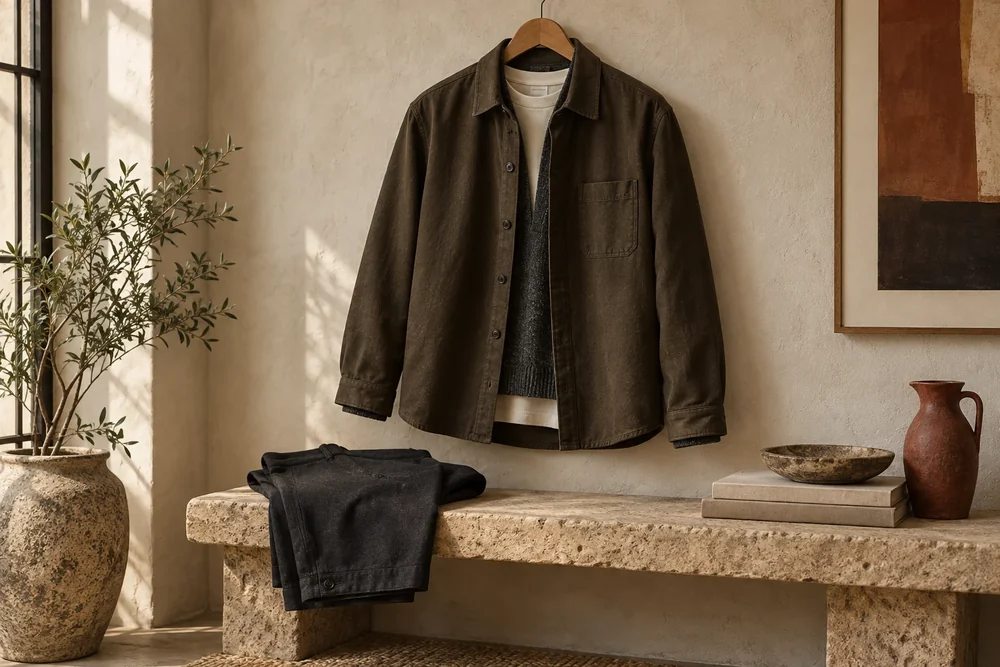
Everyday style · Fit guide
Too tight over a tee? Too long at the hem? Check shoulders, sleeves and layering room before guessing your size.
Get overshirt fit rightThe decision desk
Here's the short answer. Then check the details that could change it.
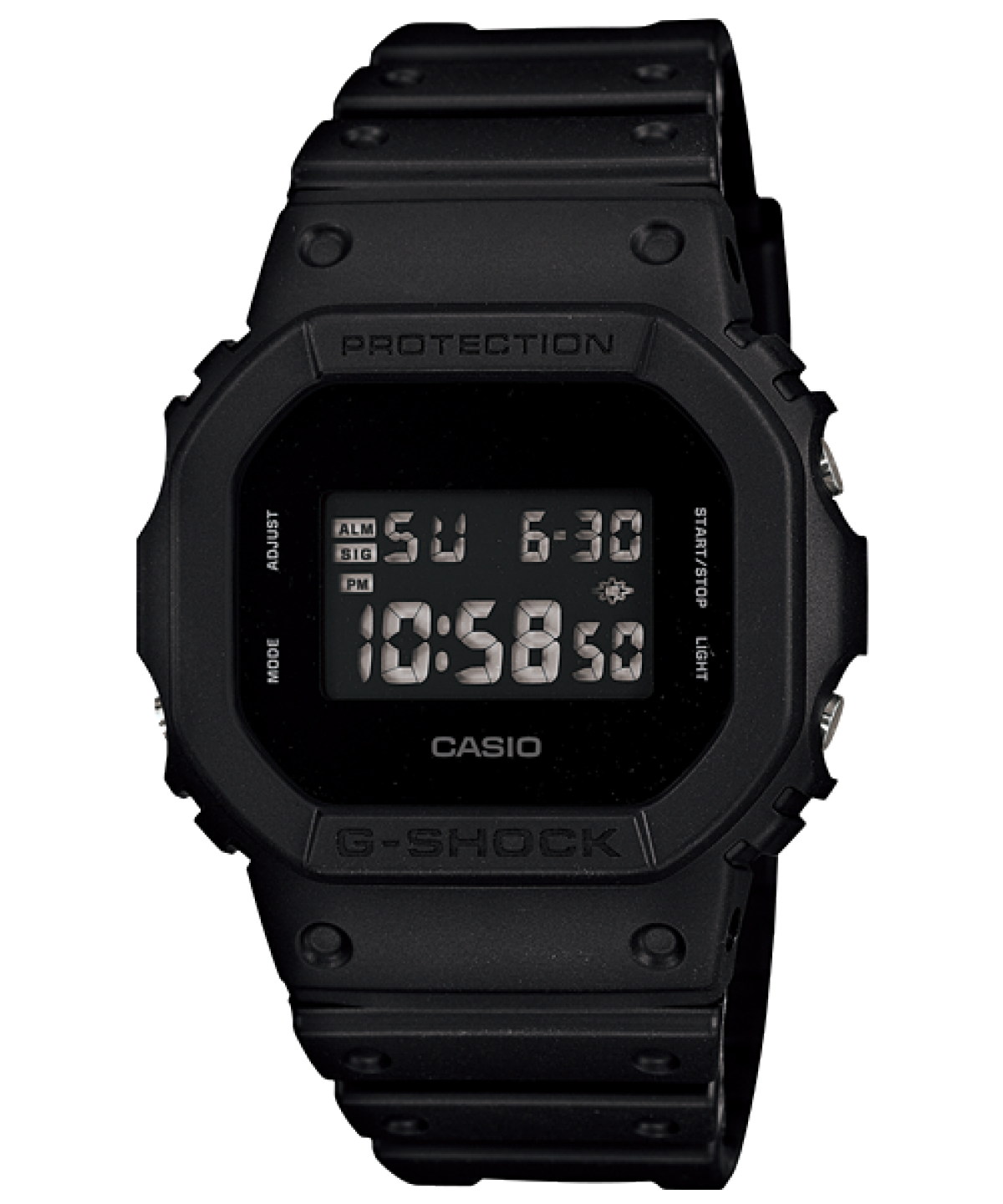
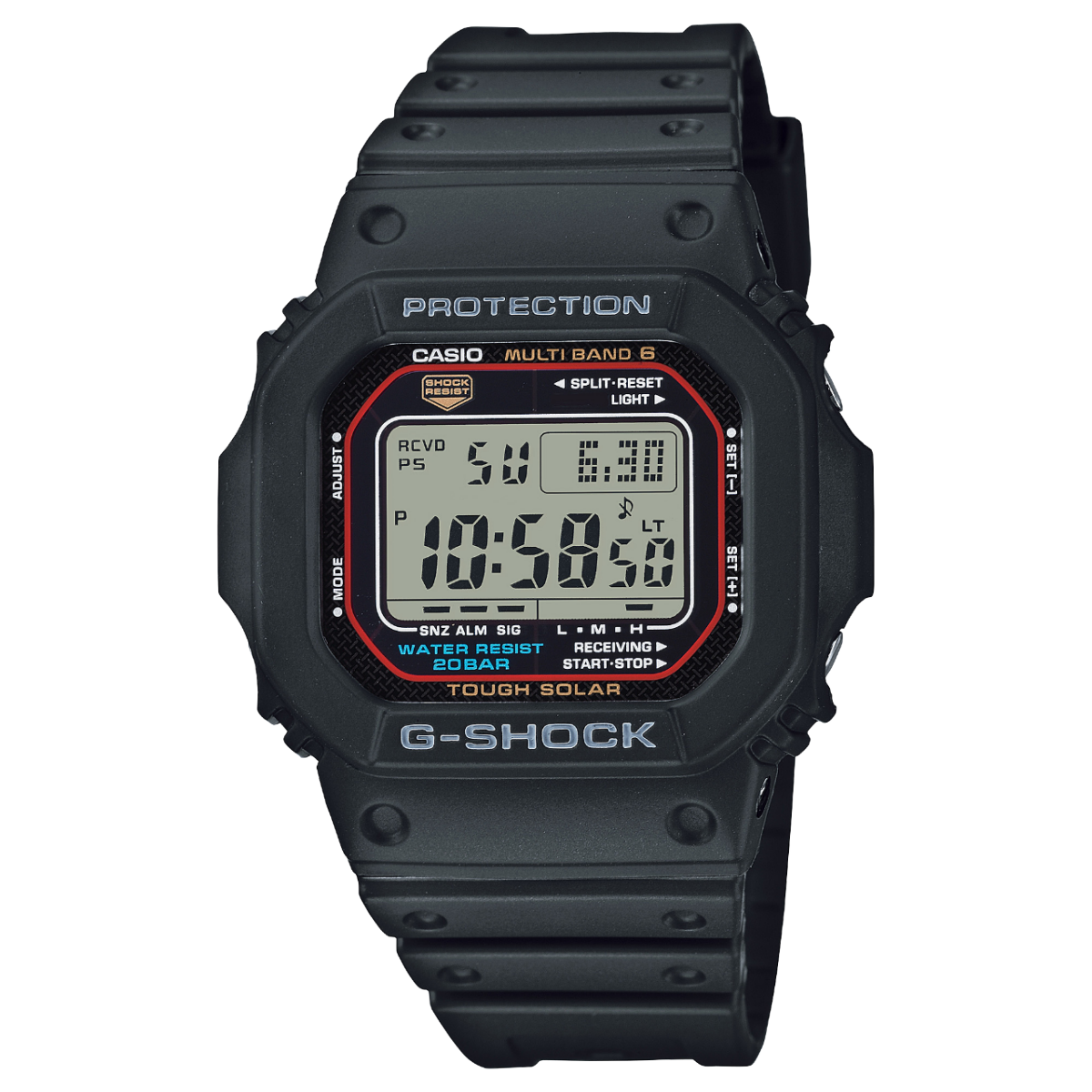
Product images: Casio. Independently scaled; compare the published dimensions. Select a watch to inspect the larger image.
Everyday watch comparison
Start with the solar GW-M5610U if you want fewer regular battery changes. Choose the DW-5600BB if you love the all-black look and can read its negative display comfortably.
| What changes | DW-5600BB | GW-M5610U |
|---|---|---|
| Power | Replaceable battery | Tough Solar |
| Case, L × W × H | 48.9 × 42.8 × 13.4 mm | 46.7 × 43.2 × 12.7 mm |
| Time adjustment | Manual setting | Multi Band 6, where reception works |
| Keep in mind | Judge the negative LCD at your viewing angles. | Provide light; check regional reception. |
Sources 1–2 · Compare the exact regional listing and warranty.
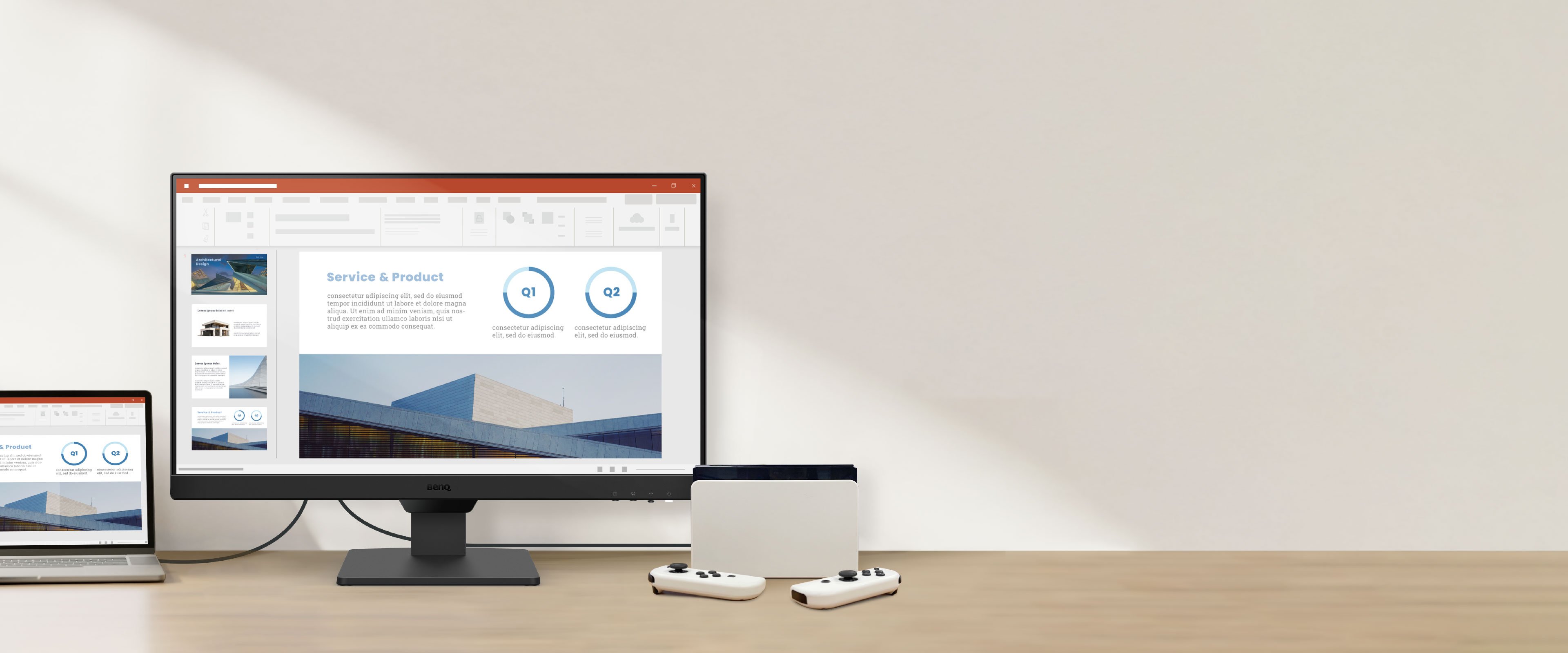
Published dimensions, not measurements performed by NextGen. Product image: BenQ.
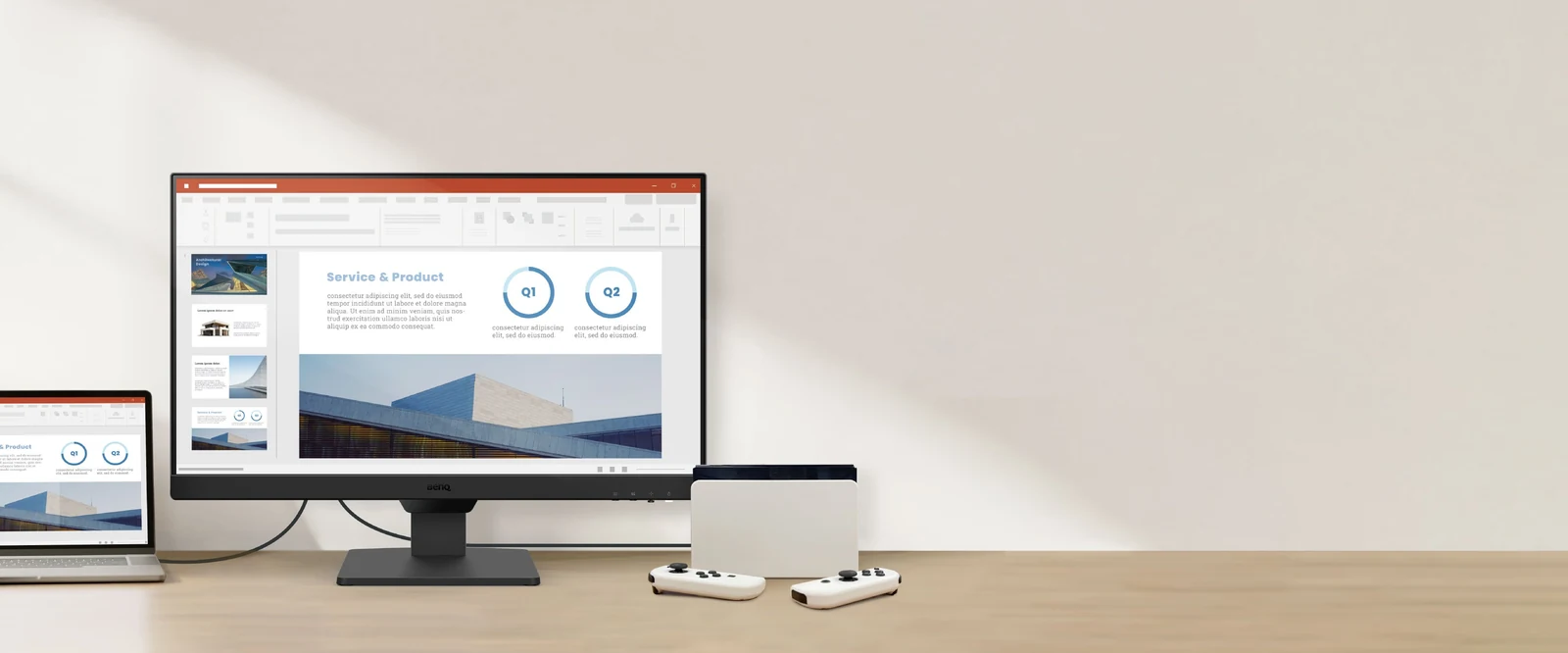
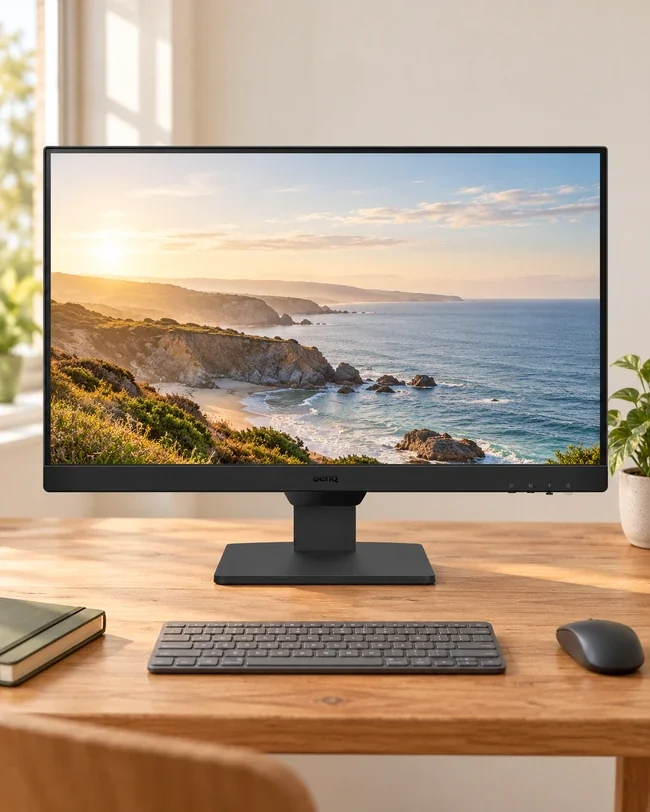
BenQ GW2490 · Model notes
Need a straightforward screen for documents on a tight desk? The 23.8-inch GW2490 is worth a look. Compare higher resolutions if you want sharper small text or more room for several windows.
Source 3 · Confirm GW2490, stand and supplied cables.
Generic measurement diagram. Use garment measurements where available; body charts measure a different thing.
Carhartt K87 · Fit notes
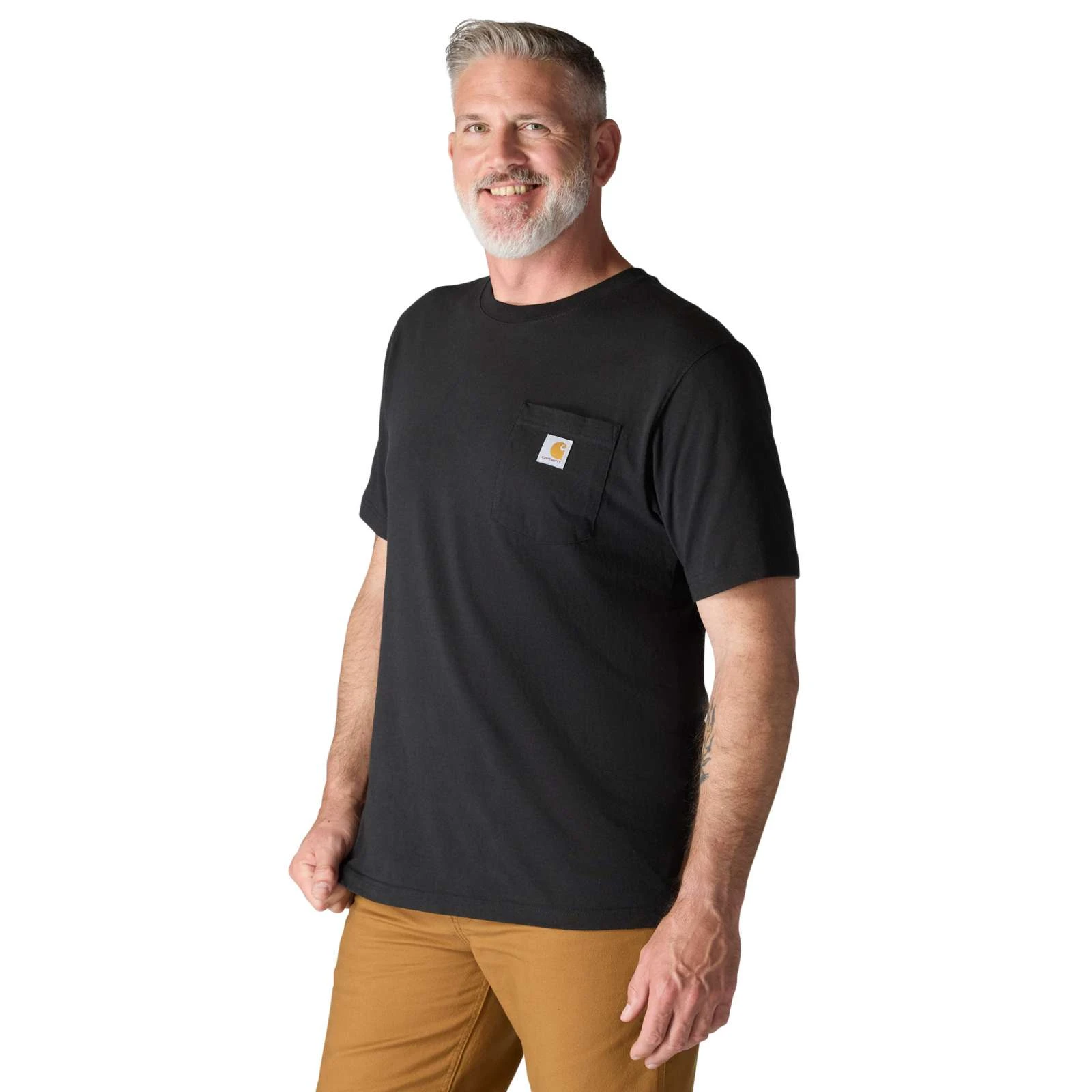
The K87 is roomy through the chest and shoulders. Lay a familiar tee flat and compare its width and length before relying on the letter size alone.
Source 5 · Check the selected color, size and care label.
Editorial interpretation of published specifications. Model notes checked . See sources and regional notes
The everyday edit
Here's who each pick makes sense for—and when we'd choose something else.
As an Amazon Associate, we earn from qualifying purchases. How our links work
Product image: Casio · Context: NextGen
Watches
GW-M5610U-1JF listing
Solar · Positive LCD
Product image: BenQ · Context: NextGen
Desk & tech
GW2490 · Original stand
23.8-inch · Full HD · 100Hz
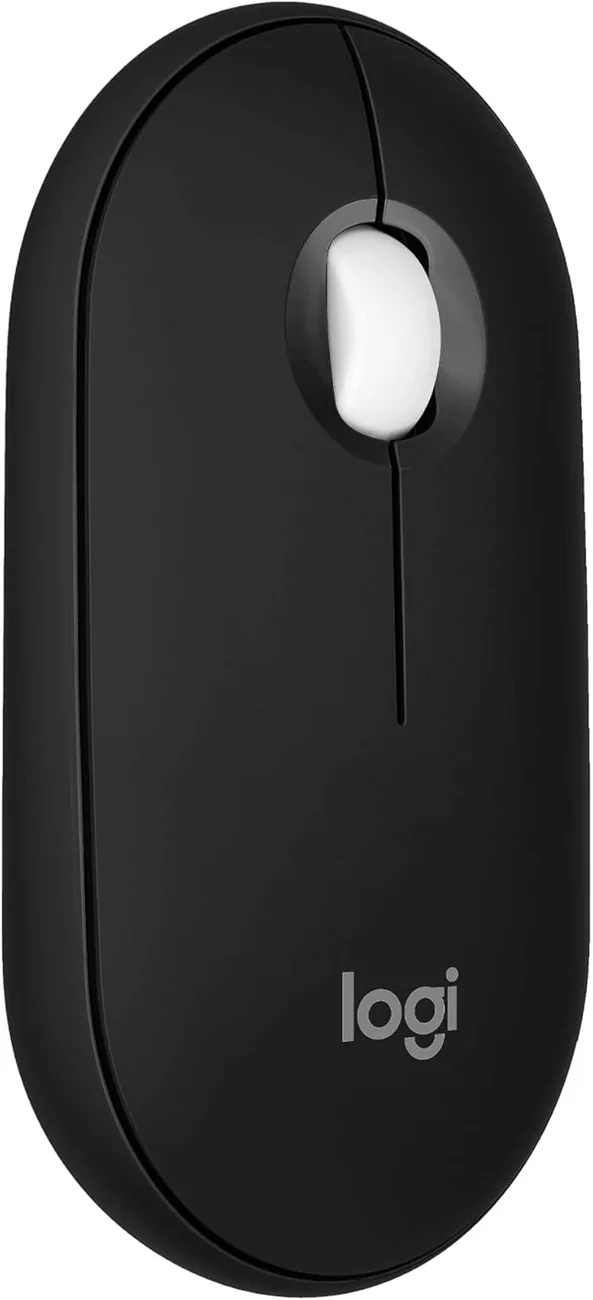
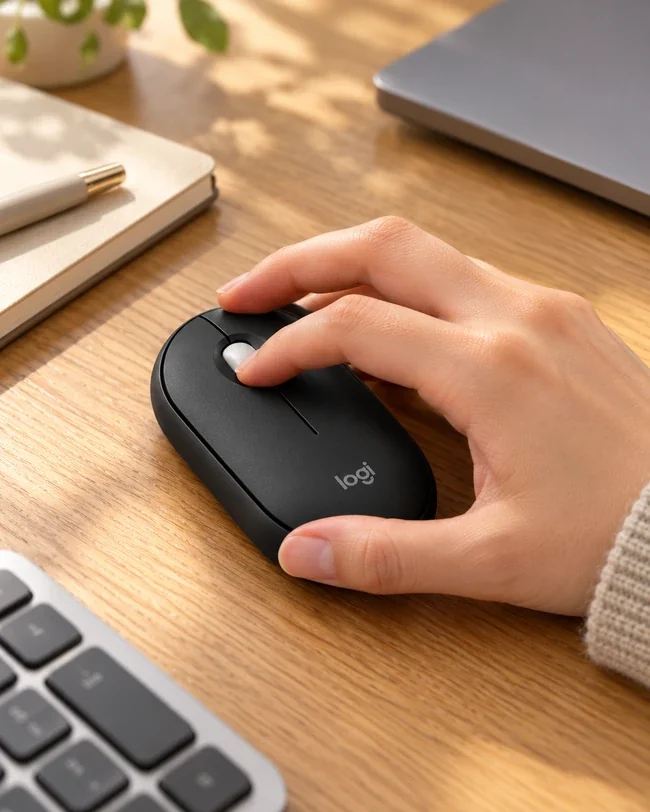
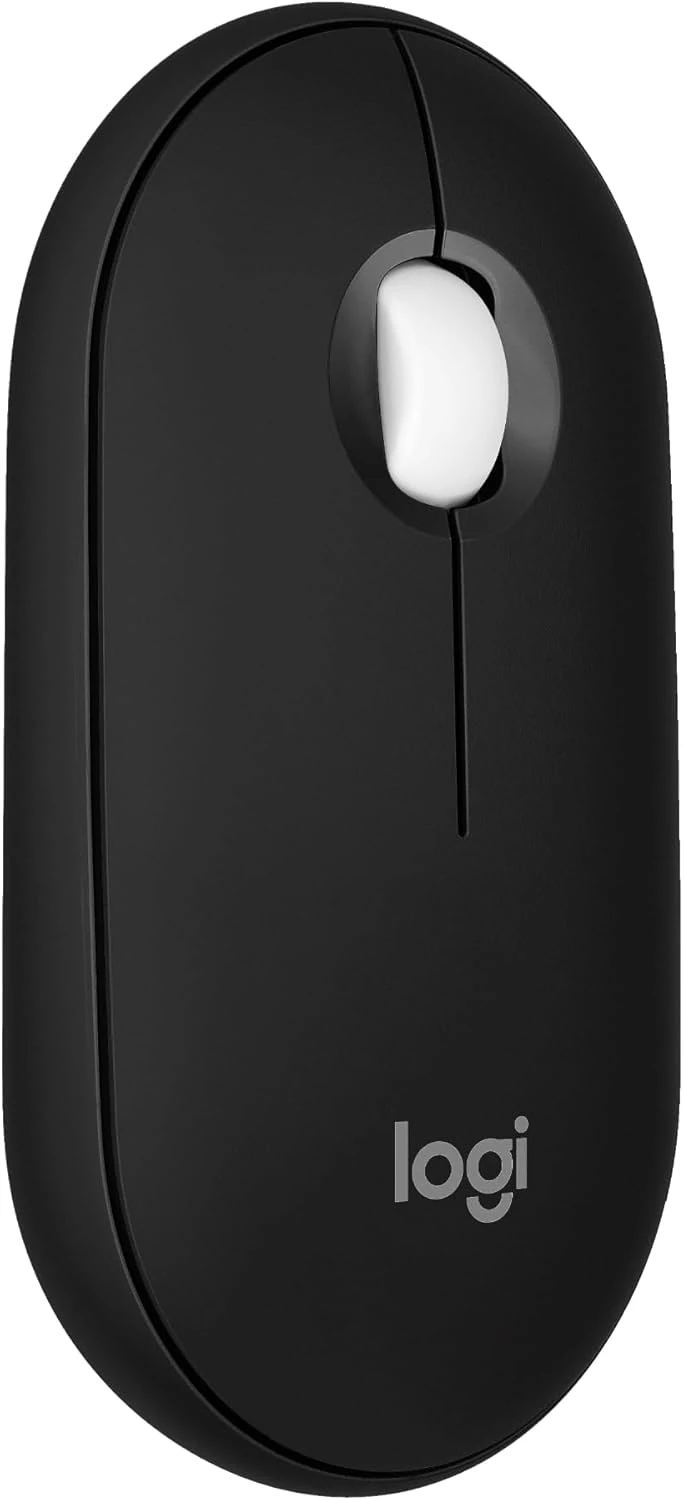
Product image: Logitech · Amazon listing · Context: NextGen
Desk & tech
M350s · Black
Bluetooth · Up to 3 devices
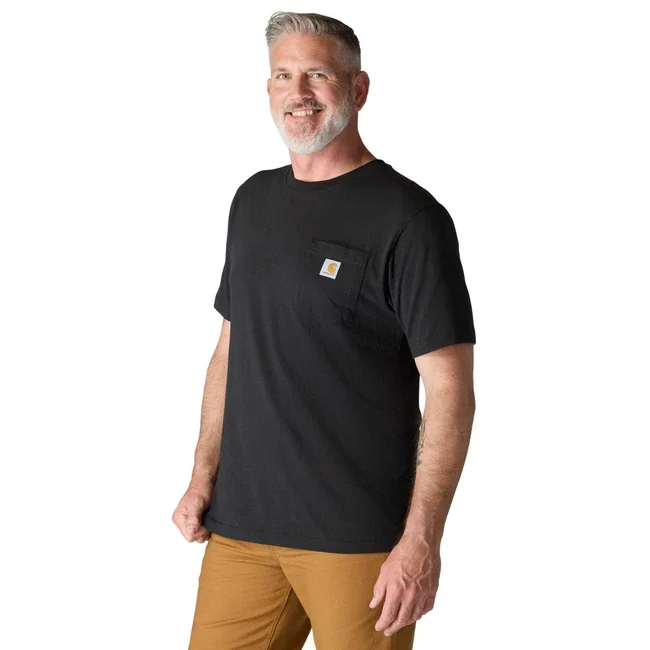
Product image: Carhartt · Context: NextGen
Everyday style
K87 · Black / Loose Fit
Loose Fit · Chest pocket
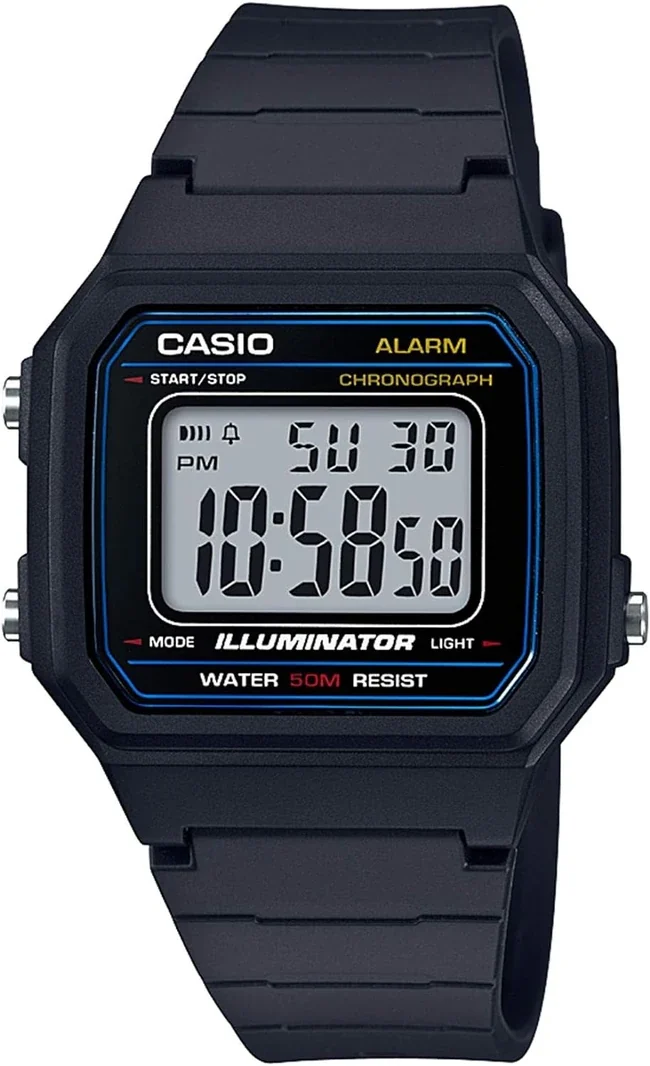
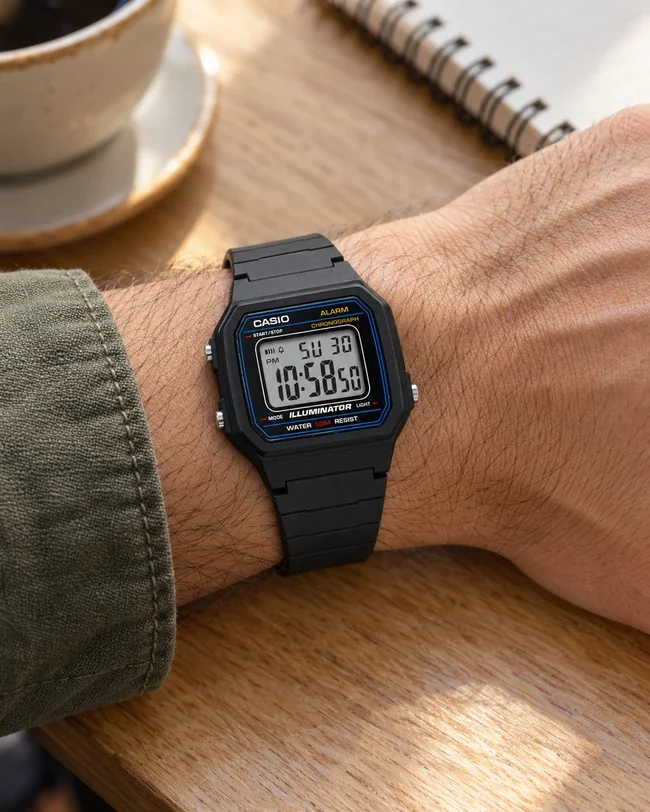
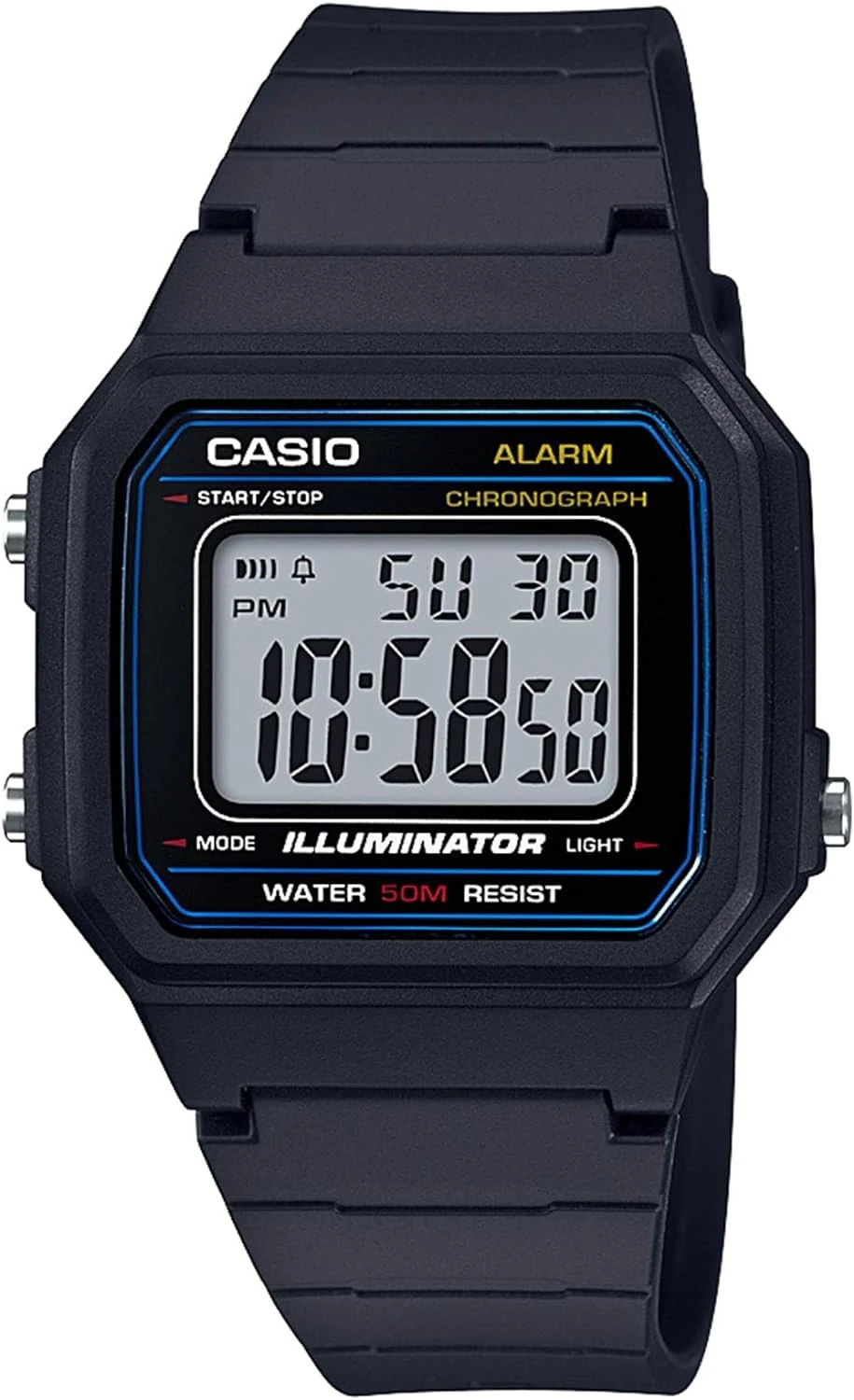
Product image: Casio · Amazon listing · Context: NextGen
Watches
W-217H-1AVCF · Black / blue
Positive LCD · Battery
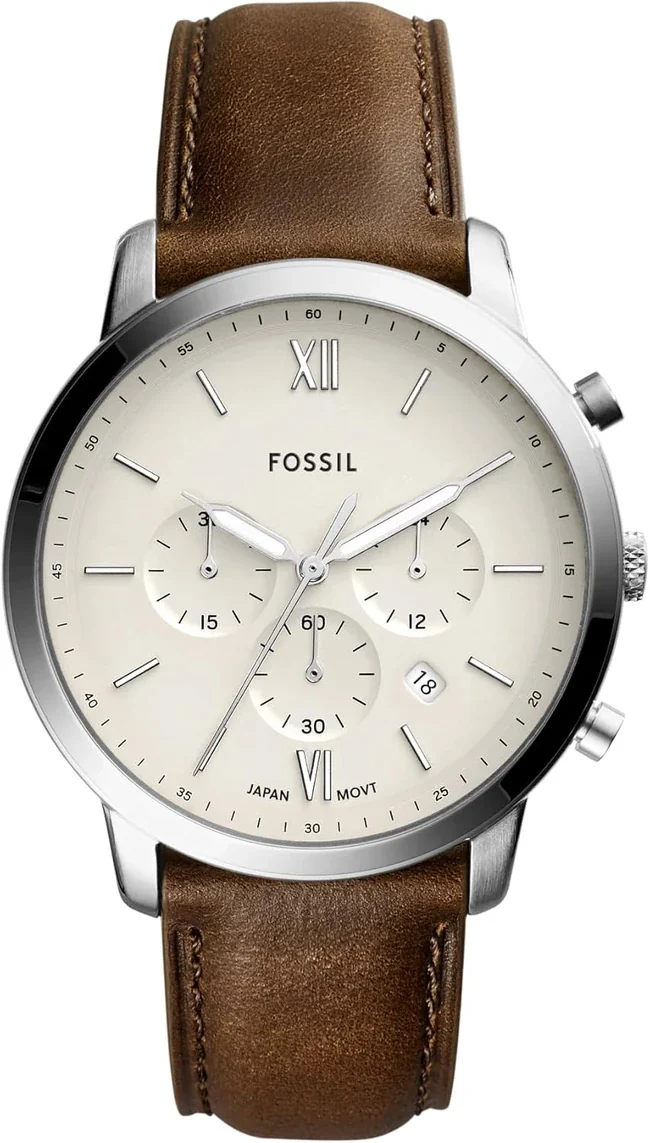
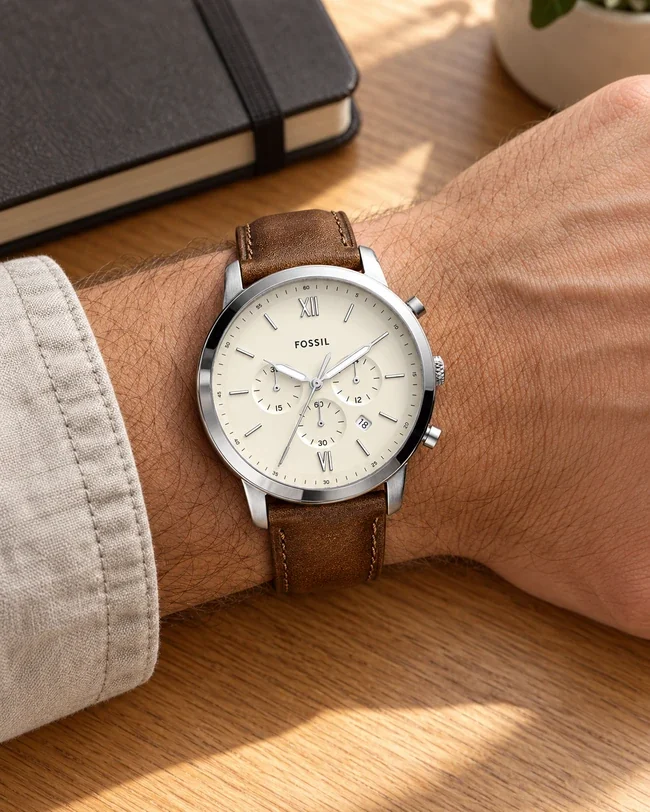
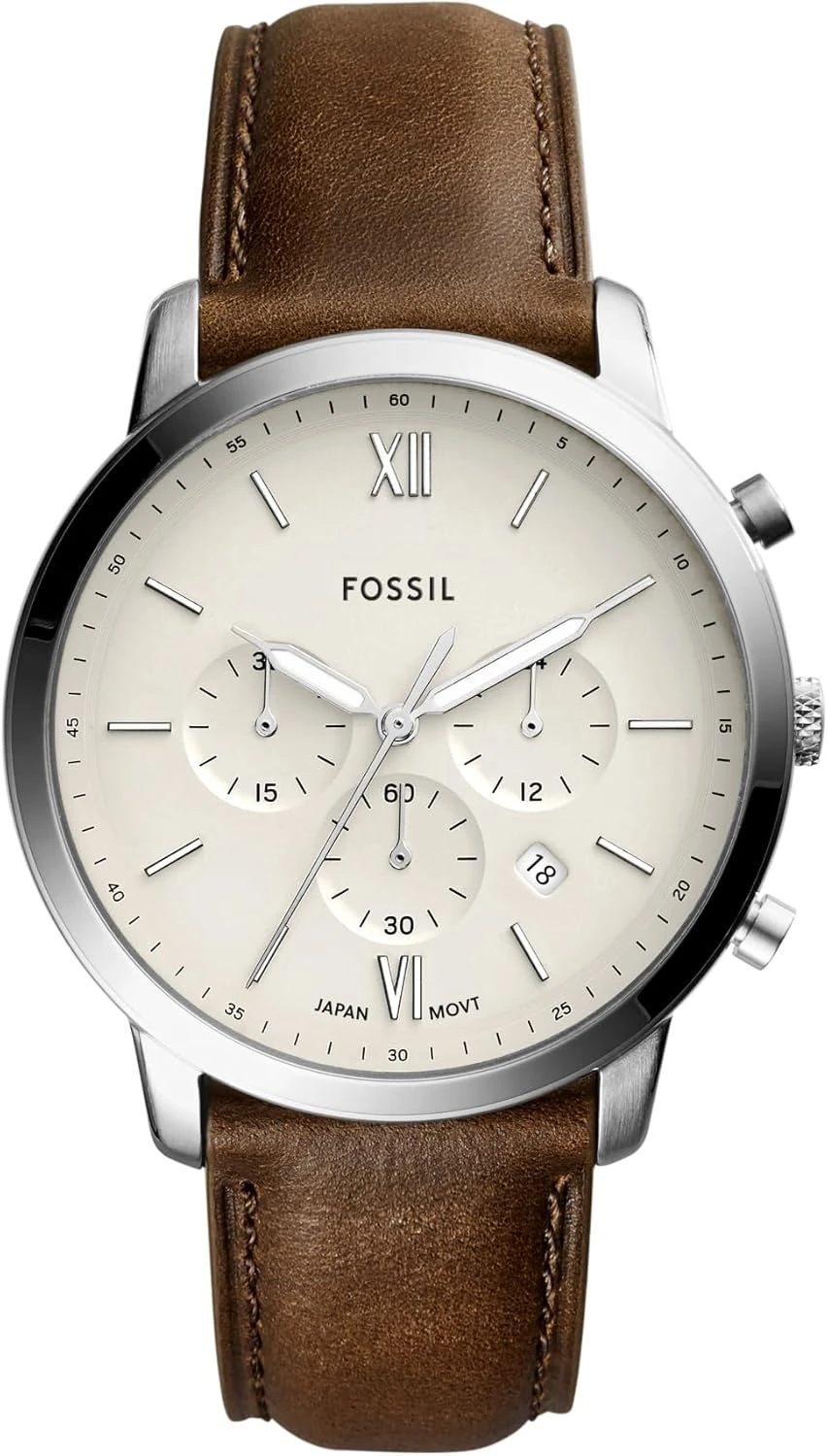
Product image: Fossil · Amazon listing · Context: NextGen
Watches
FS5380 · Cream / brown
Quartz · Leather strap
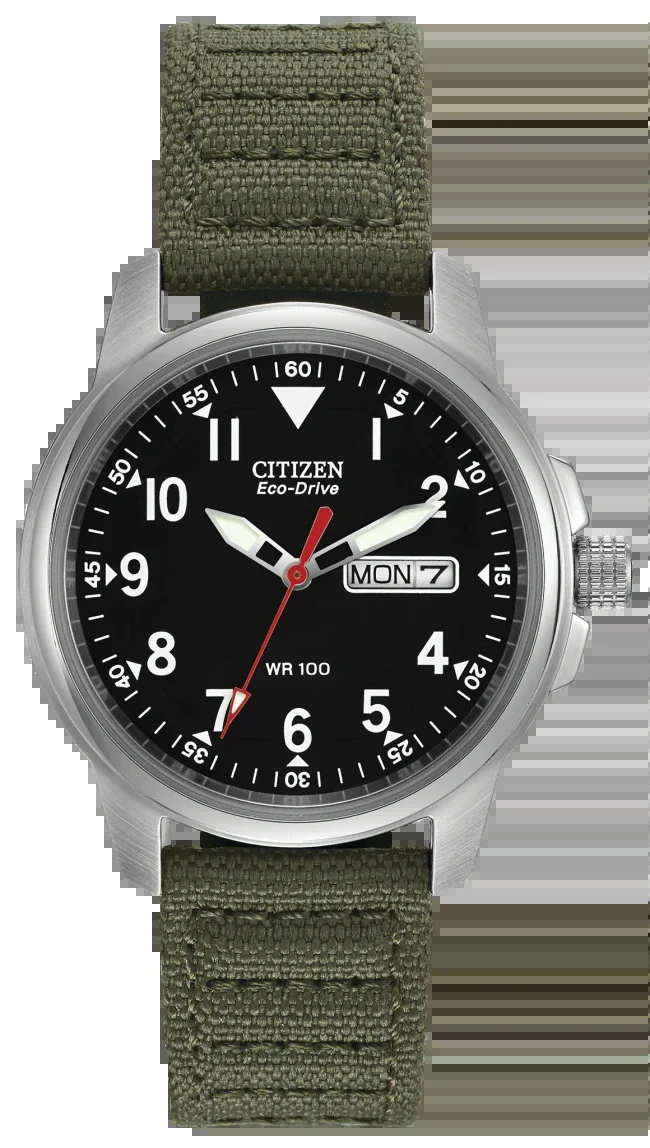
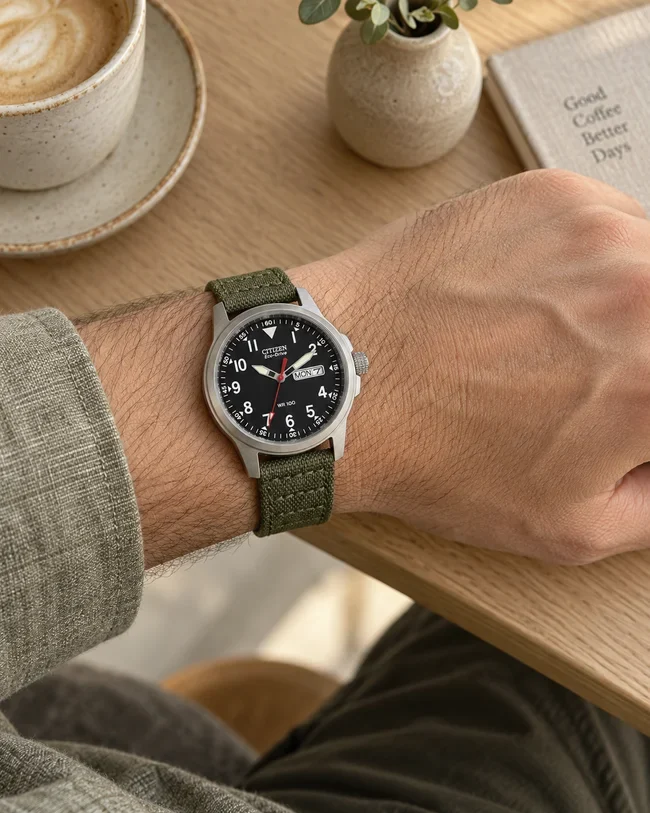
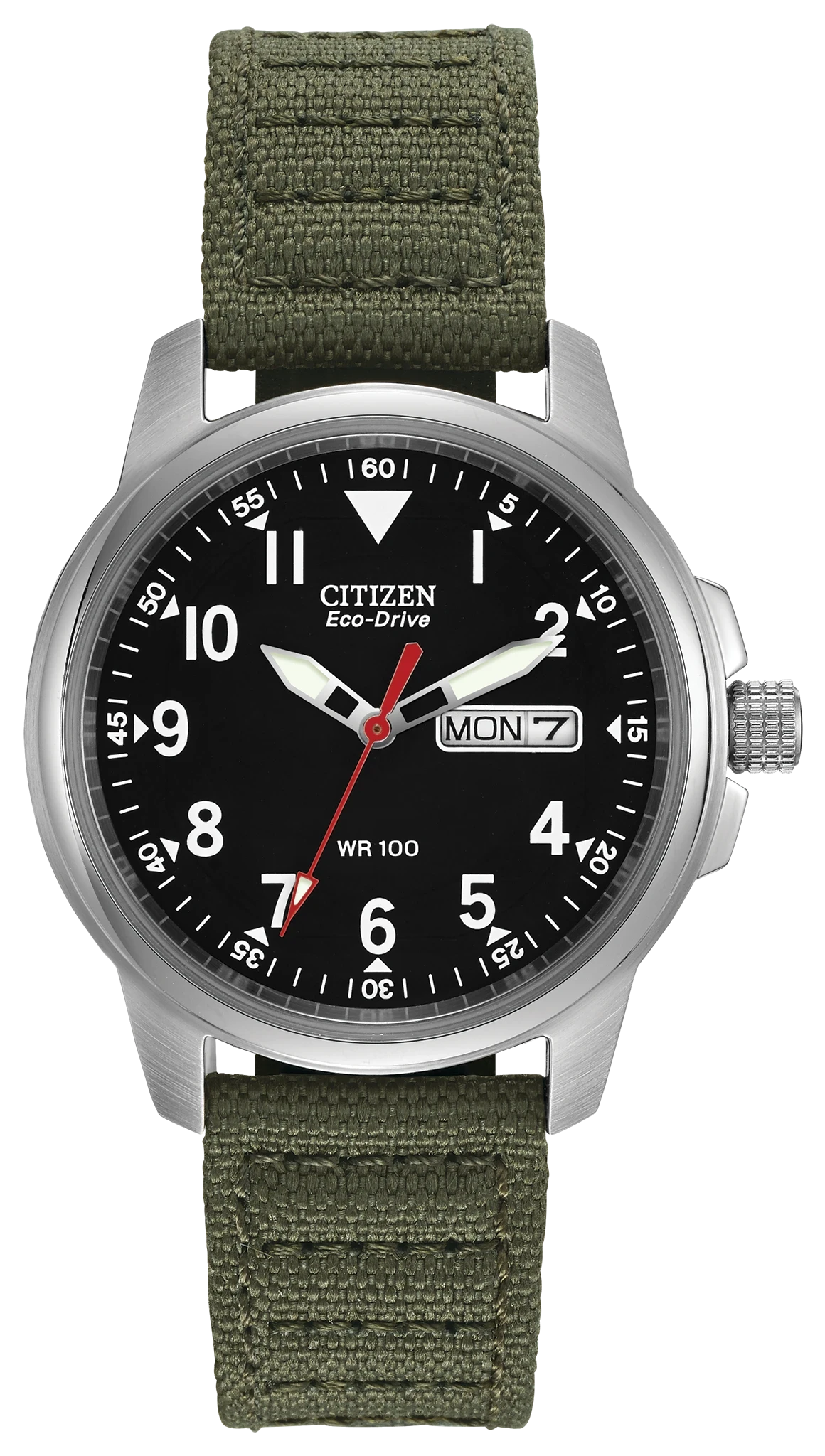
Product image: Citizen · Context: NextGen
Watches
BM8180-03E · Green canvas
Eco-Drive · Canvas strap
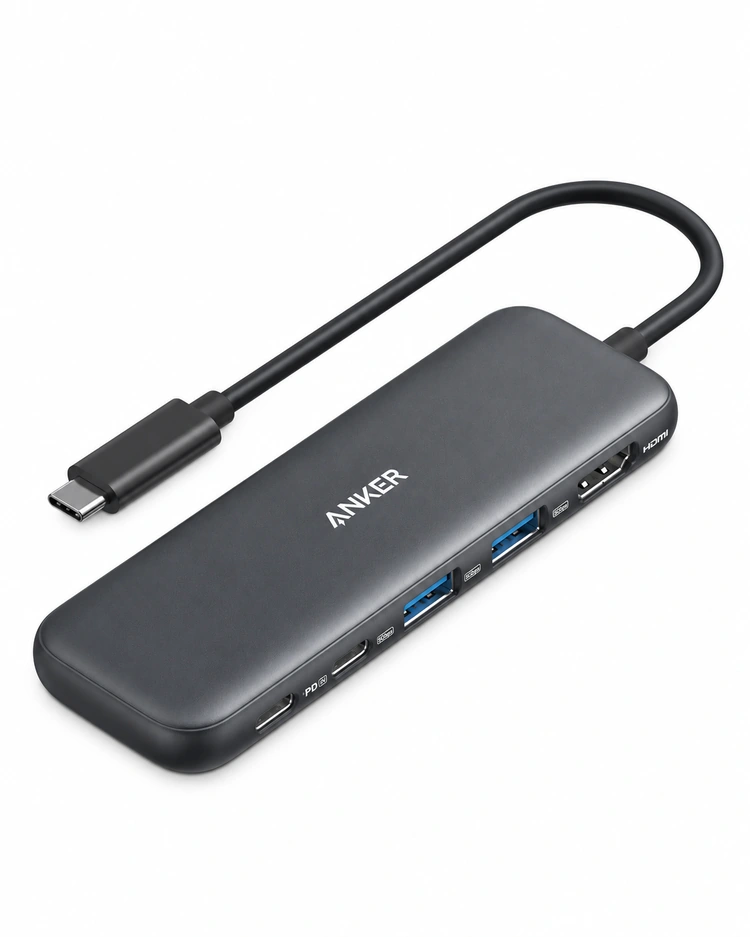
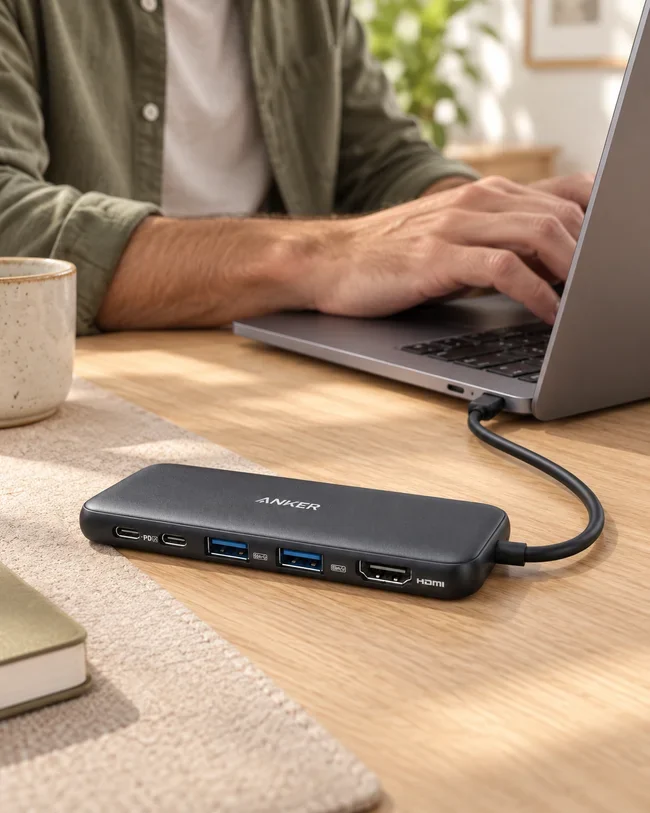
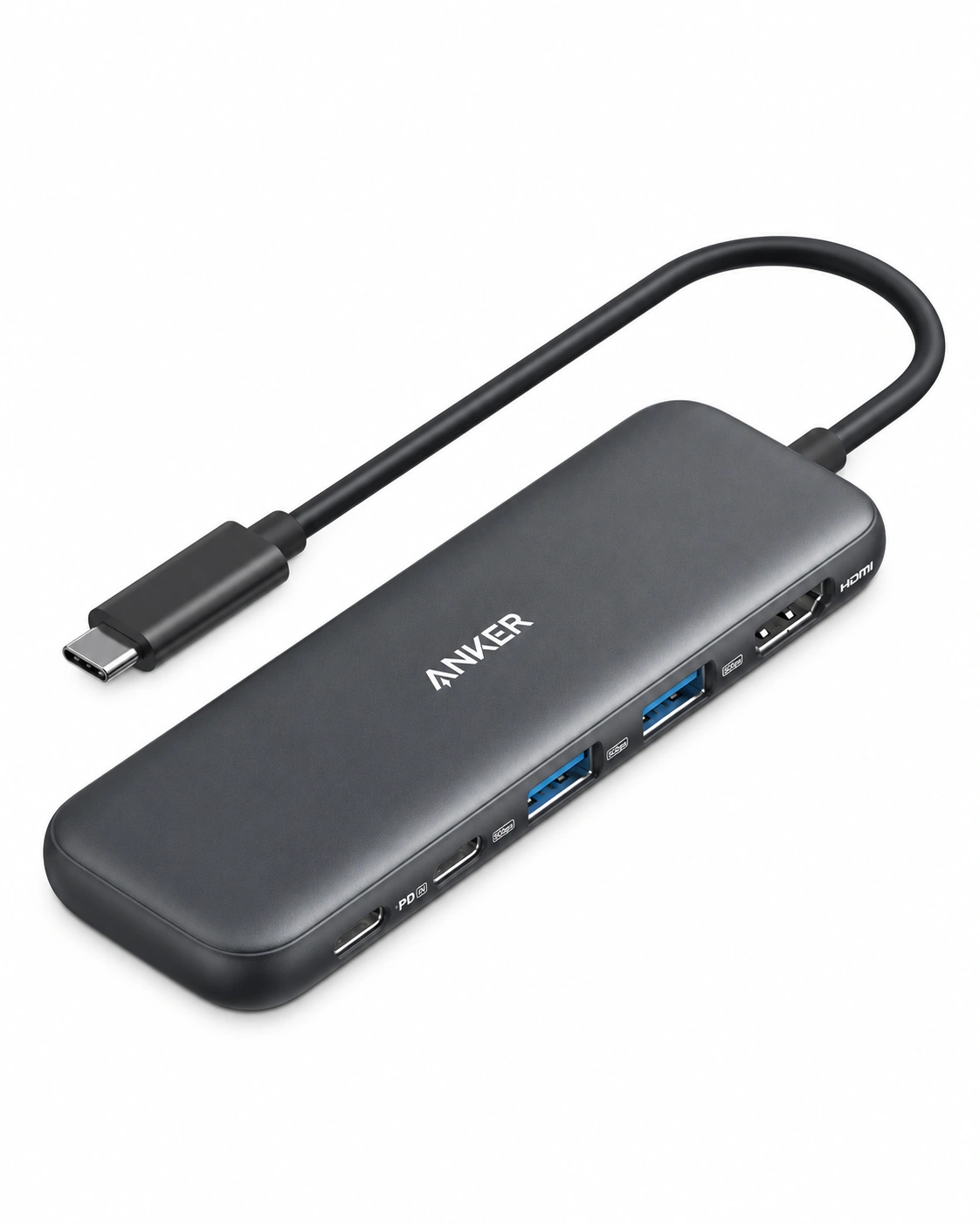
Product image: Anker · Context: NextGen
Desk & tech
Anker 332 · A8355
USB-C · HDMI up to 4K/30Hz
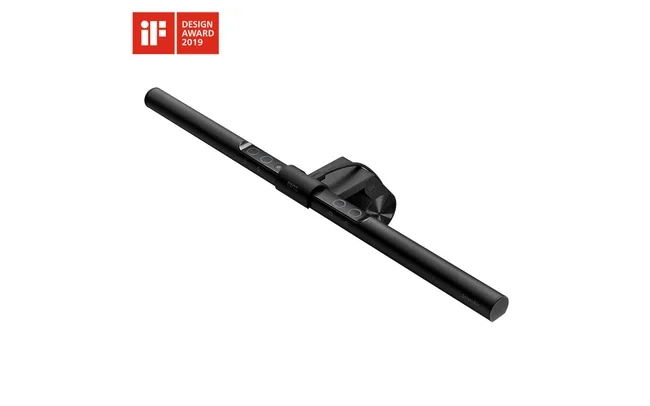
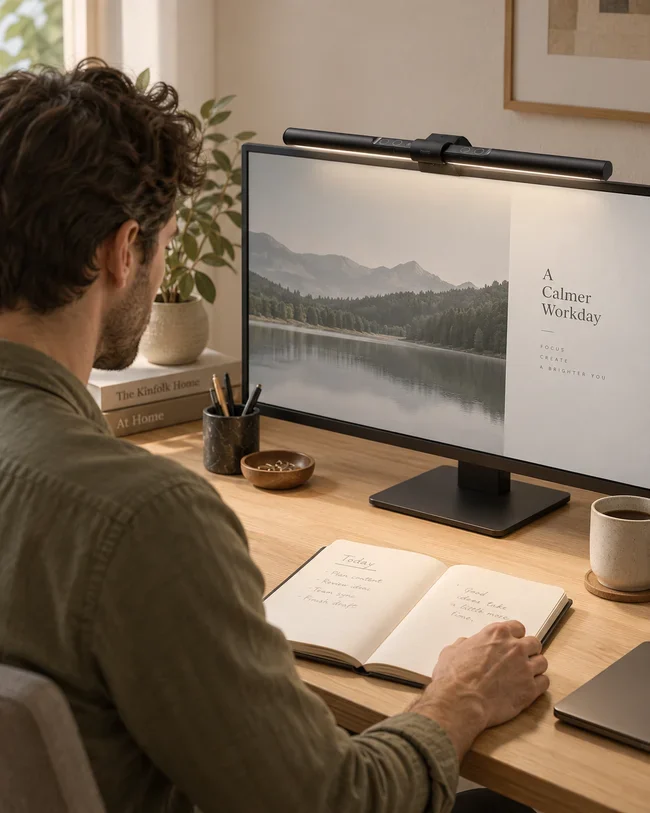
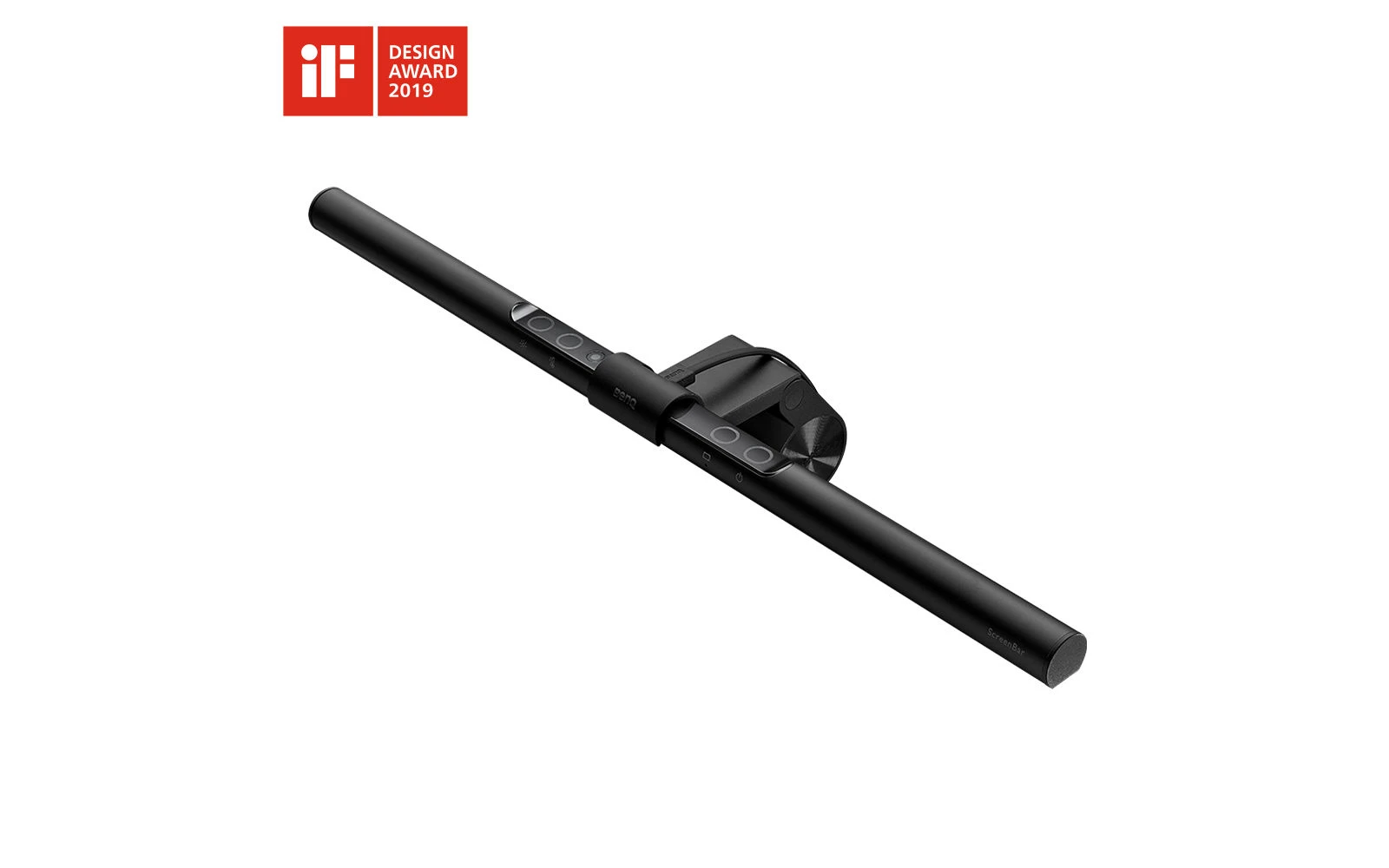
Product image: BenQ · Context: NextGen
Desk & tech
Original ScreenBar · Not Halo or Pro
Monitor-mounted light
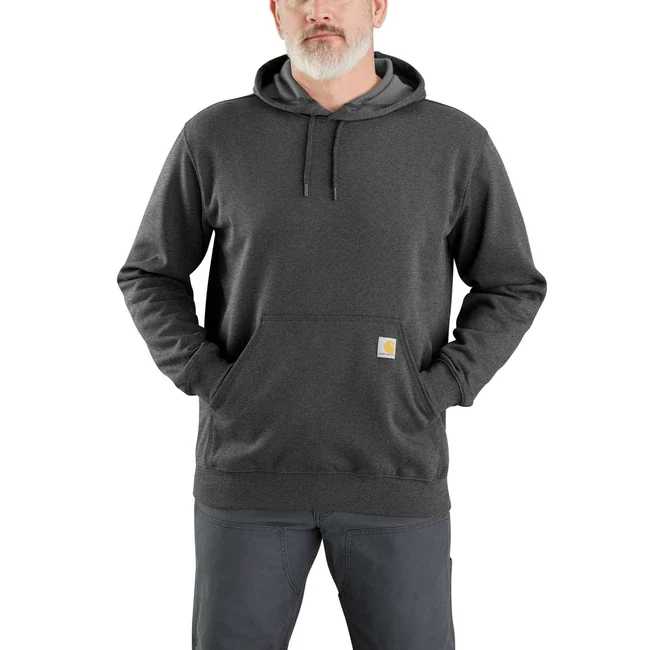
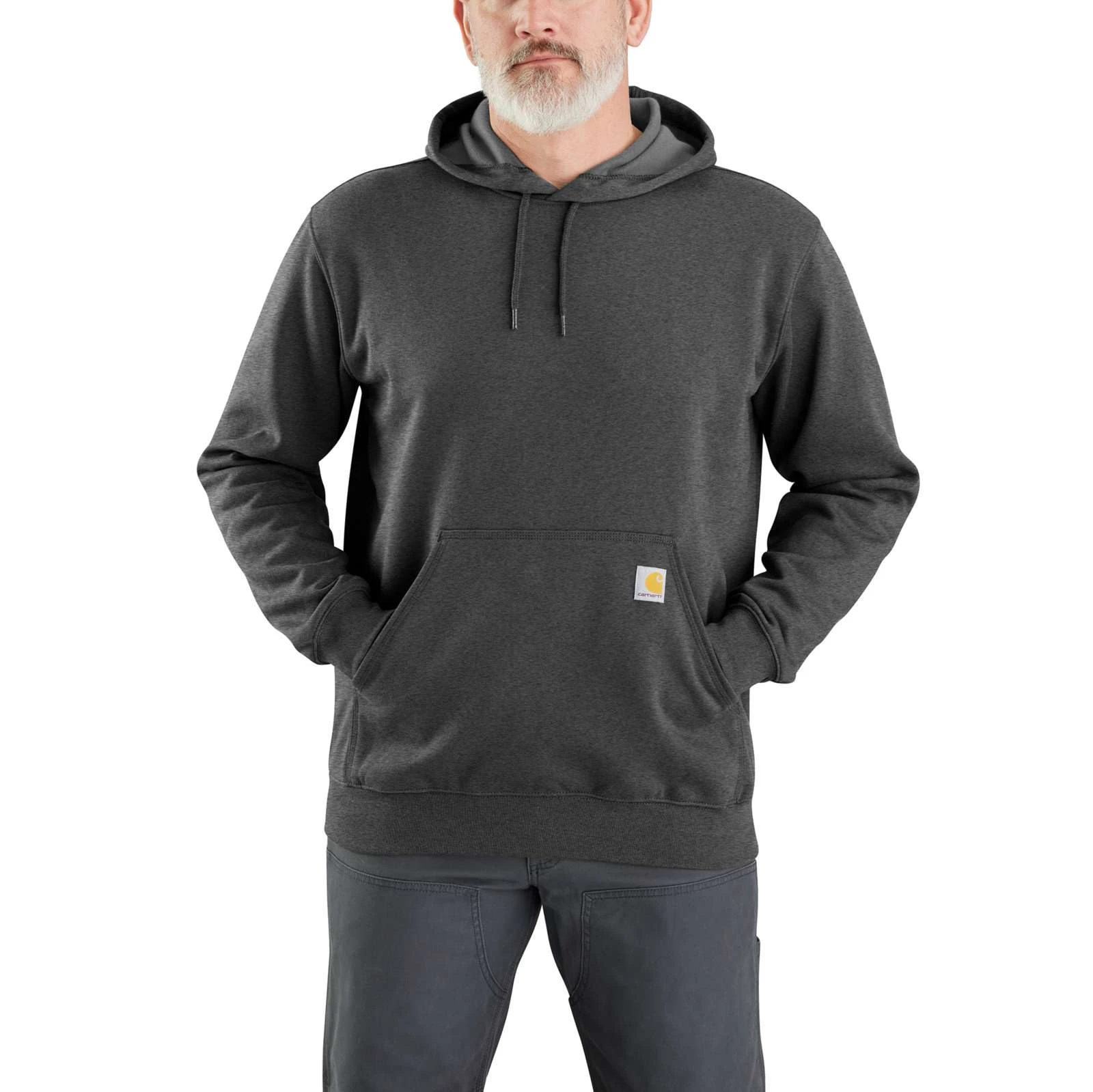
Product image: Carhartt · Context: NextGen
Everyday style
K121 · Carbon Heather
Loose Fit · Pullover
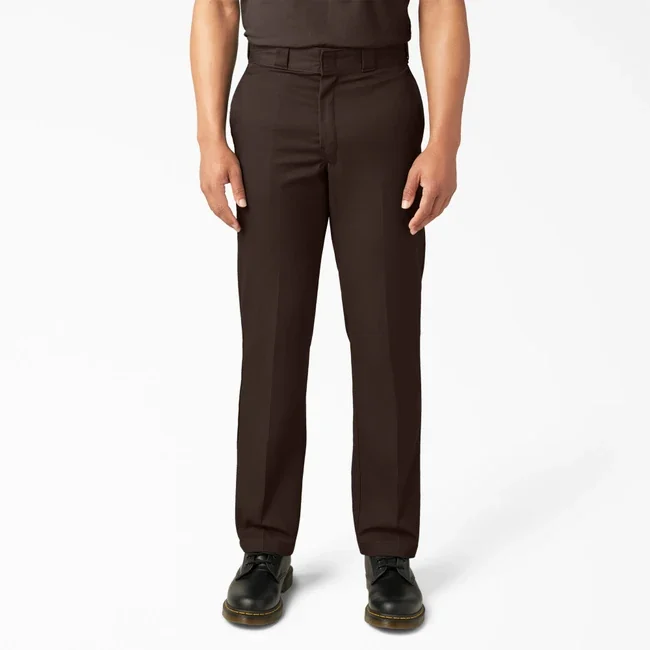
Product image: Dickies · Context: NextGen
Everyday style
Original 874 · Dark Brown
Straight leg · Workwear cut
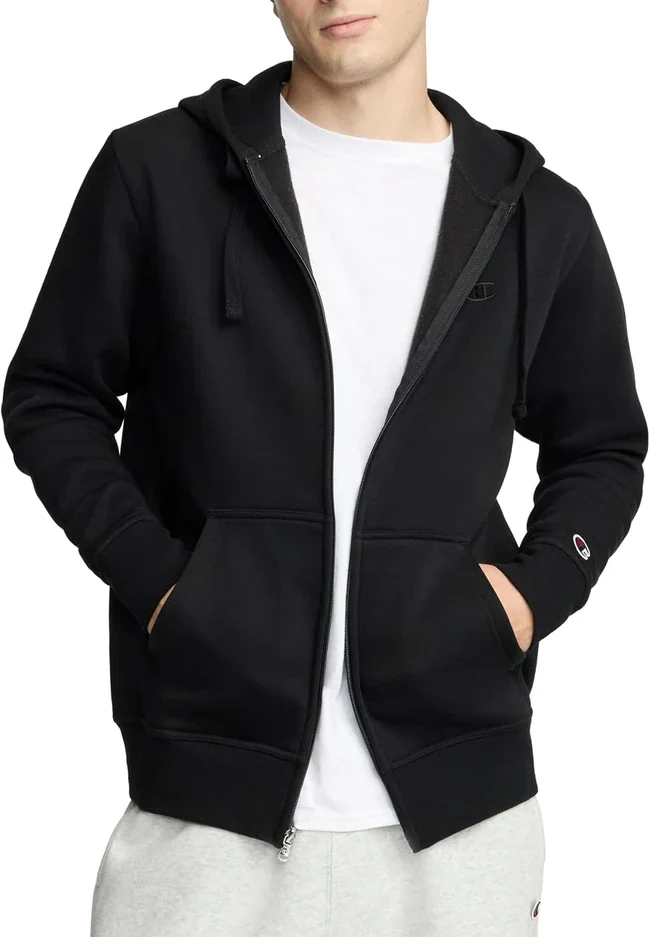
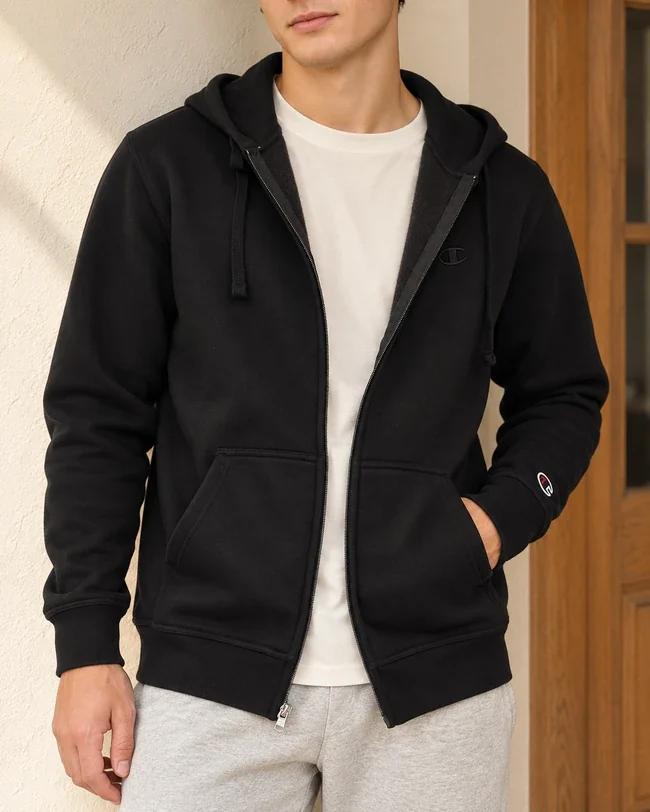
Product image: Champion · Amazon listing · Context: NextGen
Everyday style
Powerblend · Full-Zip
Full zip · Casual layer
Open a larger image to inspect the details. Confirm the exact model, selected option, current offer and return terms at the retailer.
4 selected products
Know a little more
Solve a desk problem
Try the Windows and Mac checks before spending money on another screen.
Find the fixSame-looking movement names, different buying questions. Here's what to check in the complete watch.
Better connectionsCount the screens, check the laptop and work out the charging you need. Then choose the box.
Everyday dressingCheck the shoulders, sleeves and room for the layer underneath.
Not sure where to start?
Pick the question closest to yours.
You can compare products after that.
Watches
Start with your budget, wrist fit and the upkeep you want.
Monitors & desk setups
Small desk, fuzzy text or too many cables? Start with the job.
Everyday menswear
Get the fit right, keep the useful layers and buy fewer near-duplicates.
The NextGen approach
A good guide should help you decide—and tell you when to keep what you already own.
How we chooseSimilar names can hide different ports, movements or fabric blends. We give you the model reference so you can check the one you're actually buying.
Will it fit your wrist, leave room for your keyboard or layer over your usual tee? Those questions come before the longest spec sheet.
Every pick has a catch. We explain it alongside the reason to buy. Published specifications are labeled as such, rather than passed off as our own tests.
Questions worth asking
Measure the usable desk space and stand footprint first. Then choose a resolution you can read comfortably and check the laptop's video output. USB-C is helpful when it carries the video and charging you need; a slim bezel alone won't sort the cables. Compare minimalist monitors →
Start with wrist fit, the complete delivered price and a clearly identified model. Decide whether you enjoy winding and resetting a mechanical watch when it has been left unworn. If that sounds like a chore, compare quartz and solar too. Check current prices rather than assuming every listing stays below the budget. Build a budget automatic-watch shortlist →
Match the laptop's video output to the monitor input, use a cable or adapter that supports the resolution you need, and select that input on the screen. Check USB-C video and laptop charging separately. A USB-C-shaped port does not automatically do both. Work through the laptop connection →
Decide which job matters most. For documents, compare readable text, screen size and stand adjustment. For gaming, also check motion tests, supported refresh rates and the connection your computer or console can actually use. A high refresh-rate label cannot answer all of those questions. Compare work and gaming options →
Look at the clothes you already reach for in a normal week. Measure a tee and trousers that fit, choose layers that work together, and fill the missing jobs. Fabric weight, garment length and the seller's size chart are more useful than guessing from a letter size. Plan a useful office wardrobe →
Start with GW-M5610U if solar charging and a positive display appeal to you. The DW-5600BB makes sense if you prefer its all-black look and can read the negative display comfortably. Keep the GW model exposed to suitable light, and check radio reception where you use it. Compare the two squares →
Product links take you to the retailer, where you choose the exact option and check out. Some links earn us a commission. Check the selected model, seller, current price, availability and return terms there. How our affiliate links work →
Manufacturer specifications support the factual details. Recommendations and trade-offs are NextGen’s interpretation. The comparisons above do not represent a hands-on test.
References checked October 30, 2026. Product images retain the named brand’s credit. Context views help picture a setting; inspect the original product view for exact details.
Reference case dimensions, battery-powered design and original product image. The linked retailer listing uses the 1CR regional suffix.
Reference case dimensions, Tough Solar, Multi Band 6 and product image. The selected affiliate listing is the Japan-market 1JF version; check its warranty.
Panel, resolution, refresh rate, video inputs and dimensions with the supplied base.
Compact Bluetooth format and multi-device switching. Hand-support comments are editorial interpretation, not a comfort test.
Loose-fit description, color-dependent material notes and Regular/Tall options. The diagram is generic, not a brand pattern.
A useful starting point
Tell us your budget and what you're trying to solve. A watch for work, a small-desk monitor or a simpler wardrobe—we can help you build a free shortlist. Add the models and measurements you already have.