10 Best Minimalist Monitors for Clean Desk Setups (2026 Tested)
Tired of aggressive gamer-branded plastics, heavy logos, and thick bezels? We tested 10 clean, ultra-thin bezel monitors under $500 across 4K, 1440p, and budget FHD resolutions — all engineered with VESA compatibility for floating desk aesthetics.
TL;DR: The Minimalist Monitor Selection Matrix
Purest Budget Entry: Amazon Basics 24" 100Hz ($89) | Best Value 4K: LG 27US500-W White ($249.99) | Smooth Productivity (4K 120Hz): Dell S2725QS ($320.52) | Best 1440p High-Refresh: Asus ROG Strix XG27ACS ($259) | Creative Pro (96W USB-C): Asus ProArt PA279CRV ($399).
A truly minimalist desk setup isn't just about hiding cables — it begins with the screen. Bulky plastic stands, glaring red RGB strips, and thick bezels break the visual calm of a workspace. In 2026, the best minimalist monitors offer razor-thin borders, clean monochromatic profiles, and native VESA mounting to float effortlessly on monitor arms.
1. Amazon Basics 24" 100Hz: The Purest $89 Clean Desk Entry
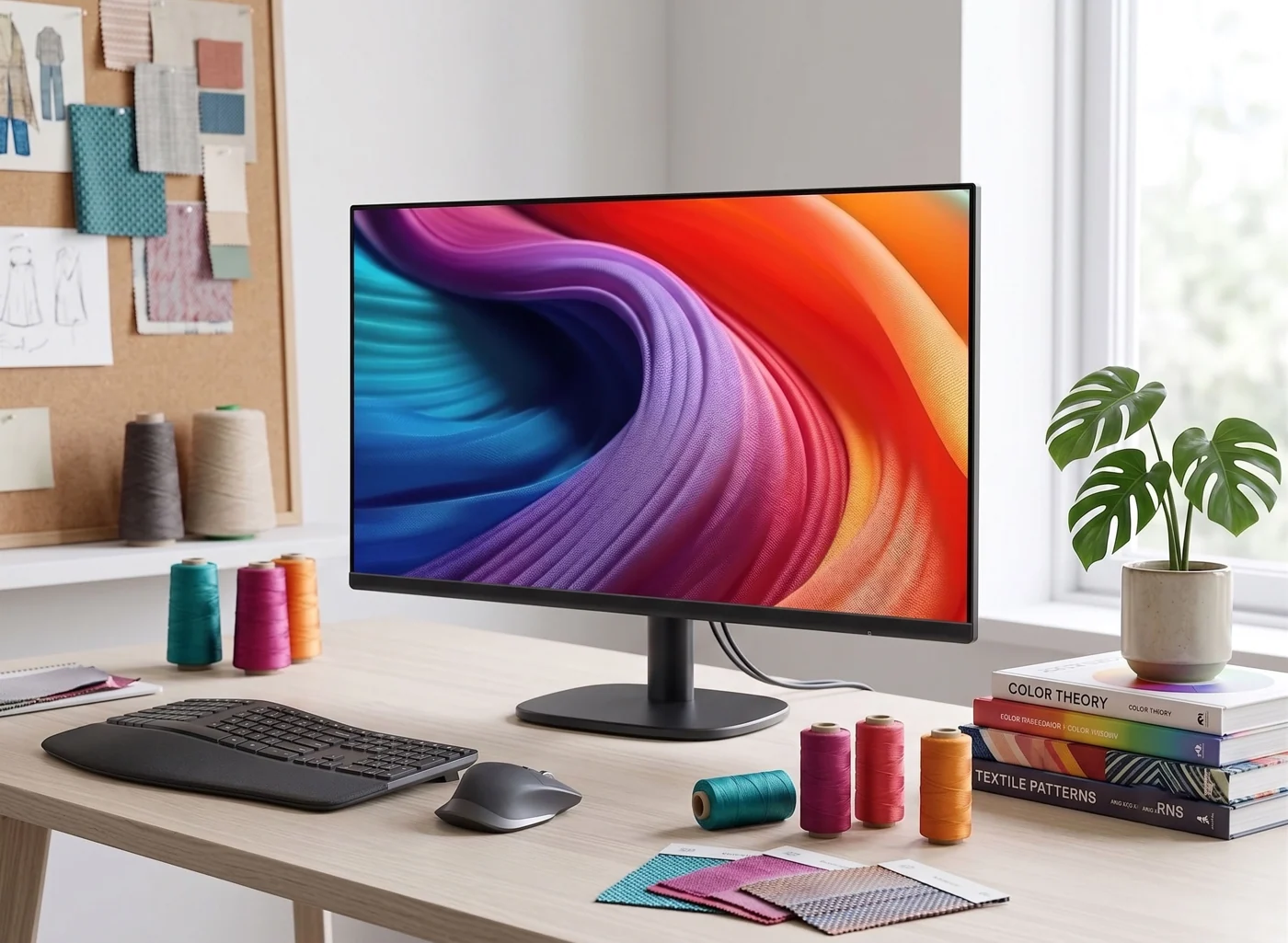
The undisputed value king for minimalists on a budget. Stepping up from the jerky 60Hz standard to a fluid 100Hz refresh rate makes cursor tracking and window dragging dramatically smoother during 8-hour workdays.
What owners like
- Unbeatable $89 price tag with clean, unbranded front bezels
- 100Hz refresh rate reduces visual eye fatigue noticeably
- Standard VESA mount allows instant mounting to floating arms
Owner flags
- Stock plastic stand offers tilt only (pair with a monitor arm)
- Limited I/O: Single HDMI + VGA port
2. HP Series 3 27" FHD: Expansive 3-Sided Micro-Edge Screen
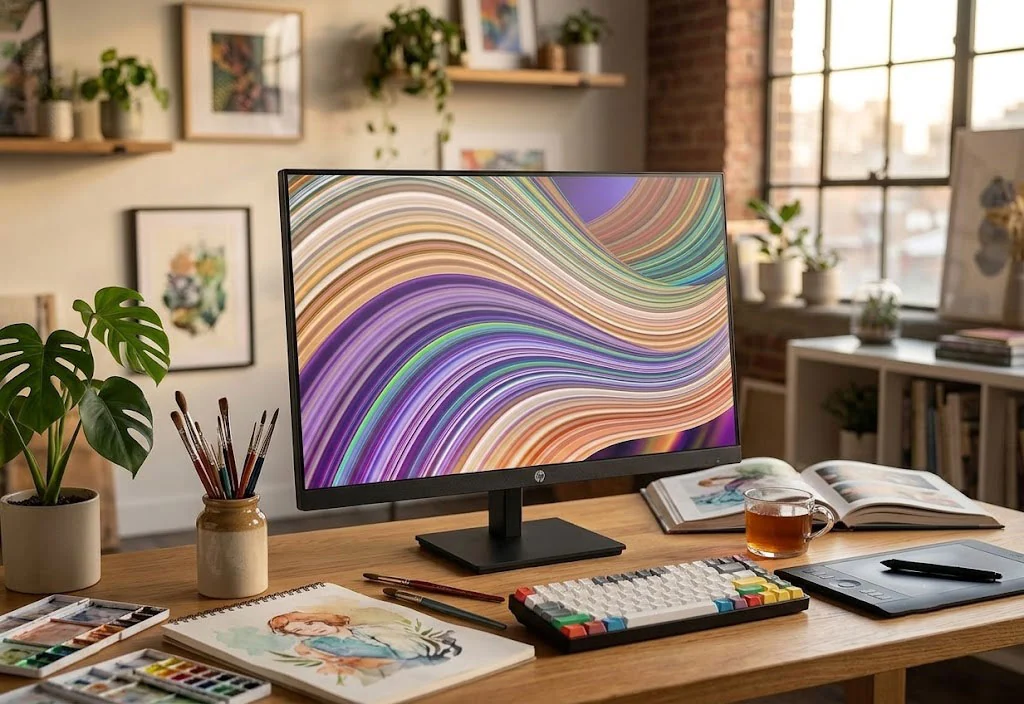
Offers a spacious 27-inch canvas with virtually invisible bezels on three sides. Built-in Eyesafe certified hardware filters blue light without distorting color temperature into an unappealing yellow tint.
What owners like
- Extremely clean three-sided borderless aesthetic
- Hardware-level low blue light protection for late-night sessions
- Includes DisplayPort and dual speakers for simplified cabling
Owner flags
- 1080p on 27" yields ~81 PPI (adequate for viewing from 2.5 feet away)
3. Dell P2425H 24" Professional: Ergonomic Stand & USB-C Clean Connectivity
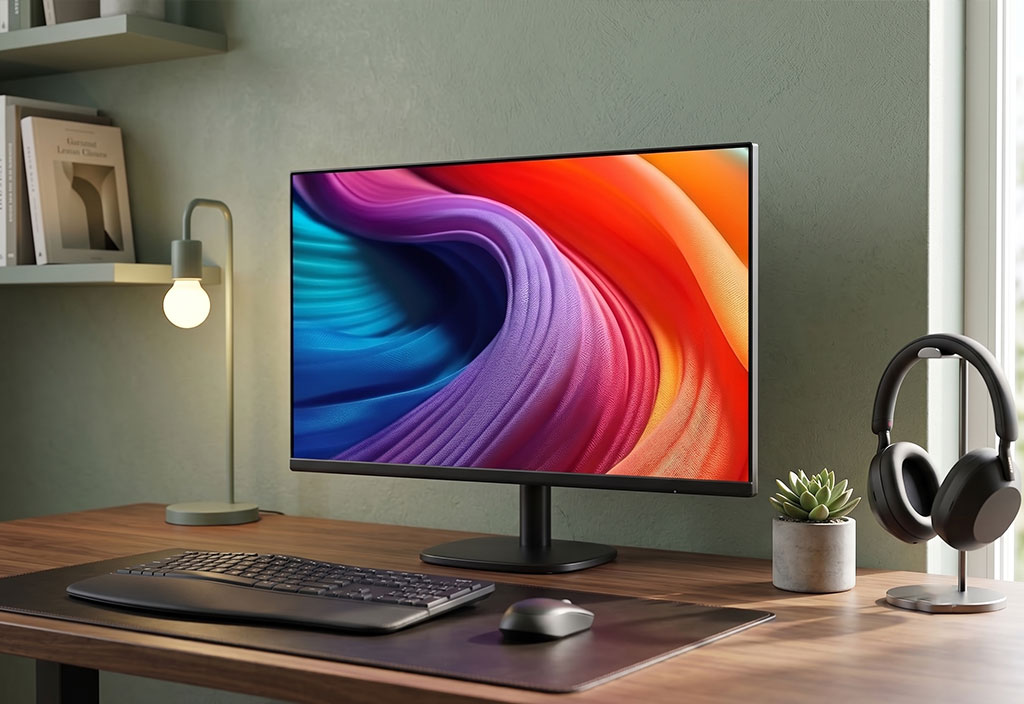
The gold standard in corporate office ergonomics. Features a premium metallic stand supporting 90-degree vertical pivot (ideal for reading documentation and code), plus integrated USB-C pass-through to clean up desk peripherals.
What owners like
- Superb stock stand adjusts height, tilt, swivel, and 90° portrait pivot
- Built-in USB hub declutters keyboard and mouse dongles
- Dell industrial matte black & silver chassis looks refined
Owner flags
- USB-C port provides 15W power (video + data, not high-watt laptop fast charging)
4. Amazon Basics 27" 100Hz: Maximum Desk Area Under $150
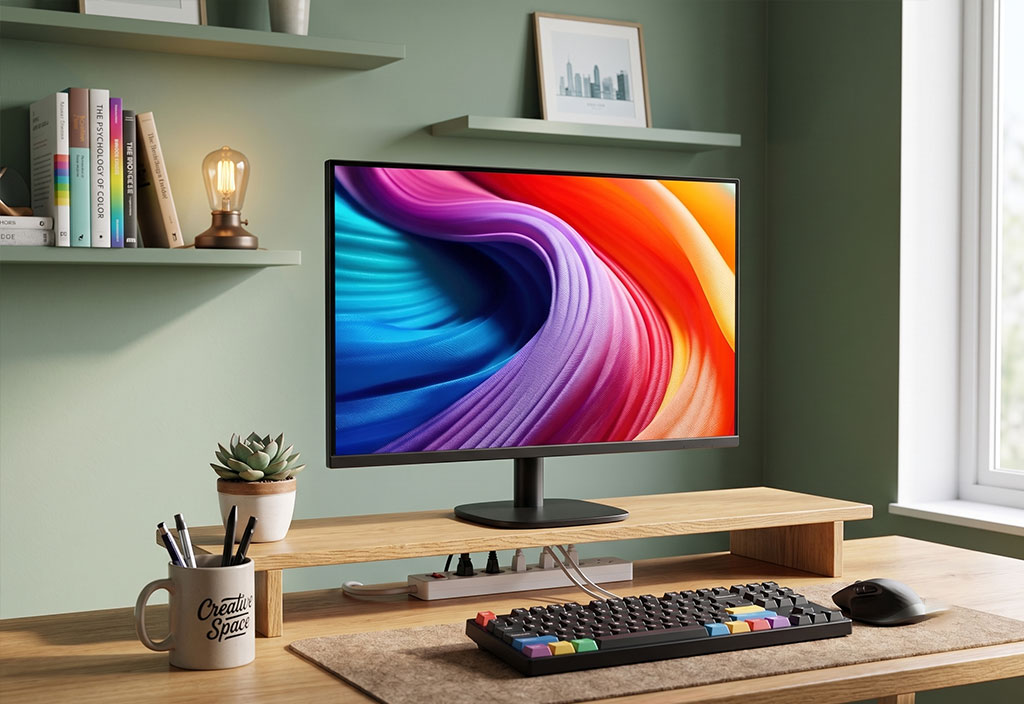
Shares the exact minimalist DNA as the 24-inch version but scales up the display area by over 26%. One of the most cost-effective 27-inch IPS solutions for dual-screen productivity builds.
What owners like
- Great price-to-size ratio for 27-inch setups
- Clean black borderless bezel profile
- 100Hz refresh rate keeps casual browsing smooth
Owner flags
- Basic tilt-only stand (best paired with a desk arm)
5. LG 27US500-W 4K: The Clean White Retina-Grade Minimalist Pick
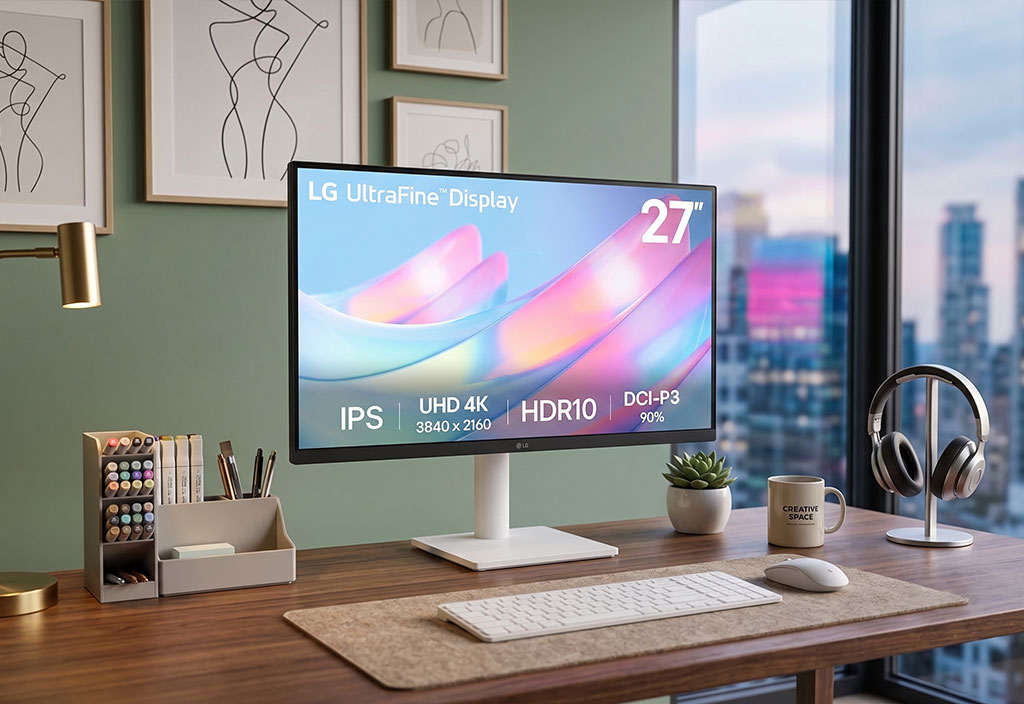
The most affordable way to achieve crisp Apple Retina-style font rendering without paying $1,600 for a Studio Display. Its sleek white backplate and clean curved base look stunning on light wood and minimalist desks.
What owners like
- 163 PPI pixel density renders text without pixelation
- Clean white chassis fits Nordic/minimalist desk aesthetics
- Reliable IPS color accuracy out of the box
Owner flags
- 60Hz refresh rate (standard for productivity, not competitive gaming)
- No integrated USB-C (requires HDMI or DisplayPort cable)
6. Asus ROG Strix XG27ACS: 1440p 180Hz Performance with Clean Stealth Design
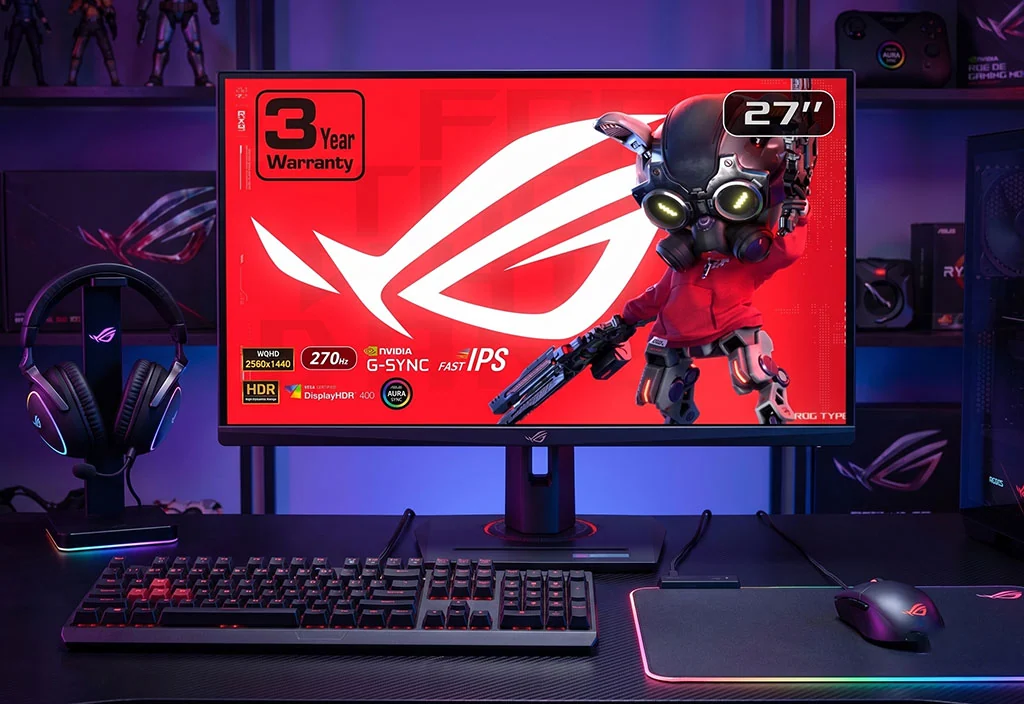
The "sweet spot" monitor that proves you don't need gaudy gamer RGB to play competitively. Front bezel is completely blacked-out and stealthy, while the 1440p 180Hz Fast IPS panel delivers esports-grade speed with USB-C convenience.
What owners like
- Blazing 180Hz refresh rate with 1ms GtG response time
- Clean all-black front profile with minimal branding
- USB-C with DisplayPort Alt Mode connects seamlessly to modern laptops
Owner flags
- Rear shell has subtle cyberpunk texture (invisible when facing the screen)
7. Dell S2725QS 27" 4K: Fluid 120Hz Refresh with Ash-White Minimalist Finish
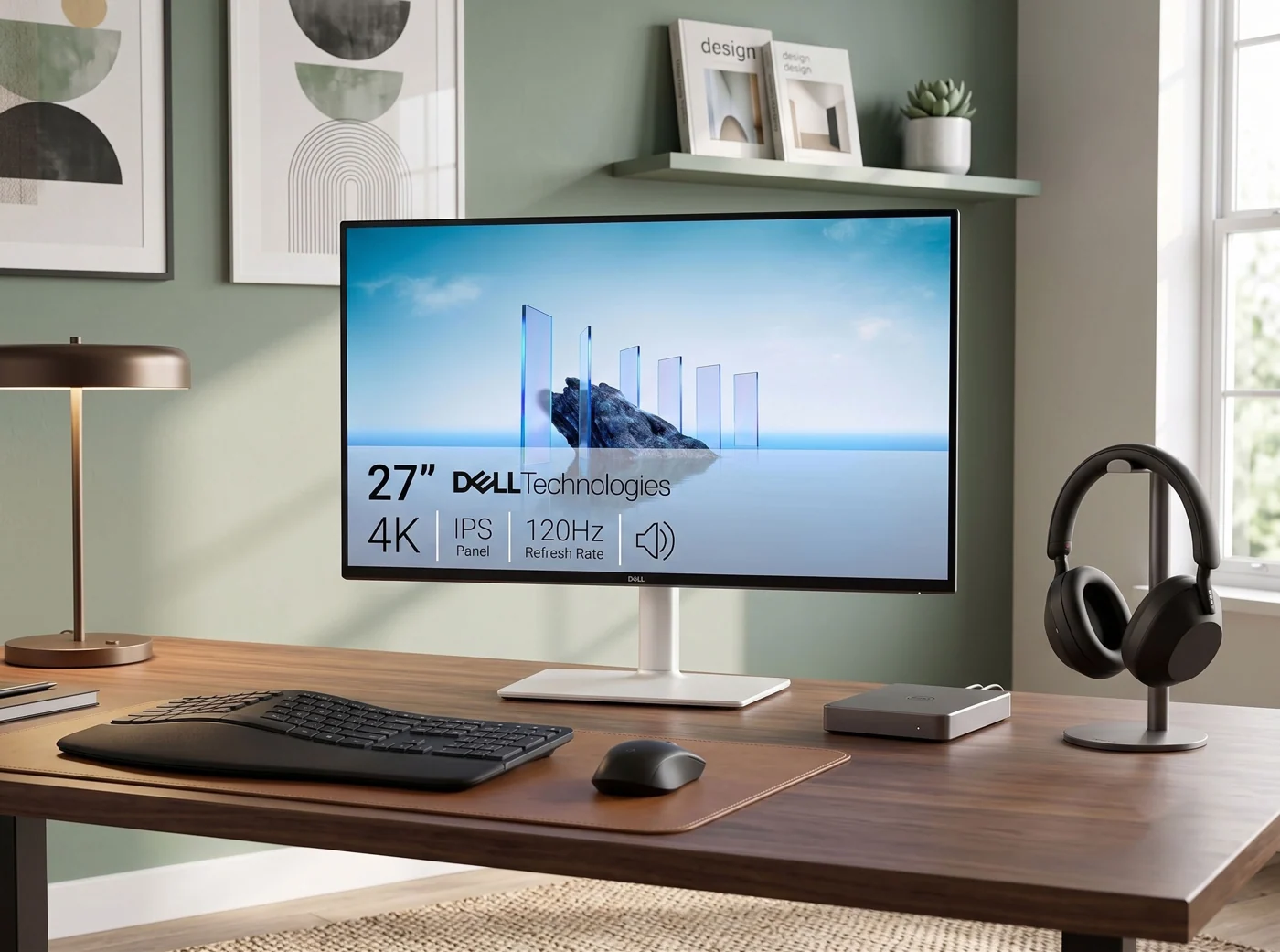
The best all-round 27-inch monitor in 2026. Combining 4K resolution with a buttery 120Hz refresh rate solves the dilemma between sharp text and fluid scrolling. The ash-white rear housing elevates modern desks instantly.
What owners like
- 4K clarity paired with 120Hz motion creates an incredible Mac/PC experience
- 99% sRGB color coverage with 350-nit brightness
- Dual HDMI 2.1 ports support modern consoles and PC inputs
Owner flags
- Lacks single-cable Type-C hub (use HDMI 2.1 or DisplayPort 1.4)
8. AOC Q27G3XMN: True HDR1000 with 336-Zone Full-Array Local Dimming
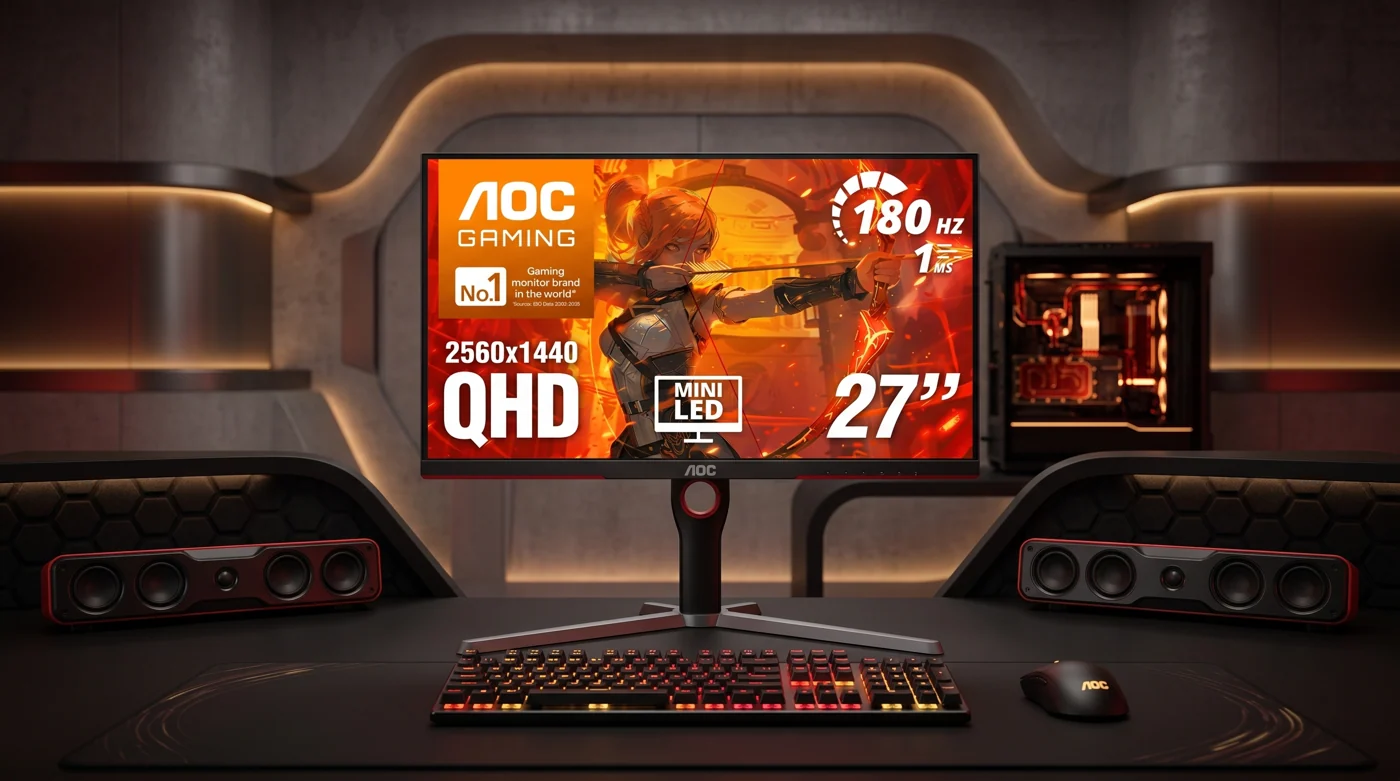
A technical triumph under $250. Unlike edge-lit monitors with washed-out greys, its 336-zone Mini-LED backlighting produces deep inky blacks and blinding 1,000-nit specular highlights without OLED burn-in anxiety.
What owners like
- Genuine HDR1000 performance crushes conventional IPS contrast
- 336 local dimming zones eliminate backlight bleed
- Smooth 180Hz refresh rate handles fast gaming effortlessly
Owner flags
- VA panel viewing angles are narrower than IPS when viewed from extreme sides
9. Acer Predator XB273K V5: 4K 160Hz Precision Gaming Powerhouse
A 4K 160Hz powerhouse that keeps a mature front design. Provides 5,361:1 HDR contrast using dynamic field dimming, making it an exceptional hybrid screen for high-end gaming rigs and creative workflows.
What owners like
- Ultra-sharp 4K gaming at a blistering 160Hz refresh rate
- Impressive dynamic field dimming boosts contrast substantially
- Clean front frame avoids distracting logos
Owner flags
- Requires beefy GPU (RTX 4070 / 5070+ tier) to max out 4K 160FPS
10. Asus ProArt PA279CRV: The Color-Calibrated 4K Creative Studio Hub
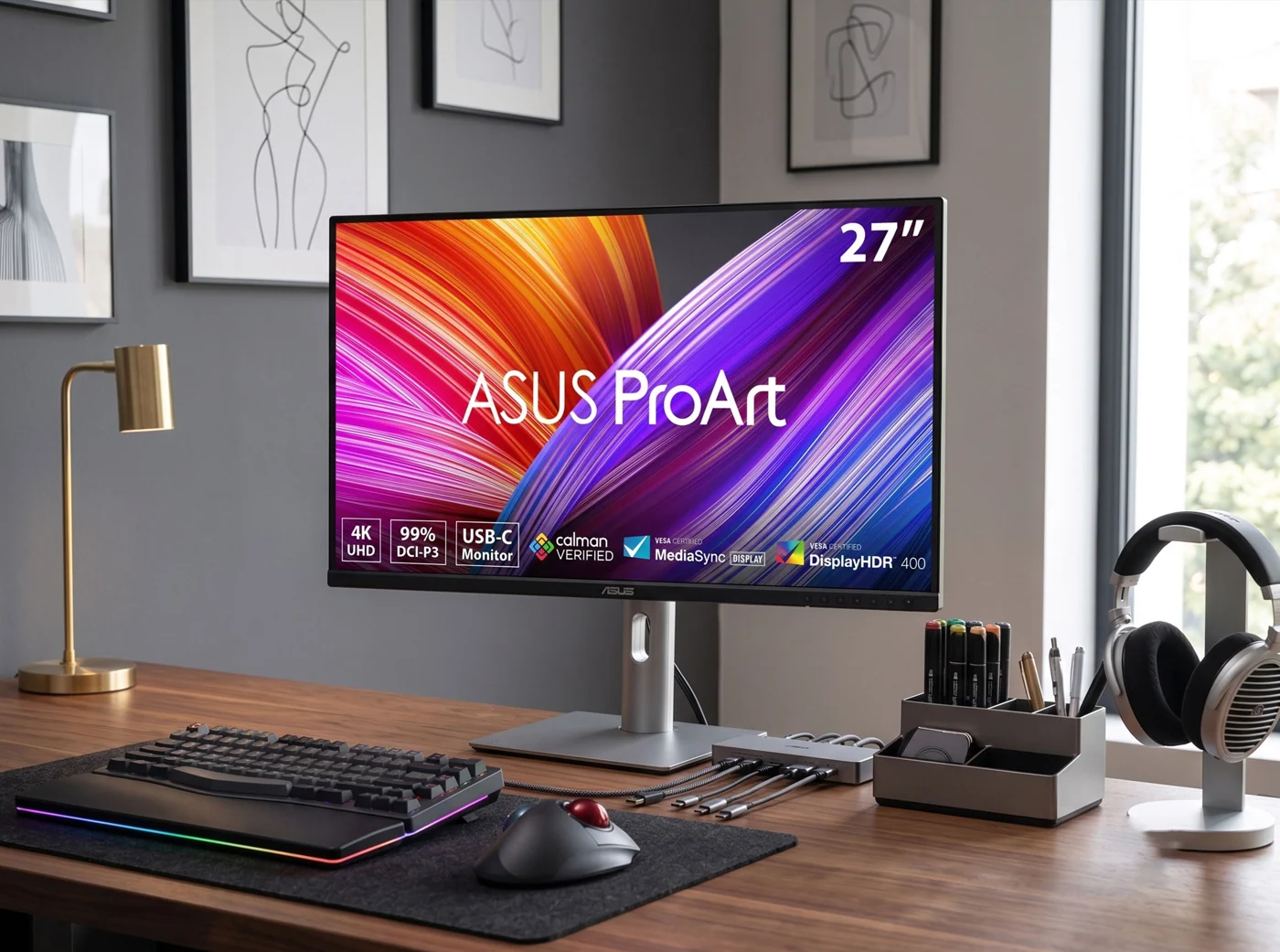
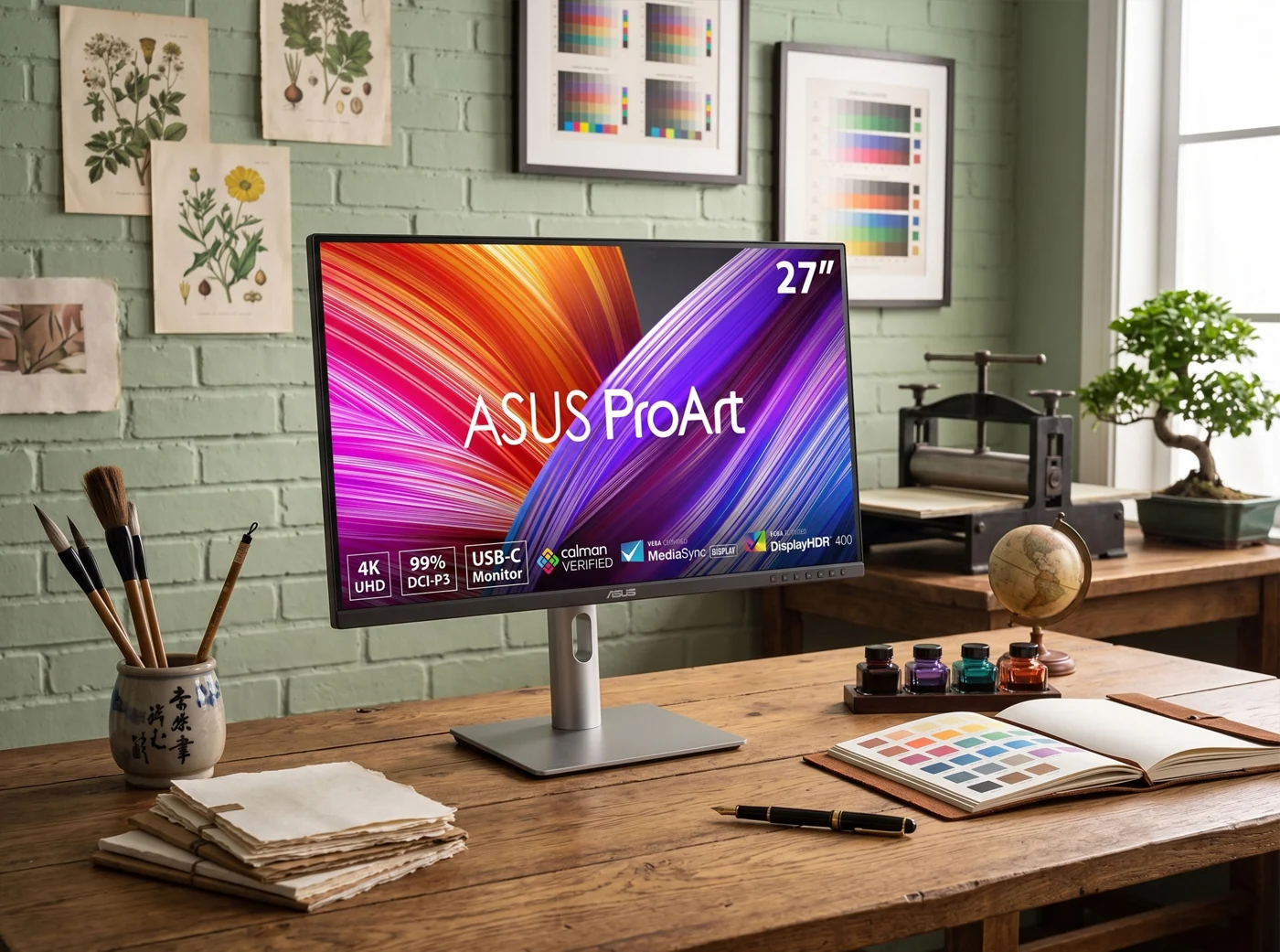
The ultimate one-cable workstation display for Mac & PC creators. Factory calibrated with Delta E < 2 accuracy across 99% DCI-P3 / 99% AdobeRGB color spaces. Its powerful 96W USB-C port charges a 16" MacBook Pro over a single clean cable.
What owners like
- 96W USB-C single cable handles video, audio, data, and fast charging
- DisplayPort Out port enables multi-monitor daisy-chaining without extra hubs
- Sleek aluminum stand has a 33% smaller base footprint
Owner flags
- 60Hz refresh rate (tuned strictly for photo/video grading, not high-FPS gaming)
The 10 Minimalist Monitors at a Glance
| Model | Key Feature | Verified Price |
|---|---|---|
| Amazon Basics 24" 100Hz | Pure Budget Minimal Entry | $89.00 |
| HP Series 3 27" FHD | 3-Sided Micro-Edge Canvas | $188.00 |
| Dell P2425H 24" | Ergonomic Stand + USB-C Hub | $88.00 |
| Amazon Basics 27" 100Hz | Affordable 27" Secondary Screen | $141.66 |
| LG 27US500-W 4K | Clean White Retina Aesthetic | $249.99 |
| Asus ROG Strix XG27ACS | 1440p 180Hz Stealth Gaming | $259.00 |
| Dell S2725QS 4K 120Hz | Smooth 4K 120Hz All-Rounder | $320.52 |
| AOC Q27G3XMN Mini-LED | HDR1000 with 336-Zone FALD | $249.99 |
| Acer Predator XB273K V5 | 4K 160Hz High-Fidelity Powerhouse | $399.00 |
| Asus ProArt PA279CRV | Color-Accurate 4K + 96W USB-C | $399.00 |
*Prices and inventory verified on Amazon as of August 2026. Protected by Amazon Prime Free 30-Day Returns.
Frequently Asked Questions
What is the best minimalist monitor under $200 in 2026?
The Amazon Basics 24-inch (100Hz, $89) and Dell P2425H ($88) are the top picks under $200. Both feature ultra-thin bezels, IPS panels, and full VESA mount compatibility, with the Dell adding professional pivot and USB-C connectivity.
Is 4K resolution worth it for a minimalist desk setup?
Yes, especially if you use macOS or work with fine text and creative media. macOS scales significantly better on 4K (163 PPI) than standard 1080p. Budget 4K displays like the LG 27US500-W start at $249, while the Dell S2725QS provides smooth 120Hz at $320.
Can all minimalist monitors be mounted on a monitor arm?
Yes, all 10 monitors in this guide feature industry-standard VESA mount interfaces (100x100mm or 75x75mm). Pairing your monitor with a clamp-on monitor arm is the single most effective way to eliminate desktop footprint.