Skip to content
NextGen.
THE NEXTGEN EDIT · 79 CONSIDERED PICKSOur selection approach ↗

For the way you live.

Good things.
For every day.

Watches you’ll reach for. A desk that feels right. Clothes that earn their place.

Explore the collection ↓Not sure yet? Read the buying guides →

79 specific models. Clear reasons to choose.
Watches / Desk & tech / Apparel

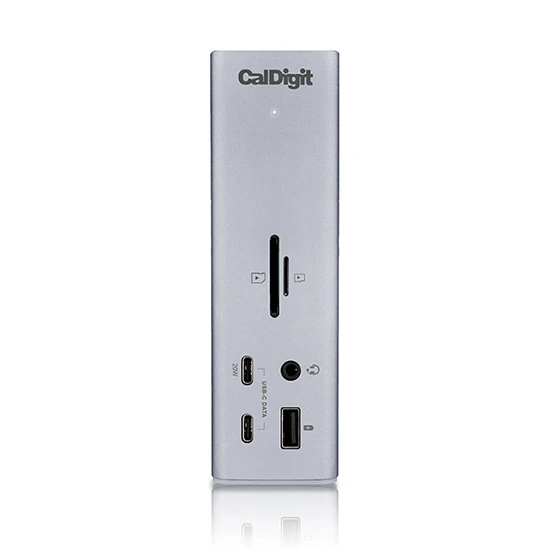
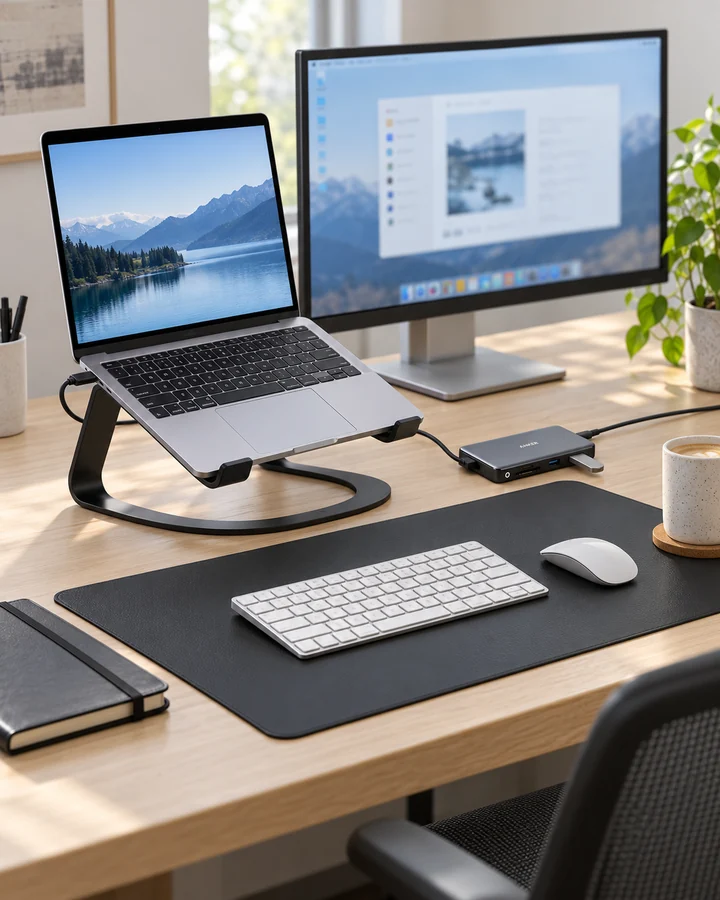
CalDigit TS4 shown in the manufacturer's real desktop workstation scene
Make everyday work feel better.Explore desk & tech ↗
01 Specific models Less guesswork.02 Product & use views Look closer.03 Practical buying checks Find your fit.

As an Amazon Associate, we earn from qualifying purchases. You shop and check out with the linked retailer. Other merchant links may also be affiliate links, as disclosed when configured. How our links work ↗

Casio A158WA-1 worn on a wrist01 / Watches · 21 picks

Something for your wrist.

CalDigit desktop workstation02 / Desk & tech · 44 picks

A desk that works for you.

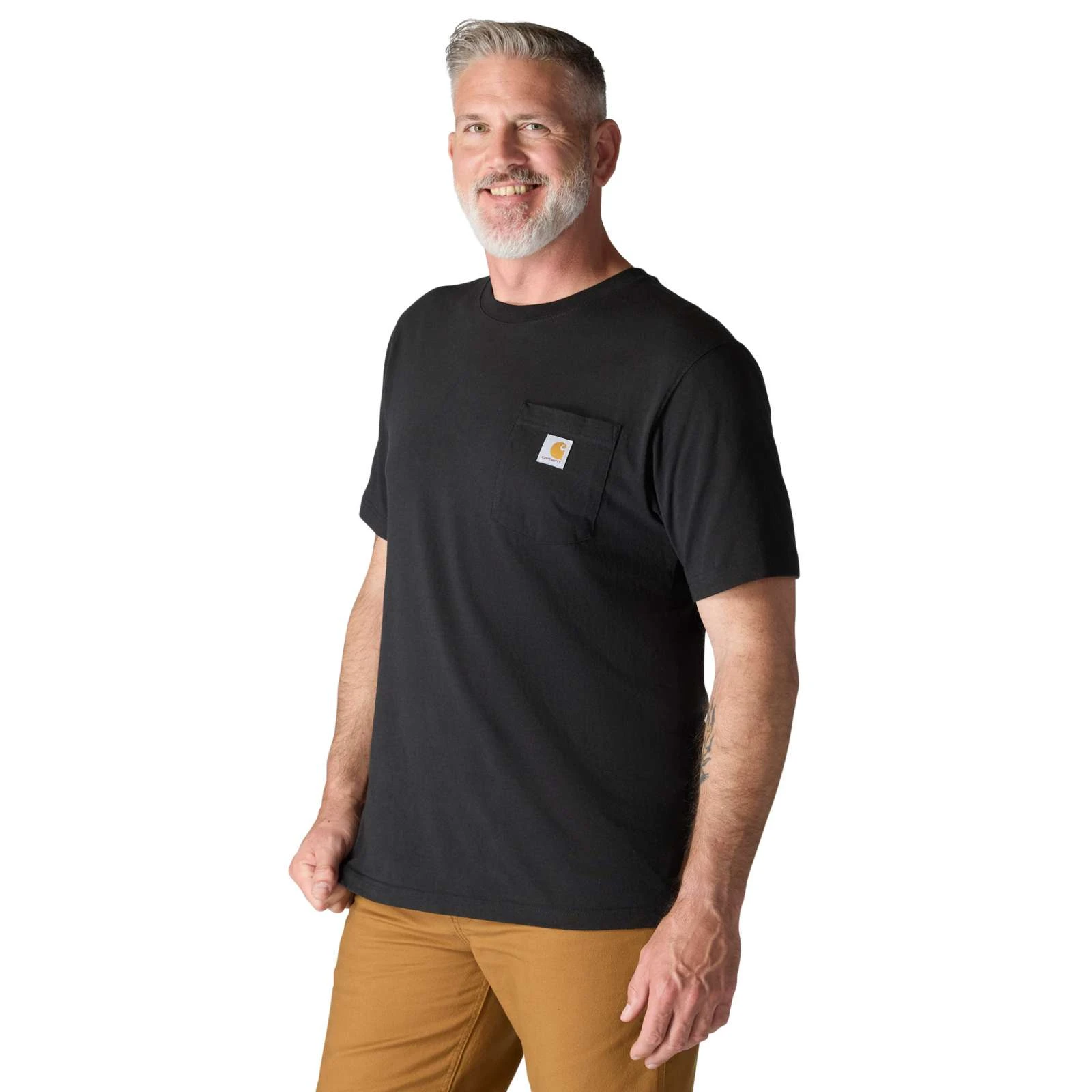
Carhartt K87 pocket tee worn by a model03 / Apparel · 14 picks

An easier everyday wardrobe.

The collection

Find your everyday upgrade.

Open an image to look closer.
Hover or tap for another angle or a closer detail.
Match the exact model and configuration before buying.

79 considered picks · Editor’s collection order

01 / Watches

A watch for your kind of day.

Digital simplicity, light-powered convenience or the rhythm of an automatic. Start with what you actually want to live with.

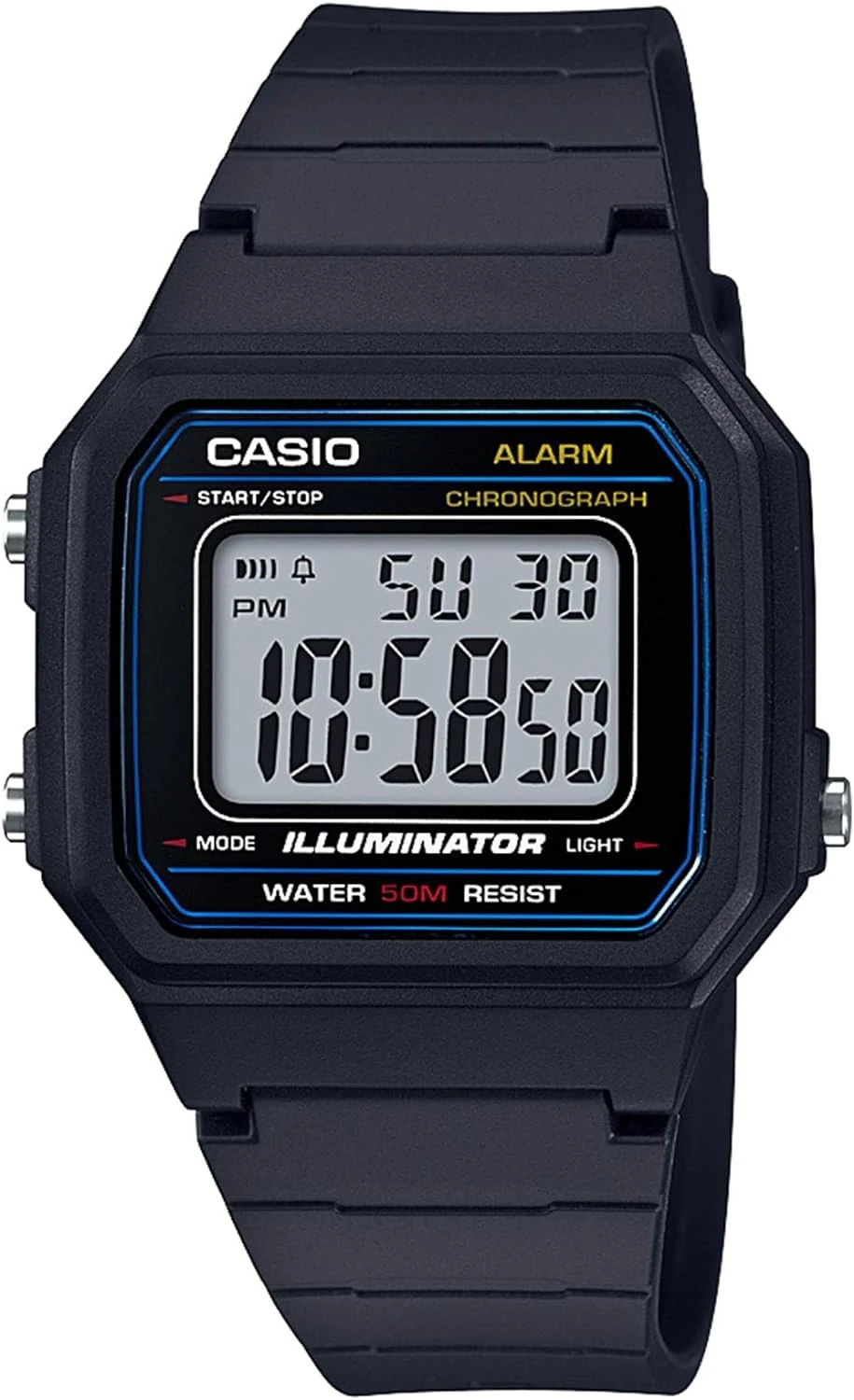
Casio W-217H-1AVCF black resin digital watch with blue face accents and a positive LCDCasio W-217H-1AVCF worn on a wrist beside a notebook and coffee on a wooden tableProduct photo
Product photo · Casio · Amazon listing

Big digits. A small daily commitment.

Casio W-217H-1AVCF

W-217H-1AVCF · Black / blue accents

You want a readable digital watch for errands, a commute and everyday timing, without charging another device.

Details & fit

Why consider itThe W-217H combines a positive LCD, LED backlight, daily alarm and stopwatch in a light resin case. It is a straightforward alternative if the F-91W display feels too small.

The tradeoffThe larger display also means a larger case. Resin and a simple digital screen suit a casual routine better than a formal dress code.

Before you buyMatch W-217H-1AVCF and the black/blue colorway. Compare the 43.1 × 41.2 × 10.5 mm case with a watch you own. Check the manual for the limits of its 50 m water-resistance rating.

Read the related guide →Choose by routine, fit and ownership →Amazon listing & model details ↗
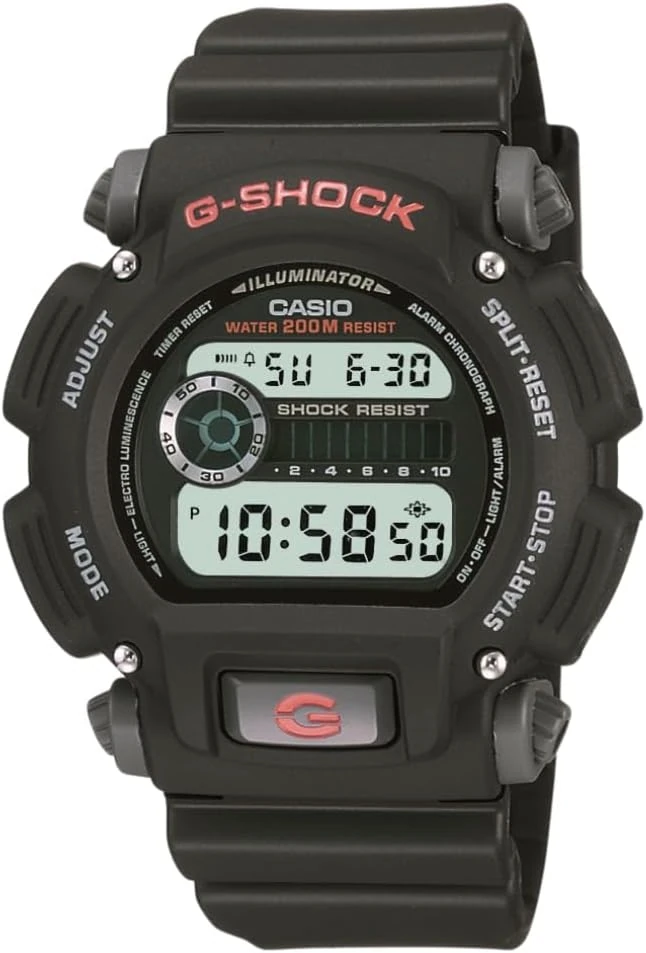
Black Casio G-SHOCK DW-9052-1V with a positive digital display, red G button and resin strapBlack Casio G-SHOCK DW-9052-1V worn on a wrist beside a sunlit wooden benchProduct photo
Product photo · Casio · Amazon listing

A rounder route into G-SHOCK.

Casio G-SHOCK DW-9052-1V

DW-9052-1VDR · Black resin / positive display

You prefer a substantial digital watch with physical buttons, a countdown timer and a positive display to a smartwatch.

Details & fit

Why consider itThe DW-9052 offers shock-resistant construction, an EL backlight, stopwatch and countdown timer. Its rounded case gives you a different fit and look from the square DW-5600 family.

The tradeoffThis is a battery-powered model, not a solar or radio-controlled G-SHOCK. The bulky bezel is part of the appeal, but may catch on a close-fitting shirt cuff.

Before you buyChoose DW-9052-1V / DW-9052-1VDR with the positive display. Check case size, strap adjustment and return terms. A 200 m rating alone is not evidence of suitability for scuba diving.

Read the related guide →Choose by routine, fit and ownership →Amazon listing & model details ↗
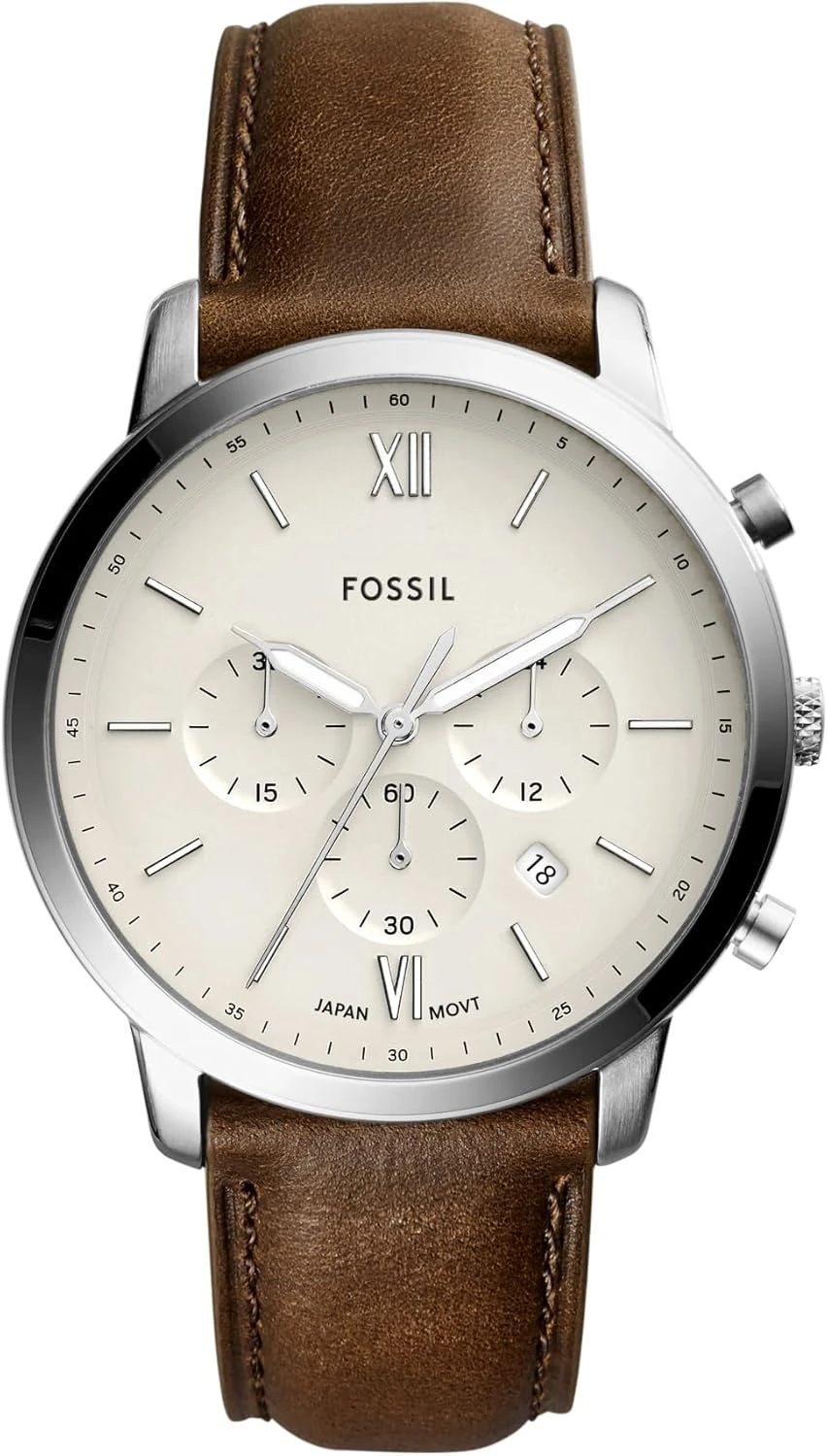
Fossil Neutra FS5380 chronograph with cream dial, silver-tone case and brown leather strapFossil Neutra FS5380 cream-dial chronograph with brown leather strap in a wrist-wearing sceneProduct photo
Product photo · Fossil · Amazon listing

Cream dial. Brown leather. Quartz ease.

Fossil Neutra FS5380

FS5380 · 44 mm · Cream dial / brown leather

You want an office-friendly chronograph with a leather strap, and prefer the convenience of quartz to winding an automatic.

Details & fit

Why consider itThe FS5380 pairs a cream dial and silver-tone 44 mm case with brown leather. The three subdials give it a busier, more casual character than a simple three-hand dress watch.

The tradeoffA 44 mm case is not a discreet fit on every wrist. Leather is comfortable for many people, but it is a less practical choice for wet work or frequent heavy sweating.

Before you buyMatch FS5380, cream dial and brown leather—not another Neutra color. Compare case size with your wrist and check the 22 mm strap fit, battery-service options and seller warranty.

Read the related guide →Choose by routine, fit and ownership →Amazon listing & model details ↗
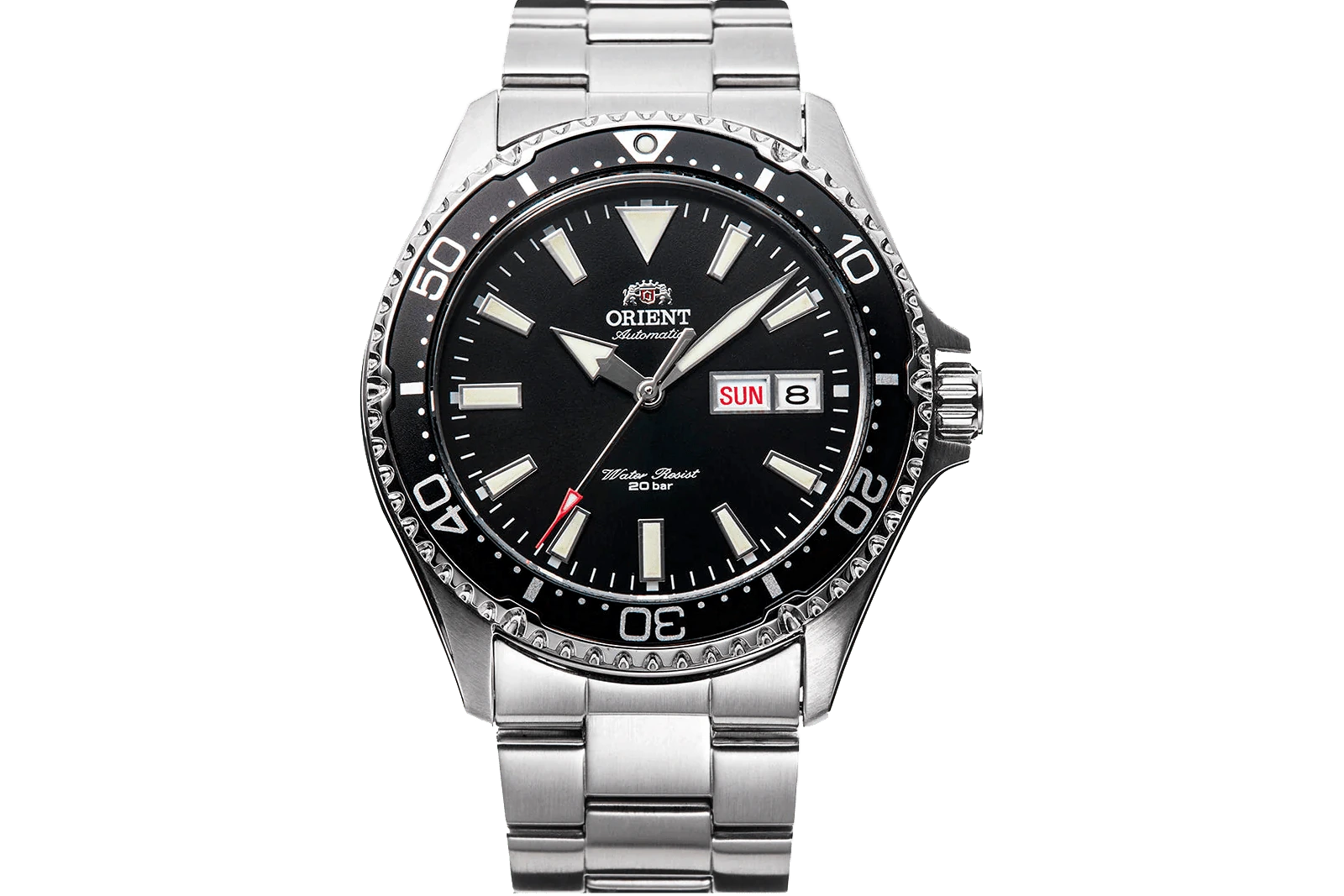
Actual black-dial Orient Kamasu RA-AA0001B39B official product photographon wrist illustration referencing Orient Kamasu RA-AA0001B39B · Black dial / steel bracelet; verify details in the original product imageProduct photo
Product photo · Orient Watch USA

Sapphire, day-date, considered

Orient Kamasu

RA-AA0001B39B · Black dial / steel bracelet

You want an automatic with documented sapphire glass and a day-date display, and have room above a strict $200 budget.

Details & fit

Why consider itThe exact reference, original photographs and published case dimensions give you a practical starting point for judging fit.

The tradeoffSapphire is one feature. It cannot tell you whether you like the bracelet or the routine of owning an automatic.

Before you buyConfirm the full reference, calendar language, bracelet adjustment and return route. Compare the case with a watch you already like wearing.

Read the related guide →Choose by routine, fit and ownership →Brand specifications & image source
Official distributor photograph of the actual Invicta Pro Diver 8926OBon wrist illustration referencing Invicta Pro Diver 8926OB 8926OB · Black dial / steel bracelet; verify details in the original product imageProduct photo
Product photo · Invicta Watch EU

A first automatic to explore

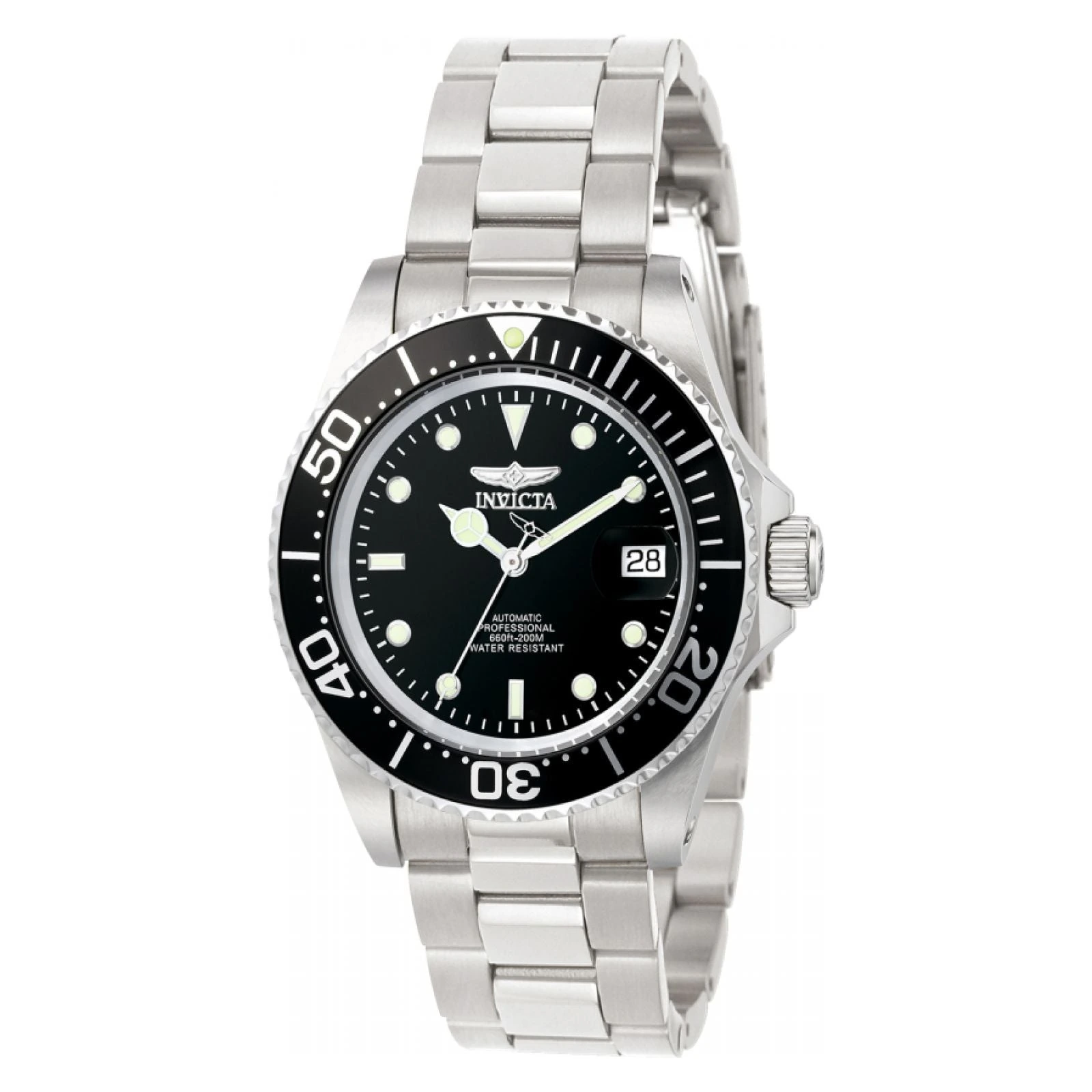
Invicta Pro Diver 8926OB

8926OB · Black dial / steel bracelet

You want to explore an automatic on a strict budget, and are willing to check the complete delivered bill.

Details & fit

Why consider itA specific reference gives you something concrete to compare: the case, bracelet, seller and total cost. Start there instead of chasing a generic under-$200 list.

The tradeoffThe price alone does not settle the decision. Bracelet fit, sizing costs and seller support still matter.

Before you buyConfirm 8926OB, the selected configuration, seller condition and delivered total. Use the guide’s calculator before ordering.

Read the related guide →Choose by routine, fit and ownership →Brand specifications & image source
Casio F-91W-1 — original brand product image; F-91W-1 · Black resinon wrist illustration referencing Casio F-91W-1 F-91W-1 · Black resin; verify details in the original product imageProduct photo
Product photo · Casio

The light everyday digital

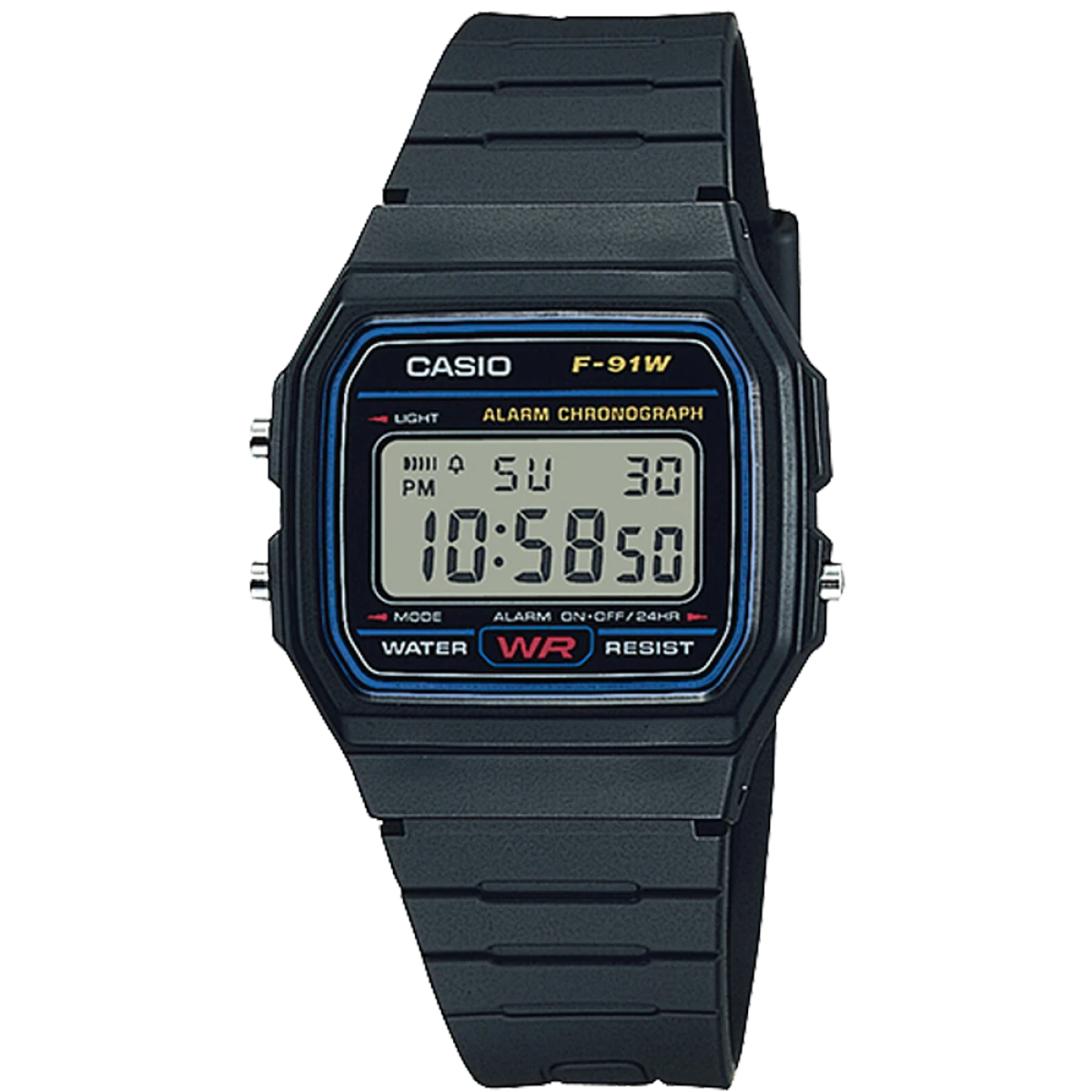
Casio F-91W-1

F-91W-1 · Black resin

A simple, compact watch for errands, travel days and a break from phone notifications.

Details & fit

Why consider itSmall case, an alarm and a stopwatch without a charging routine.

The tradeoffThe basic light and compact display may disappoint if night-time legibility is your priority.

Before you buyCheck strap reach, seller identity and the exact F-91W reference. Do not buy it as a swimming or diving watch.

Read the related guide →Choose by routine, fit and ownership →Brand specifications & image source
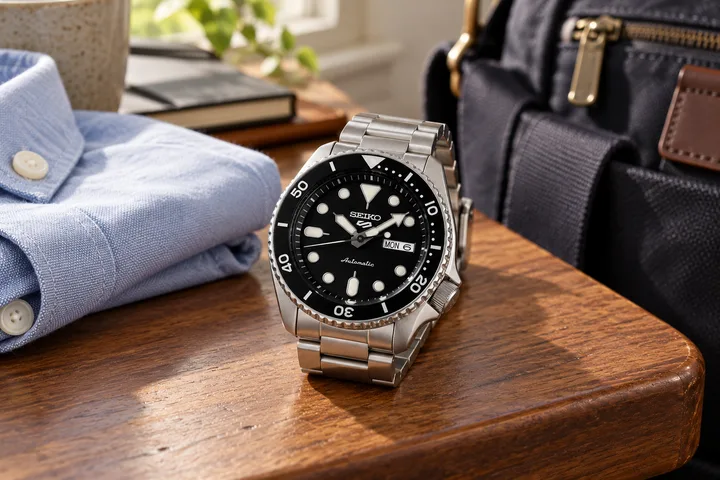
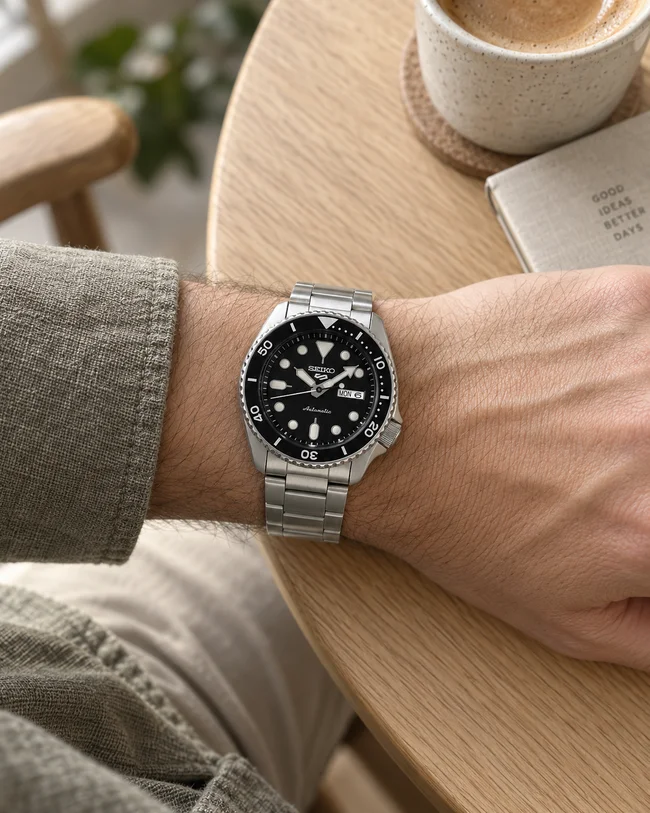
Actual Seiko SRPD55 with black dial and factory day-date displayon wrist illustration referencing Seiko 5 Sports SRPD55 SRPD55 · Factory 4R36 finished watch; verify details in the original product imageProduct photo
Product photo · Seiko

The factory Seiko route

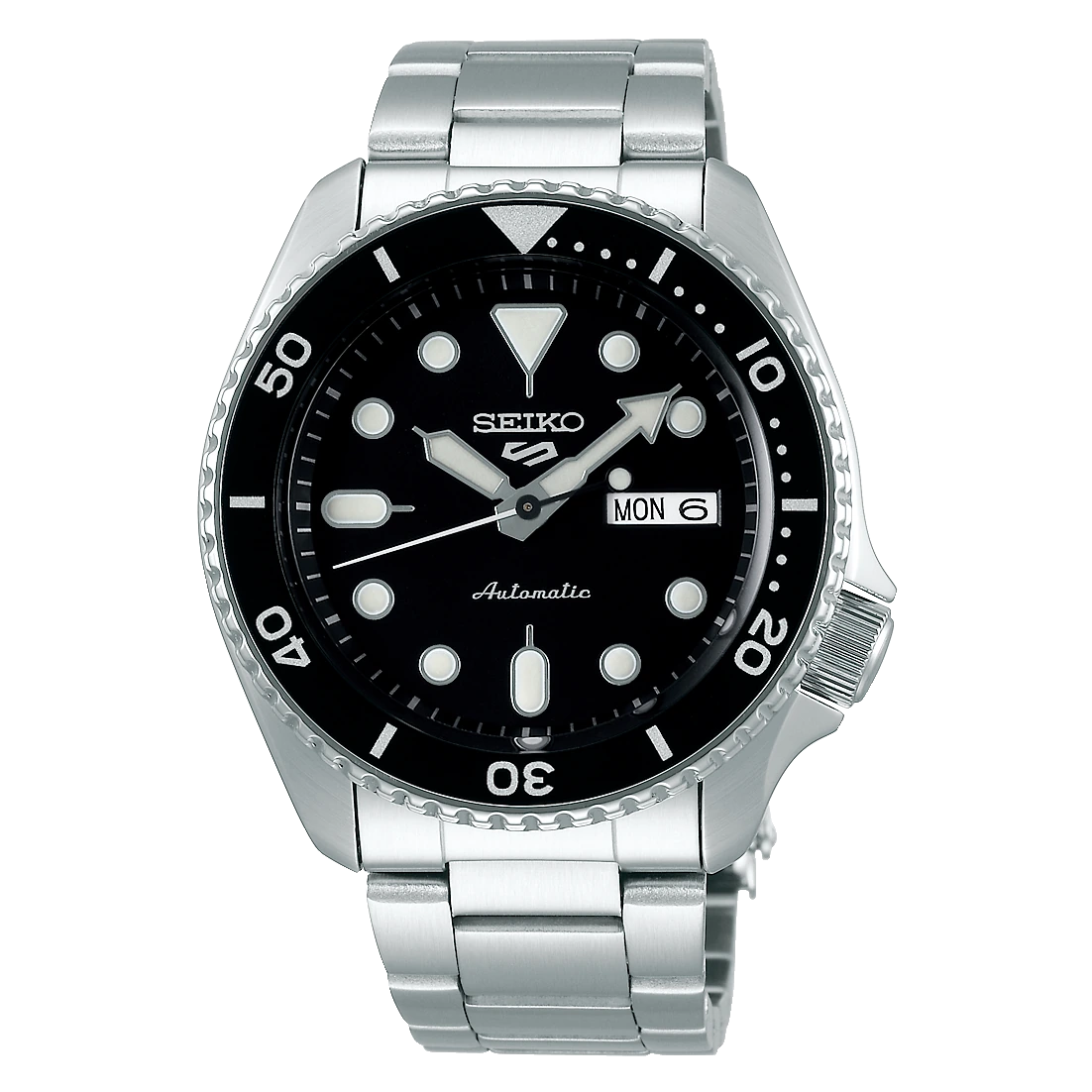
Seiko 5 Sports SRPD55

SRPD55 · Factory 4R36 finished watch

You would rather assess a documented Seiko finished watch than choose a custom build by movement name alone.

Details & fit

Why consider itSeiko identifies the SRPD55’s 4R36 movement. That is a useful reference point when learning how the complete watch differs from an NH36-based build.

The tradeoffThis is not an NH36 parts recommendation or a guaranteed under-$200 offer. Judge the actual seller listing and support.

Before you buyMatch SRPD55, case and bracelet configuration, seller terms and warranty route. The movement label alone is not a complete buying decision.

Read the related guide →Choose by routine, fit and ownership →Brand specifications & image source
Casio G-SHOCK GA-2100-1A1 — original brand product image; GA-2100-1A1 · All blackon wrist illustration referencing Casio G-SHOCK GA-2100-1A1 GA-2100-1A1 · All black; verify details in the original product imageProduct photo
Product photo · Casio

The understated G-SHOCK

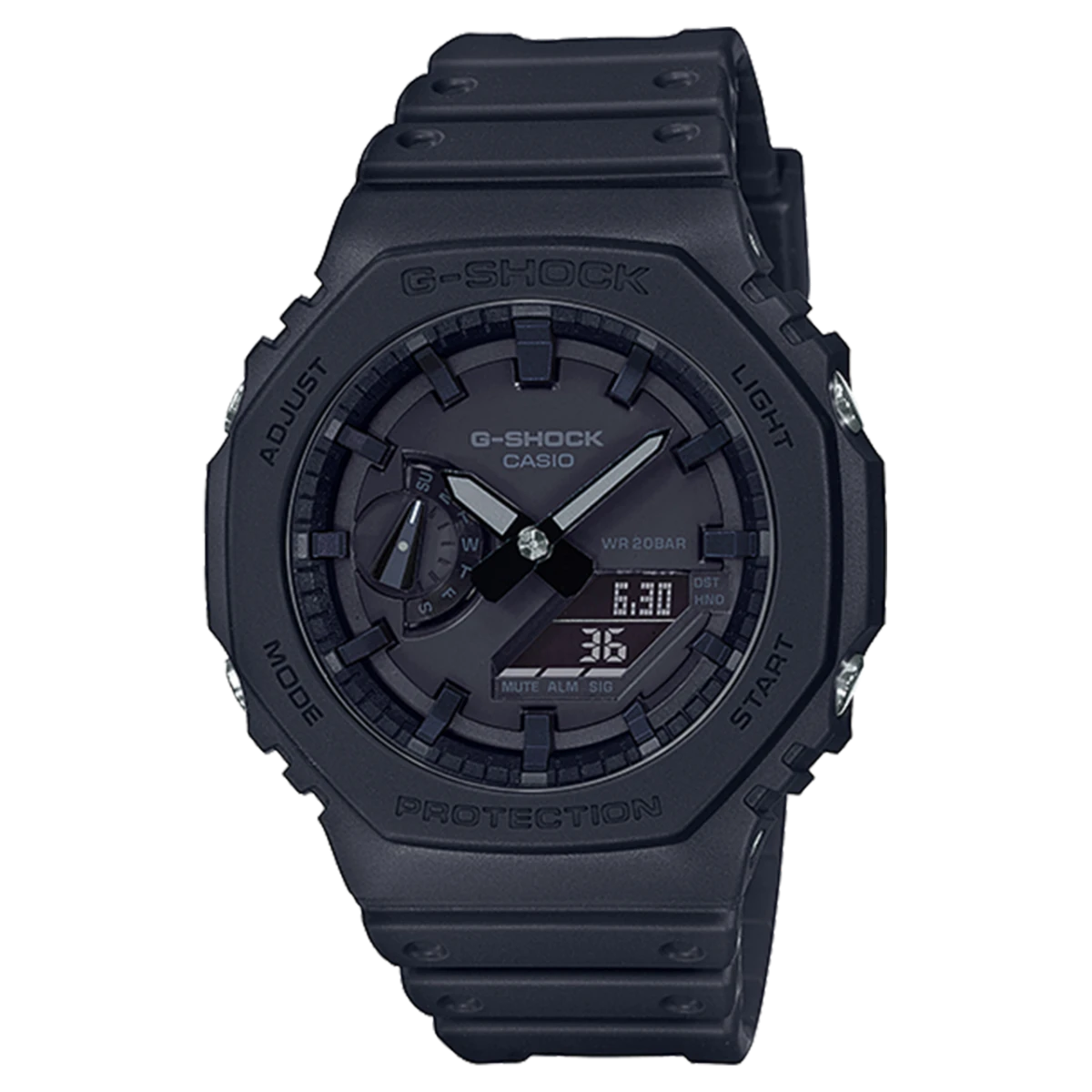
Casio G-SHOCK GA-2100-1A1

GA-2100-1A1 · All black

You want a tough everyday watch with a restrained, mostly analog look.

Details & fit

Why consider itThe octagonal case and analog-digital layout work with casual clothing.

The tradeoffThis all-black variant trades contrast for appearance. It may be harder to read at a glance.

Before you buyTry the display in normal indoor light; match GA-2100, not a solar or Bluetooth variant.

Read the related guide →Choose by routine, fit and ownership →Brand specifications & image source
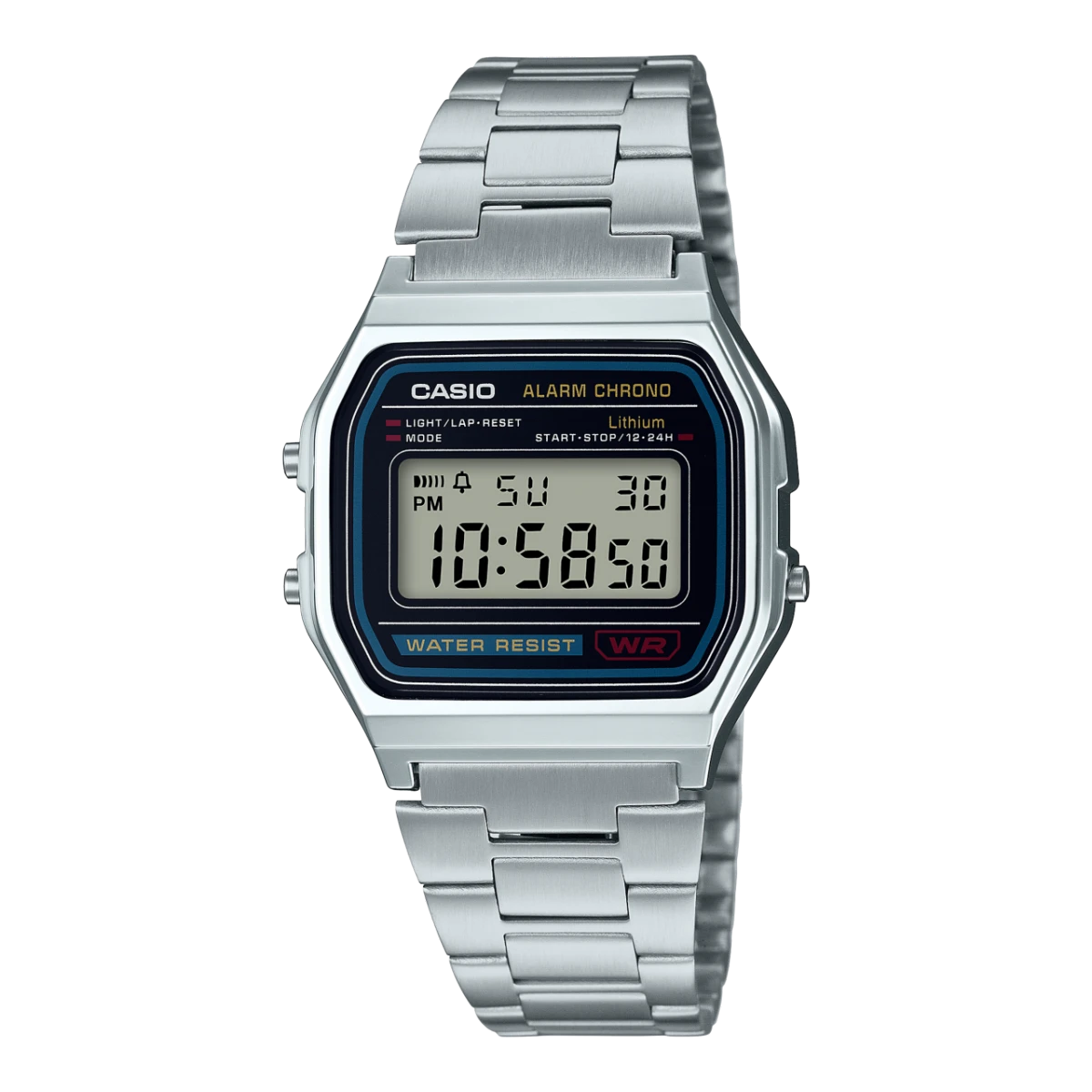
Casio A158WA-1 — original brand product image; A158WA-1 · Silver-tone / braceleton wrist illustration referencing Casio A158WA-1 A158WA-1 · Silver-tone / bracelet; verify details in the original product imageProduct photo
Product photo · Casio

Retro without the bulk

Casio A158WA-1

A158WA-1 · Silver-tone / bracelet

You like a slim digital watch that sits easily beneath a sleeve.

Details & fit

Why consider itThe adjustable bracelet gives the familiar digital face a different feel from a resin strap.

The tradeoffThe metallic appearance does not mean every part of the case is solid steel.

Before you buyCheck the clasp adjustment and your wrist measurement; compare A158 with A168 if illumination matters.

Read the related guide →Choose by routine, fit and ownership →Brand specifications & image source
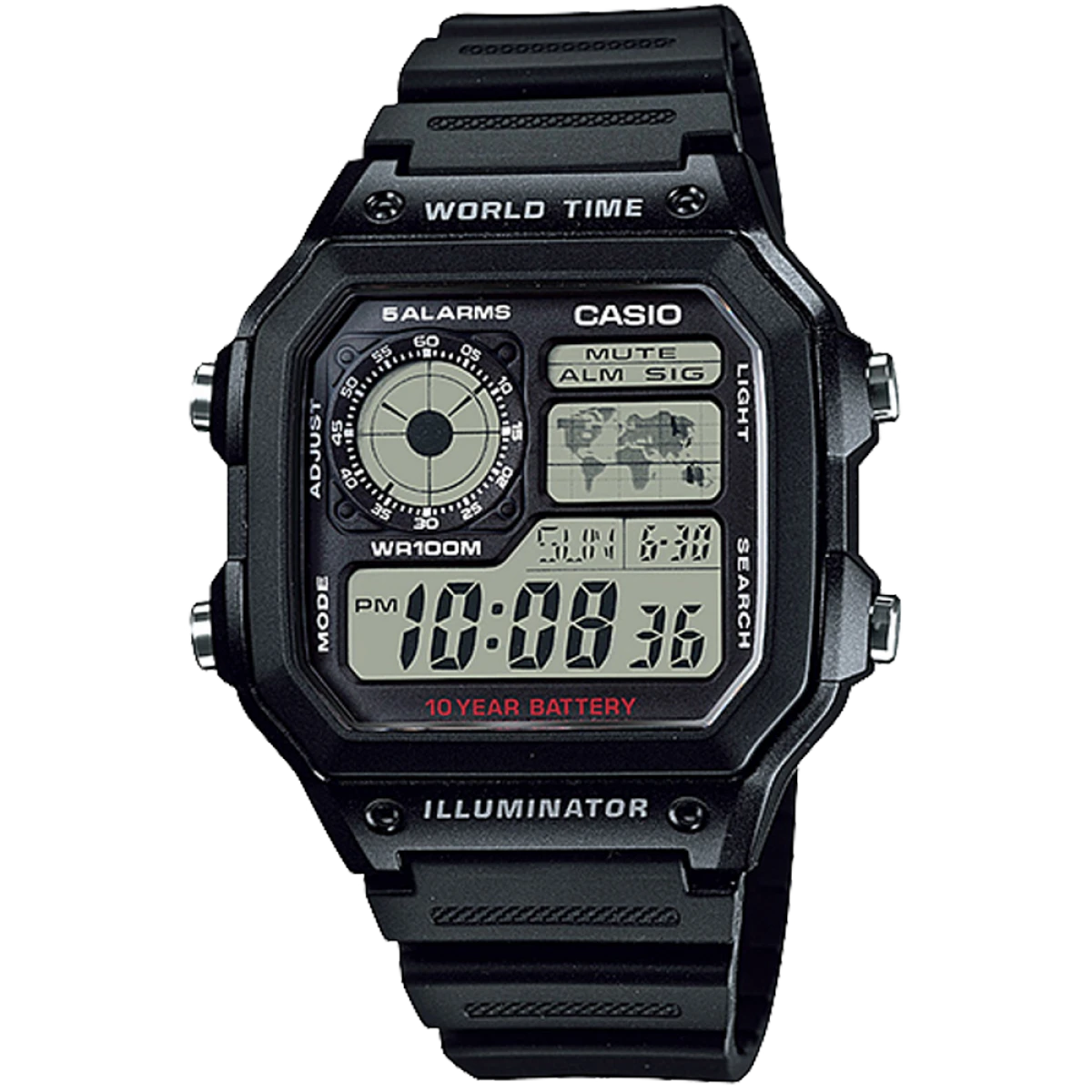
Casio AE-1200WH-1AV — original brand product image; AE-1200WH-1AV · Black resinon wrist illustration referencing Casio AE-1200WH-1AV AE-1200WH-1AV · Black resin; verify details in the original product imageProduct photo
Product photo · Casio

For a second time zone

Casio AE-1200WH-1AV

AE-1200WH-1AV · Black resin

You want to keep track of another city without using a smartwatch.

Details & fit

Why consider itA world-time layout makes sense for travel or family in another time zone.

The tradeoffThe larger, busier face is less discreet than an F-91W.

Before you buyConfirm the resin-strap variant shown, display readability and the time-zone settings you need.

Read the related guide →Choose by routine, fit and ownership →Brand specifications & image source
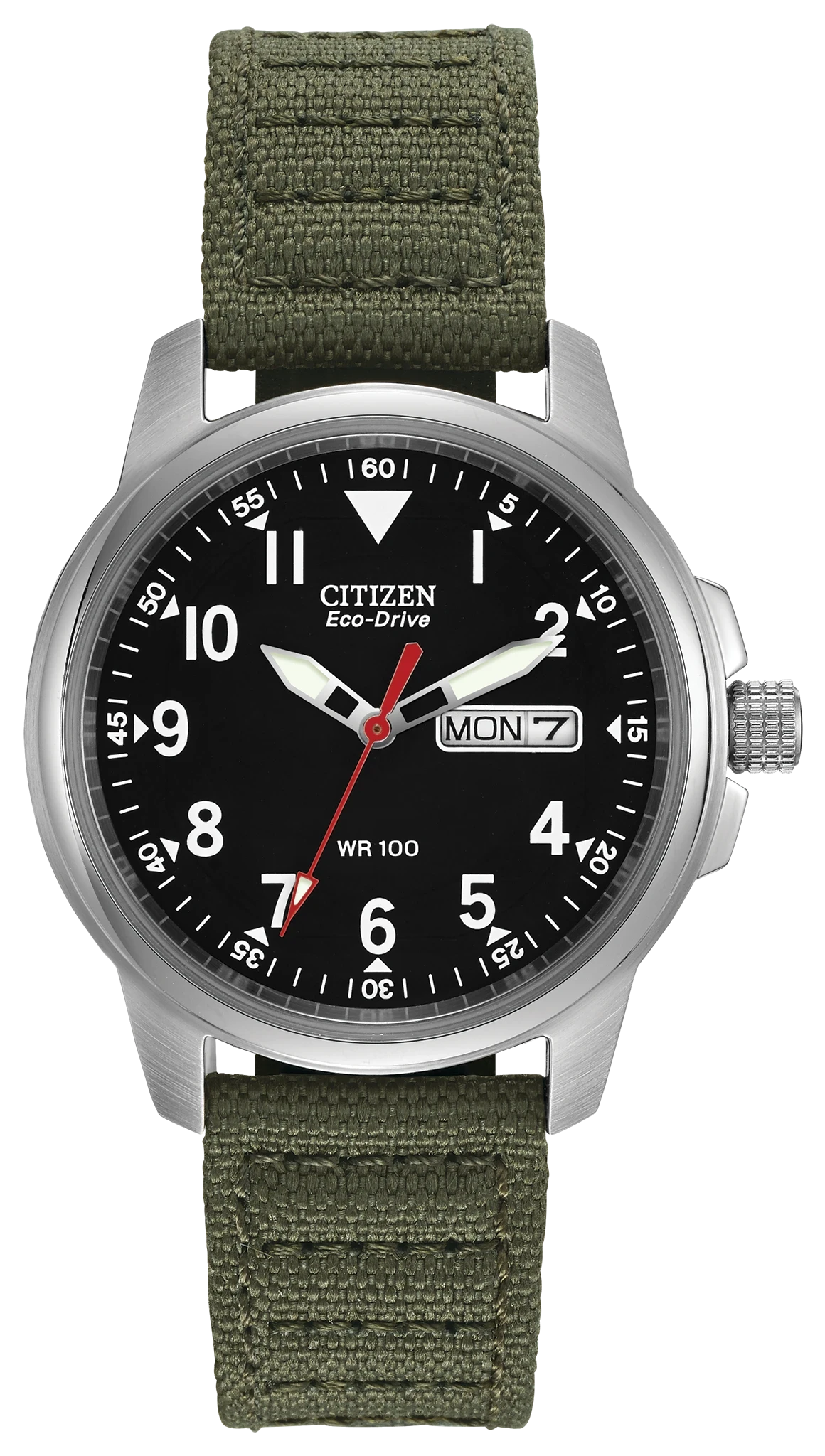
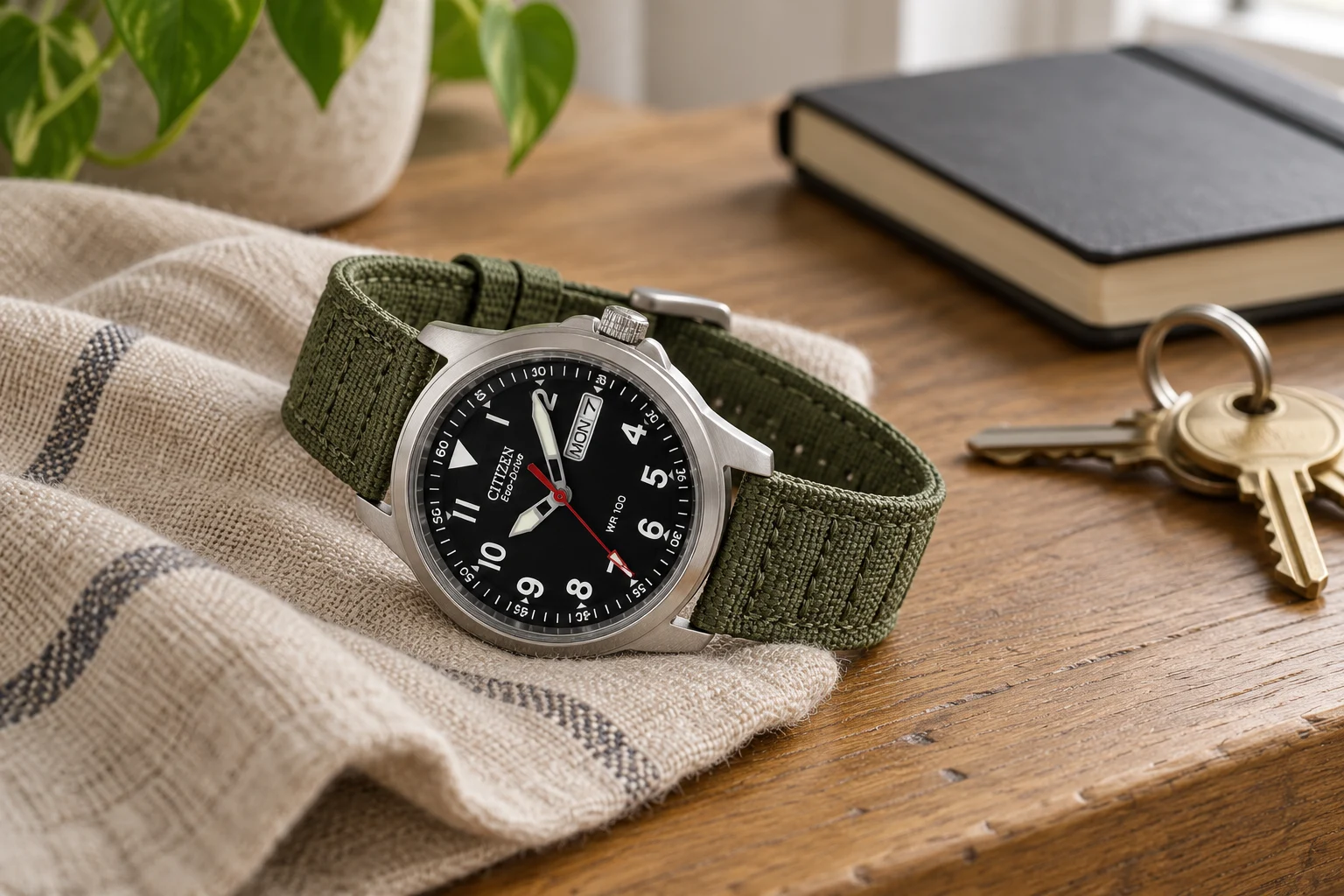
Citizen Garrison BM8180-03E — original brand product image; BM8180-03E · Green canvason wrist illustration referencing Citizen Garrison BM8180-03E BM8180-03E · Green canvas; verify details in the original product imageProduct photo
Product photo · Citizen

Light-powered, quietly practical

Citizen Garrison BM8180-03E

BM8180-03E · Green canvas

You want an analog day-date watch without winding an automatic every time it stops.

Details & fit

Why consider itThe Eco-Drive route puts regular light exposure ahead of a mechanical ownership routine.

The tradeoffA canvas strap and modest case will not suit every wrist or dress code.

Before you buyRead Citizen’s charging guidance; confirm BM8180-03E and strap length. Eco-Drive still needs light.

Read the related guide →Choose by routine, fit and ownership →Brand specifications & image source
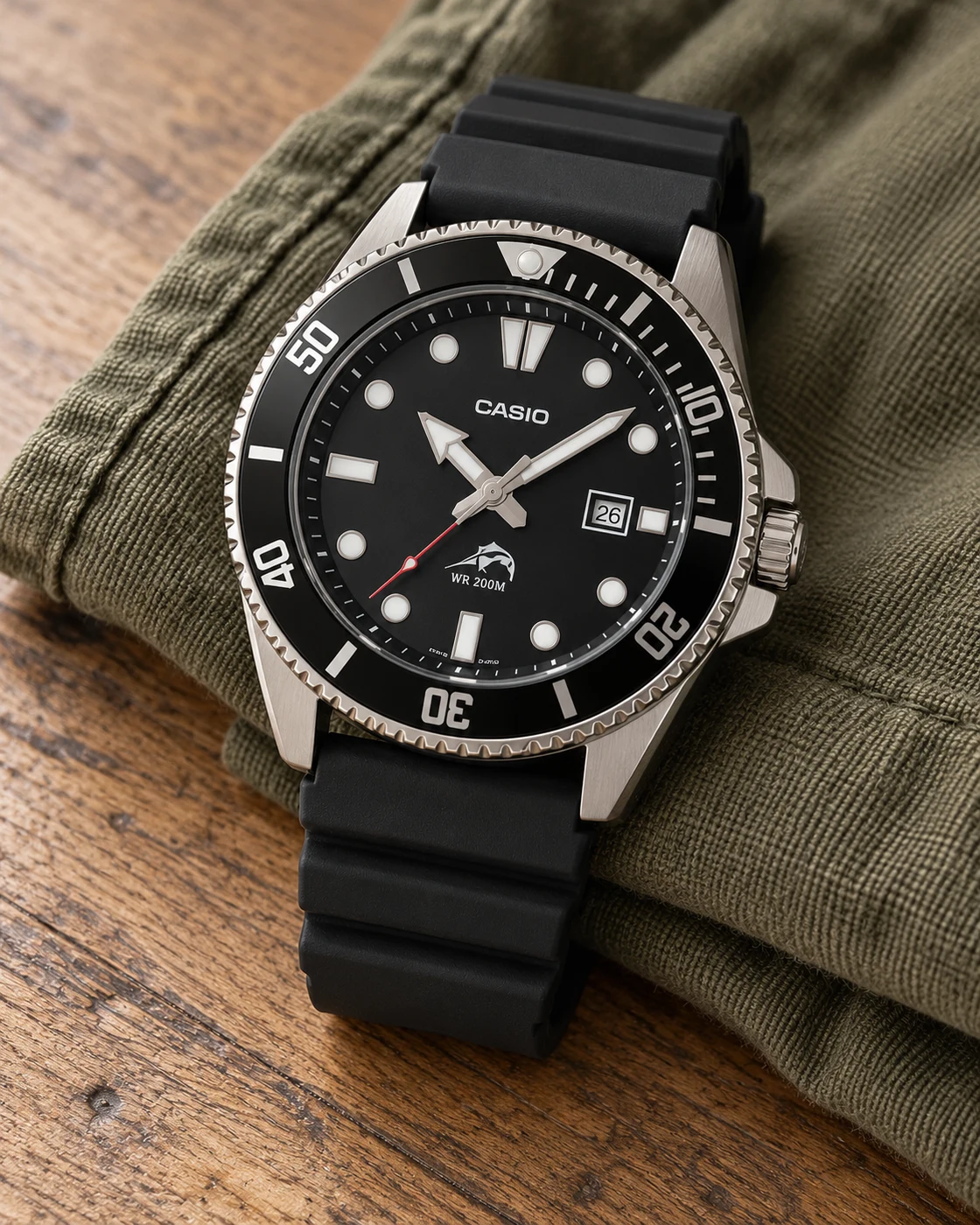
Casio Duro MDV-106-1AV in a softly lit everyday settingCasio Duro MDV-106-1AV worn naturally on a wristProduct view
Everyday setting · NextGen

A straightforward analog water-watch look

Casio Duro MDV-106-1AV

Black dial · Black resin strap

Someone who likes a large, legible analog watch without mechanical-watch upkeep.

Details & fit

Why consider itA simple dial and elapsed-time bezel give this quartz design a clear everyday purpose.

The tradeoffIts larger case can overwhelm a small wrist; the resin strap is a different experience from a bracelet.

Before you buyMatch MDV-106-1AV, case dimensions and strap length; follow Casio’s water-use instructions.

Read the related guide →Choose by routine, fit and ownership →Manufacturer model information
Casio G-SHOCK DW-5600BB in a softly lit everyday settingCasio G-SHOCK DW-5600BB worn naturally on a wristProduct view
Everyday setting · NextGen

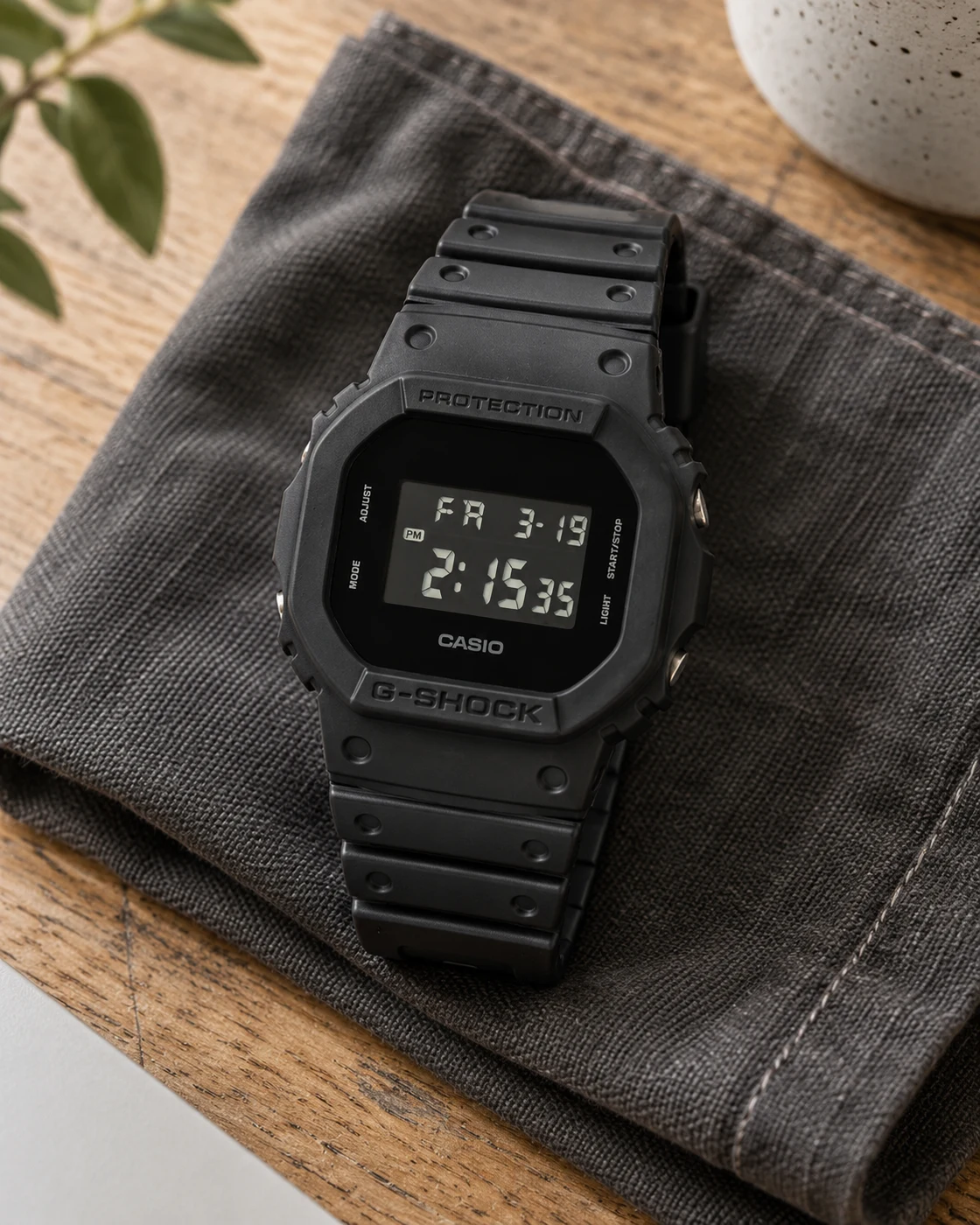
The deliberately understated square

Casio G-SHOCK DW-5600BB

All black · Negative LCD · Selected 1CR listing

A wearer who wants the square G-SHOCK shape with a muted, mostly black appearance.

Details & fit

Why consider itThe clean dark design provides a distinct alternative to a traditional positive-display square.

The tradeoffThe negative LCD can be less convenient to read at some angles; this is not the solar GW-M5610U.

Before you buyConfirm DW-5600BB-1CR, negative display, regional warranty and the exact module manual.

Read the related guide →Choose by routine, fit and ownership →Manufacturer model information
Casio G-SHOCK GW-M5610U in a softly lit everyday settingCasio G-SHOCK GW-M5610U worn naturally on a wristProduct view
Everyday setting · NextGen

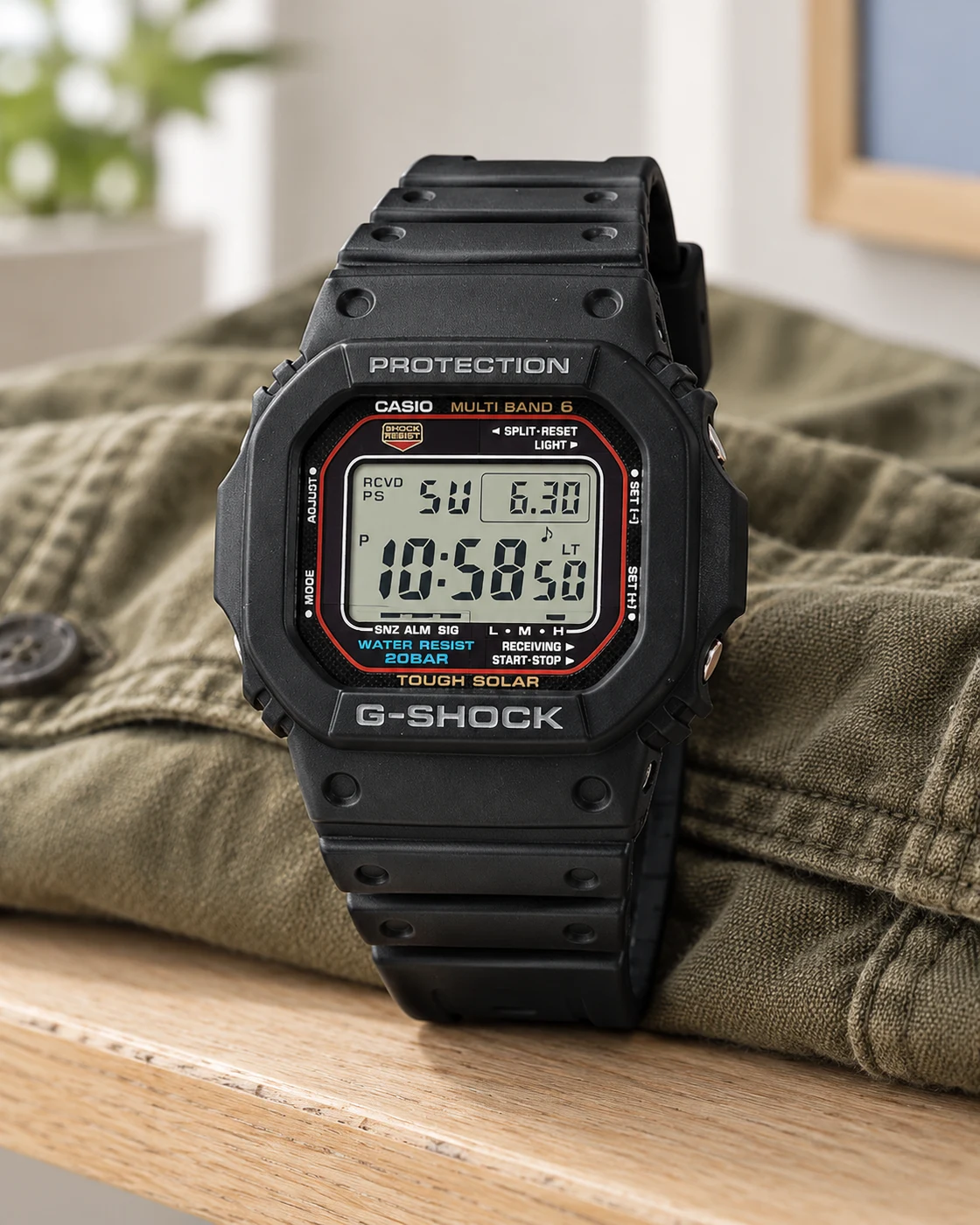
A square built around a daily routine

Casio G-SHOCK GW-M5610U

1JF Japan-market listing · Tough Solar

A wearer interested in solar charging and radio time adjustment within supported reception conditions.

Details & fit

Why consider itThe positive display and familiar square format keep the time-focused interface straightforward.

The tradeoffRadio reception is location-dependent, and solar charging still requires adequate light.

Before you buyMatch GW-M5610U-1JF, import terms, warranty coverage and your region’s radio reception.

Read the related guide →Choose by routine, fit and ownership →Manufacturer model information
Casio W-800H in a softly lit everyday settingCasio W-800H worn naturally on a wristProduct view
Everyday setting · NextGen

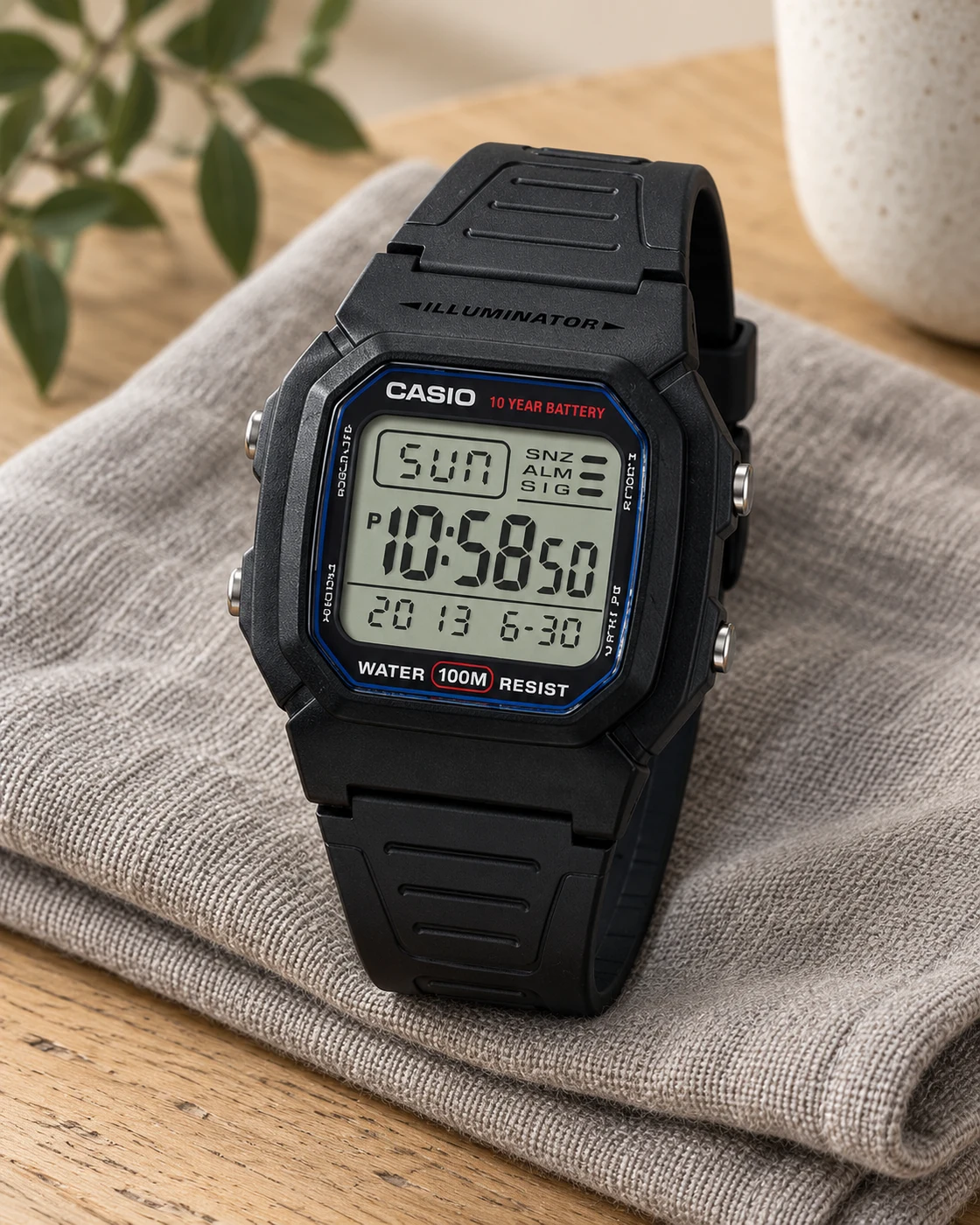
A simple digital starting point

Casio W-800H

1AVCF · Black · Positive digital display

Someone who values an easy time display over a metal bracelet or mechanical movement.

Details & fit

Why consider itThe compact digital format can cover ordinary timekeeping without adding a charging routine.

The tradeoffButtons, lighting and case styling are basic rather than premium.

Before you buyMatch W-800H-1AVCF, dimensions, strap fit and the retailer’s current offer.

Read the related guide →Choose by routine, fit and ownership →Manufacturer model information
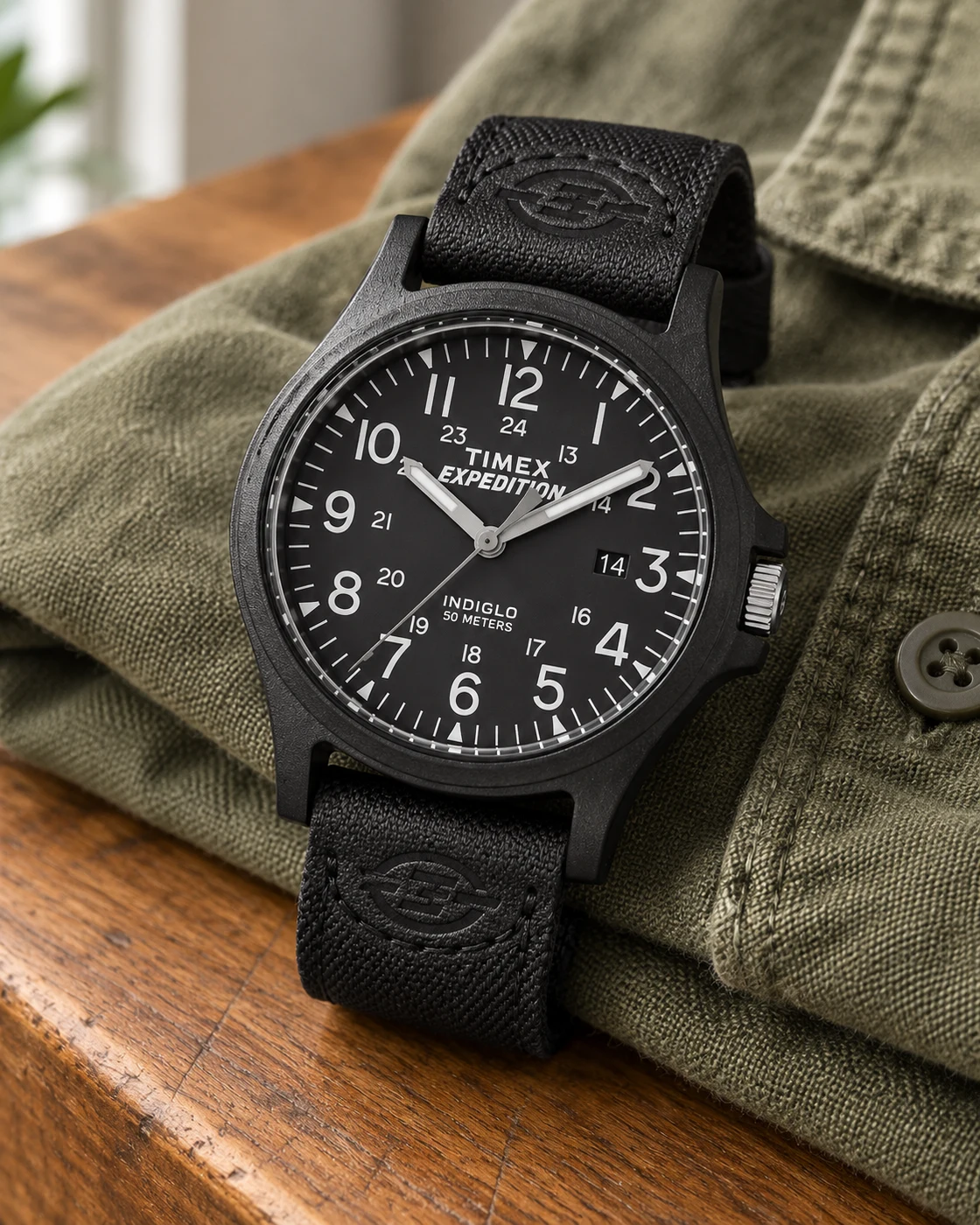
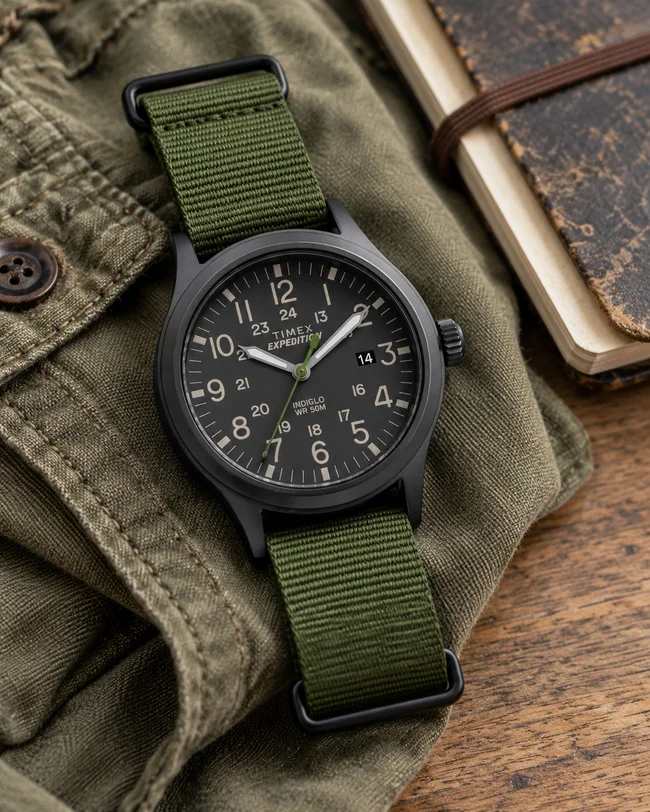
Timex Expedition Scout 40 in a softly lit everyday settingTimex Expedition Scout 40 worn naturally on a wristProduct view
Everyday setting · NextGen

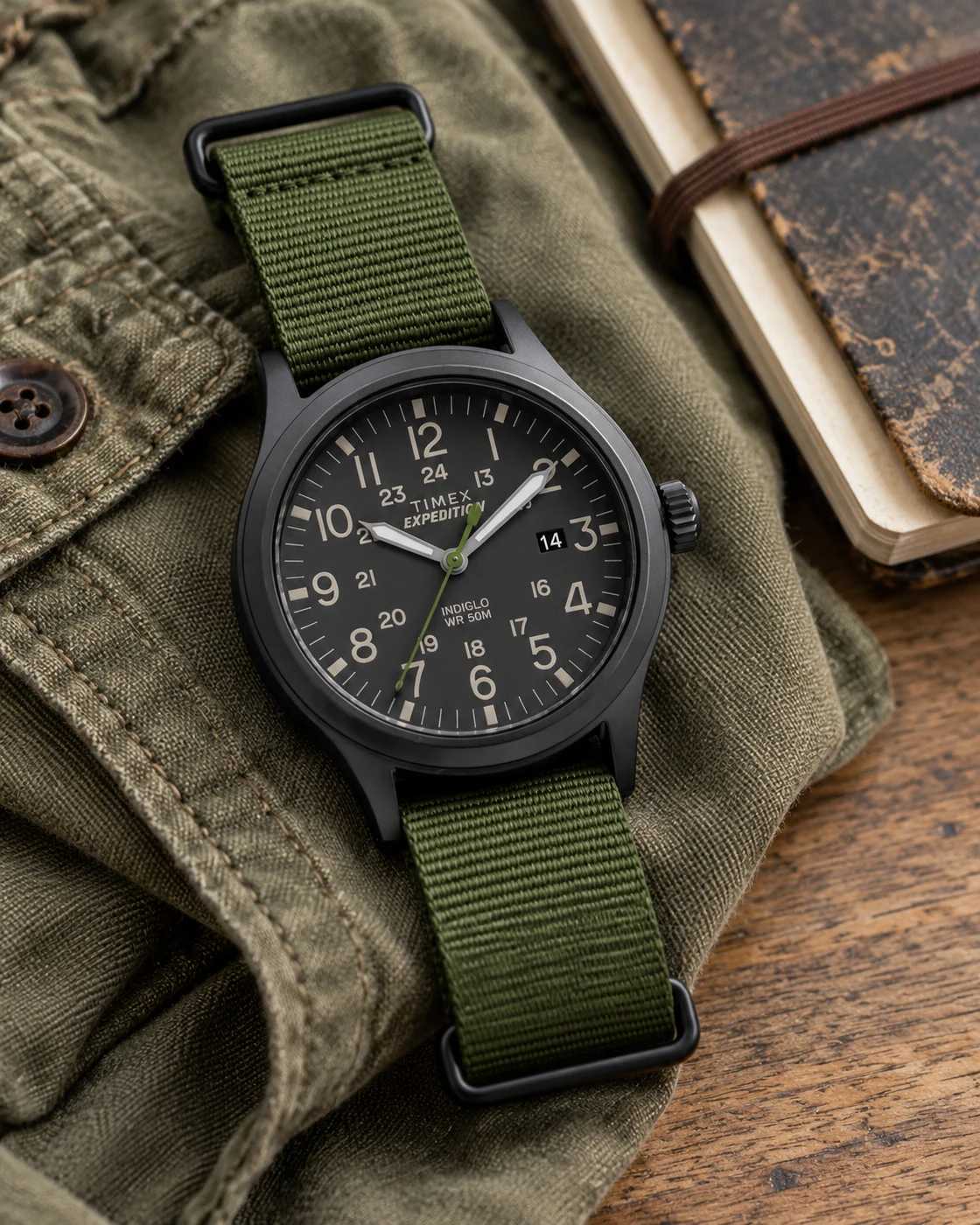
Field-watch character for ordinary days

Timex Expedition Scout 40

TW4B04700 · Black dial · Green fabric strap

A casual wardrobe that works with a clear analog dial and a green fabric strap.

Details & fit

Why consider itThe selected Scout has a practical time-and-date layout and a familiar field-watch appearance.

The tradeoffA fabric strap can hold moisture, and movement sound is worth considering for sound-sensitive users.

Before you buyConfirm TW4B04700, 40 mm size, strap length and the manual’s water-use guidance.

Read the related guide →Choose by routine, fit and ownership →Manufacturer model information
Timex Expedition Acadia 40 in a softly lit everyday settingTimex Expedition Acadia 40 worn naturally on a wristProduct view
Everyday setting · NextGen

A dark, casual analog alternative

Timex Expedition Acadia 40

TW4B08100 · All black

A wearer who wants the Expedition style in a black case and black strap configuration.

Details & fit

Why consider itA high-contrast numbered dial can keep a casual watch useful rather than purely decorative.

The tradeoffThis Acadia is not the initially shortlisted Easy Reader; its materials and strap need their own fit check.

Before you buyMatch TW4B08100 and 40 mm size; inspect the selected strap and seller warranty.

Read the related guide →Choose by routine, fit and ownership →Amazon listing & model details ↗
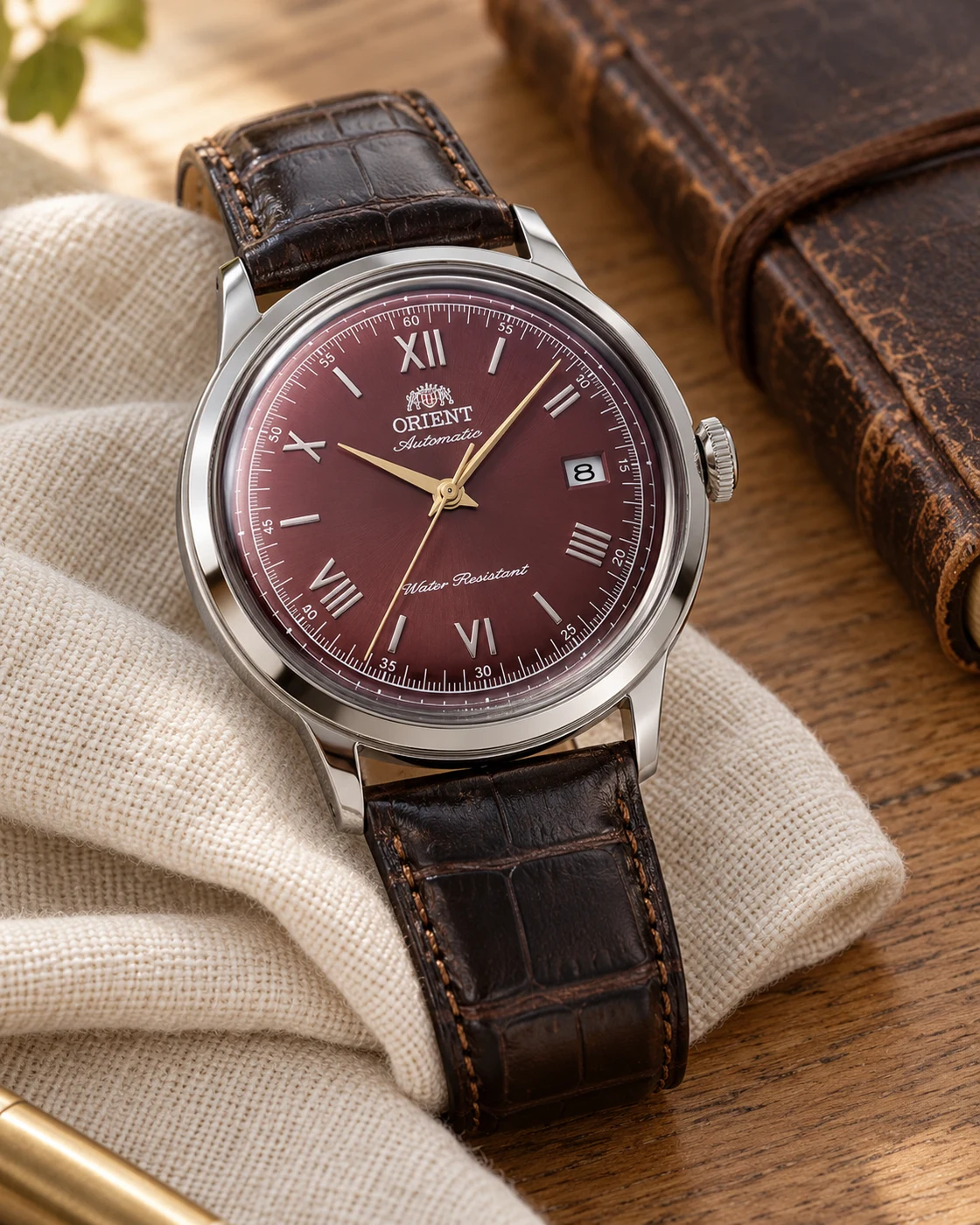
Orient Bambino Version 2 in a softly lit everyday settingOrient Bambino Version 2 worn naturally on a wristProduct view
Everyday setting · NextGen

A dressier change of pace

Orient Bambino Version 2

40.5 mm · Burgundy Roman dial · Brown leather

Someone who wants a traditional automatic with Roman numerals and a warmer dial color.

Details & fit

Why consider itThe selected red-dial Version 2 is a distinct dress-watch route alongside the sportier options here.

The tradeoffIt is not the smaller 38.4 mm Version 7; dress-oriented water-use limits and leather care matter.

Before you buyMatch the 40.5 mm red-dial Version 2 listing, exact reference, warranty and strap length before ordering.

Read the related guide →Choose by routine, fit and ownership →Amazon listing & model details ↗
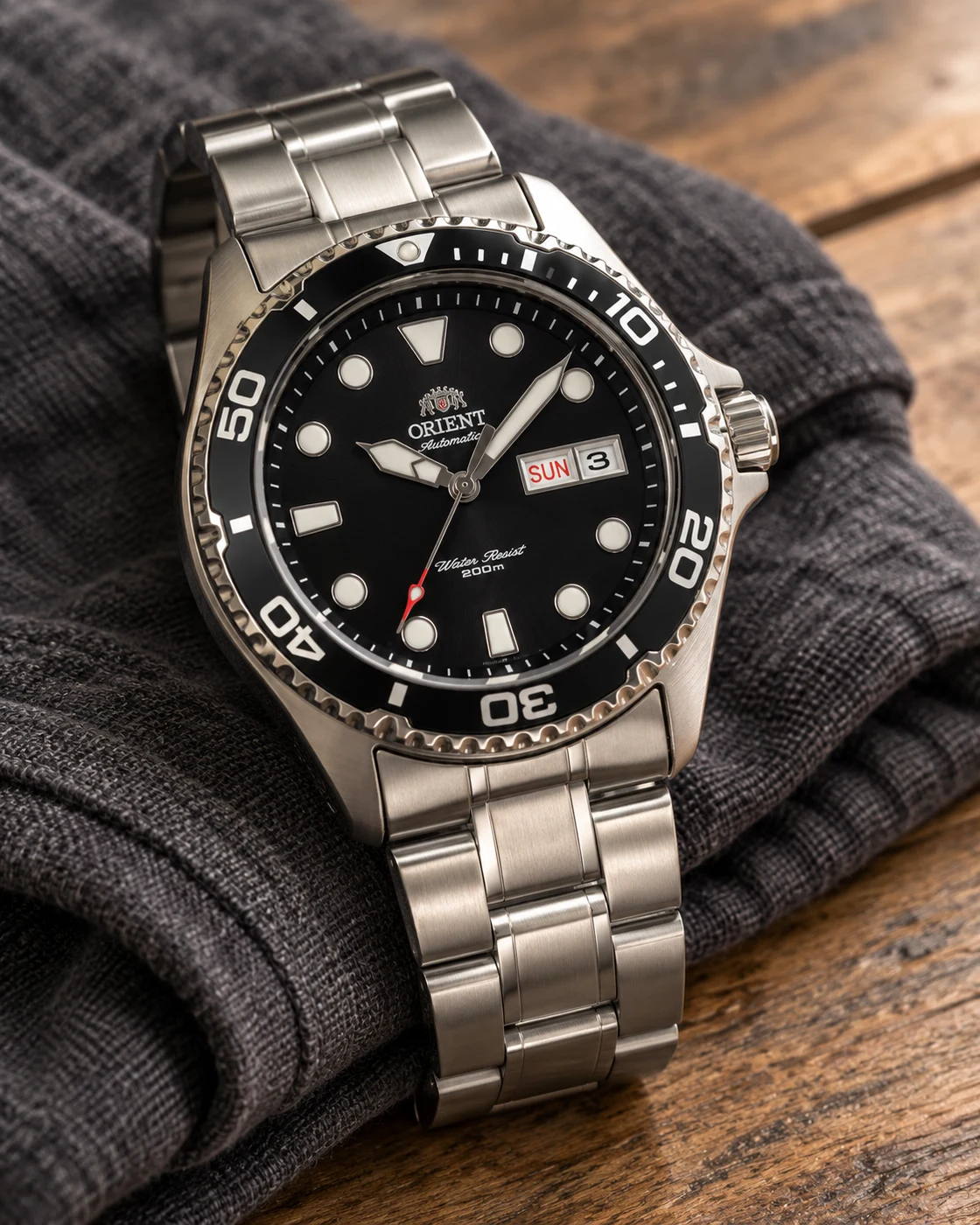
Orient Ray II in a softly lit everyday settingOrient Ray II worn naturally on a wristProduct view
Everyday setting · NextGen

An automatic with a clear sport-watch brief

Orient Ray II

Black dial · Steel bracelet · Selected AA02-series listing

A wearer looking for a black-dial automatic on a steel bracelet.

Details & fit

Why consider itThe Ray II offers a different dial and ownership proposition from a basic quartz sport watch.

The tradeoffBracelet sizing and mechanical servicing add responsibilities; the current offer may exceed $200.

Before you buyConfirm the linked black-dial Ray II reference, movement, bracelet contents and delivered total.

Read the related guide →Choose by routine, fit and ownership →Amazon listing & model details ↗
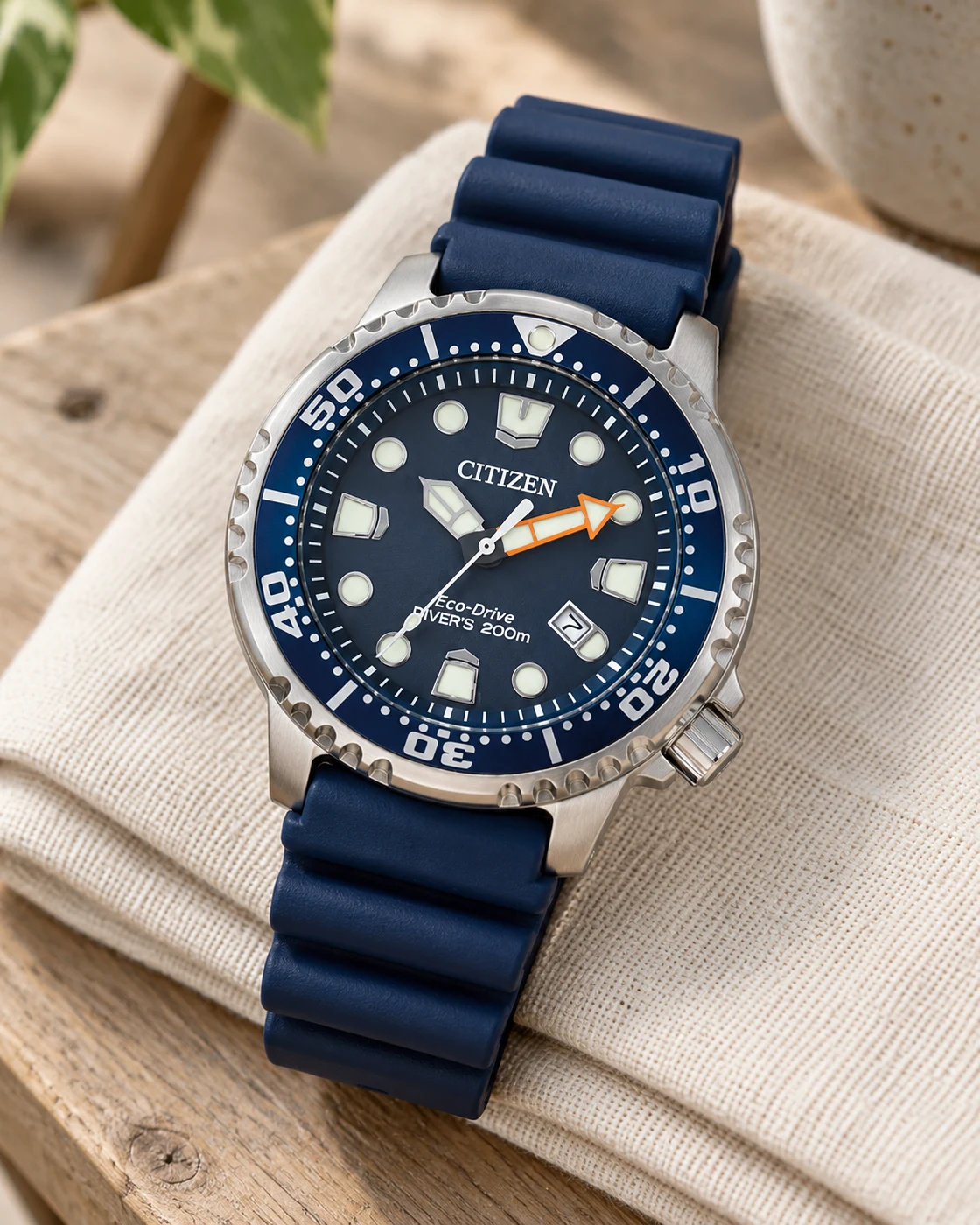
Citizen Promaster Diver BN0151-09L in a softly lit everyday settingCitizen Promaster Diver BN0151-09L worn naturally on a wristProduct view
Everyday setting · NextGen

A light-powered diver option

Citizen Promaster Diver BN0151-09L

Blue dial · Blue strap · Eco-Drive

A wearer who prefers a blue sport watch and light-powered quartz ownership.

Details & fit

Why consider itEco-Drive offers an alternative to both routine battery changes and a mechanical winding habit.

The tradeoffLight-powered does not mean maintenance-free; the strap and case still need to fit your wrist.

Before you buyMatch BN0151-09L, strap length, warranty region and Citizen’s charging and water-use instructions.

Read the related guide →Choose by routine, fit and ownership →Manufacturer model information
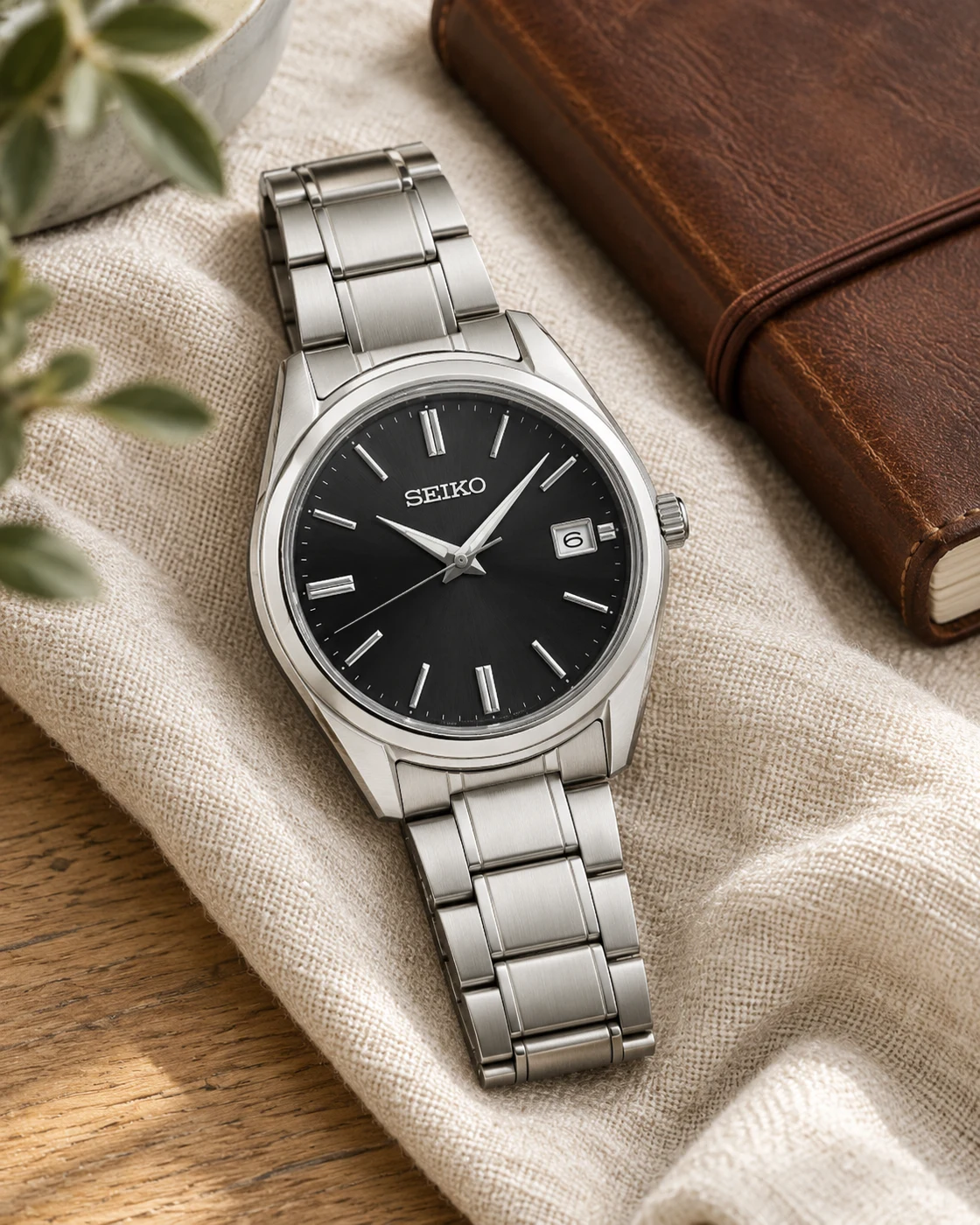
Seiko SUR311 in a softly lit everyday settingSeiko SUR311 worn naturally on a wristProduct view
Everyday setting · NextGen

A cleaner analog office watch

Seiko SUR311

Black dial · Steel bracelet · Quartz

Someone who wants a restrained black dial and bracelet without an automatic movement.

Details & fit

Why consider itA simple baton-index dial can move easily between a work shirt and casual clothing.

The tradeoffIt lacks the hobby appeal of a mechanical movement, and the bracelet needs proper sizing.

Before you buyConfirm SUR311, the exact case dimensions, bracelet fit and seller warranty.

Read the related guide →Choose by routine, fit and ownership →Manufacturer model information
02 / Desk & tech

Make space for better work.

Connections, charging, clearer calls and a better surface to work on. Choose the upgrade that solves an actual desk problem.

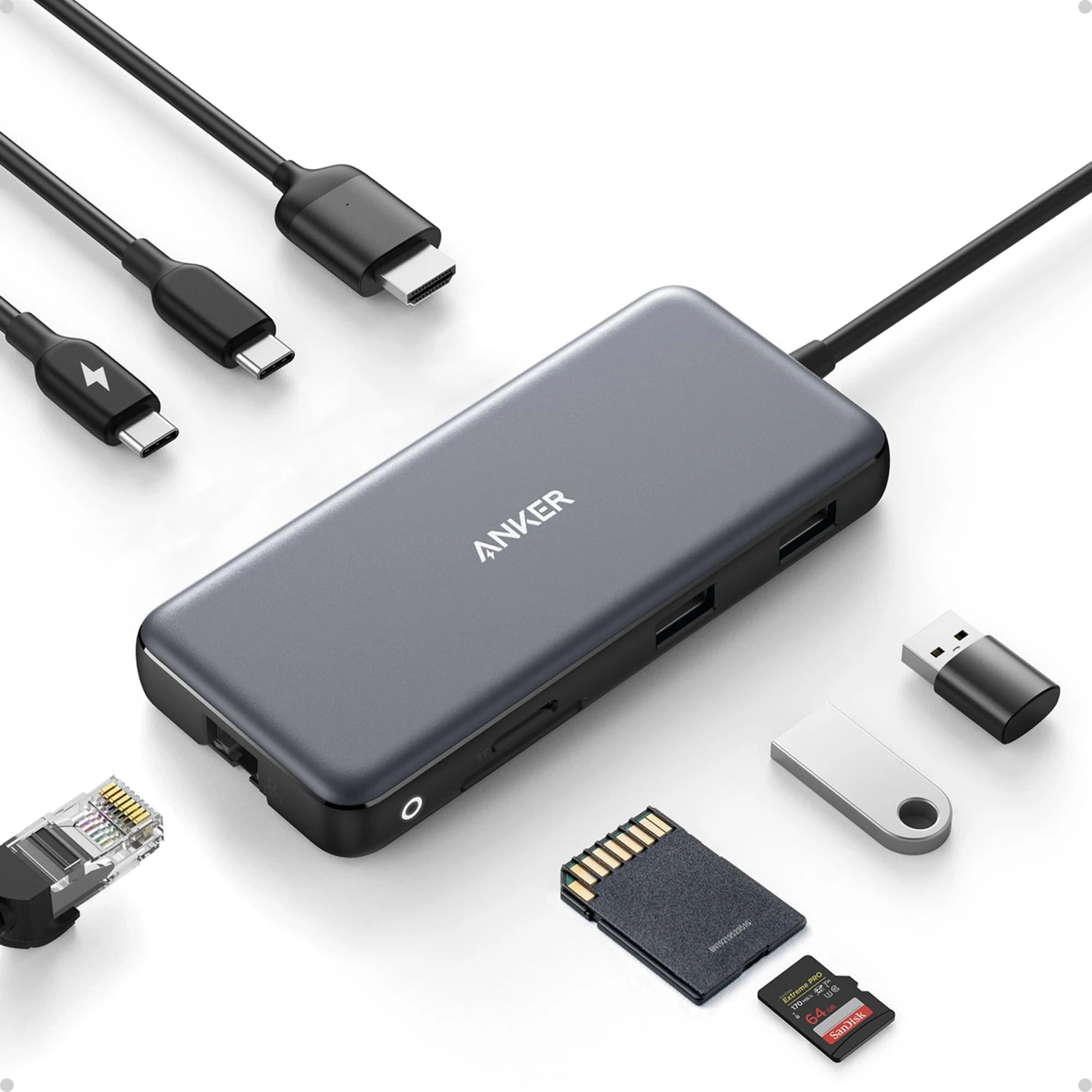
Anker 555 A8383 gray eight-in-one USB-C hub and its connection layoutAnker 555 gray USB-C hub resting beside a laptop on a light wooden deskProduct view
Product view · Anker · Amazon listing

New The ports a thin laptop leaves out.

Anker 555 USB-C Hub

A8383 · 8-in-1 · Gray

You need one HDMI screen, Ethernet and memory-card slots without keeping a full-size dock on the desk.

Details & fit

Why consider itThe 555 brings HDMI, gigabit Ethernet, SD and microSD slots, plus 10 Gbps USB data ports into a small hub. Its HDMI output can reach 4K at 60 Hz when the computer and connection support it.

The tradeoffThis is a single-display hub, not a dual-monitor solution. The attached cable is short, and the 100 W power input leaves up to 85 W for the laptop after the hub's allowance.

Before you buyMatch A8383. Your USB-C port must support video output for HDMI to work. Check the laptop's display limits and power requirement; a suitable USB-C charger is sold separately.

Read the related guide →Decide which desk upgrade to buy first →Amazon listing & model details ↗
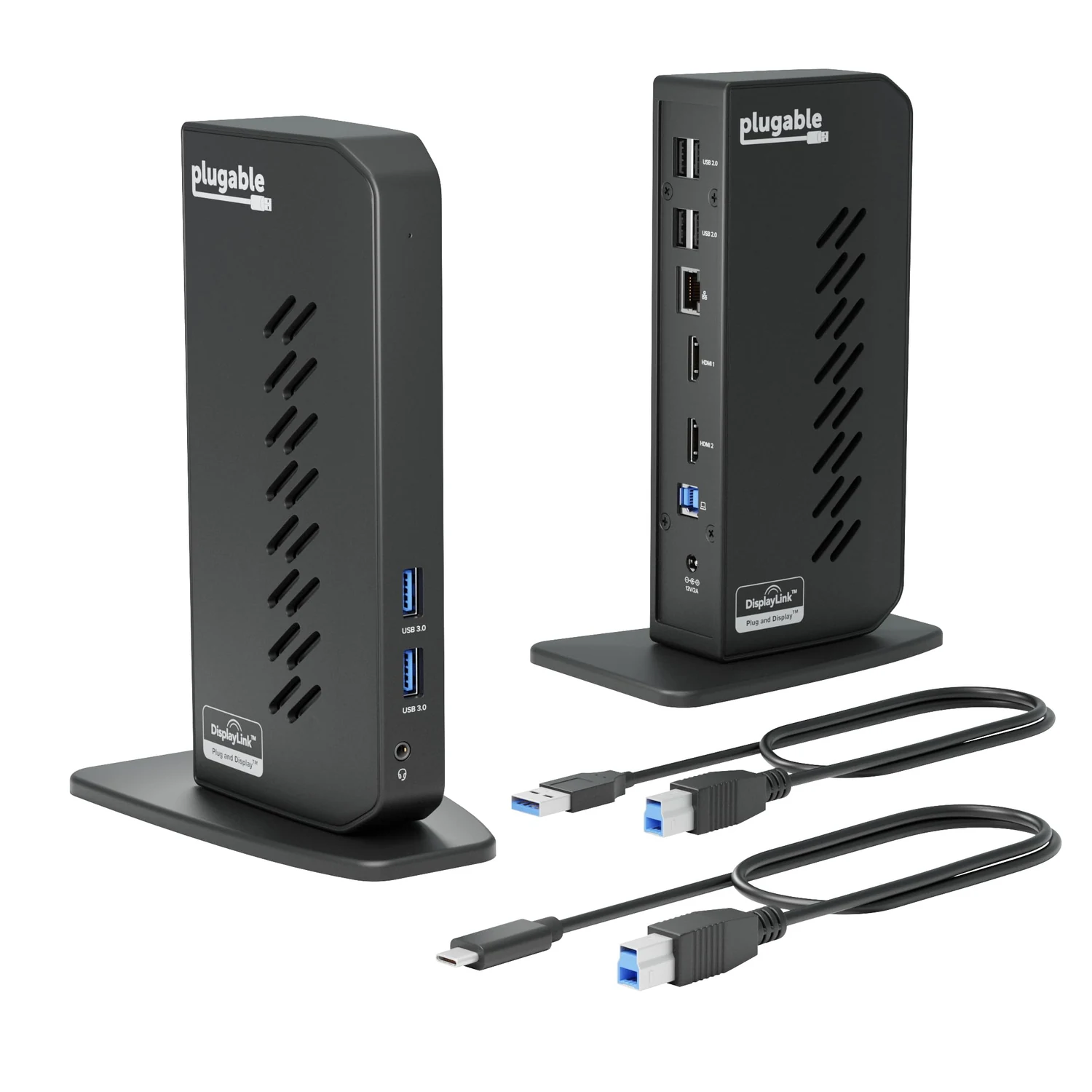
Plugable UD-3900Z black vertical dual HDMI docking station with supplied cablesPlugable UD-3900Z standing on its base in front of two office monitorsProduct view
Product view · Plugable · Amazon listing

New Two work screens, with a driver involved.

Plugable UD-3900Z Dual HDMI Dock

UD-3900Z · Dual HDMI · Black

You want two external screens for documents and browser windows, and can install DisplayLink software on the computer.

Details & fit

Why consider itThis vertical dock adds two HDMI outputs, Ethernet, audio and six USB ports through one host connection. The UD-3900Z supports two displays up to 1920 × 1200 at 60 Hz, making it a practical office option rather than a 4K dock.

The tradeoffIt does not charge the laptop. DisplayLink adds software requirements and is a poor fit for high-refresh gaming or some protected streaming video.

Before you buyChoose UD-3900Z, not a similarly named HDMI/DVI variant. Confirm the current operating-system support, driver permissions and monitor inputs. Keep the laptop's own charger connected.

Read the related guide →Decide which desk upgrade to buy first →Amazon listing & model details ↗
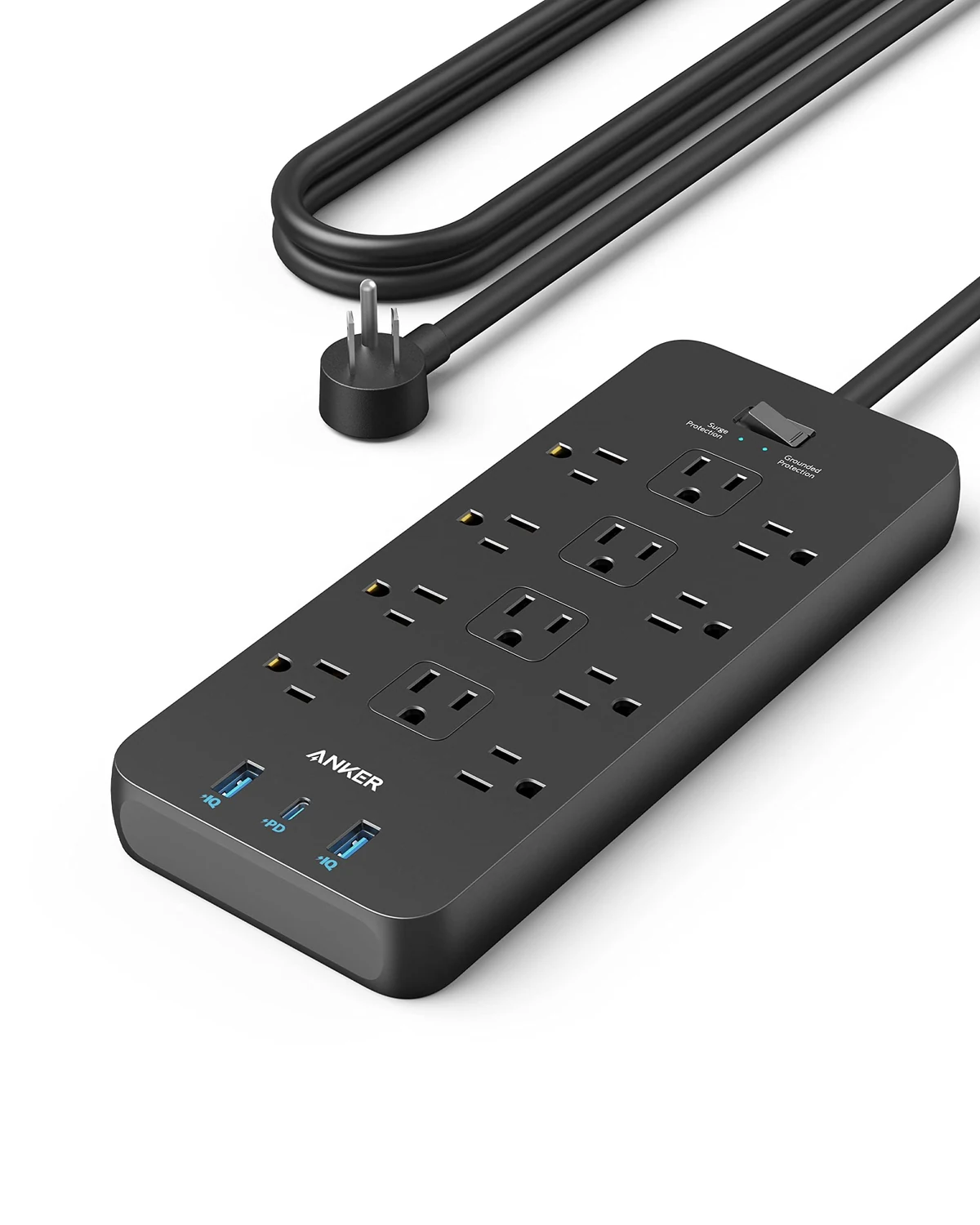
Anker 351 black power strip with twelve US AC outlets and three USB portsAnker 351 power strip with one adapter connected at the rear of a wooden office deskProduct view
Product view · Anker · Amazon listing

New Room for the desk's awkward adapters.

Anker 351 Power Strip

A9192 · 12 AC / 3 USB · Black · 5 ft

Your US desk needs more AC outlets and a small phone charger in one place, rather than another high-power laptop dock.

Details & fit

Why consider itTwelve AC outlets give monitors, speakers and chargers a common home. The USB-C port offers up to 20 W when the two USB-A ports are not in use, which suits a phone better than a power-hungry laptop.

The tradeoffThe strip is fairly large. Sharing its USB ports changes the available power, and a 20 W USB-C label does not mean every connected device receives 20 W.

Before you buyMatch the A9192 black five-foot US version. Its combined AC limit is 15 A / 1875 W at 125 V. Follow the supplied load and placement instructions; it is not a voltage converter or an extension for high-draw heating appliances.

Read the related guide →Decide which desk upgrade to buy first →Amazon listing & model details ↗
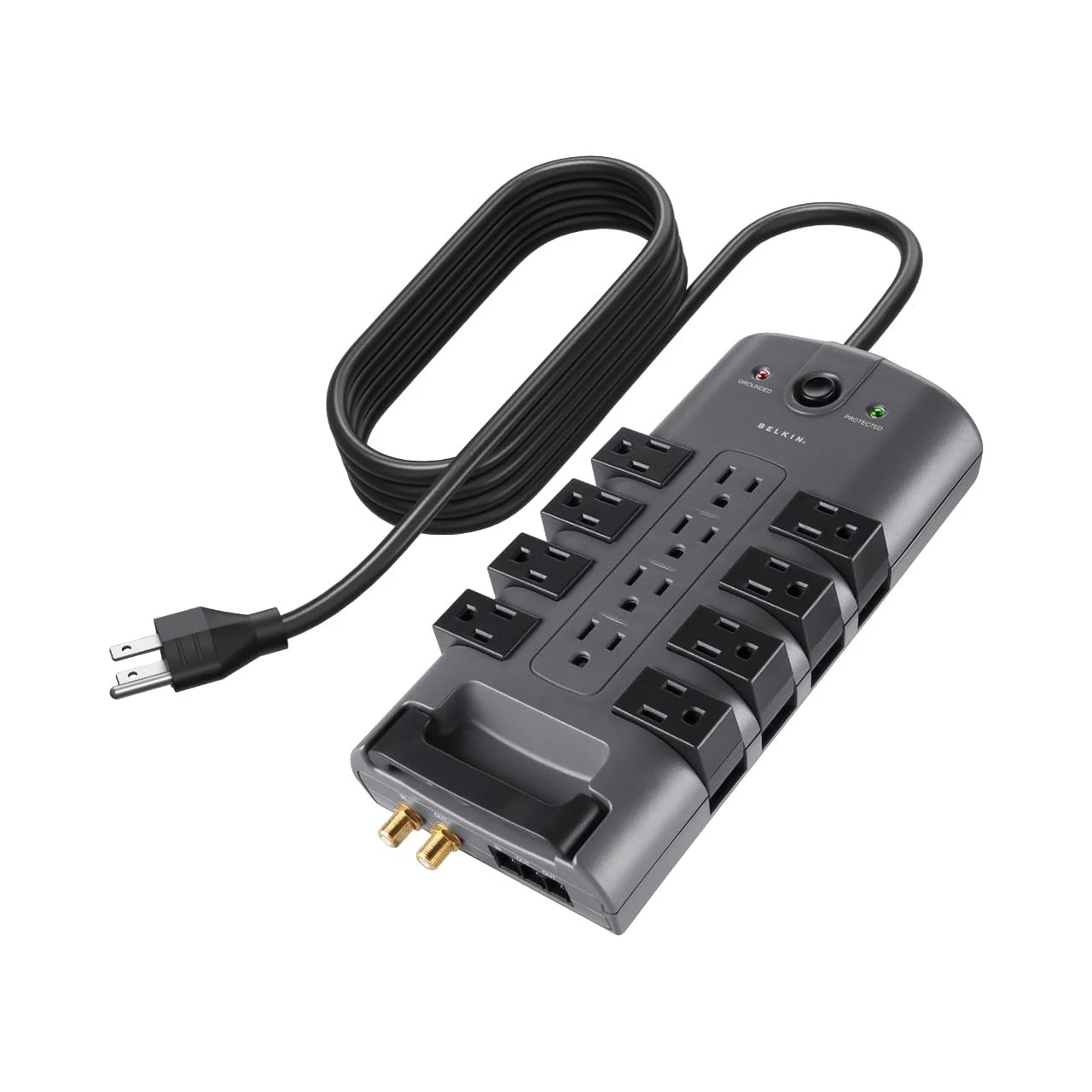
Belkin PivotPlug BP112230-08 gray and black twelve-outlet surge protectorBelkin PivotPlug surge protector resting on an office desk with one pivoting outlet in useProduct view
Product view · Belkin · Amazon listing

New Let bulky plugs turn out of the way.

Belkin PivotPlug 12-Outlet Surge Protector

BP112230-08 · 8 ft · Gray / black

Your monitor and peripheral adapters block neighboring sockets on an ordinary US power strip.

Details & fit

Why consider itEight pivoting outlets flank four fixed ones, so larger power bricks can turn away from each other. The eight-foot cord offers more placement freedom, and the model carries a 4320-joule surge-protection rating.

The tradeoffIt is a substantial strip with no USB charging ports. A surge protector is not a battery backup and cannot keep a computer running through an outage.

Before you buyMatch BP112230-08 and the eight-foot US version. Check socket spacing, floor or desk clearance, the protection indicator and the 15 A / 1875 W combined AC limit before arranging equipment.

Read the related guide →Decide which desk upgrade to buy first →Amazon listing & model details ↗
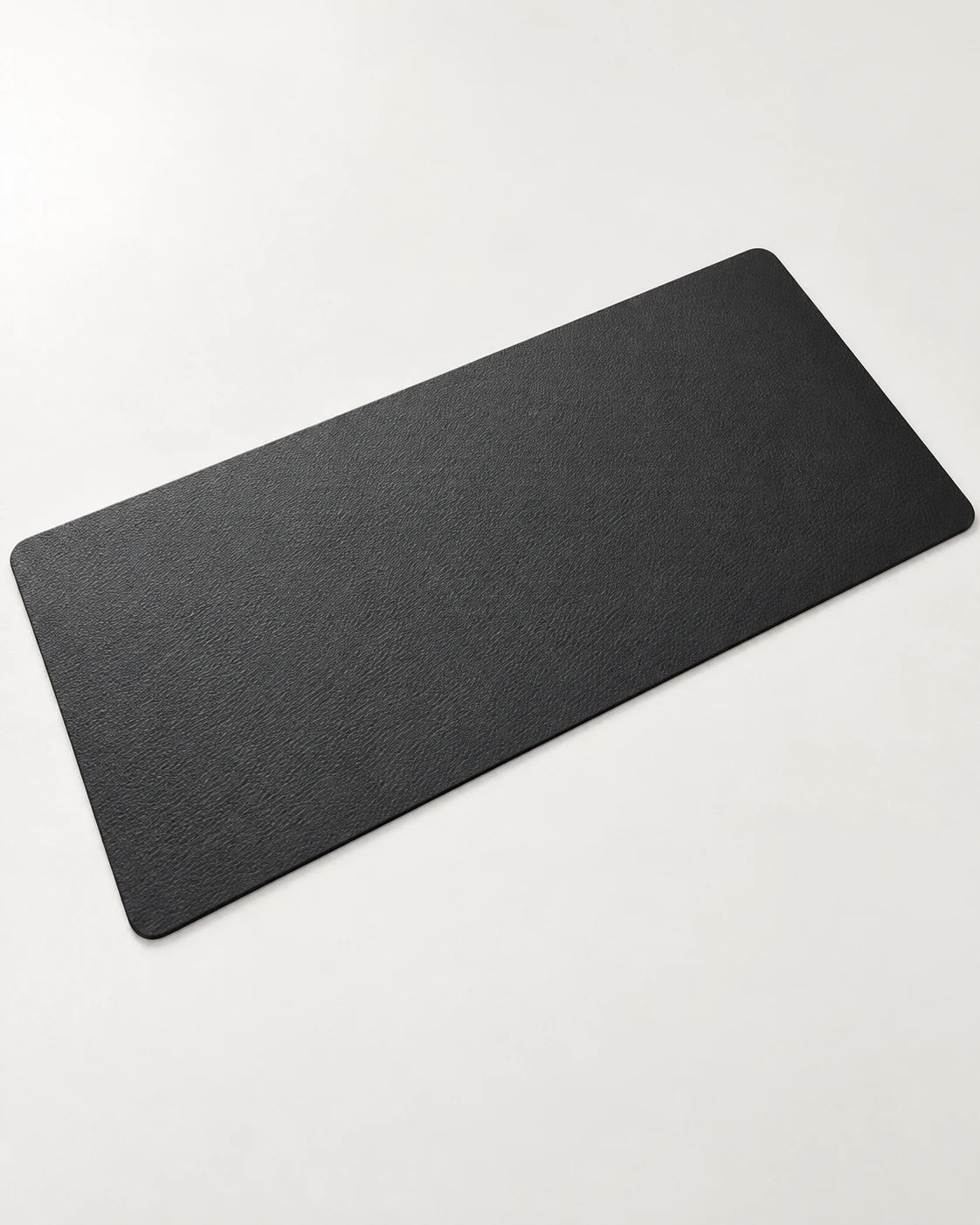
Black Aothia PU faux-leather desk pad with rounded corners and an unstitched edgeBlack PU desk pad laid flat under a compact keyboard and mouse on an oak deskProduct view
Product view · Match the selected size and color

New A wipe-clean surface, with room to work.

Aothia PU Leather Desk Pad

Black · 31.5 × 15.7 in / 800 × 400 mm

You want one broad, easy-to-wipe surface under the keyboard and mouse, with extra room for everyday writing.

Details & fit

Why consider itThe 31.5 × 15.7 inch pad gives a keyboard and mouse a shared working area. Its thin PU faux-leather surface has a subtle texture and can be wiped clean following the maker’s care guidance.

The tradeoffPU feels different from a woven cloth mouse pad and is not genuine leather. Grip can vary with the desktop finish; do not assume the pad will stay fixed on every smooth surface.

Before you buyChoose Black, 31.5 × 15.7 inches, ASIN B082F5ZLS5. Measure an 800 × 400 mm area with your keyboard in place. Follow the cleaning instructions and check the current return terms. Electronics and other desk props are sold separately.

Read the related guide →Decide which desk upgrade to buy first →Amazon listing & selected size ↗
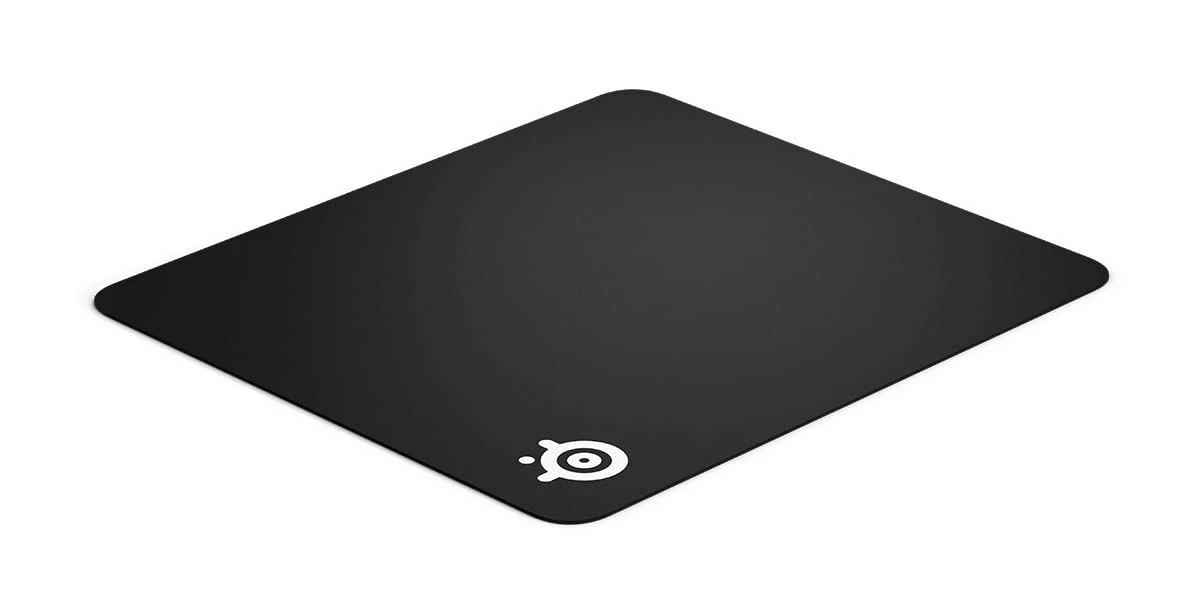
SteelSeries QcK Large black cloth mouse pad with the small white corner logoA hand using a mouse on a black SteelSeries QcK pad beside a keyboardProduct view
Product view · SteelSeries · Amazon listing

New Give the mouse its own space.

SteelSeries QcK Large Mouse Pad

QcK+ / Large 63003 · 450 × 400 × 2 mm

You want a broad cloth mousing area beside the keyboard, especially if a narrow desk mat feels restrictive.

Details & fit

Why consider itThe QcK Large provides a 450 × 400 mm cloth surface over a rubber base. It is a simple, thin pad with enough depth for longer mouse movements and no lights or software to configure.

The tradeoffIt takes a meaningful part of the desk, and the standard 2 mm version is not the thick QcK Heavy. Cloth can pick up dust and needs occasional cleaning.

Before you buyMatch Large / QcK+ 63003, 450 × 400 × 2 mm. Check the listing's size selector rather than relying on the family name; Heavy, Edge and other QcK variants have different construction.

Read the related guide →Decide which desk upgrade to buy first →Amazon listing & model details ↗
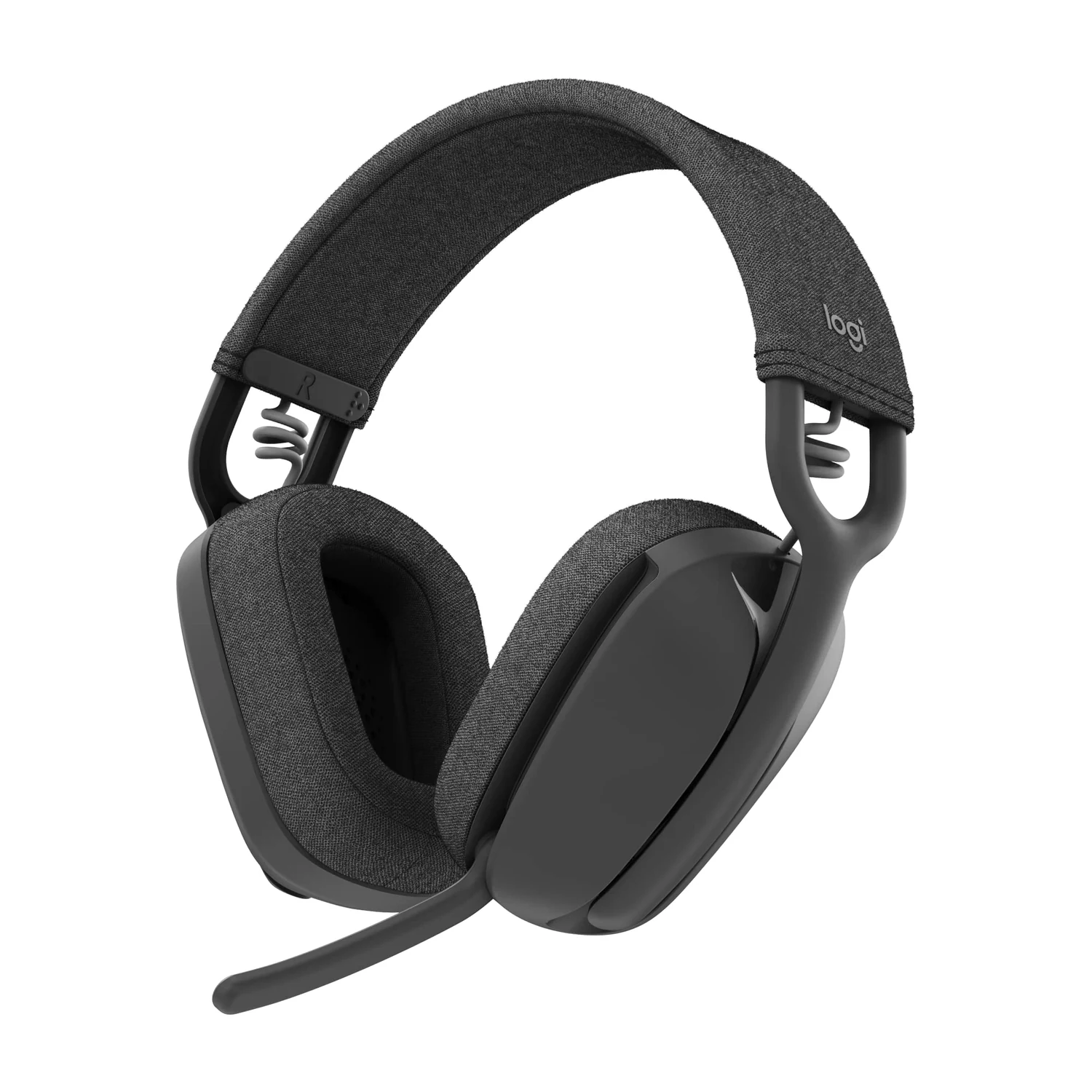
Logitech Zone Vibe 100 graphite Bluetooth headset with fabric cushions and boom microphoneAn adult wearing a graphite Logitech Zone Vibe 100 with its boom microphone loweredProduct view
Product view · Logitech · Amazon listing

New A boom mic for a meeting-heavy day.

Logitech Zone Vibe 100

Zone Vibe 100 · Graphite · Bluetooth

You spend more time on calls than chasing deep noise cancellation, and prefer a light headset with an easy mute action.

Details & fit

Why consider itThe 185 g Zone Vibe 100 uses fabric cushions and a flip-to-mute boom microphone. Bluetooth multipoint helps it move between compatible devices, while its rated battery life is up to 20 hours of listening or 18 hours of talk time.

The tradeoffThe earcups do not offer active noise cancellation. Bluetooth call mode can reduce playback quality, and this 100 model is not the receiver-equipped Zone Vibe Wireless business package.

Before you buyChoose Graphite and Zone Vibe 100. Confirm your computer's Bluetooth support, meeting-app behavior and return terms for fit. A noise-reducing microphone is not the same thing as noise cancellation for your ears.

Read the related guide →Decide which desk upgrade to buy first →Amazon listing & model details ↗
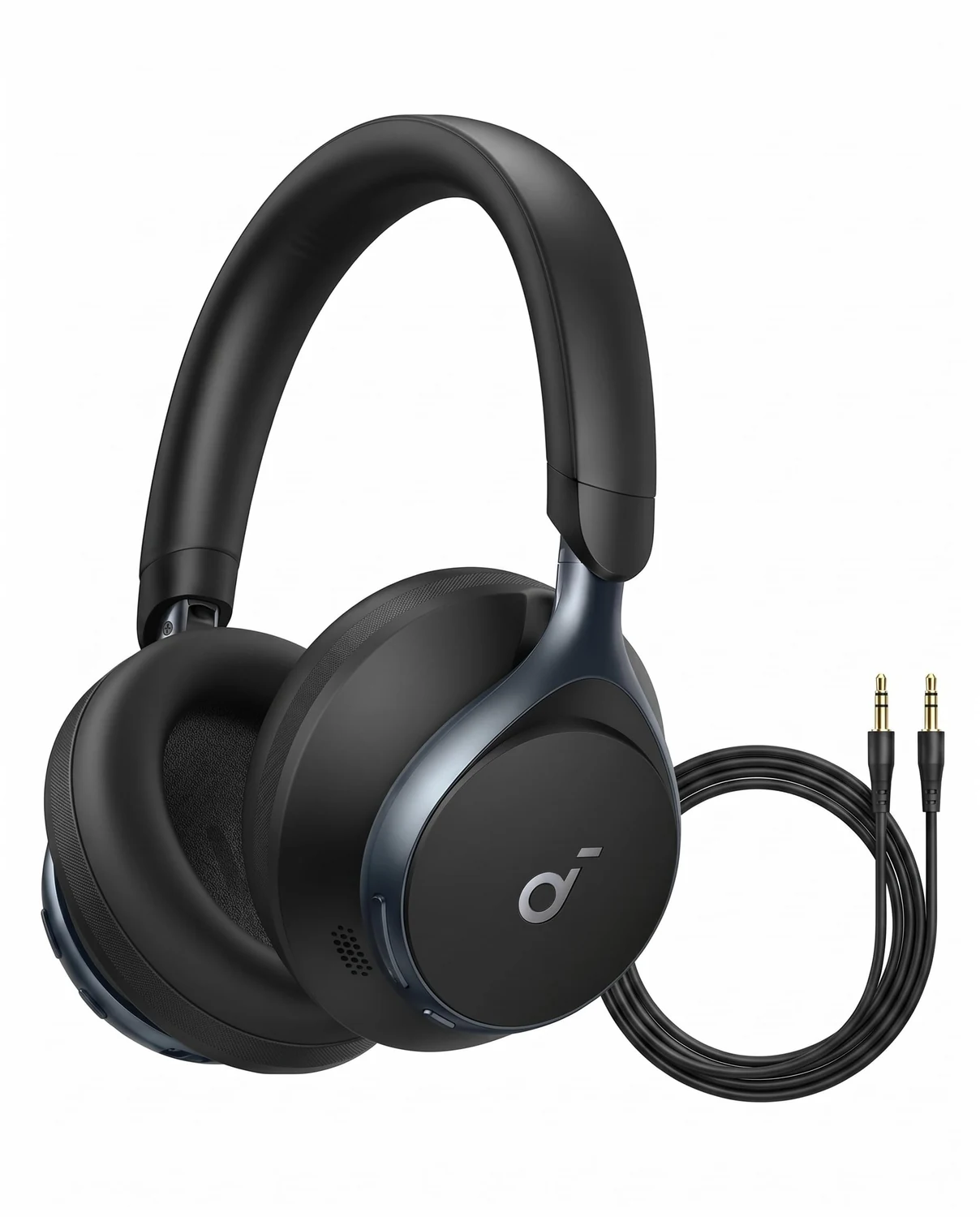
soundcore Space One A3035 black over-ear noise-cancelling headphonesBlack soundcore Space One headphones resting naturally beside a notebook on a wooden deskProduct view
Product view · soundcore · Amazon listing

New An over-ear option for the workday noise.

soundcore Space One

A3035 · Black · Over-ear ANC

You want wireless over-ear headphones for focused work and the commute, with adjustable noise cancellation and app controls.

Details & fit

Why consider itSpace One combines adaptive active noise cancellation with an app-based equalizer. The maker rates playback at up to 40 hours with ANC on or 55 hours with it off; actual use depends on volume, codec and settings.

The tradeoffNoise cancellation will not remove every voice around you. Large earcups are less pocketable than earbuds, and microphone pickup still depends on the room and connection.

Before you buyMatch Space One A3035 in Black, not Space One Pro. Check comfort, the supported Bluetooth features of your computer and phone, and current app requirements. LDAC needs a compatible source and settings.

Read the related guide →Decide which desk upgrade to buy first →Amazon listing & model details ↗
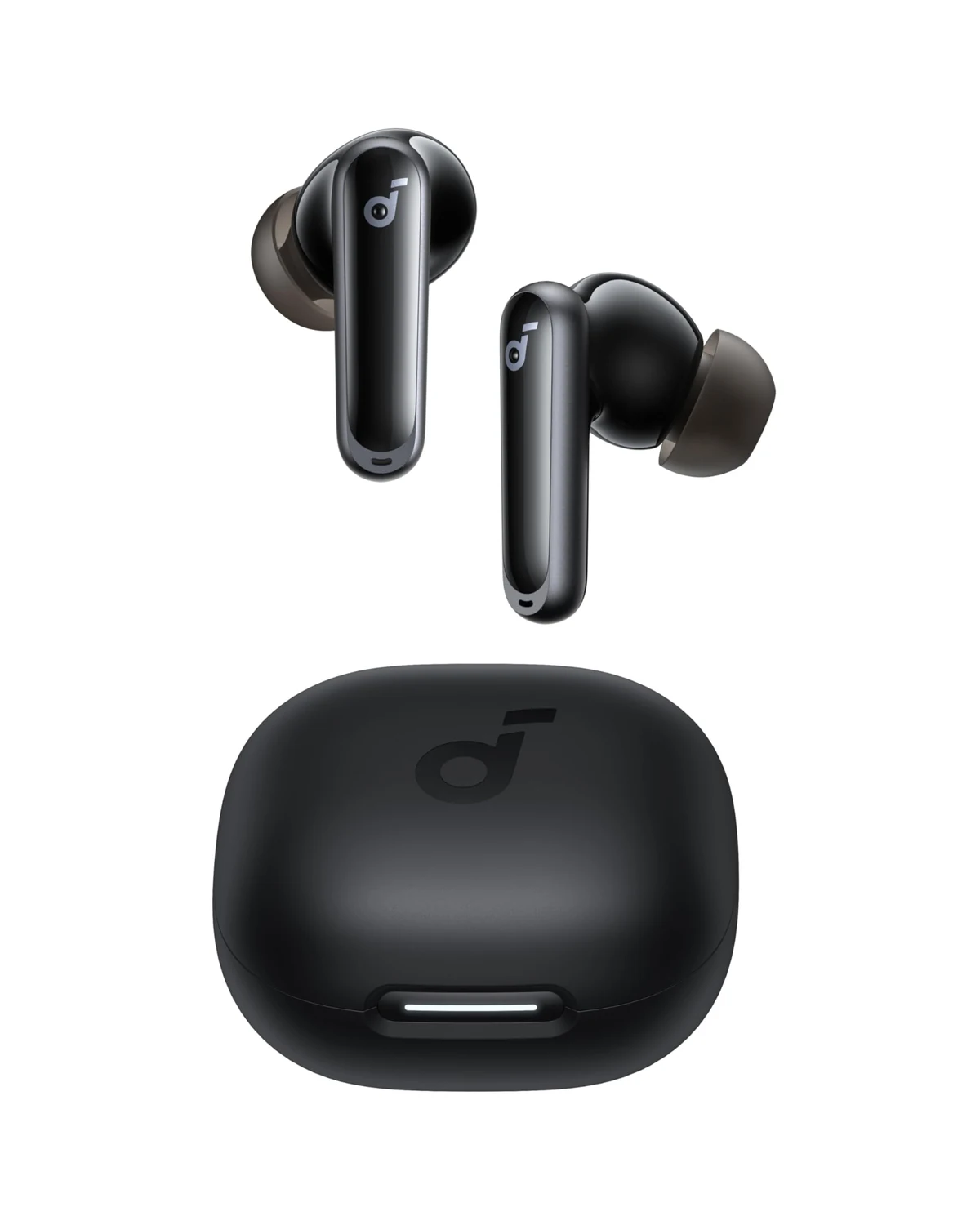
soundcore P40i black wireless earbuds with their charging caseTwo black soundcore P40i earbuds and a closed case resting on a gray notebookProduct view
Product view · soundcore · Amazon listing

New Desk audio that fits in a pocket.

soundcore P40i

A3955 · Black · Wireless earbuds

You move between a laptop, a phone and a commute, and would rather carry a small case than a pair of over-ear headphones.

Details & fit

Why consider itThe P40i offers adaptive noise cancellation, app controls and a case that supports wireless charging. Its advertised maximum is 12 hours from the buds and 60 hours including the case, under the maker's specified conditions.

The tradeoffThe ear-tip seal changes comfort, bass and isolation. ANC, calls and higher volume shorten battery life; the combined case figure is not a single uninterrupted listening session.

Before you buyMatch P40i A3955 in Black. Try the supplied ear-tip sizes and check call behavior on your computer. IPX5 applies to the earbuds, not the charging case; keep the case dry.

Read the related guide →Decide which desk upgrade to buy first →Amazon listing & model details ↗
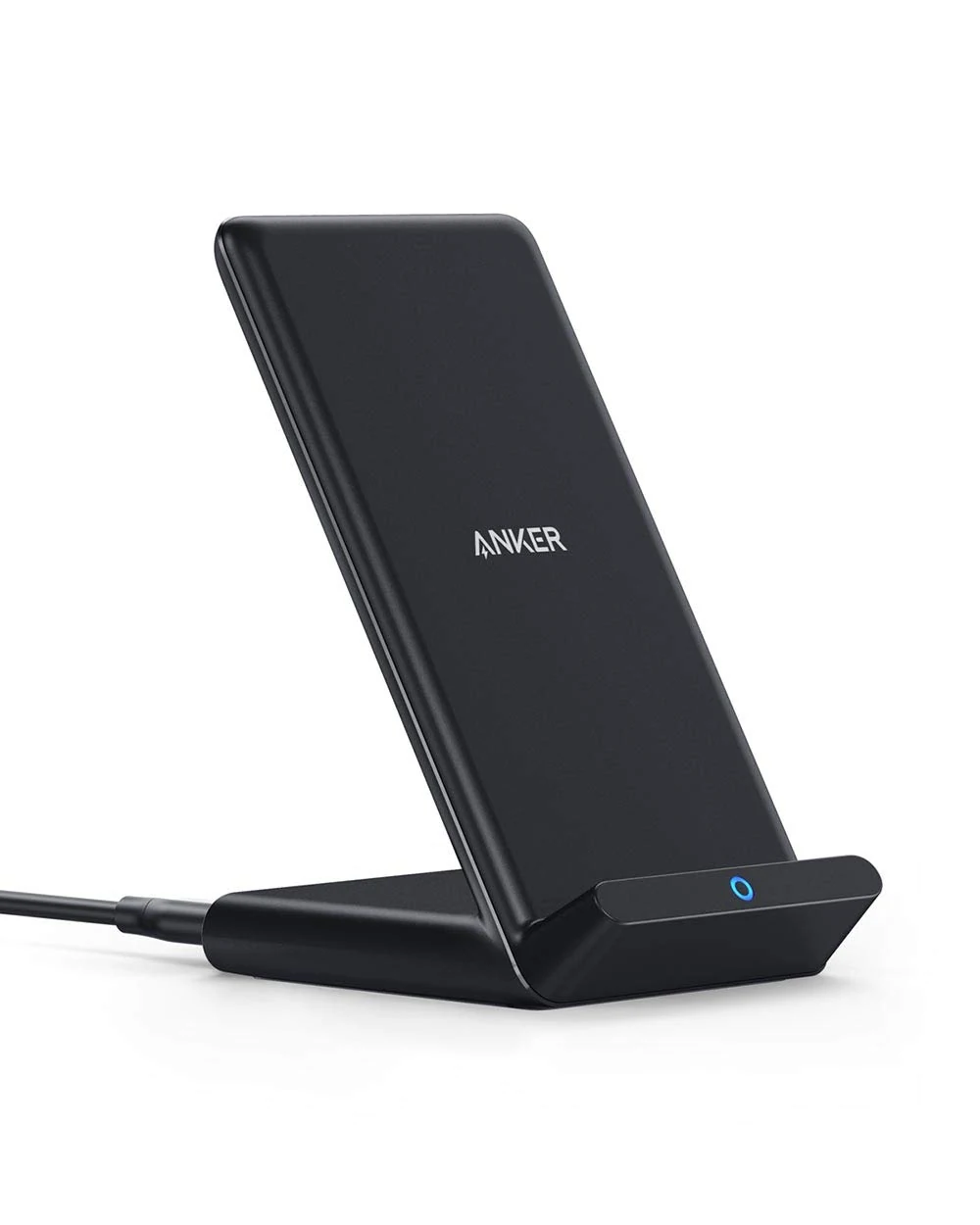
Anker 313 A2524 black upright Qi wireless charging standA phone resting upright in an Anker 313 black charging stand on a wooden deskProduct view
Product view · Anker · Amazon listing

New A place to put the phone, and top it up.

Anker 313 Wireless Charging Stand

A2524 · Black · Qi stand

You want a straightforward upright Qi charger for a compatible phone, and quick wired charging is not the main goal.

Details & fit

Why consider itThe fixed stand keeps the screen visible while the phone charges. It can supply up to 10 W to supported phones, with the actual rate set by the phone, power supply and charging conditions.

The tradeoffThis is not a magnetic Qi2 charger. It uses a Micro-USB input, and it is better treated as a steady desk top-up than a replacement for a fast wired charger.

Before you buyMatch the A2524 stand rather than the flat 313 pad. Check phone and case compatibility, the required wall adapter and the bundle contents; the adapter is not included in this selected listing. Phone sold separately.

Read the related guide →Decide which desk upgrade to buy first →Amazon listing & model details ↗
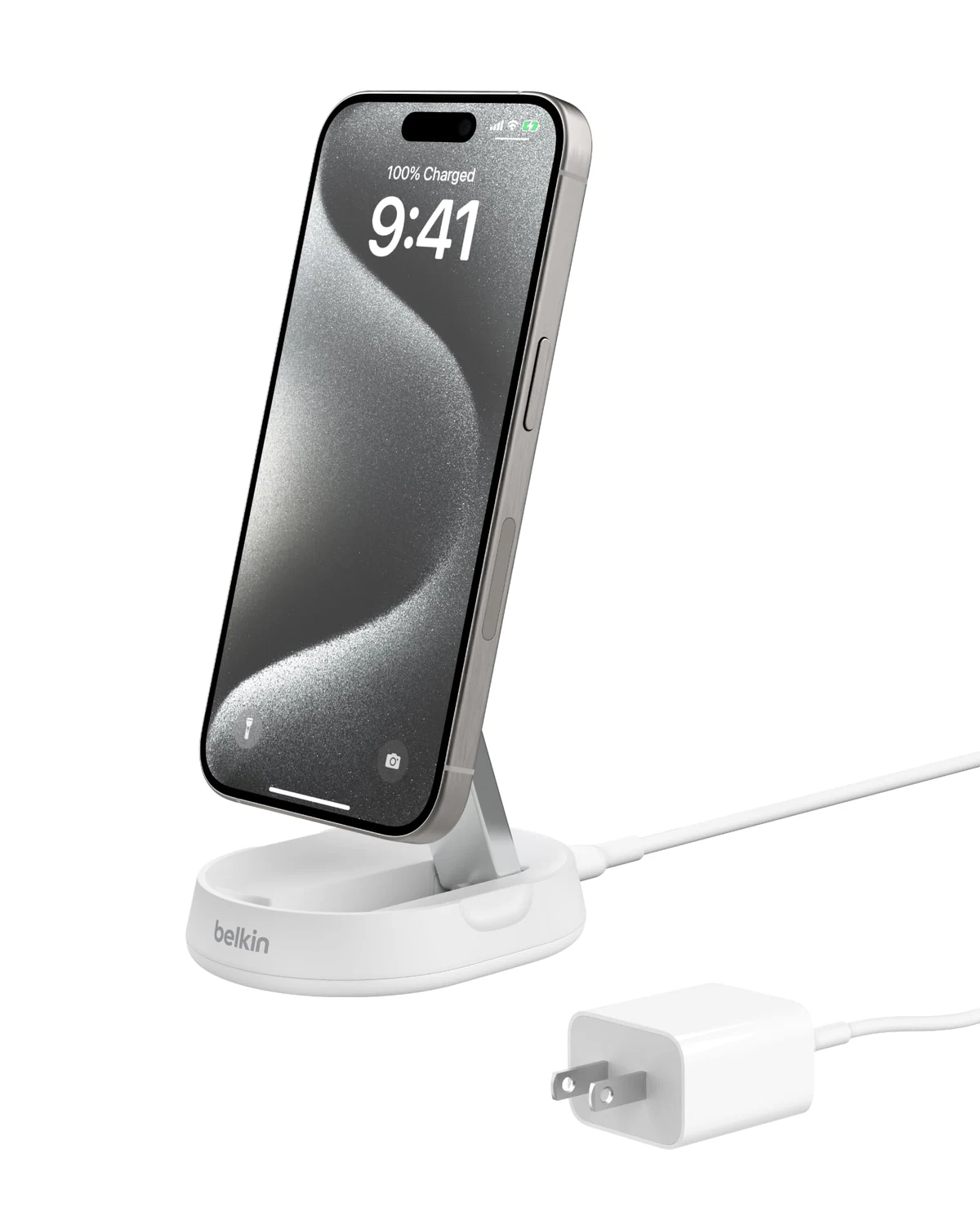
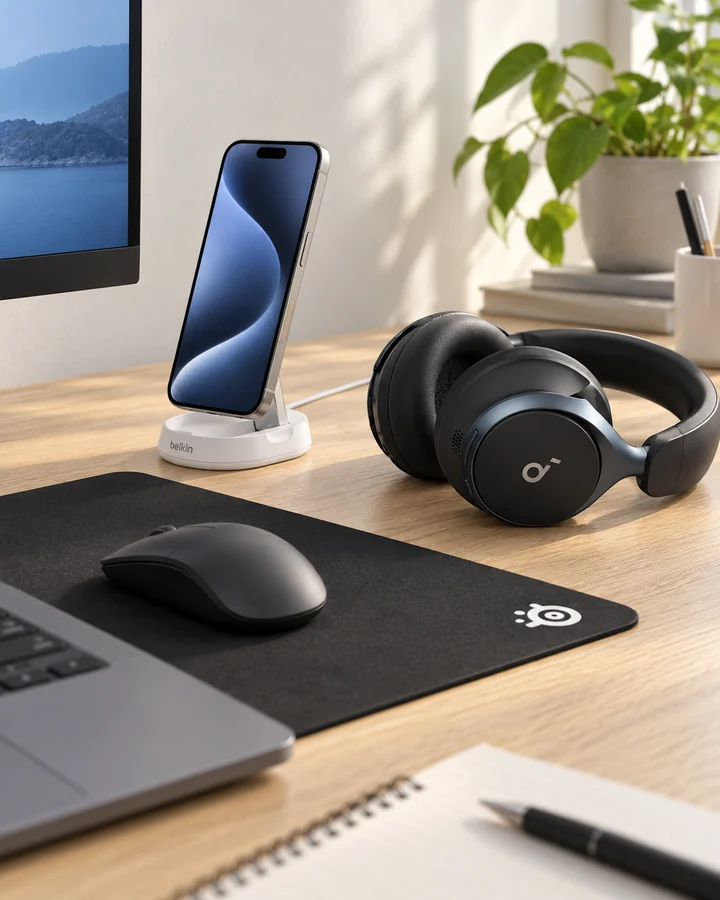
White Belkin BoostCharge Pro WIA008 convertible Qi2 charging stand shown with a phone and power adapterA phone held in landscape on a white Belkin convertible Qi2 stand beside a laptopProduct view
Product view · Belkin · Phone sold separately

New Snap on a phone. Change the viewing angle.

Belkin BoostCharge Pro Qi2 Convertible Stand

WIA008 family · 15 W Qi2 · White

Your phone and case support magnetic Qi2 charging, and you want a stand that can also fold into a flatter position.

Details & fit

Why consider itThe adjustable magnetic mount holds a compatible phone in portrait or landscape. Qi2 charging can reach 15 W on supported devices, and the convertible design is useful when the desk doubles as a viewing spot.

The tradeoffIt is a single-device charger, not an Apple Watch dock or a three-in-one station. A magnetic ring in an arbitrary case does not guarantee the phone supports Qi2 charging at 15 W.

Before you buyChoose the White WIA008 version and match the ASIN and selected bundle. Confirm your exact phone, compatible case, regional wall adapter and included cable before ordering. The phone in the scene is not included.

Read the related guide →Decide which desk upgrade to buy first →Amazon listing & model details ↗
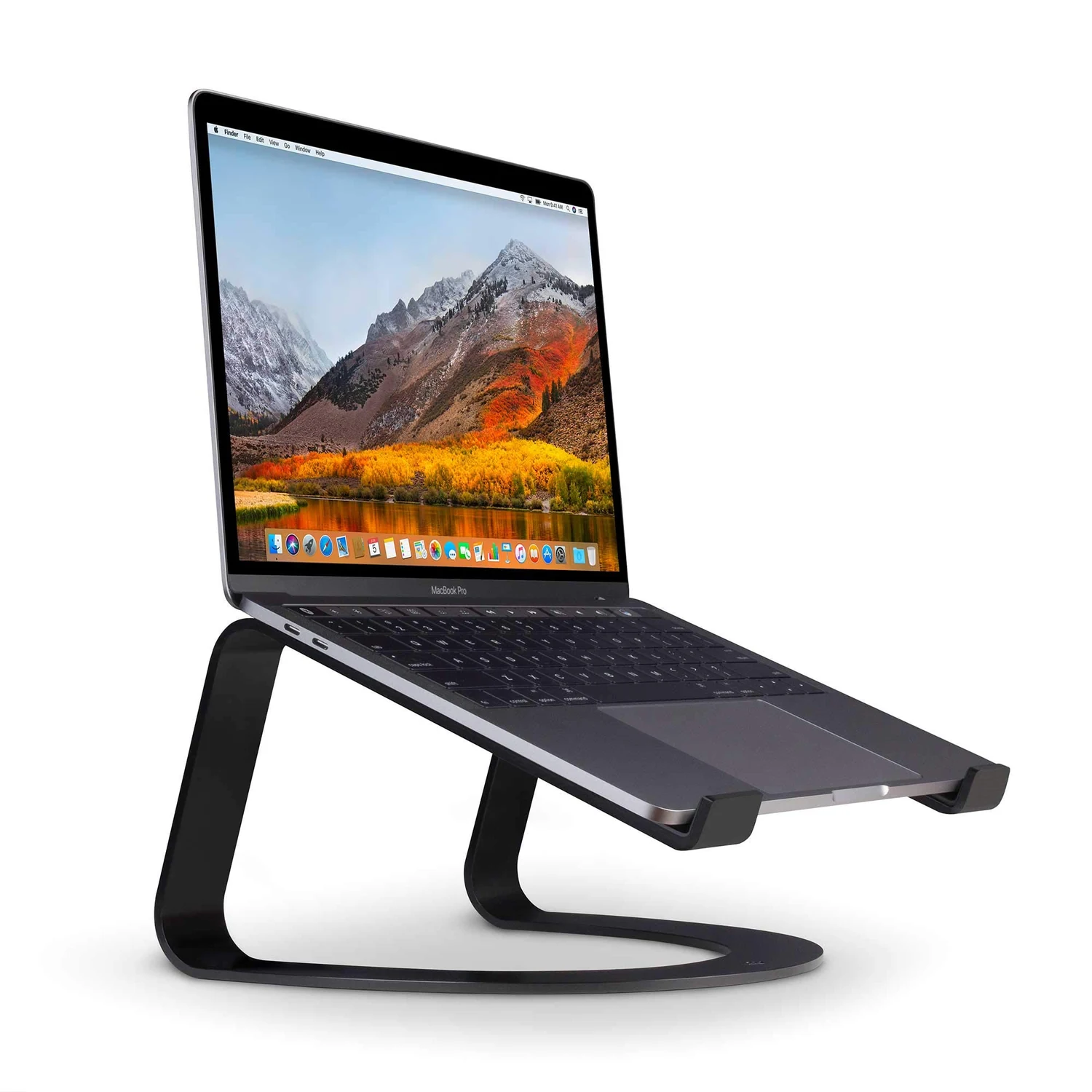
Twelve South Curve matte-black fixed-height stand supporting a laptop for scaleA laptop supported by the fixed black Twelve South Curve stand with a separate keyboard and mouseProduct view
Product view · Twelve South · Laptop sold separately

New Lift the laptop. Keep the rest simple.

Twelve South Curve Laptop Stand

Curve · Fixed height · Matte Black

You use an external keyboard and mouse, and want a fixed stand that raises the laptop screen without adding moving hinges.

Details & fit

Why consider itThe original Curve raises a supported laptop by about 6.5 inches. Its open design leaves the underside accessible, while two padded arms and front stops support the computer.

The tradeoffHeight and angle are fixed. Typing directly on a raised laptop is not the same setup as using an external keyboard, and this stand does not add ports or active cooling.

Before you buySelect Curve in Matte Black, not the adjustable Curve Flex. Compare the maker's laptop size and weight limits with your computer and measure the desk footprint. Laptop, keyboard and mouse are sold separately.

Read the related guide →Decide which desk upgrade to buy first →Amazon listing & model details ↗
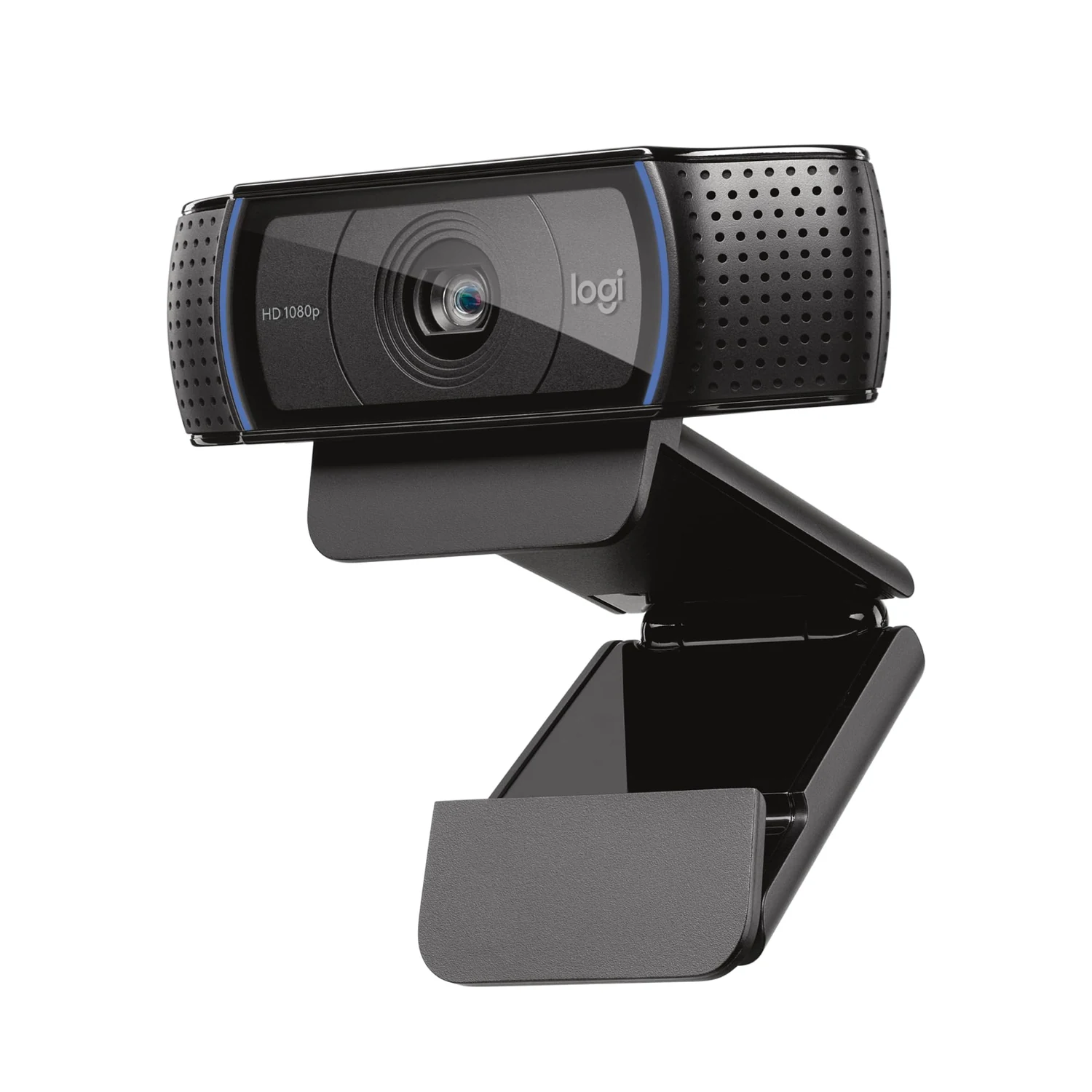
Logitech C920x black HD Pro webcam with central lens and two microphone grillesLogitech C920x webcam clipped securely to the top edge of a desktop monitorProduct view
Product view · Logitech · Amazon listing

New A familiar route beyond the laptop camera.

Logitech C920x HD Pro Webcam

C920x · Black · 1080p at 30 fps

You want a USB webcam for everyday video calls and can improve the light in front of your face.

Details & fit

Why consider itThe C920x provides 1080p video at up to 30 fps, autofocus and two built-in microphones. Its monitor clip makes camera placement easier than relying on a low laptop screen.

The tradeoffIt is not a 4K camera. The meeting app, connection and room lighting still shape the picture, so the resolution printed on the box will not fix a dark, backlit room.

Before you buyMatch C920x rather than C920S; do not assume a privacy shutter is included. Check the selected package, USB-A connectivity and operating-system support. Position the clip securely and use a front-facing light before buying extra camera gear.

Read the related guide →Decide which desk upgrade to buy first →Amazon listing & model details ↗
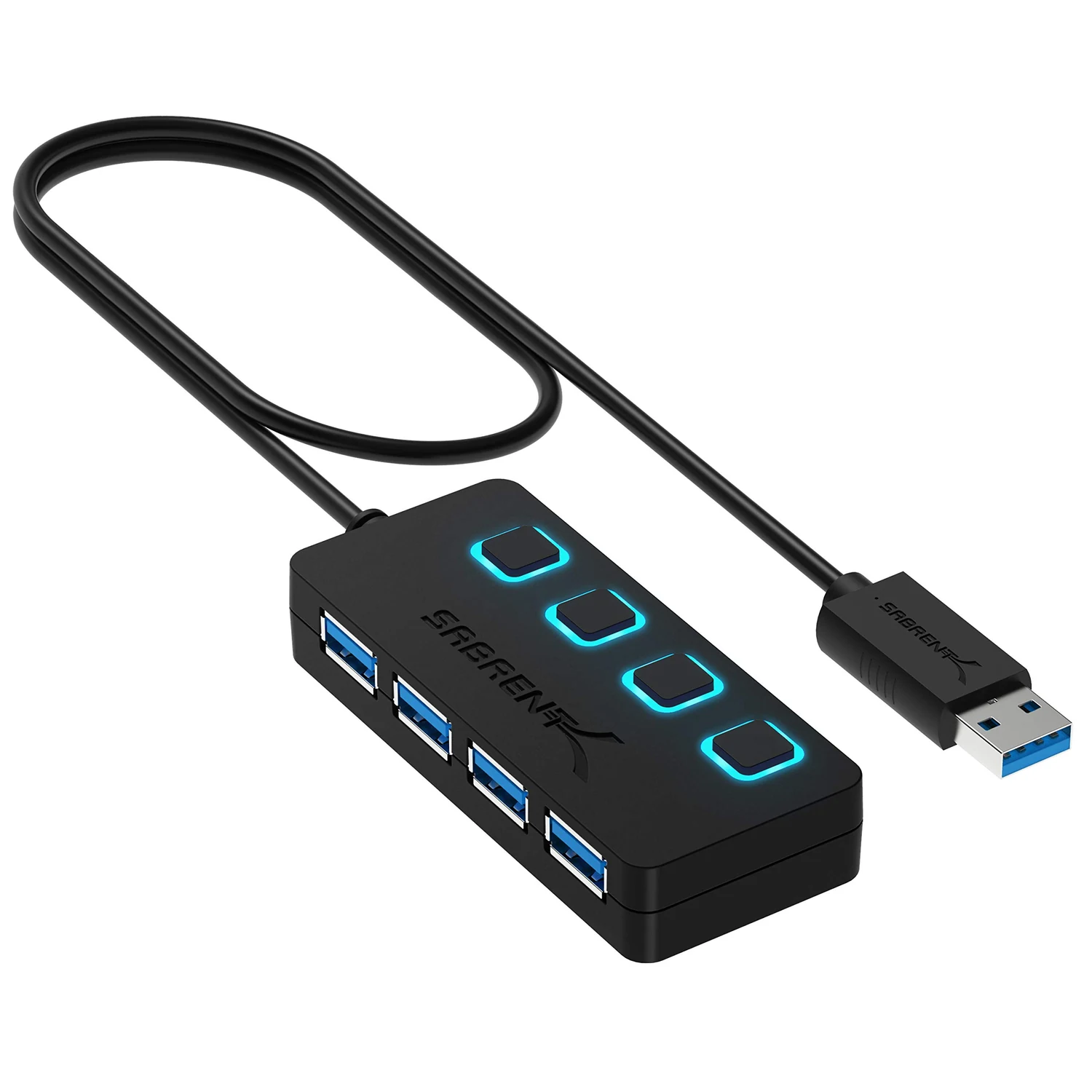
Black SABRENT HB-UM43 four-port USB 3.0 hub with separate switches and blue USB-A socketsSABRENT four-port USB hub connected beside a laptop with one USB flash drive insertedProduct view
Product view · SABRENT · Amazon listing

New Four familiar USB ports, within reach.

SABRENT 4-Port USB 3.0 Hub

HB-UM43 · USB-A · Black · 2 ft cable

You need a place for a keyboard, mouse receiver or flash drive, rather than video output or laptop charging.

Details & fit

Why consider itThe HB-UM43 turns one USB-A connection into four data ports, with an individual switch and indicator for each. It keeps small peripherals accessible on top of the desk.

The tradeoffThe ports share the upstream USB connection and available bus power. This is not a dedicated phone charger, a USB-C Power Delivery dock or a reliable power source for several demanding drives at once.

Before you buyMatch HB-UM43 and the two-foot cable option. Check that the computer has a suitable USB-A port. Eject storage in the operating system before using its switch to disconnect it; use a powered hub if your devices require more power.

Read the related guide →Decide which desk upgrade to buy first →Amazon listing & model details ↗
VELCRO Brand black eight-inch ONE-WRAP reusable cable ties in a 100-packBlack reusable hook-and-loop ties loosely securing three coiled computer cables on a wooden deskProduct view
Product view · VELCRO Brand · Amazon listing

New Tidy the cables you already have.

VELCRO Brand ONE-WRAP Cable Ties

Black · 8 × 1/2 in · 100-pack

You want to bundle spare cables and organize slack before spending on a larger cable-management system.

Details & fit

Why consider itThese thin hook-and-loop ties can be opened and reused when the setup changes. The eight-inch length suits many small cable bundles, and a 100-pack leaves enough for the desk, a travel pouch and spare cords.

The tradeoffA tie gathers cables; it does not hide a power brick or attach equipment to the underside of a desk. The ties are not adhesive clips or load-bearing straps.

Before you buyChoose Black, eight inches by half an inch, 100-pack. Keep bundles loose enough to avoid sharp bends and follow the cable maker's handling guidance. Cables shown in the use view are not included.

Read the related guide →Decide which desk upgrade to buy first →Amazon listing & model details ↗
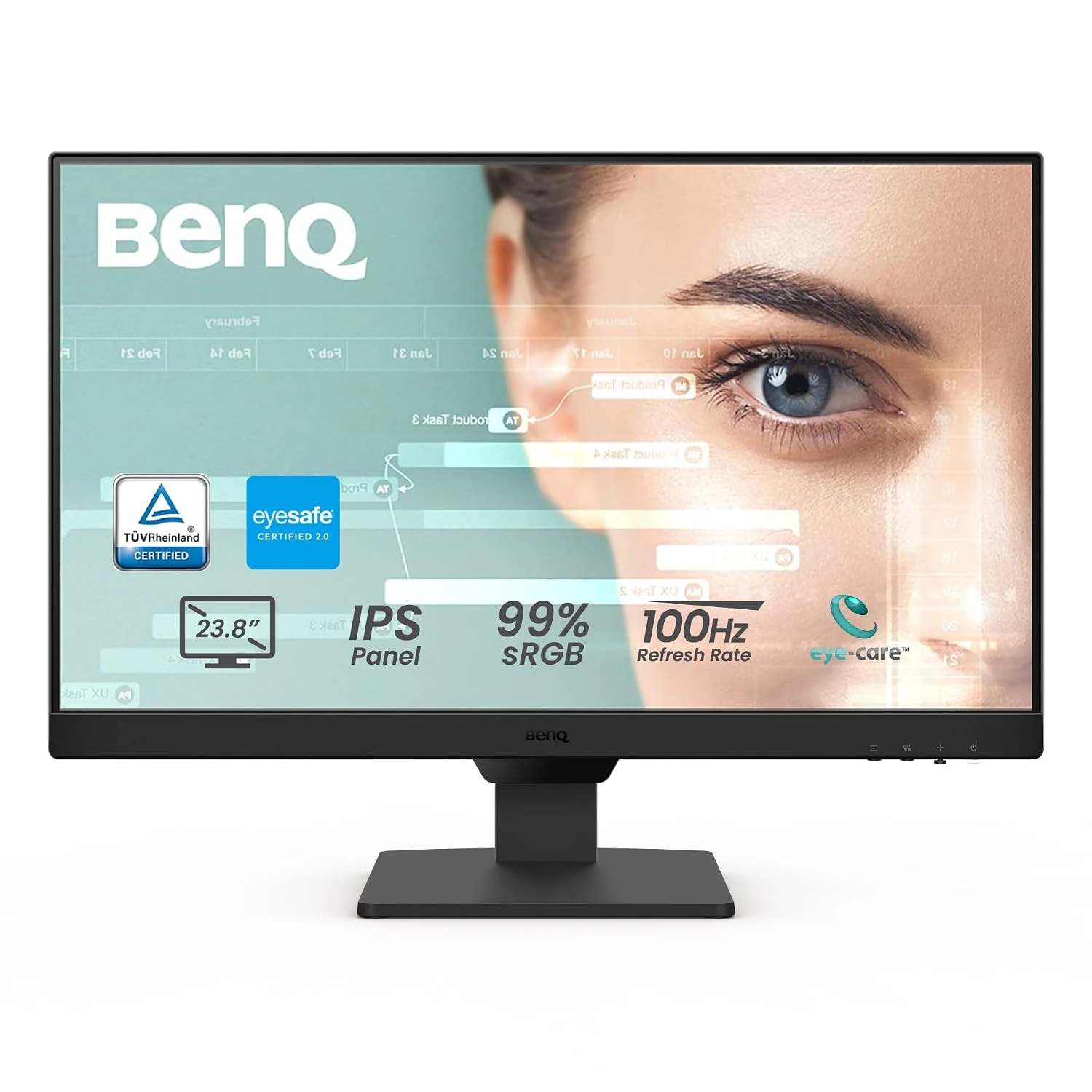
BenQ GW2490 black Full HD monitor on its original stand, front product viewBenQ GW2490 on its original stand in a compact oak-desk workspaceProduct photo
Product photo · BenQ · Amazon listing

A compact screen for ordinary work.

BenQ GW2490

GW2490 · 23.8-inch panel / 100Hz / Full HD

You need a roughly 24-inch Full HD screen for documents, email and a small desk, with HDMI and DisplayPort connections.

Details & fit

Why consider itThe GW2490 combines an IPS panel, up to 100 Hz refresh and built-in speakers. Two HDMI inputs plus DisplayPort let you plan around more than one source without buying a USB-C dock monitor.

The tradeoffFull HD is a budget and workspace choice. It does not provide the text detail or desktop area of a higher-resolution screen. Built-in speakers are a convenience rather than a replacement for dedicated audio.

Before you buyChoose GW2490 and the 24-inch / 100 Hz option. Confirm the exact stand, supplied cables and connection needed by your computer. This selection is not a USB-C laptop-charging monitor.

Read the related guide →Decide which desk upgrade to buy first →Amazon listing & model details ↗
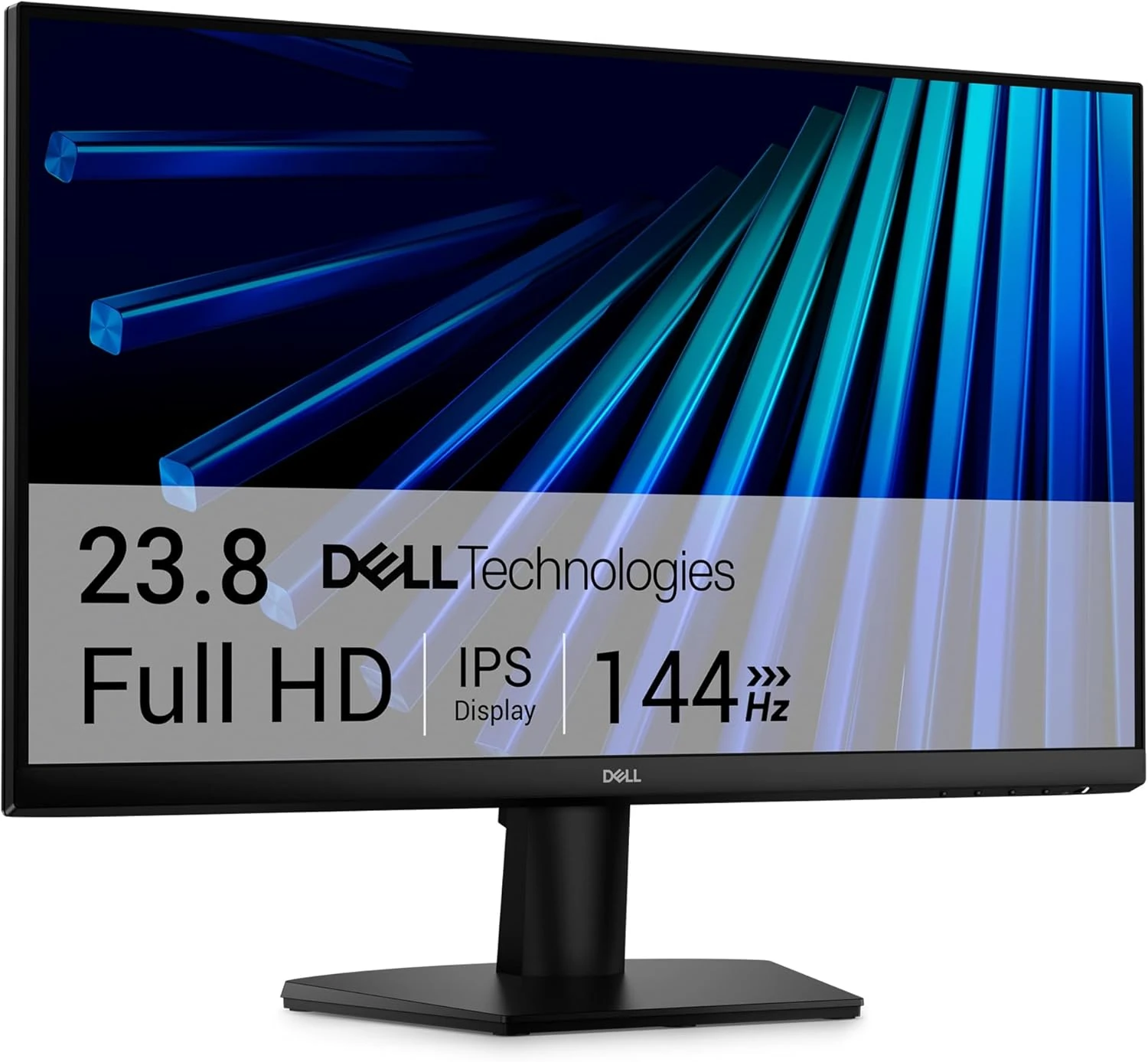
Dell SE2426H 23.8-inch monitor with its original black stand and colorful on-screen wallpaperDell SE2426H on its original stand with a keyboard and mouse on a wooden deskProduct photo
Product photo · Dell · Amazon listing

A small desk, with smoother motion.

Dell SE2426H

SE2426H · 23.8-inch / Full HD / up to 144Hz

You want a 23.8-inch Full HD IPS screen for everyday work and some casual gaming, without making a large monitor the center of the room.

Details & fit

Why consider itThe SE2426H offers up to 144 Hz and two HDMI inputs in a compact format. That gives it a different purpose from the larger Dell work displays already in this collection.

The tradeoffThe supplied stand tilts; it is not a height-adjustable workstation stand. Full HD favors affordability over the sharper text and extra workspace of 1440p or 4K.

Before you buyMatch SE2426H exactly. Check your computer’s HDMI output and available refresh rates at 1920 × 1080, then set the refresh rate in the operating system. Confirm cable contents and local warranty.

Read the related guide →Decide which desk upgrade to buy first →Amazon listing & model details ↗
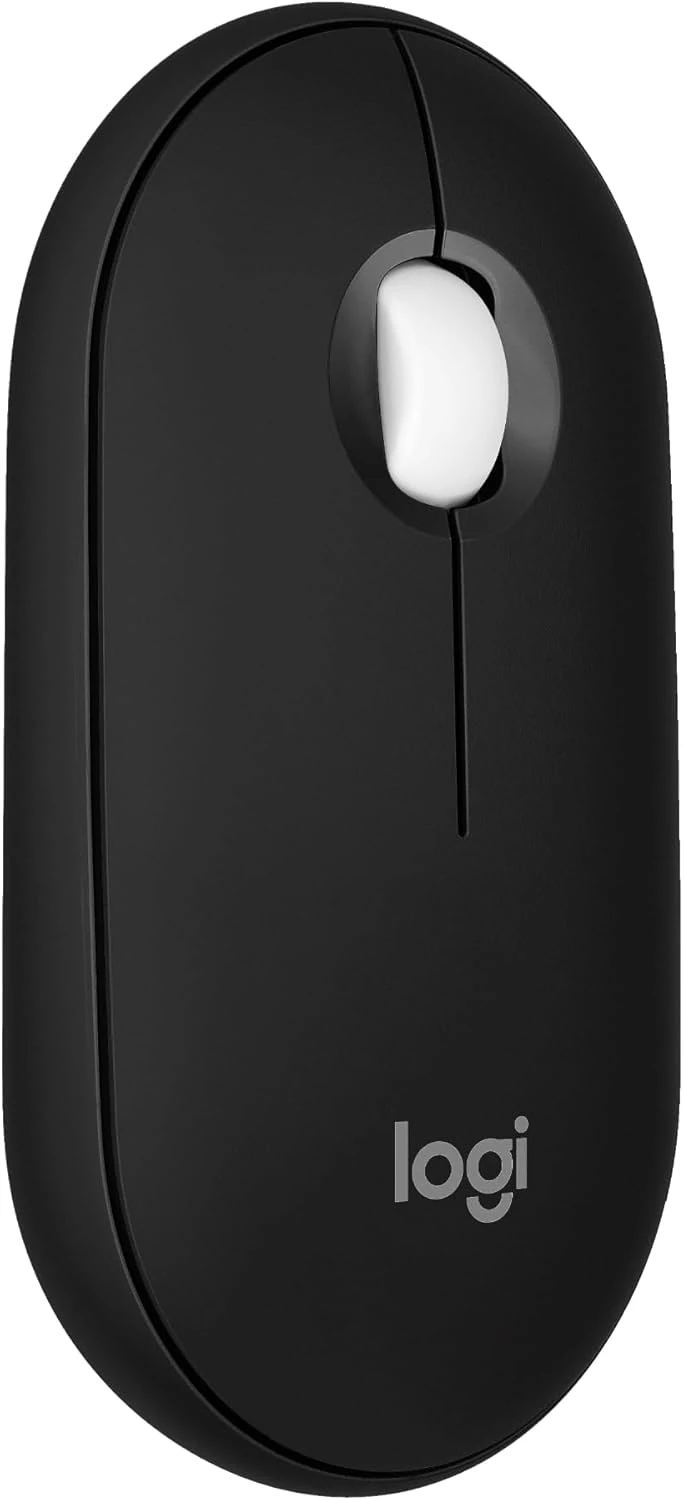
Black Logitech Pebble Mouse 2 M350s, showing its low profile and scroll wheelBlack Logitech Pebble Mouse 2 M350s under a relaxed hand on an oak deskProduct photo
Product photo · Logitech · Amazon listing

The mouse that travels with your laptop.

Logitech Pebble Mouse 2 M350s

M350s · Black · Bluetooth mouse

You want a slim Bluetooth mouse for a laptop bag or a compact desk, and switch between a few devices during the day.

Details & fit

Why consider itThe Pebble Mouse 2 M350s can pair with up to three devices. Its low profile and quiet-click design prioritize portability; supported systems can customize the middle button through Logi Options+.

The tradeoffA flat travel mouse does not offer the palm support or extra controls of a larger ergonomic mouse. Check your hand position rather than assuming smaller is always more comfortable.

Before you buyChoose Pebble Mouse 2 M350s, Black. Confirm Bluetooth support, battery contents and Options+ compatibility with your operating system. Do not assume the selected package includes a USB receiver.

Read the related guide →Decide which desk upgrade to buy first →Amazon listing & model details ↗
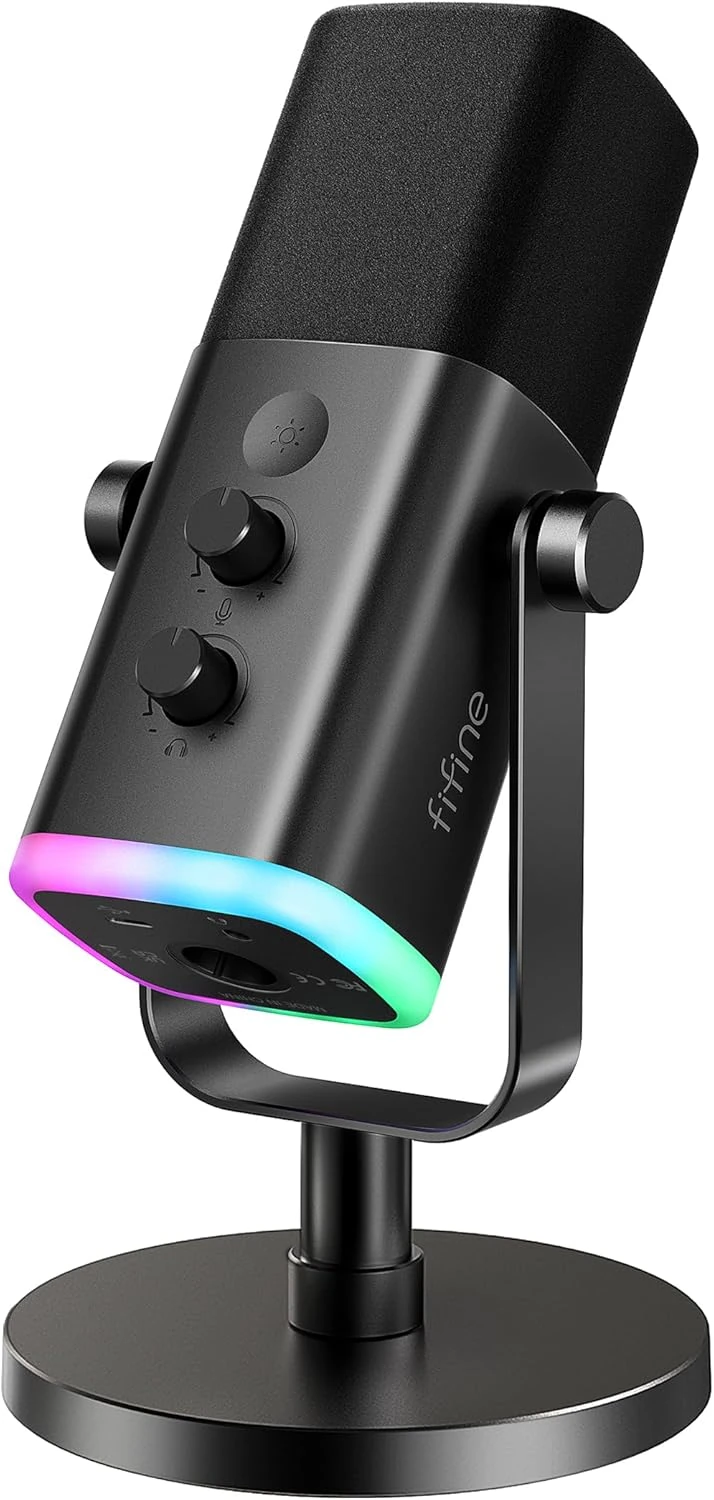
Black FIFINE AmpliGame AM8 dynamic microphone on its supplied desktop standBlack FIFINE AM8 on its desktop stand beside a laptop in a naturally lit workspaceProduct photo
Product photo · FIFINE · Amazon listing

Start with USB. Keep an XLR option.

FIFINE AmpliGame AM8

AM8 · Black · USB / XLR · Desktop-stand package

You want a desk microphone for calls, voice recording or a first video setup, with a USB connection now and an XLR route later.

Details & fit

Why consider itThe dynamic AM8 offers USB and XLR connections. The selected black desktop-stand package includes a USB cable, so you can start with a compatible computer before considering an audio interface.

The tradeoffA microphone still picks up the room and desk vibrations. Close placement and sensible gain matter. USB controls, monitoring and lighting do not all carry over to XLR operation.

Before you buySelect the AM8 desktop-stand package. It includes the desk stand and USB cable; a boom arm and XLR cable are separate. XLR use also needs a compatible interface or mixer. Confirm your computer’s USB connection.

Read the related guide →Decide which desk upgrade to buy first →Amazon listing & model details ↗
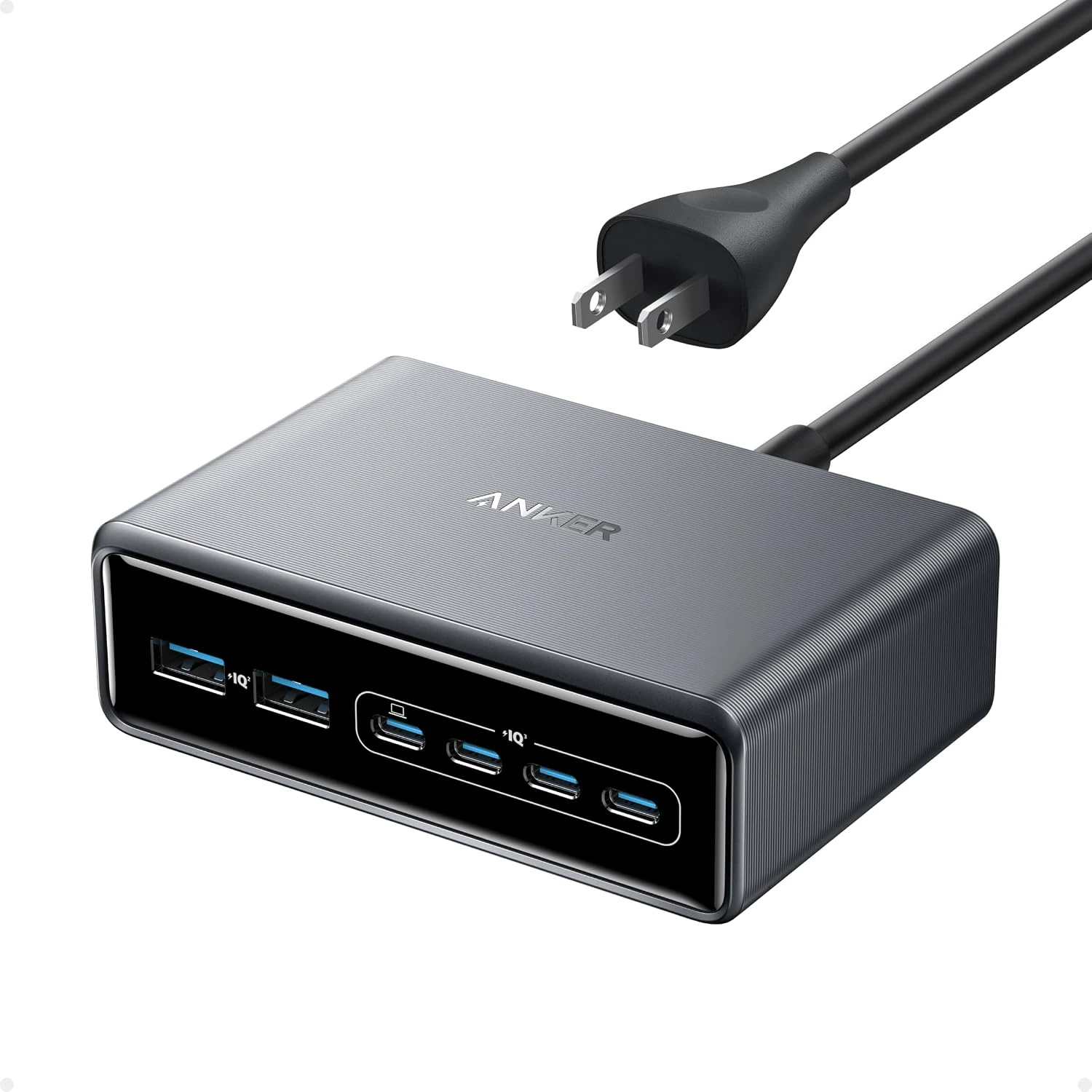
Silver Anker Prime 200W six-port desktop USB charger with its front charging ports visibleAnker Prime six-port 200W desktop charger beside a laptop and phone on a wooden deskProduct photo
Product photo · Anker · Amazon listing

One charging station. A shared power budget.

Anker Prime 200W 6-Port Charger

200W shared output · Six USB ports · Silver

You charge a laptop, phone and other devices at the same desk, and want fewer separate wall adapters.

Details & fit

Why consider itThis six-port Anker Prime station has a 200 W total output budget. A USB-C port can supply up to 100 W in supported configurations, with output shared according to the ports in use.

The tradeoff200 W is the combined ceiling, not 200 W per port. It is a charger, not a USB data dock, display adapter or battery. A demanding laptop may still need its original power supply.

Before you buyChoose the 200W six-port desktop version. Read the port-sharing chart for your device combination, check the regional AC cord and use USB-C cables rated for the power your laptop needs.

Read the related guide →Decide which desk upgrade to buy first →Amazon listing & model details ↗
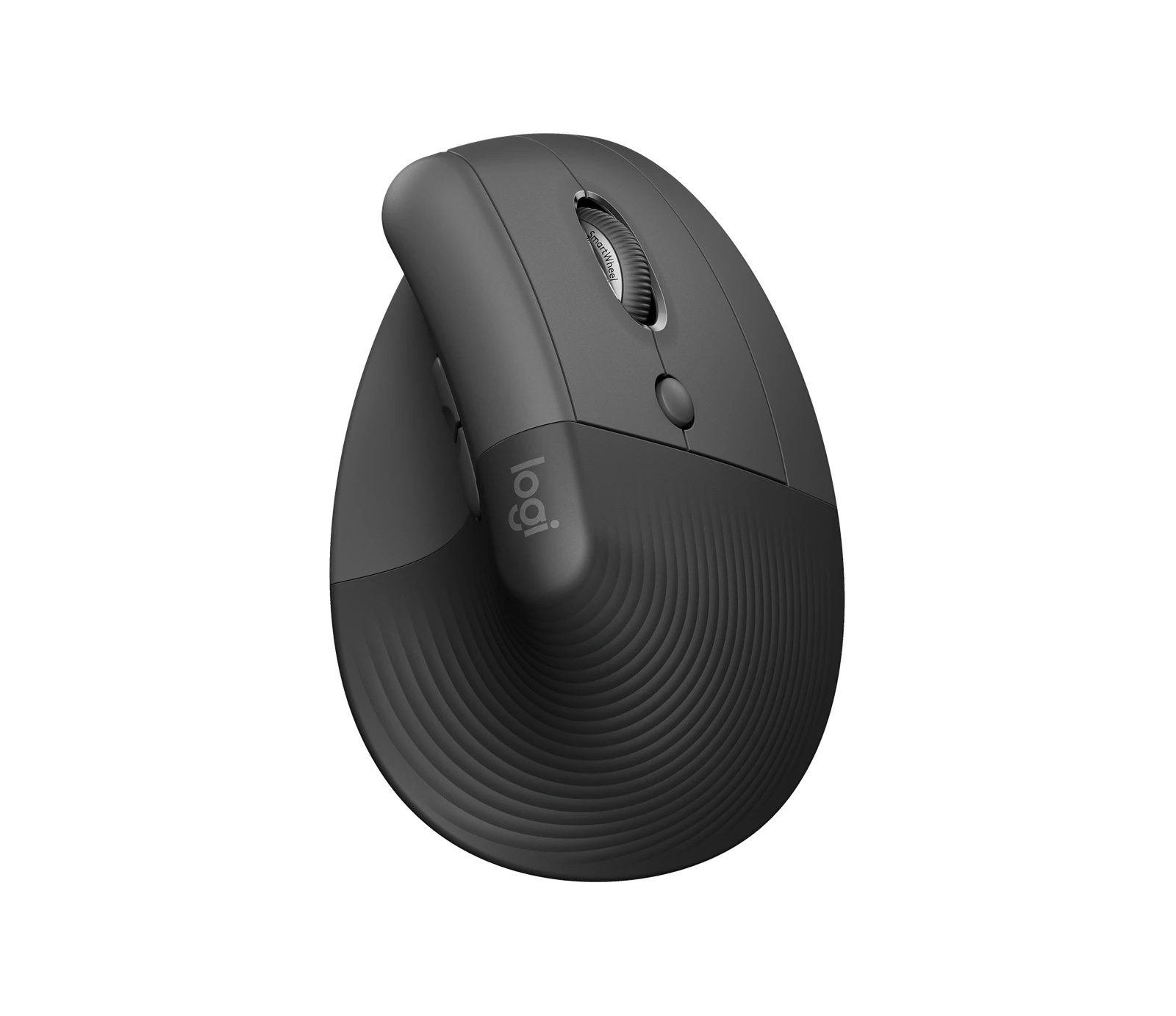
Logitech Lift — original brand product image; Lift · Graphite / right handin use illustration referencing Logitech Lift Lift · Graphite / right hand; verify details in the original product imageProduct photo
Product photo · Logitech

A different angle on your day

Logitech Lift

Lift · Graphite / right hand

You have a small or medium hand and want to try a vertical mouse shape.

Details & fit

Why consider itLogitech designs Lift around a 57-degree upright grip, with a separate left-hand option.

The tradeoffShape is personal. A vertical mouse is not a treatment or a promise of pain relief.

Before you buyChoose the correct hand, check the fit and confirm connection options with your computer.

Read the related guide →Decide which desk upgrade to buy first →Brand specifications & image source
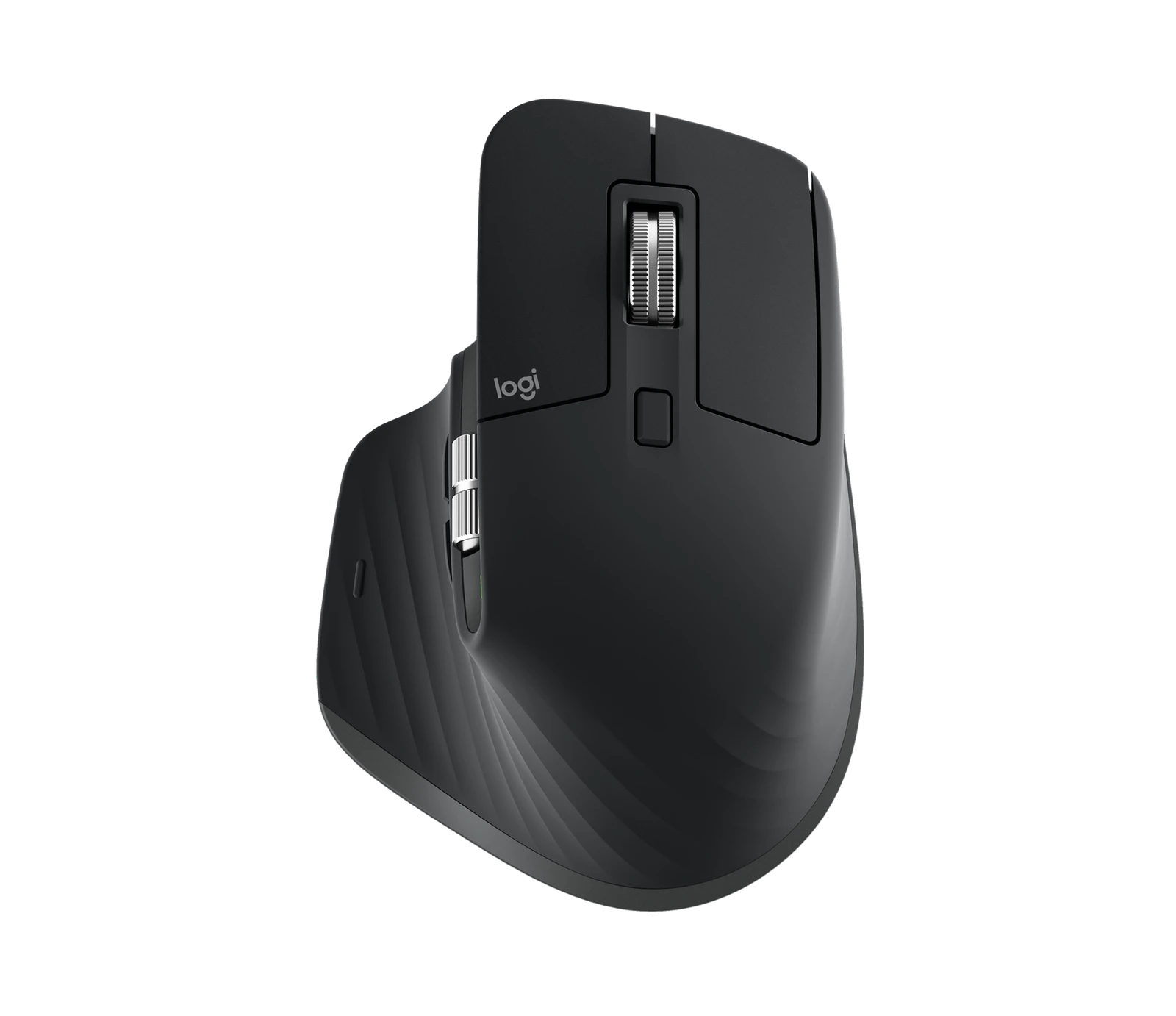
Logitech MX Master 3S — original brand product image; MX Master 3S · Bluetooth Edition / blackin use illustration referencing Logitech MX Master 3S MX Master 3S · Bluetooth Edition / black; verify details in the original product imageProduct photo
Product photo · Logitech

For long documents & wide sheets

Logitech MX Master 3S

MX Master 3S · Bluetooth Edition / black

You work across long pages, timelines or wide spreadsheets and will use extra controls.

Details & fit

Why consider itA dedicated thumb wheel and customizable controls are useful when your software supports them.

The tradeoffThe sculpted right-hand shape is substantial. It is not a compact travel mouse.

Before you buyMatch the Bluetooth Edition shown. Check host Bluetooth, software support and what receiver, if any, is included.

Read the related guide →Decide which desk upgrade to buy first →Brand specifications & image source
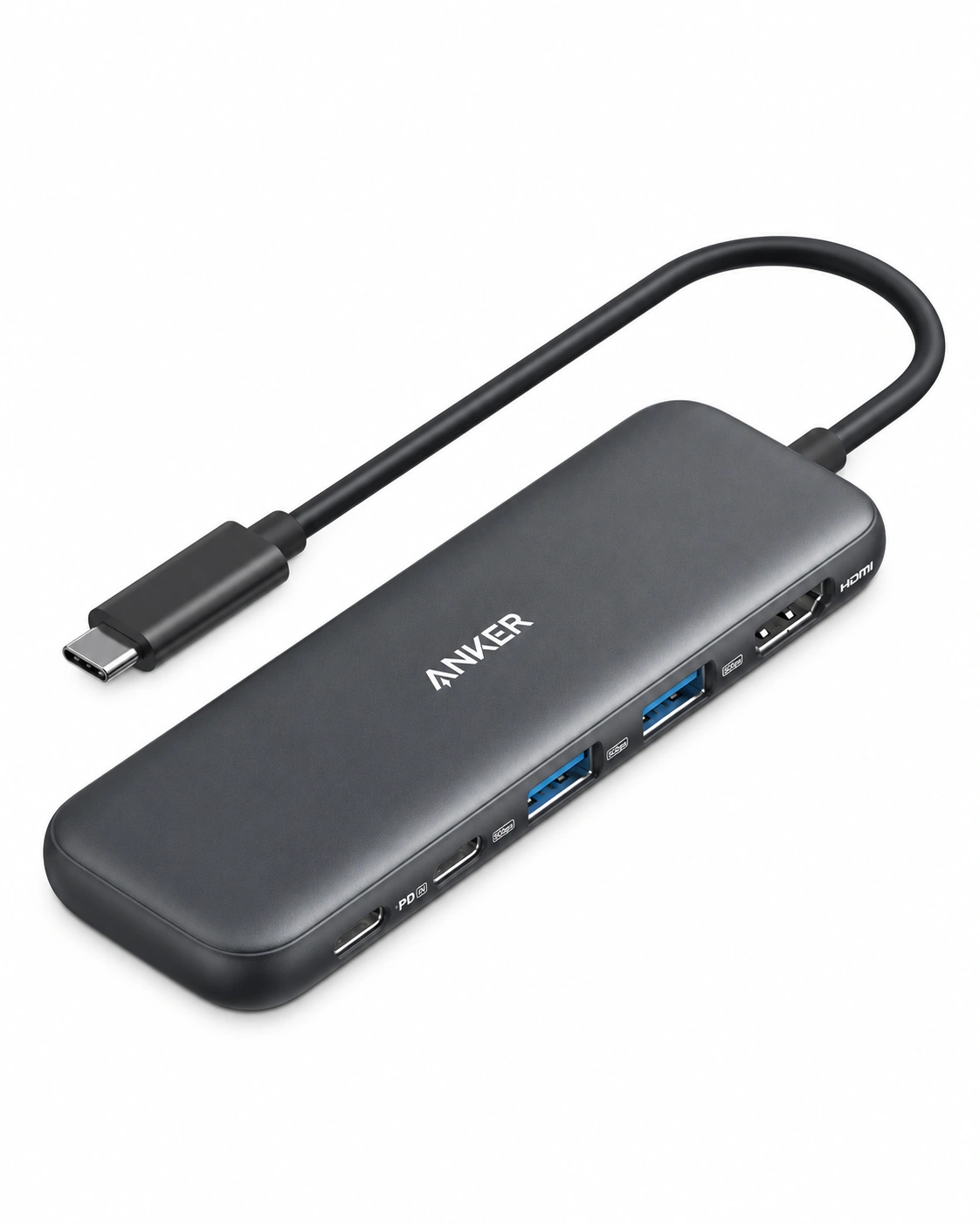
Anker 332 USB-C Hub (A8355), black, with its attached USB-C cable and five side portsin use illustration referencing Anker 332 USB-C Hub A8355 · 5-in-1 / black; verify details in the original product imageProduct photo
Product view · Anker

The light laptop companion

Anker 332 USB-C Hub

A8355 · 5-in-1 / black

You need a few extra connections while moving between desks.

Details & fit

Why consider itA compact hub is easier to carry than a powered desktop docking station.

The tradeoffThe documented HDMI route is up to 4K at 30 Hz. USB-C shape alone does not establish video support.

Before you buyCheck DisplayPort Alt Mode on the host and the hub’s power budget; a charging supply is separate.

Read the related guide →Decide which desk upgrade to buy first →Brand specifications & image source
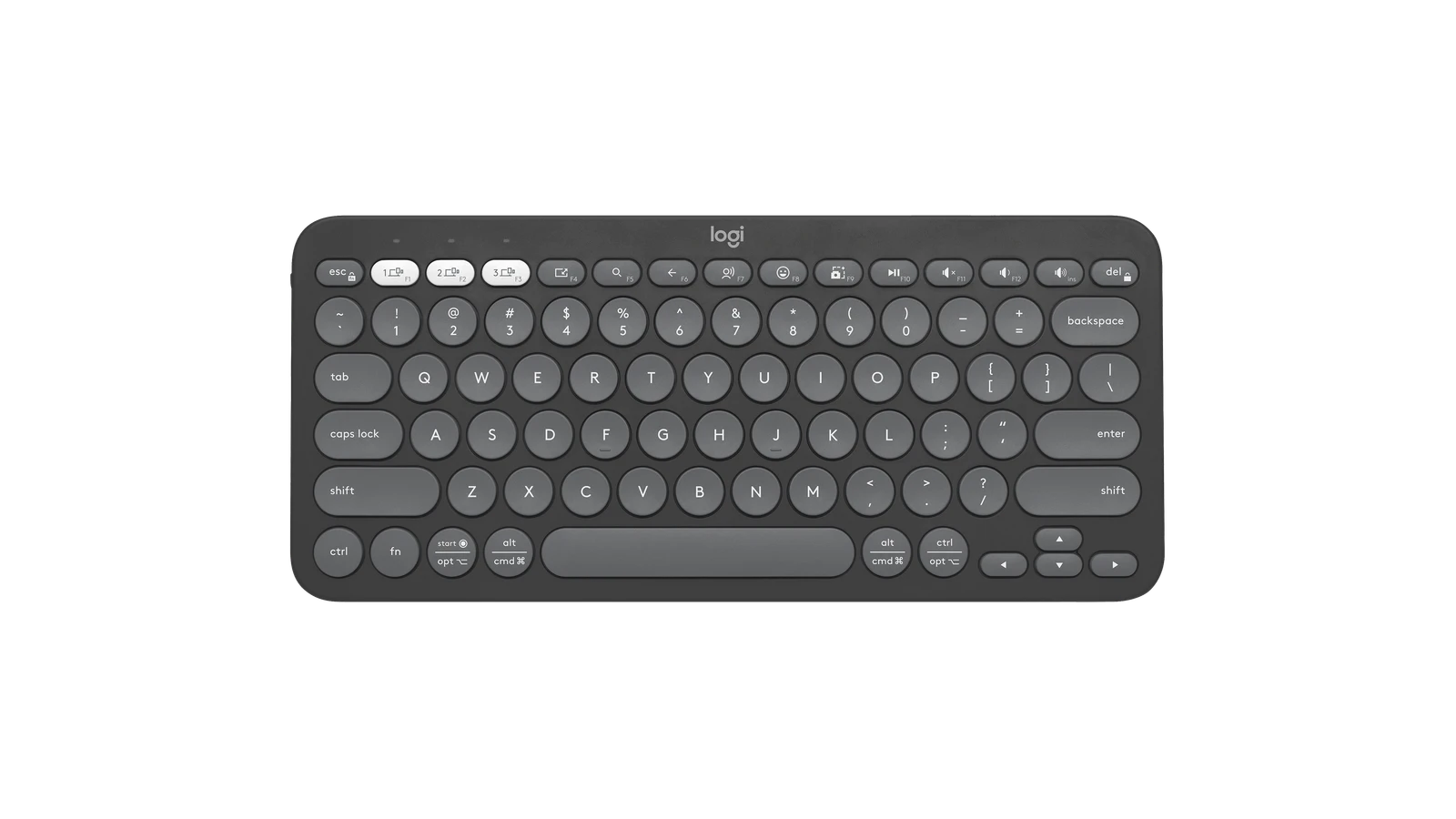
Logitech Pebble Keys 2 K380s — original brand product image; K380s · Tonal Graphitein use illustration referencing Logitech Pebble Keys 2 K380s K380s · Tonal Graphite; verify details in the original product imageProduct photo
Product photo · Logitech

Small desk, less keyboard

Logitech Pebble Keys 2 K380s

K380s · Tonal Graphite

You prefer a compact keyboard and switch between supported devices.

Details & fit

Why consider itA short footprint leaves more room for a notebook and mouse on a small desk.

The tradeoffNo separate number pad. Round keys and a compact layout take adjustment.

Before you buyMatch K380s, language layout and regional key markings. Check pairing with each intended device.

Read the related guide →Decide which desk upgrade to buy first →Brand specifications & image source
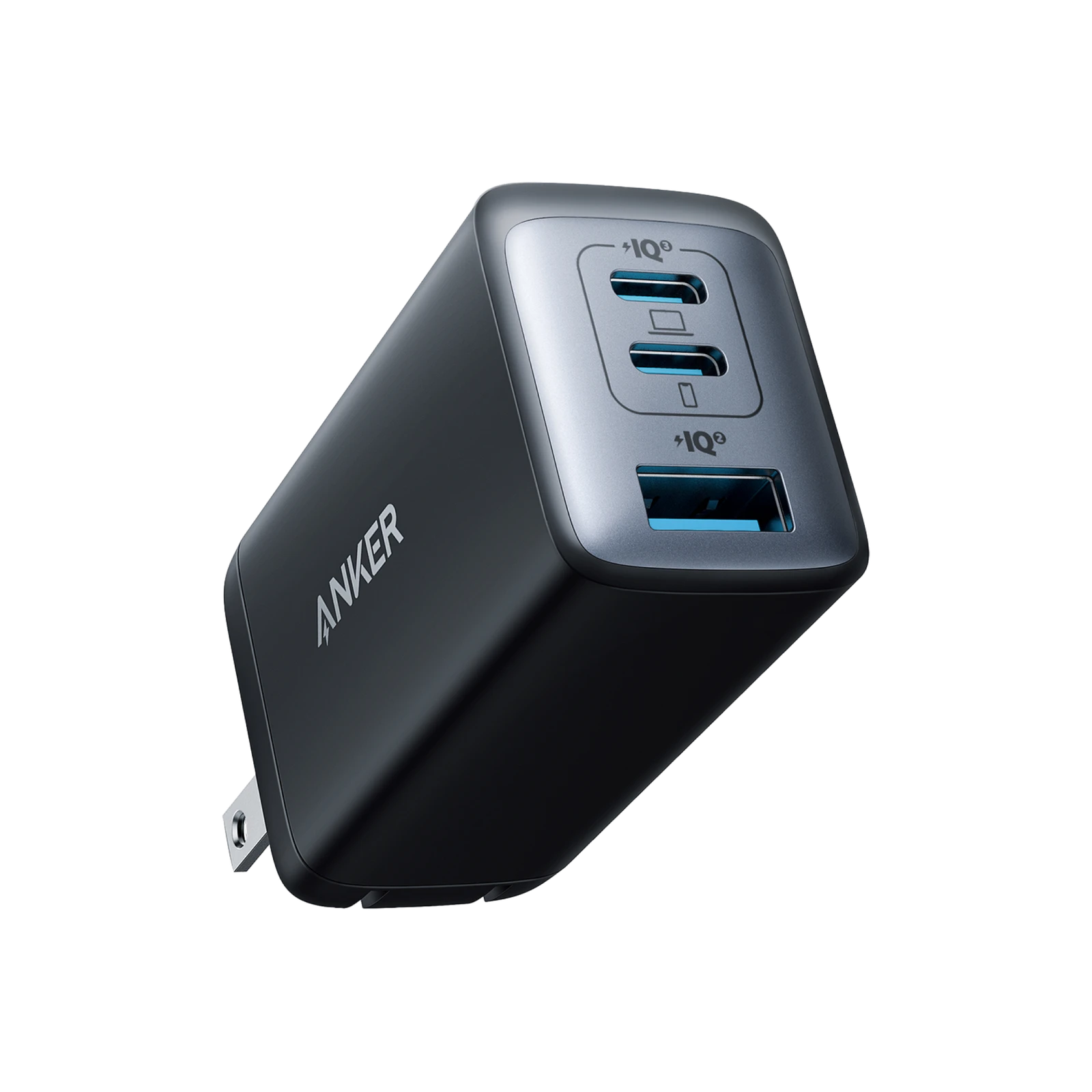
Anker 735 Charger (Nano II) — original brand product image; A2667 · 65W / US plugin use illustration referencing Anker 735 Charger (Nano II) A2667 · 65W / US plug; verify details in the original product imageProduct photo
Product photo · Anker

A smaller charging kit

Anker 735 Charger (Nano II)

A2667 · 65W / US plug

Your devices can use the documented USB-C charging profiles and shared output.

Details & fit

Why consider itTwo USB-C ports and one USB-A port can replace separate chargers for suitable devices.

The tradeoff65W is the single-port maximum. Using several ports changes the allocation.

Before you buyMatch Nano II A2667, wall-plug region and cable ratings. Check the output table for your actual combination.

Read the related guide →Decide which desk upgrade to buy first →Brand specifications & image source
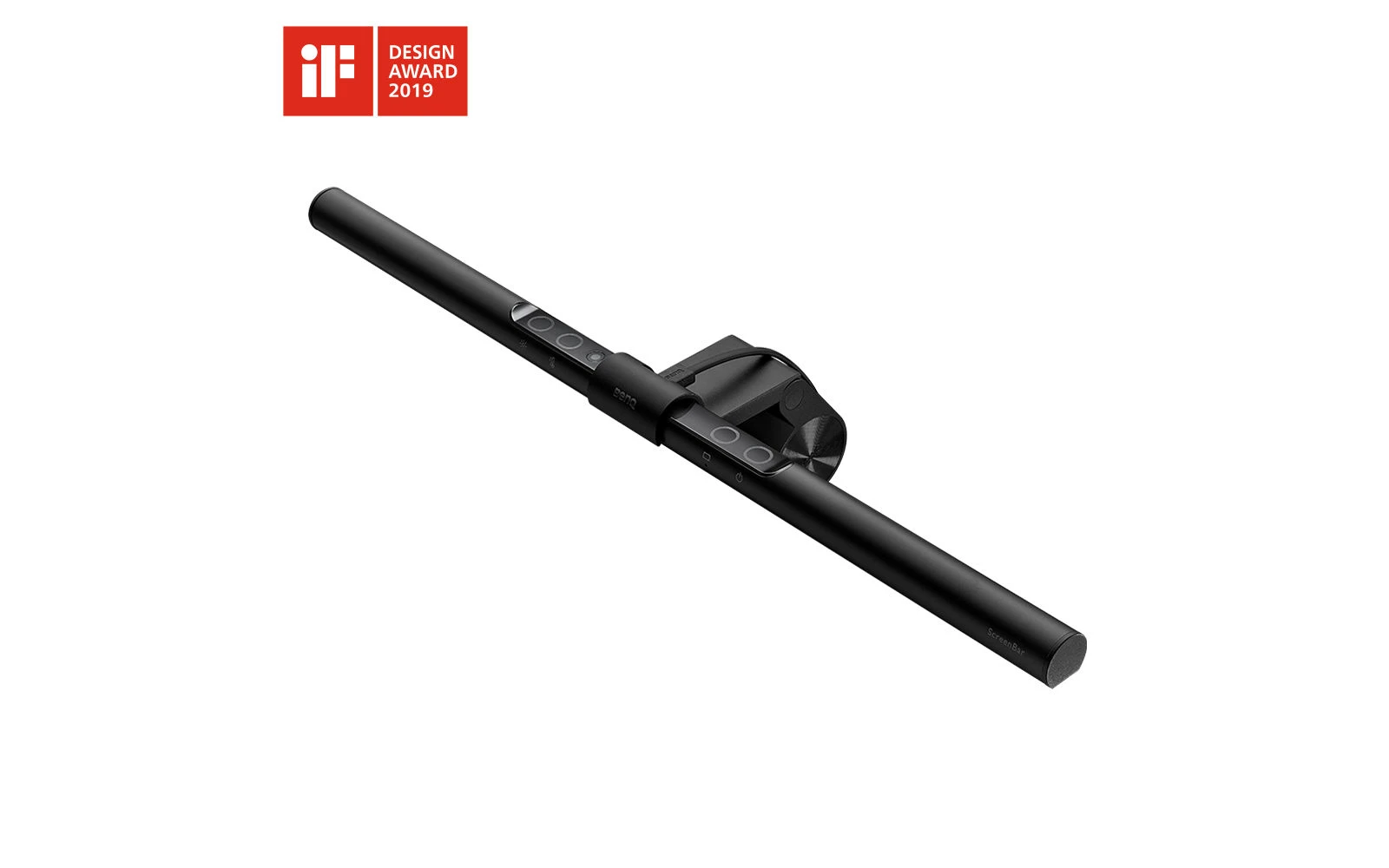
BenQ ScreenBar — original brand product image; Original ScreenBar · Monitor lightin use illustration referencing BenQ ScreenBar Original ScreenBar · Monitor light; verify details in the original product imageProduct photo
Product photo · BenQ

Light where the work is

BenQ ScreenBar

Original ScreenBar · Monitor light

You want task lighting above a compatible monitor without adding a lamp base to the desk.

Details & fit

Why consider itThe monitor-mounted layout frees the footprint a desk lamp would occupy.

The tradeoffMonitor shape, bezel and webcam placement can complicate fit. This is not ScreenBar Halo or Pro.

Before you buyCheck the mounting requirements, power source and position relative to the webcam.

Read the related guide →Decide which desk upgrade to buy first →Brand specifications & image source
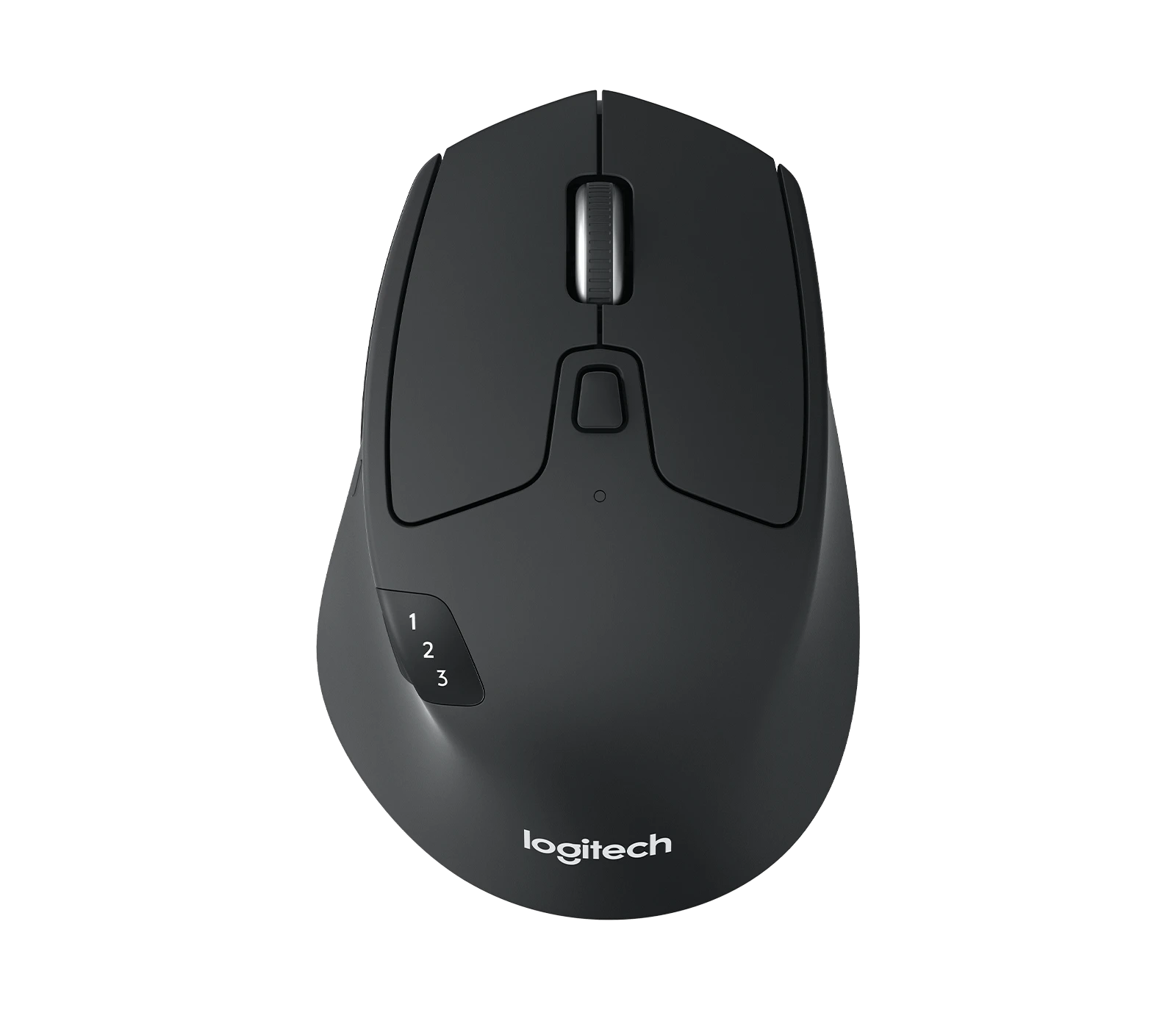
Logitech M720 Triathlon — original brand product image; M720 · Multi-device mousein use illustration referencing Logitech M720 Triathlon M720 · Multi-device mouse; verify details in the original product imageProduct photo
Product photo · Logitech

One mouse, several computers

Logitech M720 Triathlon

M720 · Multi-device mouse

You regularly switch between computers and want a familiar mouse shape.

Details & fit

Why consider itDevice switching helps keep a shared or multi-computer desk straightforward.

The tradeoffIt is a right-hand design; shape and button reach still need trying.

Before you buyConfirm Bluetooth or the included receiver route. Do not confuse Unifying and Logi Bolt accessories.

Read the related guide →Decide which desk upgrade to buy first →Brand specifications & image source
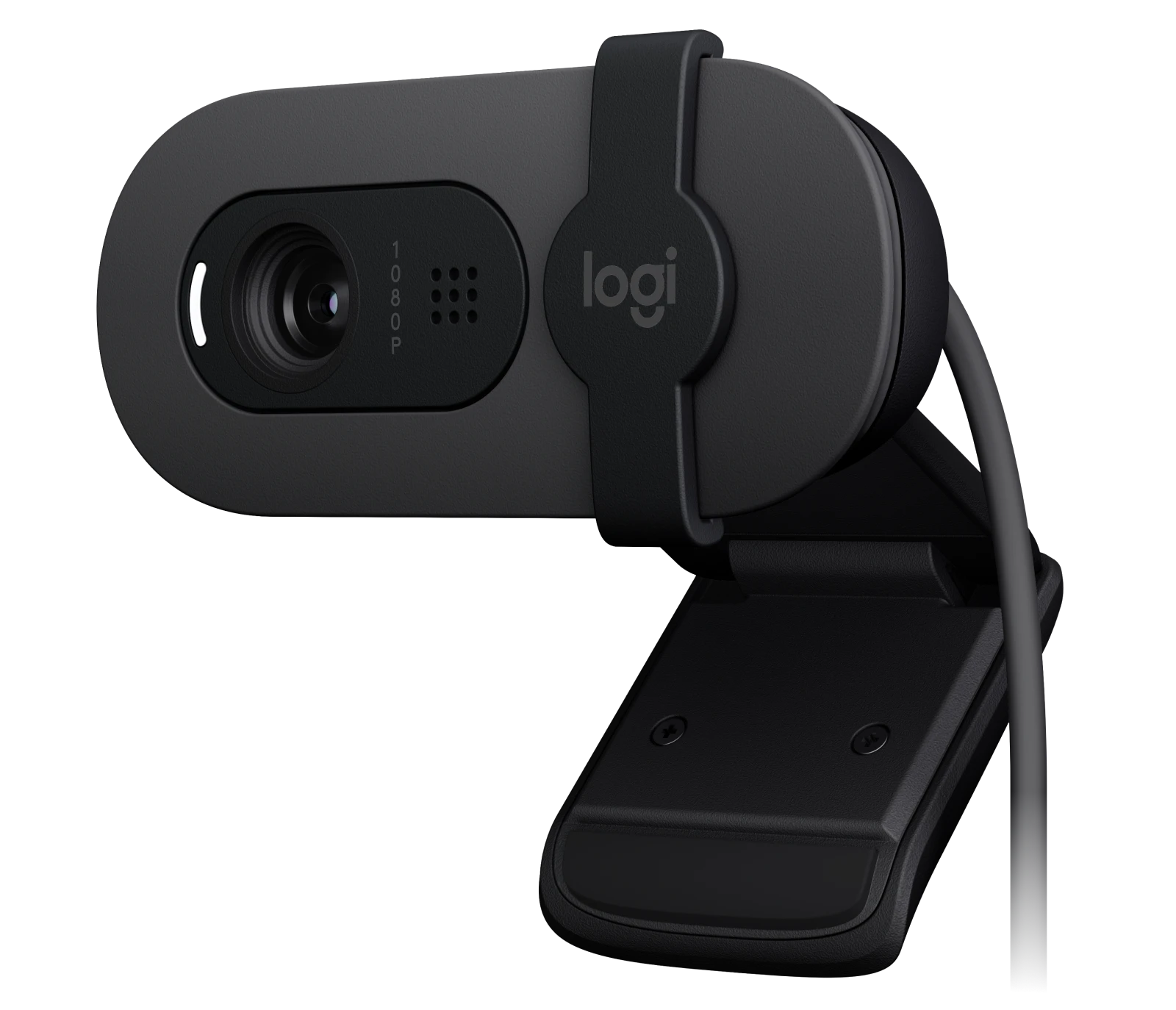
Logitech Brio 100 — original brand product image; Brio 100 · Graphite / USB webcamin use illustration referencing Logitech Brio 100 Brio 100 · Graphite / USB webcam; verify details in the original product imageProduct photo
Product photo · Logitech

A straightforward call upgrade

Logitech Brio 100

Brio 100 · Graphite / USB webcam

You want a separate webcam for everyday video calls and a physical privacy shutter.

Details & fit

Why consider itA simple external camera can be positioned independently of your laptop screen.

The tradeoffThis is an entry-level webcam, not a cinematic camera or an automatic lighting fix.

Before you buyCheck the USB connection, mounting position and room lighting before replacing a usable camera.

Read the related guide →Decide which desk upgrade to buy first →Brand specifications & image source
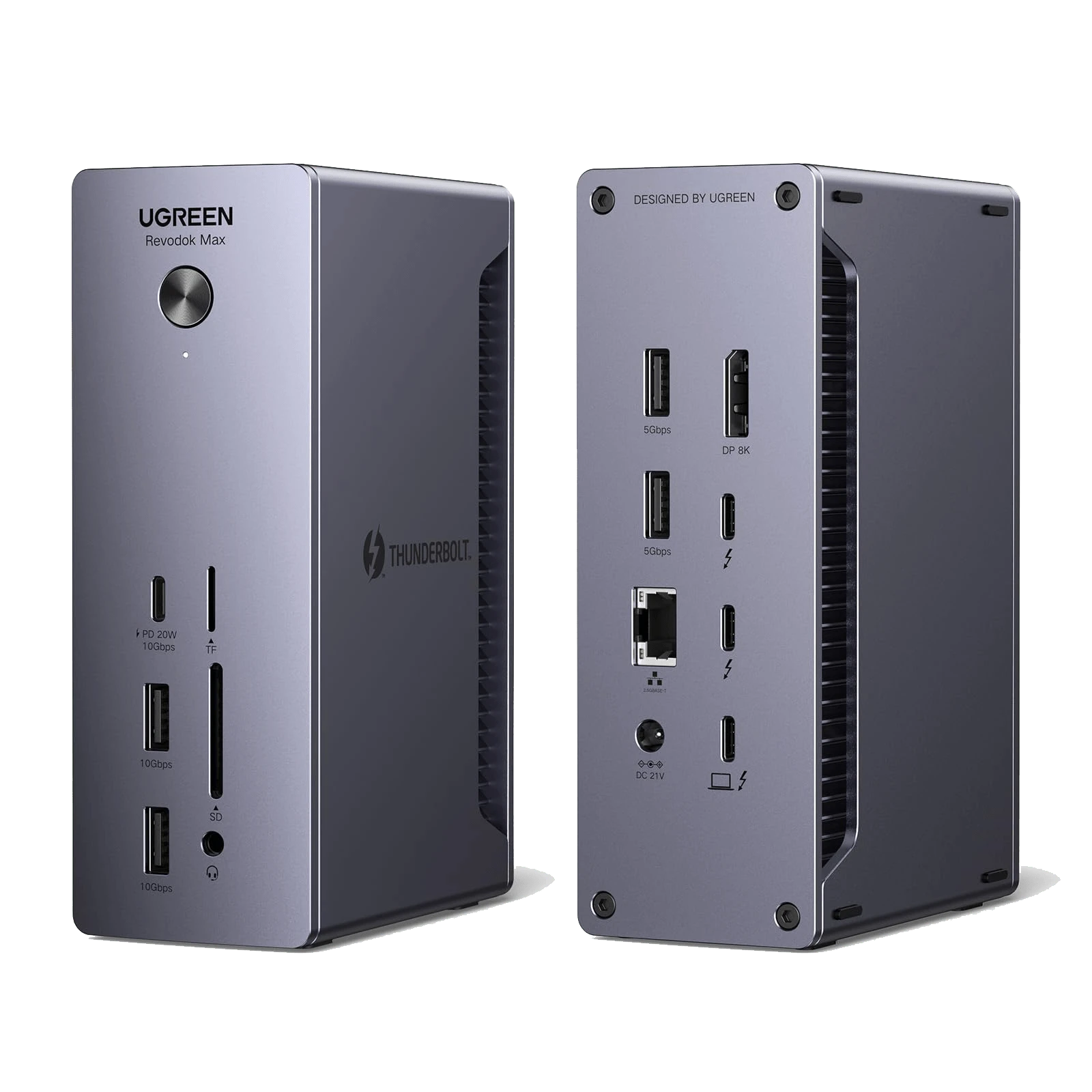
UGREEN Revodok Max 213 — original brand product image; Revodok Max 213 · Thunderbolt 4in use illustration referencing UGREEN Revodok Max 213 Revodok Max 213 · Thunderbolt 4; verify details in the original product imageProduct photo
Product photo · UGREEN

A connected, permanent desk

UGREEN Revodok Max 213

Revodok Max 213 · Thunderbolt 4

You have a compatible host and enough peripherals to justify a powered desktop dock.

Details & fit

Why consider itThe port layout gives you a concrete way to plan a fixed workstation.

The tradeoffA dock cannot overcome your computer’s independent-display limits. It also brings a power brick.

Before you buyConfirm Max 213, host compatibility, display route, power and included cable. Maxidok is a different family.

Read the related guide →Decide which desk upgrade to buy first →Brand specifications & image source
CalDigit manufacturer photograph of the actual TS4 dockin use illustration referencing CalDigit TS4 TS4 · Thunderbolt 4 desktop dock; verify details in the original product imageProduct photo
Product photo · CalDigit

A dock for a serious desk

CalDigit TS4

TS4 · Thunderbolt 4 desktop dock

You use a fixed desk with several peripherals and have verified that your exact computer can use the dock’s required functions.

Details & fit

Why consider itCalDigit publishes a host compatibility table and documents the TS4’s connection and power paths. Use those documents to plan your setup.

The tradeoffA powered desktop dock adds cost, an adapter and cable planning. A simpler hub may already meet a modest or travel need.

Before you buyVerify the host port, independent display limit, output method, laptop power and included cable. A dock cannot override the computer’s limits.

Read the related guide →Decide which desk upgrade to buy first →Brand specifications & image source
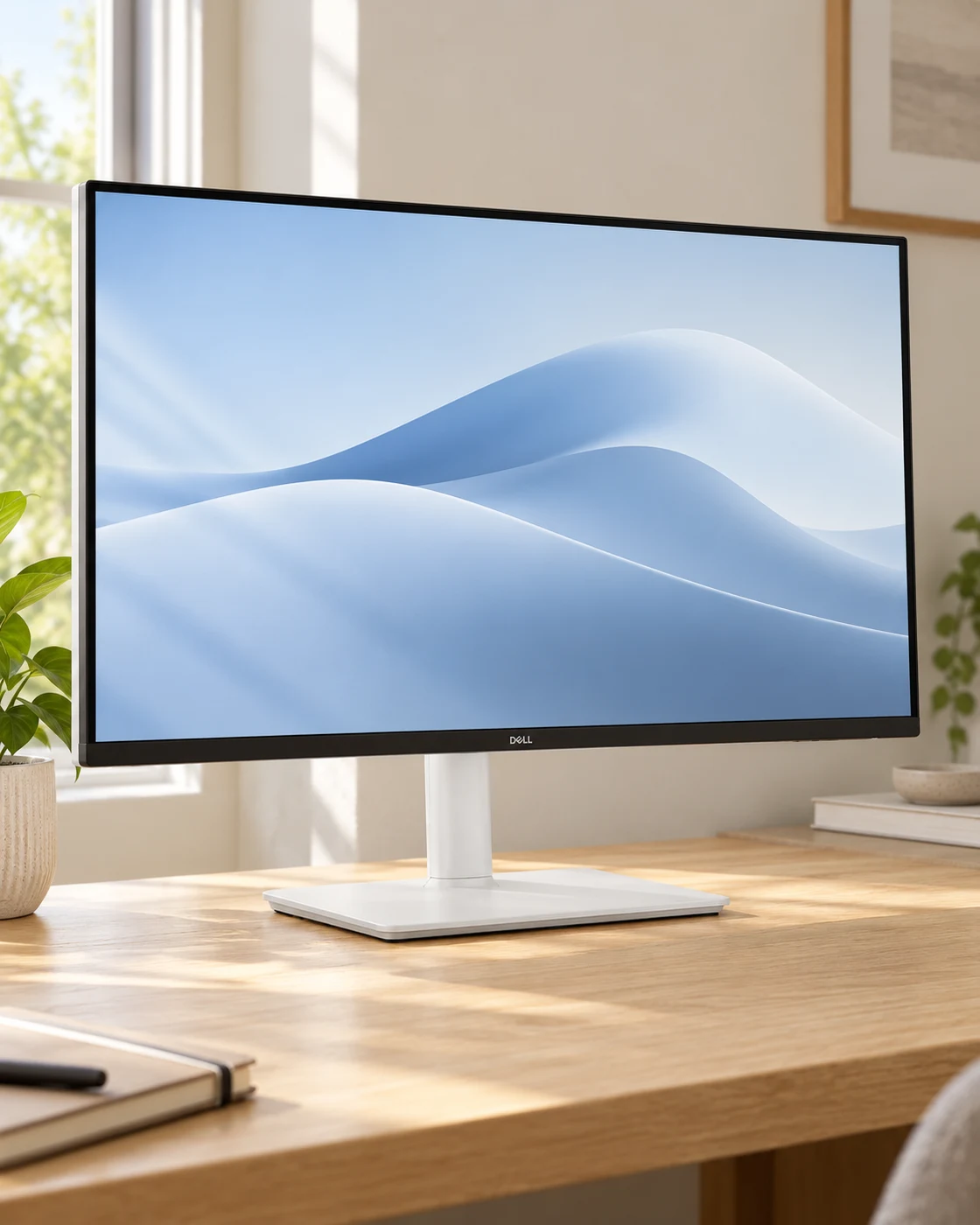
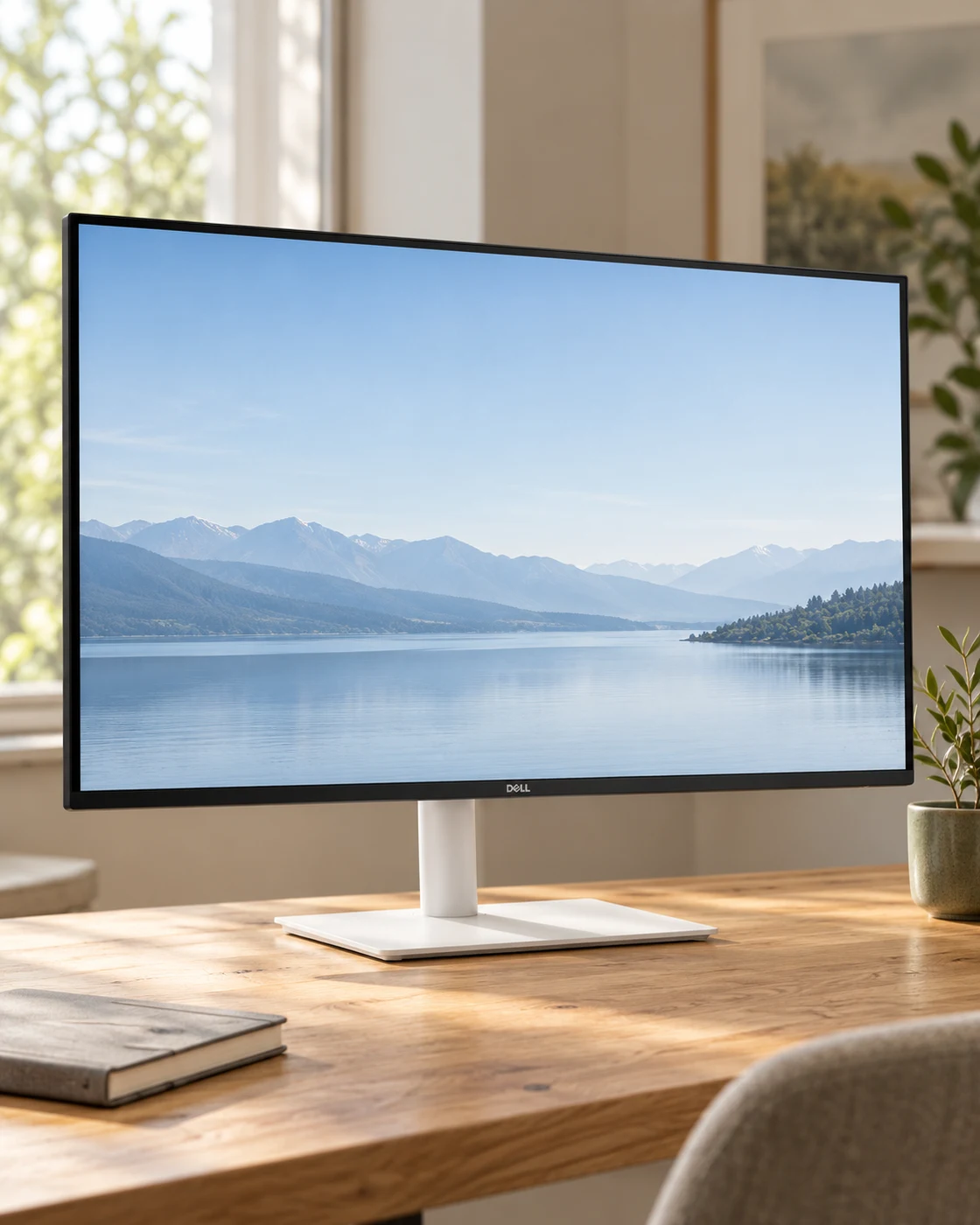
Dell S2425HSM in a softly lit everyday settingDell S2425HSM in a practical desk settingProduct view
Everyday setting · NextGen

A compact, adjustable work screen

Dell S2425HSM

23.8-inch FHD · Ash White stand · HDMI

A small desk where a full-size monitor still needs to leave room for a keyboard and notebook.

Details & fit

Why consider itThe selected S2425HSM offers a compact FHD workspace and a 144 Hz option without requiring a large desk.

The tradeoffFHD has less room for side-by-side detail than QHD; HDMI is not a single-cable laptop charging solution.

Before you buyMatch S2425HSM, the stand adjustments, HDMI inputs and the computer’s supported refresh rate. Do not substitute the older S2425HS.

Read the related guide →Decide which desk upgrade to buy first →Manufacturer model information
Dell S2725DSM in a softly lit everyday settingDell S2725DSM in a practical desk settingProduct view
Everyday setting · NextGen

More room, smoother everyday motion

Dell S2725DSM

27-inch QHD · 144 Hz · White HDMI version

A main office screen for documents, spreadsheets and a browser beside a working file.

Details & fit

Why consider itQHD offers a useful middle ground between an inexpensive FHD screen and a more demanding 4K setup.

The tradeoffThis selected HDMI version should not be mistaken for a USB-C charging monitor.

Before you buyConfirm S2725DSM with the final M, the white HDMI configuration, cable requirements and refresh support.

Read the related guide →Decide which desk upgrade to buy first →Manufacturer model information
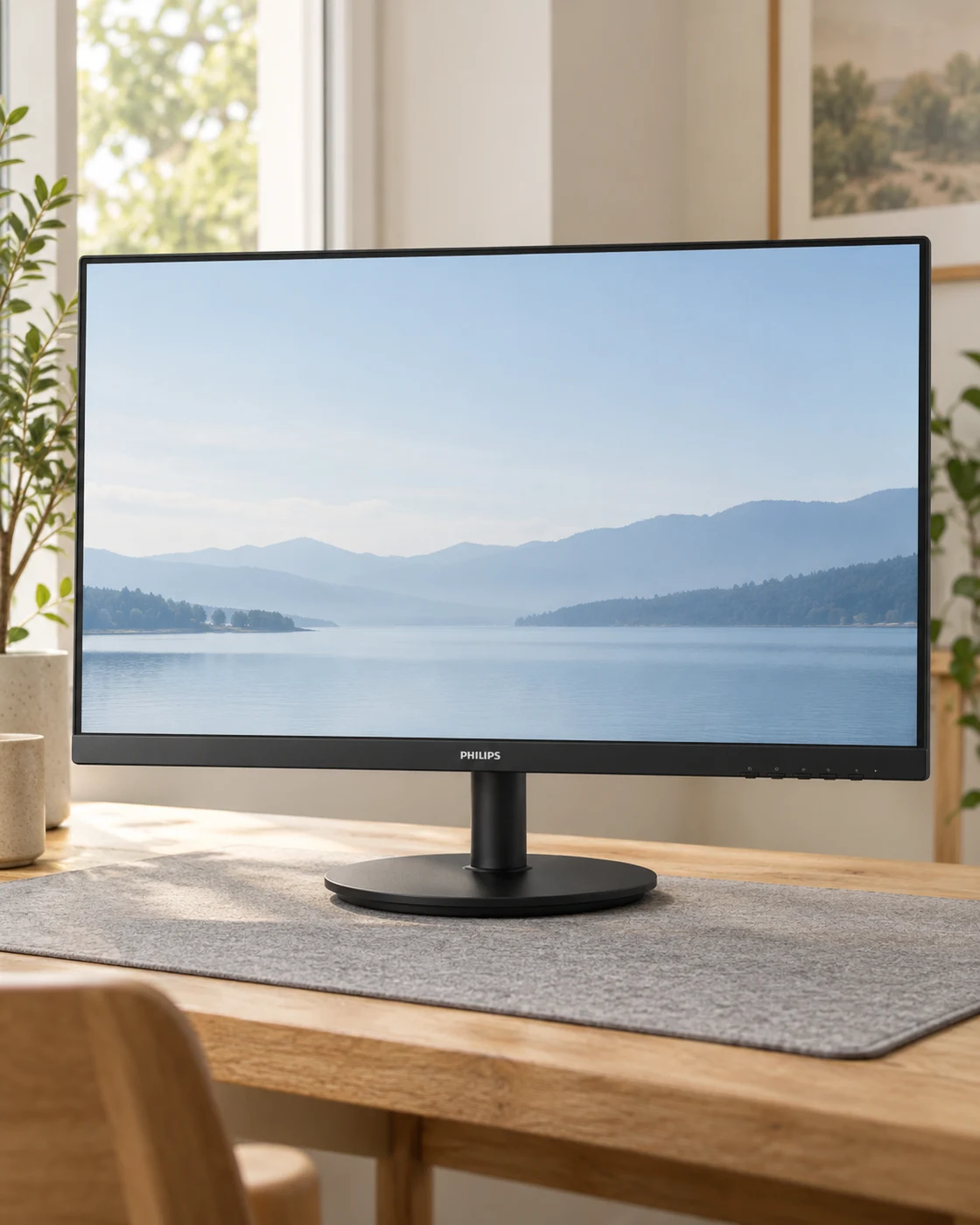
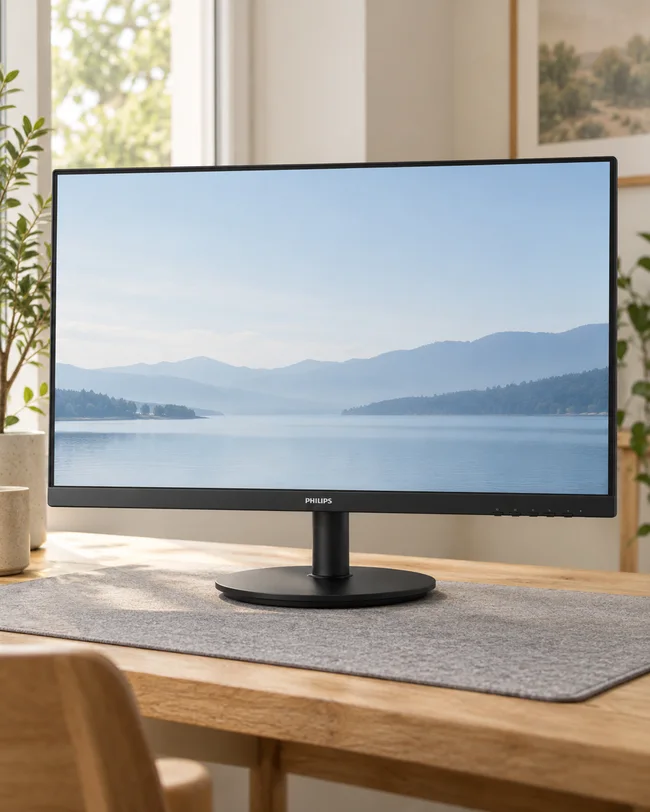
Philips 241V8LB in a softly lit everyday settingPhilips 241V8LB in a practical desk settingProduct view
Everyday setting · NextGen

The uncomplicated small-desk option

Philips 241V8LB

23.8-inch FHD · Black · 100 Hz

A straightforward second screen or a compact everyday computer station.

Details & fit

Why consider itIts modest size makes sense when usable desk space matters more than a long feature list.

The tradeoffA basic stand and FHD resolution leave less adjustment and detail than more expensive work monitors.

Before you buyMatch 241V8LB/27, the supplied stand, available inputs and the warranty offered by the actual seller.

Read the related guide →Decide which desk upgrade to buy first →Manufacturer model information
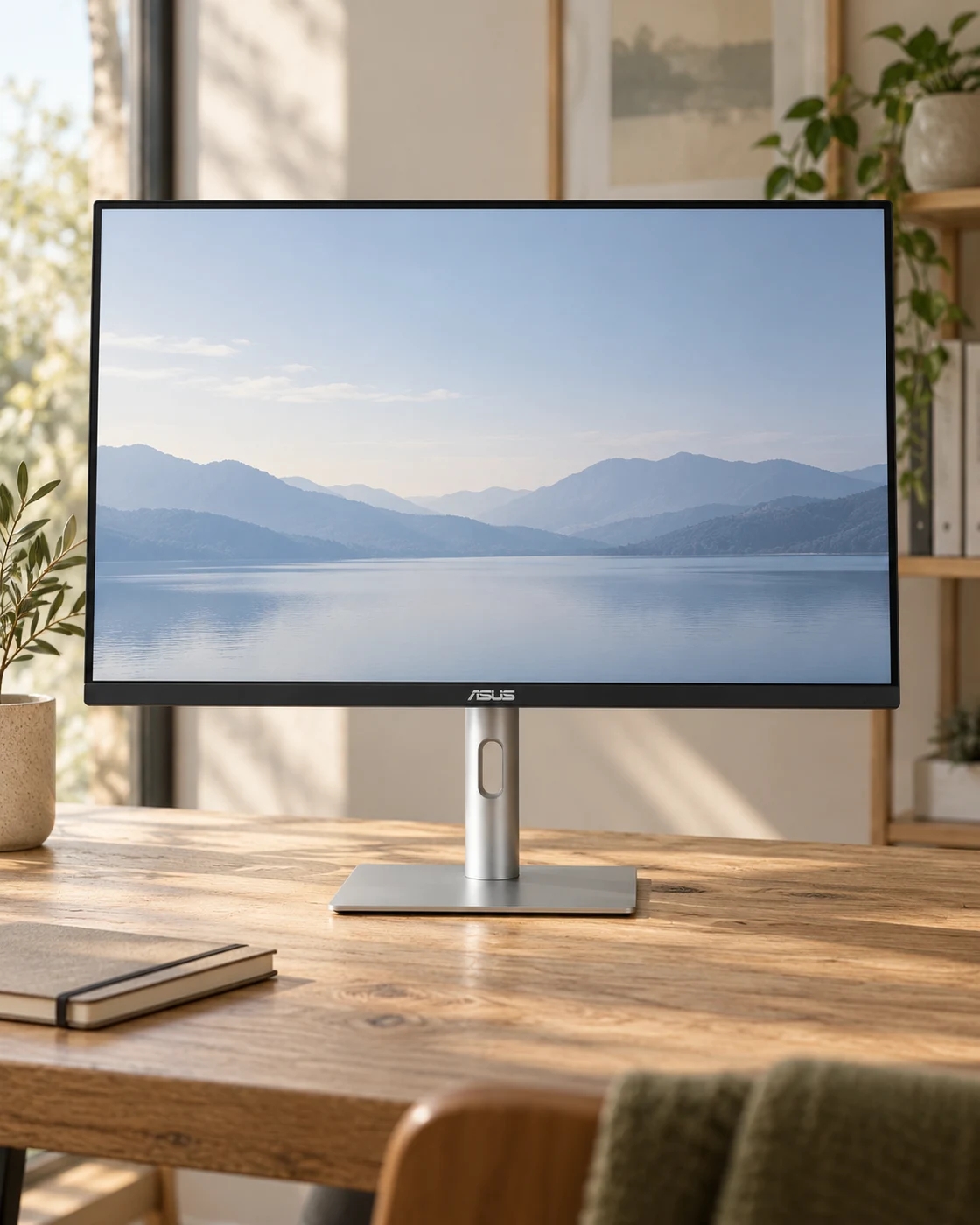
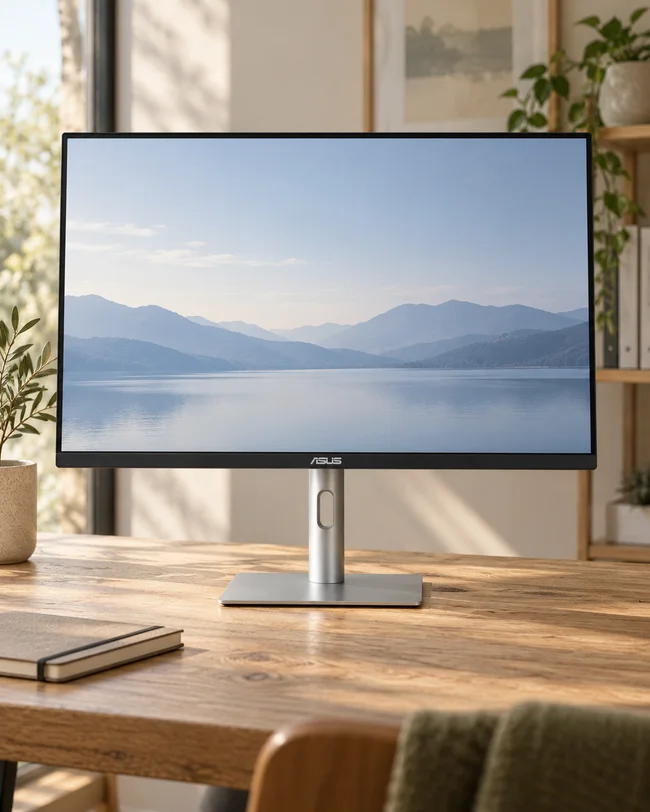
ASUS ProArt PA279CRV in a softly lit everyday settingASUS ProArt PA279CRV in a practical desk settingProduct view
Everyday setting · NextGen

For a color-conscious creative desk

ASUS ProArt PA279CRV

27-inch 4K IPS · USB-C 96 W

Photo, design and editing workflows that can use wide-gamut presets and a detailed 4K workspace.

Details & fit

Why consider itASUS specifies factory calibration and USB-C video with up to 96 W Power Delivery for compatible laptops.

The tradeoffExtra gamut does not automatically improve ordinary office work; correct color management still matters.

Before you buyCheck the laptop’s video support, charging demand, desired color preset and seller’s exact PA279CRV offer.

Read the related guide →Decide which desk upgrade to buy first →Manufacturer model information
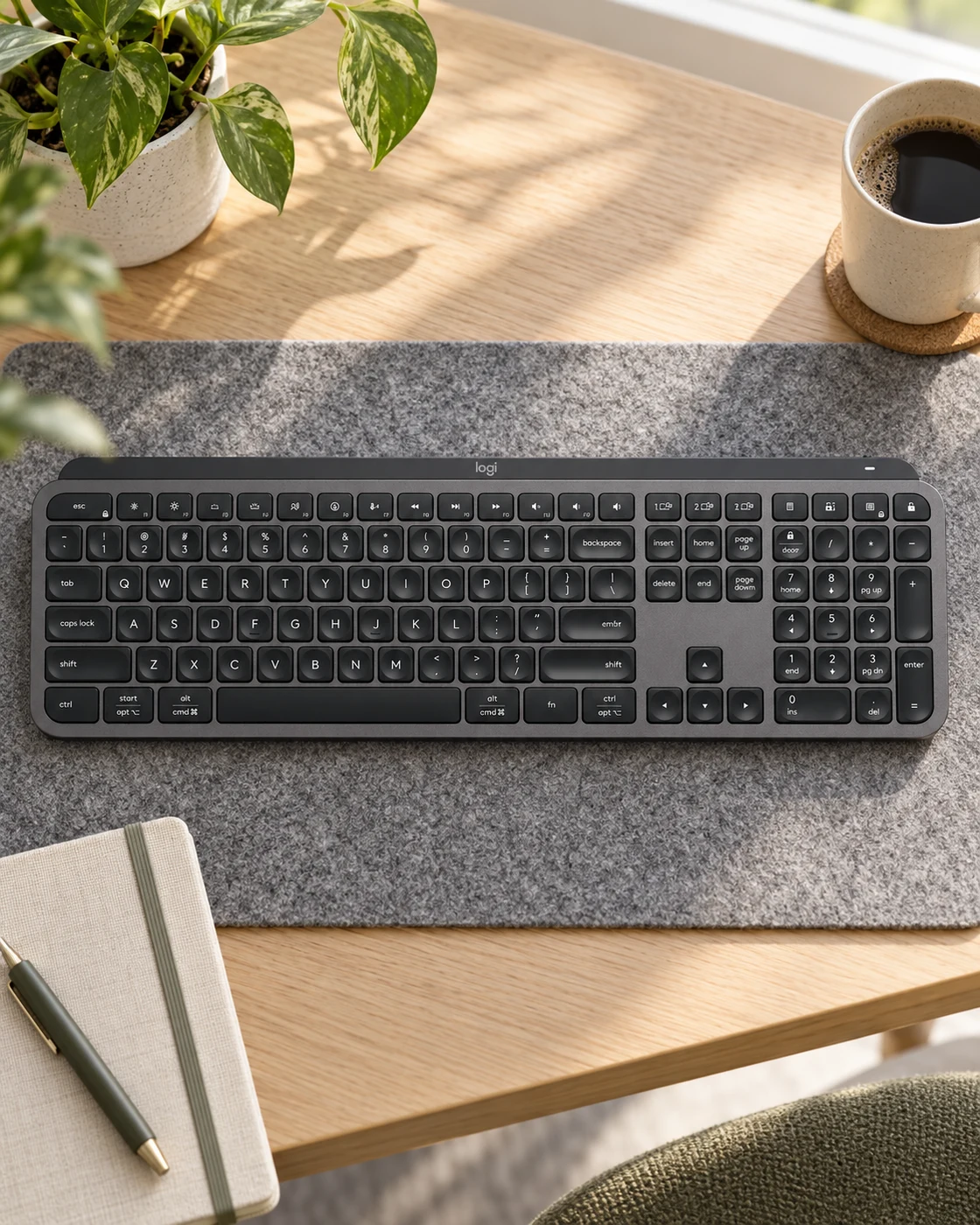
Logitech MX Keys S in a softly lit everyday settingLogitech MX Keys S in a practical desk settingProduct view
Everyday setting · NextGen

A full keyboard for the working week

Logitech MX Keys S

Graphite · US full-size layout

Desk users who want a number pad and a familiar low-profile typing layout.

Details & fit

Why consider itA complete layout suits spreadsheet-heavy work without learning a compact arrangement.

The tradeoffThe number pad adds width and can push the mouse farther from your body.

Before you buyMatch the US layout, Graphite color, receiver contents and operating-system requirements.

Read the related guide →Decide which desk upgrade to buy first →Manufacturer model information
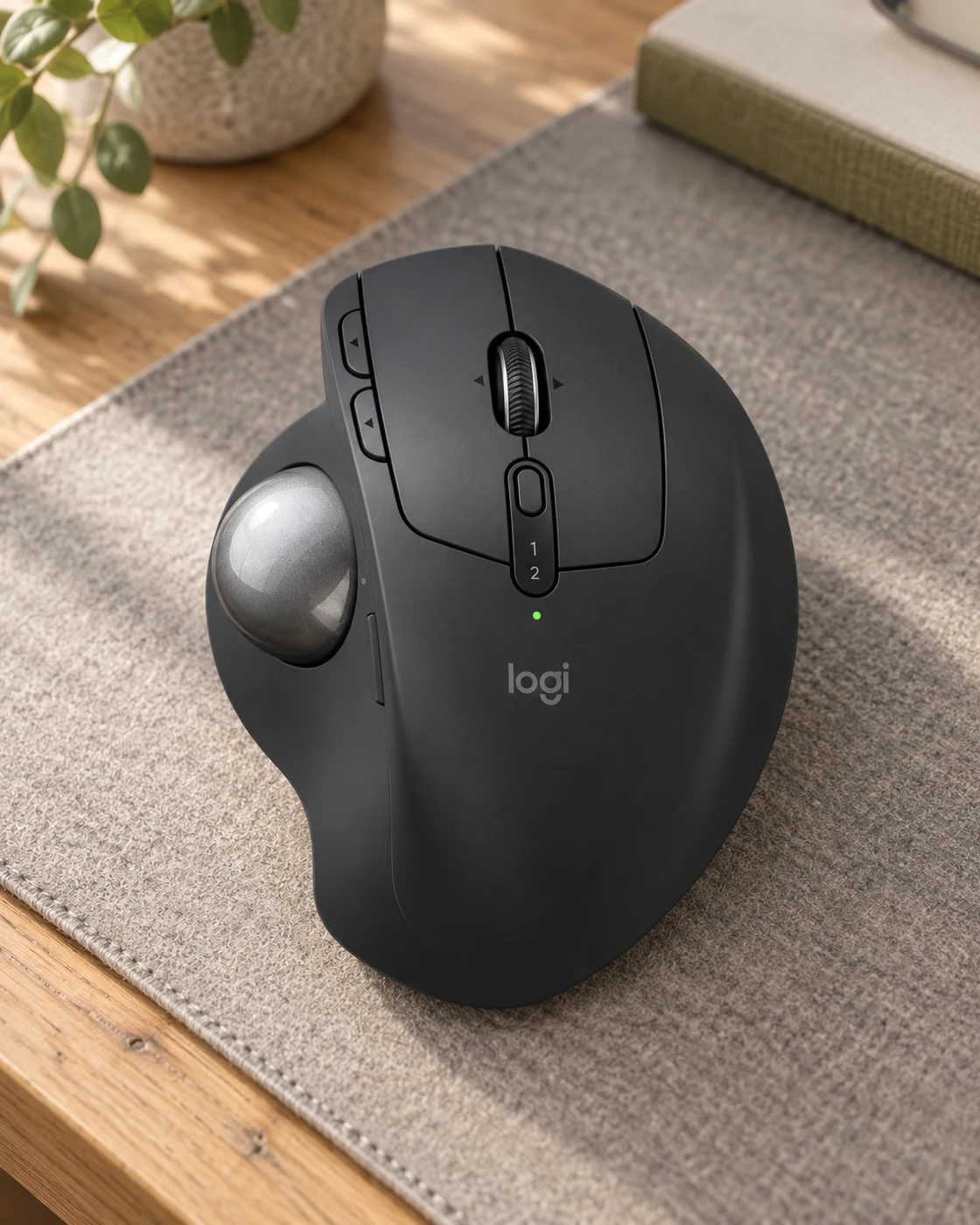
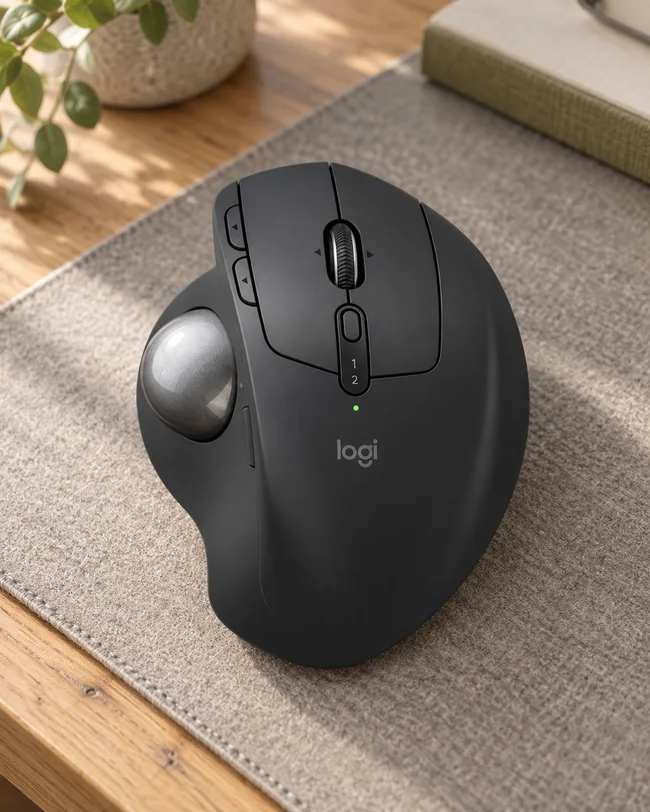
Logitech MX Ergo S in a softly lit everyday settingLogitech MX Ergo S in a practical desk settingProduct view
Everyday setting · NextGen

The mouse that stays in one place

Logitech MX Ergo S

Graphite · Right-handed thumb trackball

A stationary pointing option for a restricted desk or an established thumb-trackball user.

Details & fit

Why consider itThe ball moves the pointer while the base stays put, changing how much room you need beside the keyboard.

The tradeoffThumb control takes practice and is not a promise of relief from discomfort.

Before you buyConfirm MX Ergo S rather than the older MX Ergo, right-hand fit, connectivity and included accessories.

Read the related guide →Decide which desk upgrade to buy first →Manufacturer model information
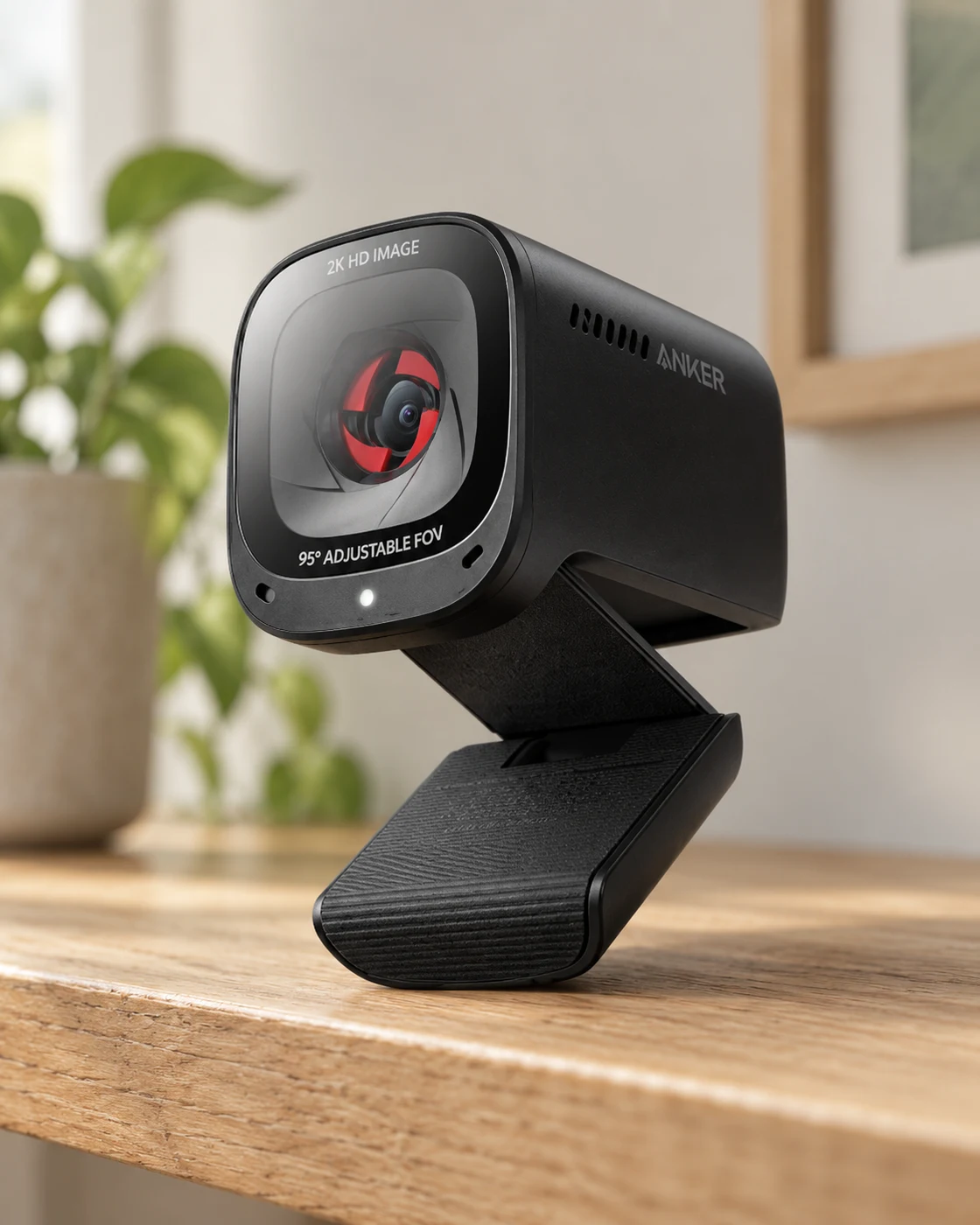
Anker PowerConf C200 in a softly lit everyday settingAnker PowerConf C200 in a practical desk settingProduct view
Everyday setting · NextGen

Make the camera angle intentional

Anker PowerConf C200

2K webcam · A3369

A desktop video-call setup where the laptop camera sits too low or too far away.

Details & fit

Why consider itA separate webcam lets you position the camera independently of the laptop screen.

The tradeoffGood lighting and microphone placement may matter more than the advertised resolution.

Before you buyCheck mounting thickness, USB connection, software compatibility and privacy-shutter operation.

Read the related guide →Decide which desk upgrade to buy first →Manufacturer model information
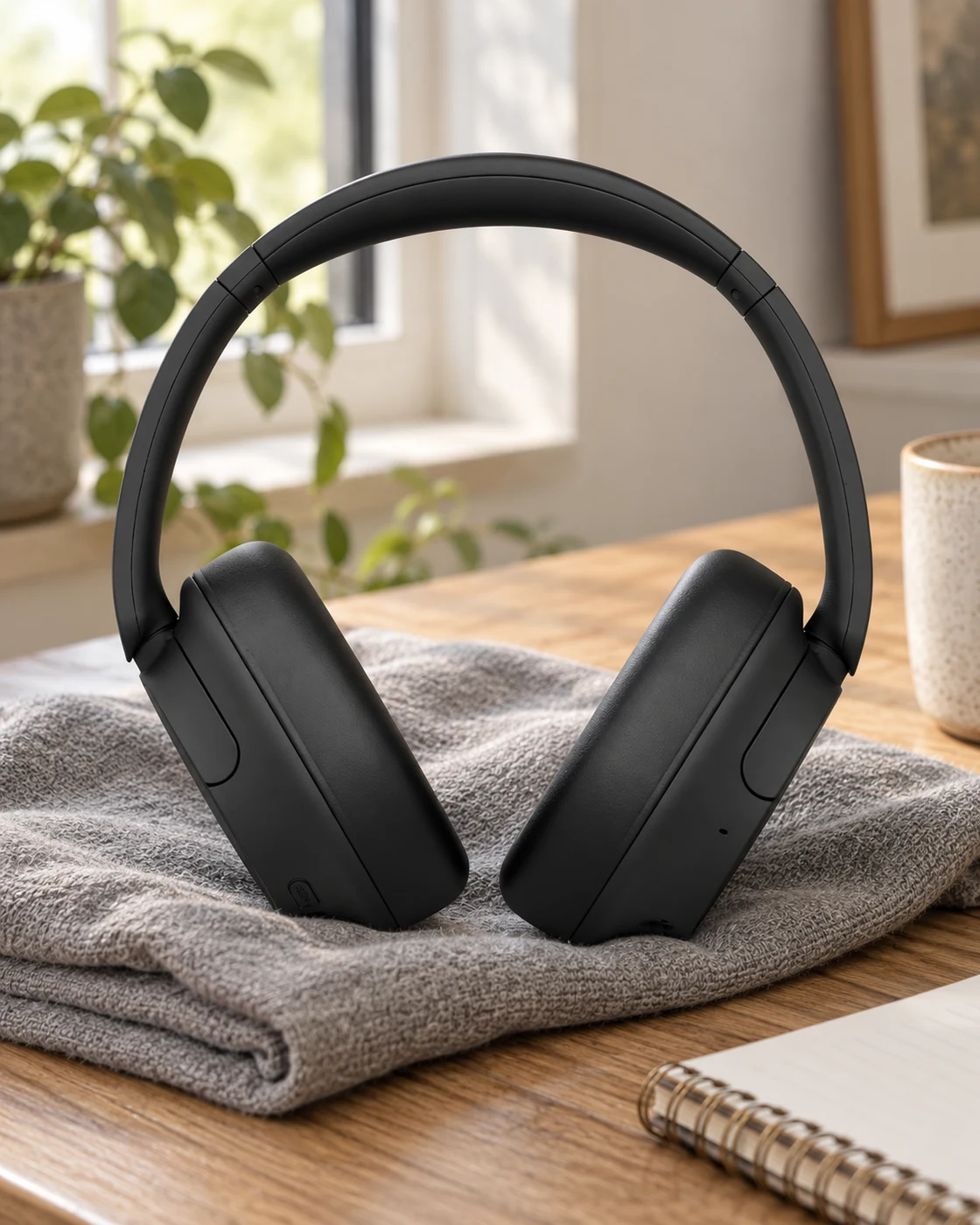
Sony WH-CH720N in a softly lit everyday settingSony WH-CH720N in a practical desk settingProduct view
Everyday setting · NextGen

A quieter personal workspace

Sony WH-CH720N

Black · Wireless over-ear headphones

Listeners wanting an over-ear wireless option for a shared home or office.

Details & fit

Why consider itNoise cancellation can reduce some background distraction while keeping a familiar headphone format.

The tradeoffCall quality still depends on the room and connection; these are not a replacement for a quiet recording space.

Before you buyConfirm WH-CH720N, Black, the seller’s warranty and supported microphone behavior on your computer.

Read the related guide →Decide which desk upgrade to buy first →Manufacturer model information
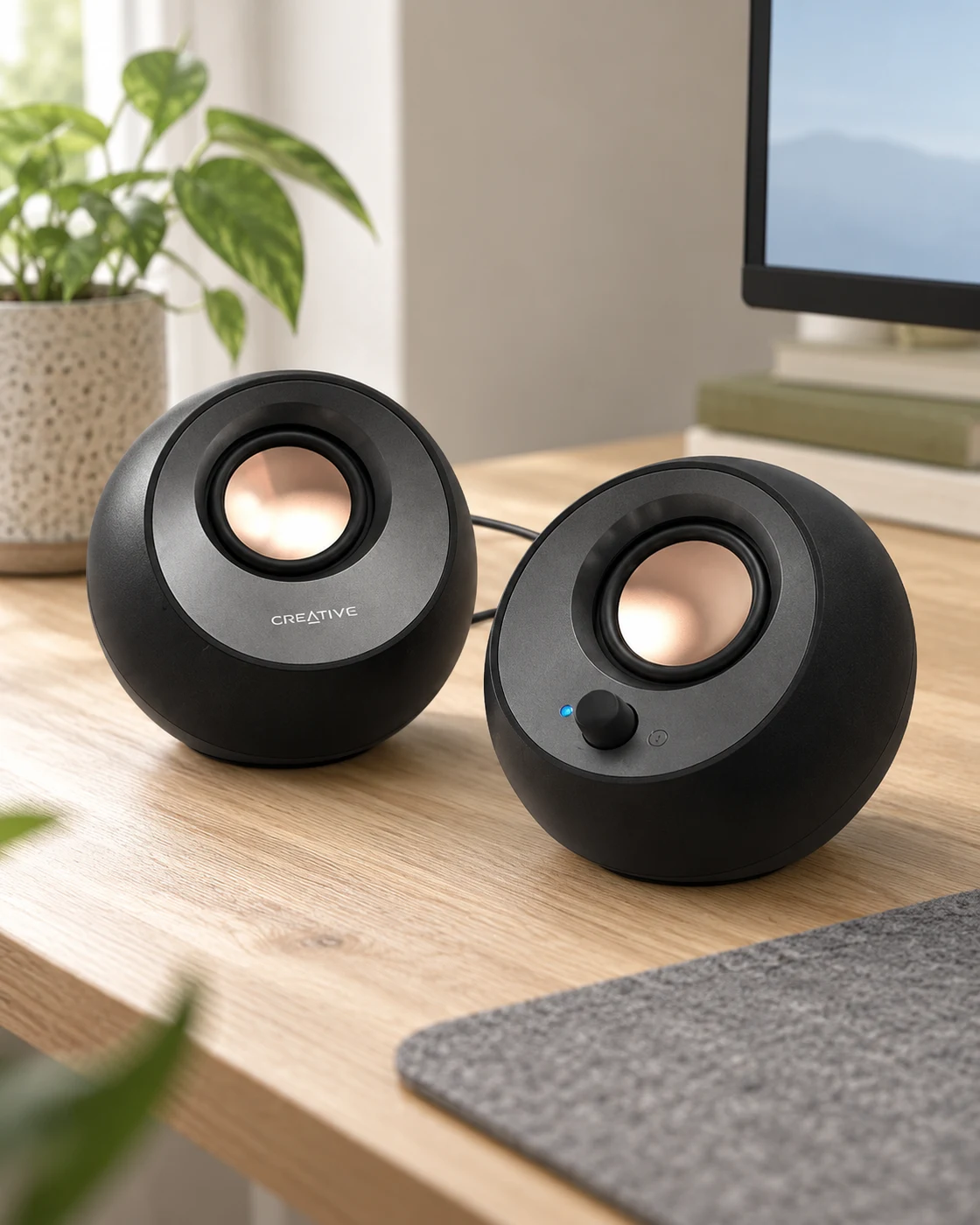
Creative Pebble V3 in a softly lit everyday settingCreative Pebble V3 in a practical desk settingProduct view
Everyday setting · NextGen

Simple sound without a big speaker stack

Creative Pebble V3

Black · Desktop speaker pair

A compact desktop that needs speakers for casual listening and calls.

Details & fit

Why consider itThe two small enclosures can sit either side of a monitor without dominating a shallow desk.

The tradeoffSmall desktop speakers cannot replace a dedicated bass-heavy audio system.

Before you buyCheck USB power, the selected audio connection and the space available for both speakers.

Read the related guide →Decide which desk upgrade to buy first →Manufacturer model information
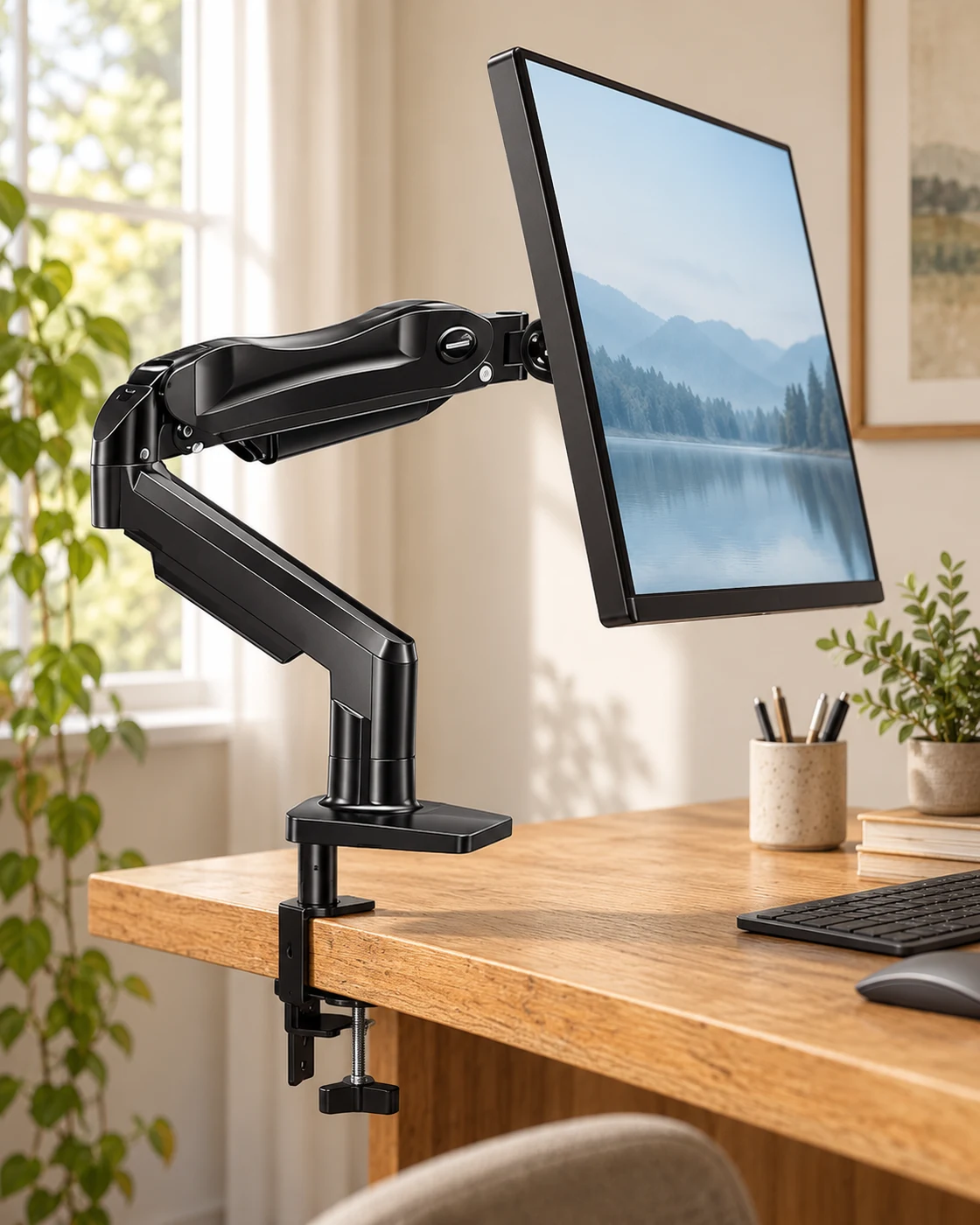
HUANUO FlowLift Single Monitor Arm in a softly lit everyday settingHUANUO FlowLift Single Monitor Arm in a practical desk settingProduct view
Everyday setting · NextGen

Reclaim the space beneath the screen

HUANUO FlowLift Single Monitor Arm

Black · Selected 13–32-inch listing

A compatible single monitor on a desk that can safely accept a clamp or grommet mount.

Details & fit

Why consider itMoving the stand off the work surface can free space for a notebook and improve placement options.

The tradeoffFit depends on weight, VESA pattern, desk construction and adjustment range, not screen size alone.

Before you buyVerify the linked listing’s 4.4–19.8 lb load range, VESA support, clamp clearance and your desk’s strength.

Read the related guide →Decide which desk upgrade to buy first →Manufacturer model information
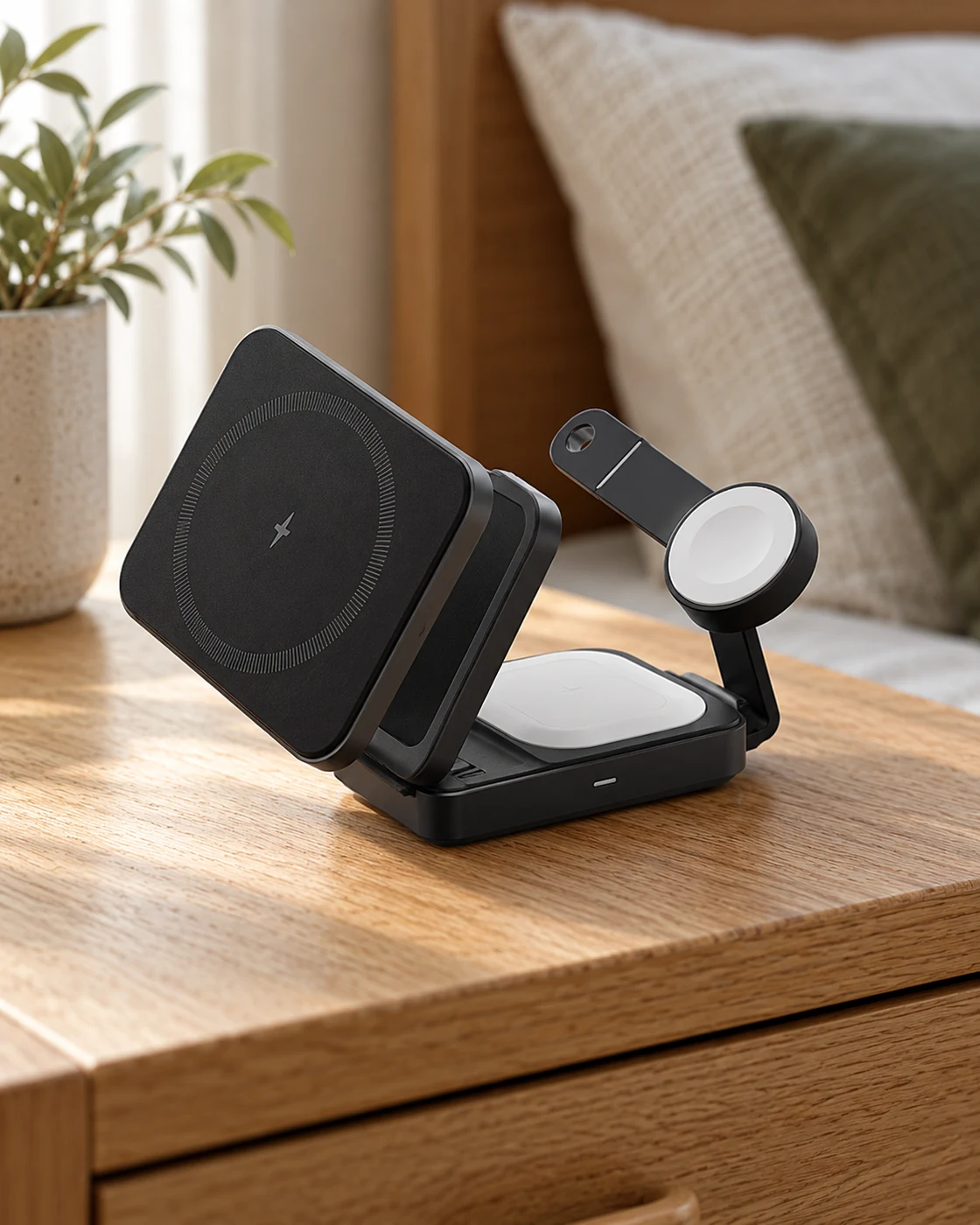
Anker MagGo Foldable 3-in-1 in a softly lit everyday settingAnker MagGo Foldable 3-in-1 in a practical desk settingProduct view
Everyday setting · NextGen

One place for compatible daily devices

Anker MagGo Foldable 3-in-1

A2557 · Black · Selected adapter bundle

A compatible iPhone, Apple Watch and earbud charging routine at a desk or bedside.

Details & fit

Why consider itThe folding format can keep a frequently used charging arrangement together.

The tradeoffMagnetic attachment and charging speed depend on the exact devices, cases and power supply.

Before you buyMatch A2557 and the adapter bundle; verify Qi2 phone, watch and earbud compatibility separately.

Read the related guide →Decide which desk upgrade to buy first →Manufacturer model information
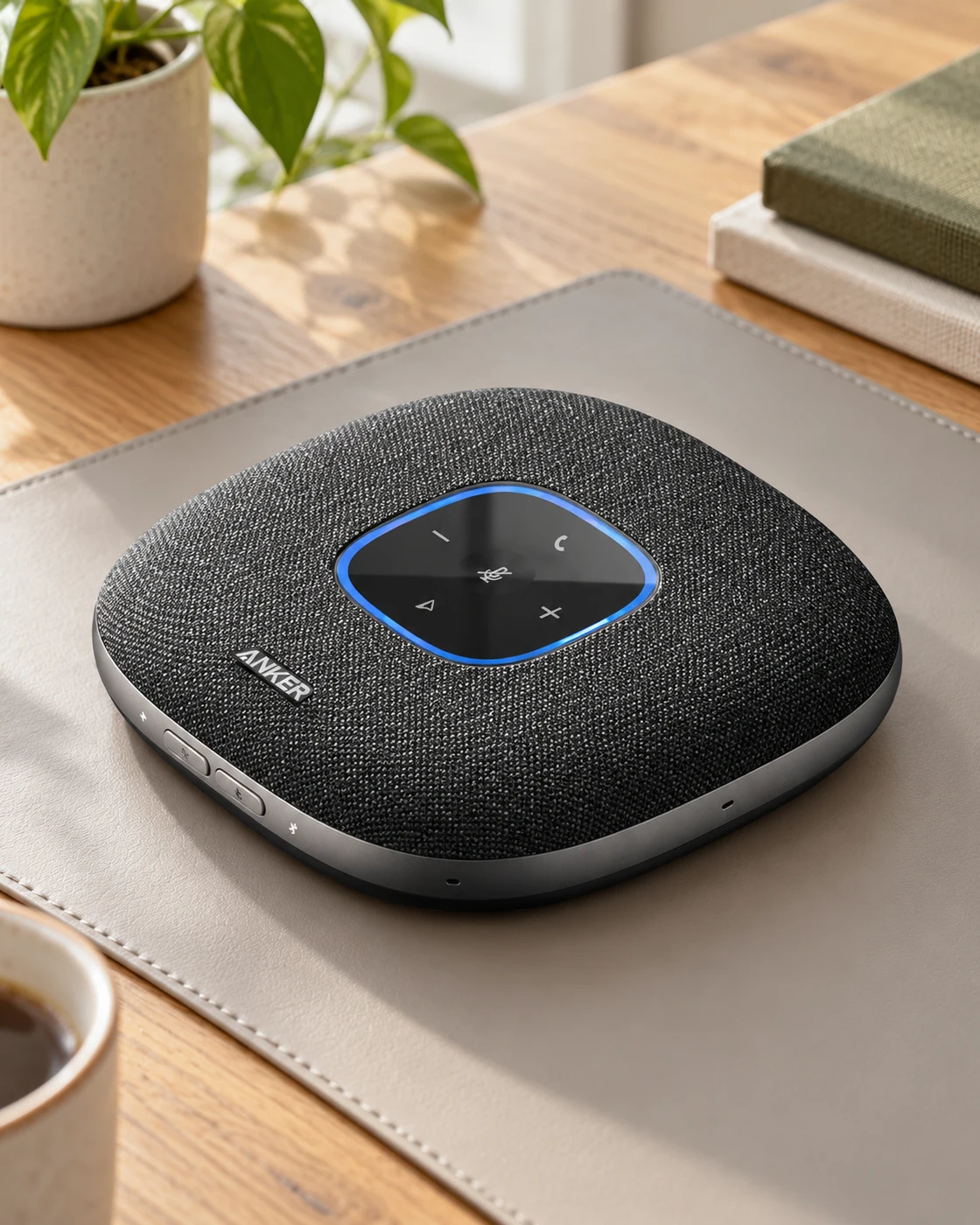
Anker PowerConf S3 in a softly lit everyday settingAnker PowerConf S3 in a practical desk settingProduct view
Everyday setting · NextGen

Give a small meeting a central microphone

Anker PowerConf S3

Black · Conference speakerphone

A shared table where several people need to join a computer call without passing a headset.

Details & fit

Why consider itA central speakerphone can make a small group setup more practical than a distant laptop microphone.

The tradeoffRoom echo, table placement and conferencing settings still shape the result.

Before you buyCheck PowerConf S3, USB or Bluetooth support and the requirements of your meeting software.

Read the related guide →Decide which desk upgrade to buy first →Manufacturer model information
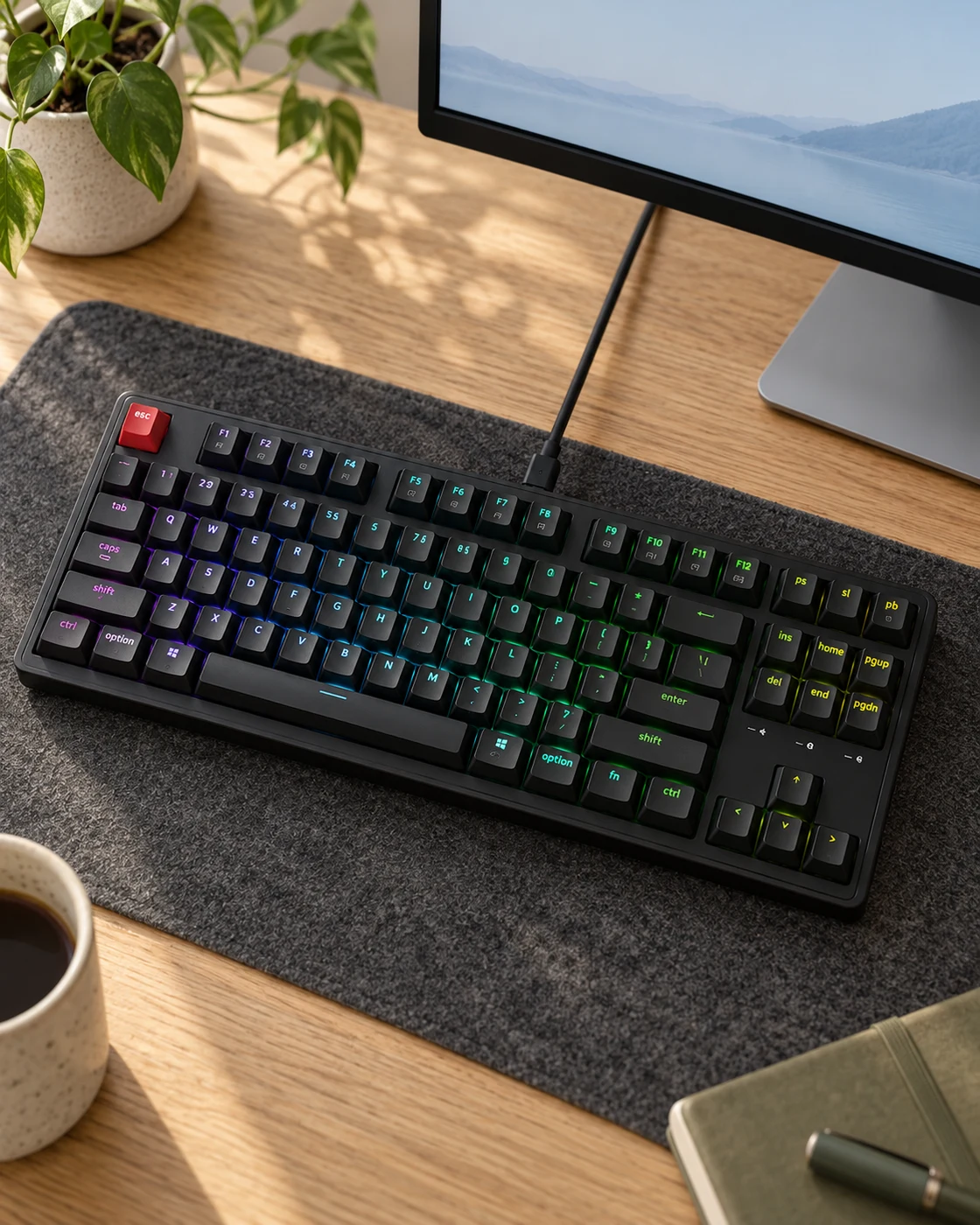
Keychron C3 Pro in a softly lit everyday settingKeychron C3 Pro in a practical desk settingProduct view
Everyday setting · NextGen

A wired mechanical keyboard with room to customize

Keychron C3 Pro

87 keys · QMK/VIA · Super Red switches

Users who want a tenkeyless layout and are willing to configure a wired mechanical keyboard.

Details & fit

Why consider itThe selected hot-swappable listing offers a compact layout with programmable control options.

The tradeoffMechanical feel and sound are personal; an 8000 Hz headline does not make routine typing eight times better.

Before you buyMatch the selected 8000 Hz, RGB, hot-swappable Super Red version; older C3 Pro variants differ.

Read the related guide →Decide which desk upgrade to buy first →Manufacturer model information
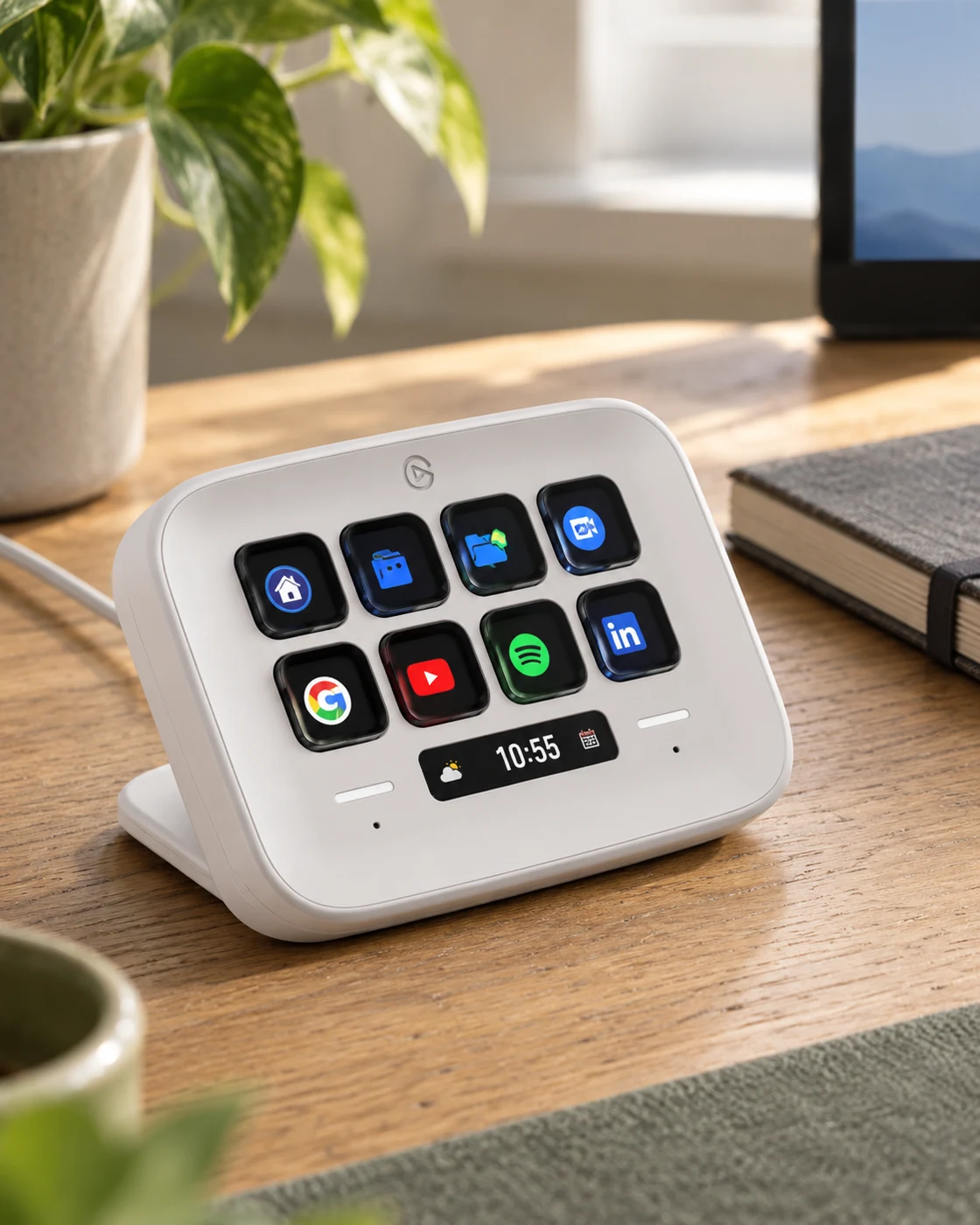
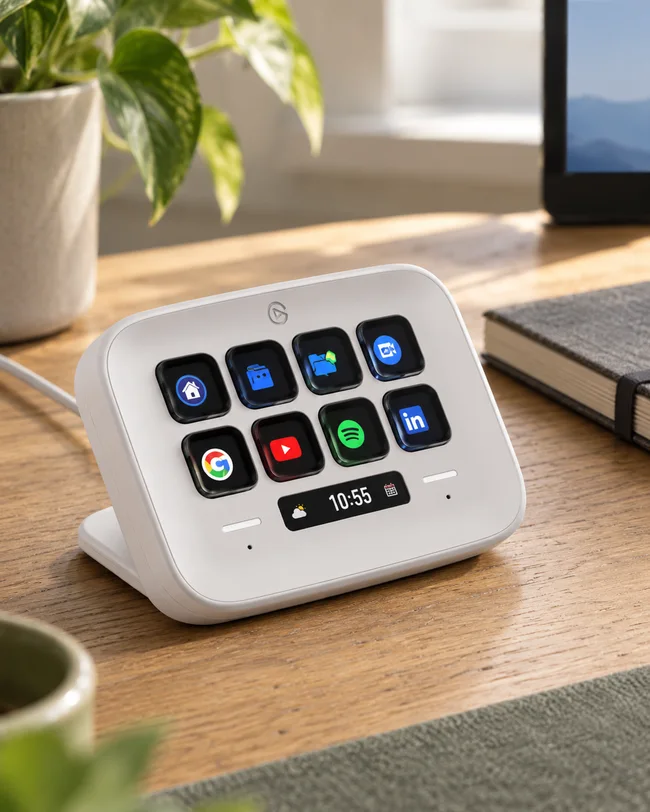
Elgato Stream Deck Neo in a softly lit everyday settingElgato Stream Deck Neo in a practical desk settingProduct view
Everyday setting · NextGen

Put repeatable work within reach

Elgato Stream Deck Neo

White · Eight LCD keys · USB-C

A desk with recurring app, meeting or file-opening tasks that you can define clearly.

Details & fit

Why consider itEight labeled keys can make a small set of familiar actions easy to find without memorizing shortcuts.

The tradeoffProfiles take setup time and some app actions require a compatible plugin or permission.

Before you buyCheck current Windows or macOS support, software installation rights and a suitable USB connection.

Read the related guide →Decide which desk upgrade to buy first →Manufacturer model information
03 / Apparel

Fewer pieces. More ways to wear them.

Roomy tees, familiar denim and simple layers. Good fit makes these everyday pieces work harder.

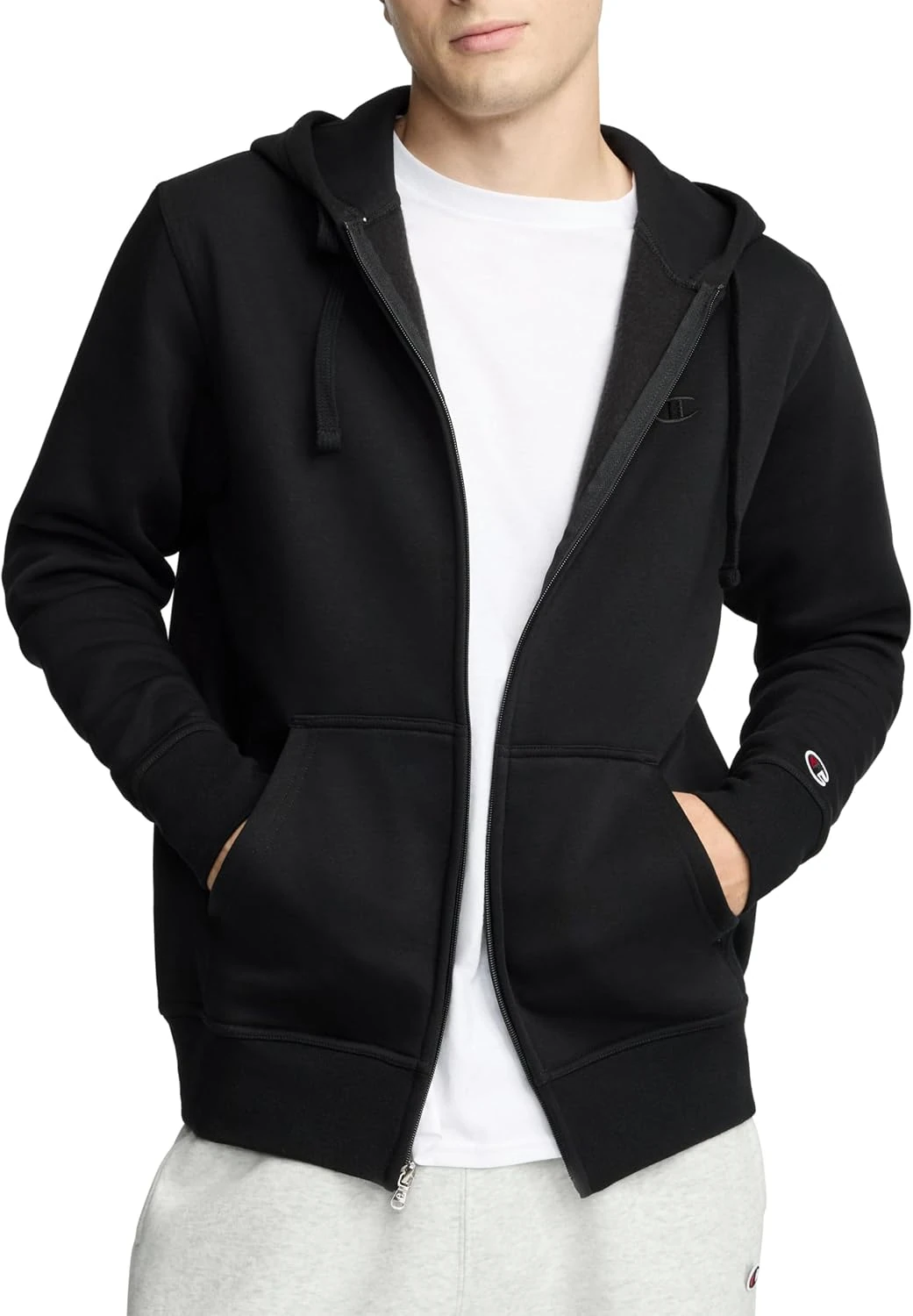
Black Champion Powerblend full-zip hoodie CPM253FH17, showing the hood, zip and ribbed cuffsBlack Champion Powerblend full-zip hoodie worn over an ivory tee beside an oak doorwayProduct photo
Product photo · Champion · Amazon listing

A layer you can unzip at your desk.

Champion Powerblend Full-Zip Hoodie

CPM253FH17 · Black · Standard fit / full zip

You want a straightforward fleece layer for the commute and cooler indoor spaces, with the flexibility of a full-length zip.

Details & fit

Why consider itThe selected Powerblend hoodie has a standard fit, ribbed cuffs and hem, and midweight brushed fleece. A full zip makes it easier to adjust warmth over a tee than a pullover.

The tradeoffStandard fit is not the same as a fitted sweatshirt. The listing warns that some buyers find it loose. Fleece is a comfort layer, not a weatherproof outer shell.

Before you buyMatch CPM253FH17 and Black. Choose your own size using the current chart and a similar garment you own; do not rely on the size selected by the link. Fabric blend and logo patch can vary by version.

Read the related guide →Build a useful office wardrobe →Amazon listing & model details ↗
Wrangler Authentics Regular Fit Comfort Flex Waist jeans in Dark StonewashWrangler Comfort Flex Waist Dark Stonewash jeans in a relaxed everyday outfitProduct photo
Product photo · Wrangler · Amazon listing

Familiar denim, with room to sit.

Wrangler Authentics Comfort Flex Waist Jean

Regular fit · Dark Stonewash · Comfort Flex Waist

You prefer regular-fit jeans with a flexible waistband for a casual office, a long commute or everyday wear.

Details & fit

Why consider itThe selected Dark Stonewash version combines a regular seat and thigh with a Comfort Flex waistband. Its straightforward five-pocket layout is easy to pair with a plain tee or an overshirt.

The tradeoffRegular fit has more room than a slim cut. Stretch and a flexible waistband do not guarantee the same fit between washes, and denim may be too casual for a formal office.

Before you buyChoose Wrangler Authentics Regular Fit Comfort Flex Waist, Dark Stonewash. Select your own waist and inseam; the checked 34W × 32L is only one size. Compare the fabric label, rise and return terms.

Read the related guide →Build a useful office wardrobe →Amazon listing & model details ↗
Carhartt K87 Pocket T-Shirt — original brand product image; K87 · Loose Fit / blackworn illustration referencing Carhartt K87 Pocket T-Shirt K87 · Loose Fit / black; verify details in the original product imageProduct photo
Product photo · Carhartt

The roomy everyday pocket tee

Carhartt K87 Pocket T-Shirt

K87 · Loose Fit / black

You like a generous casual cut with a chest pocket and a substantial feel.

Details & fit

Why consider itThe loose fit is the point: room through the body rather than a fitted undershirt silhouette.

The tradeoffA familiar letter size may fit differently from your other T-shirts. Colorways can change composition.

Before you buyCompare garment measurements with a tee you like; confirm K87, Regular or Tall and the selected fabric.

Read the related guide →Build a useful office wardrobe →Brand specifications & image source
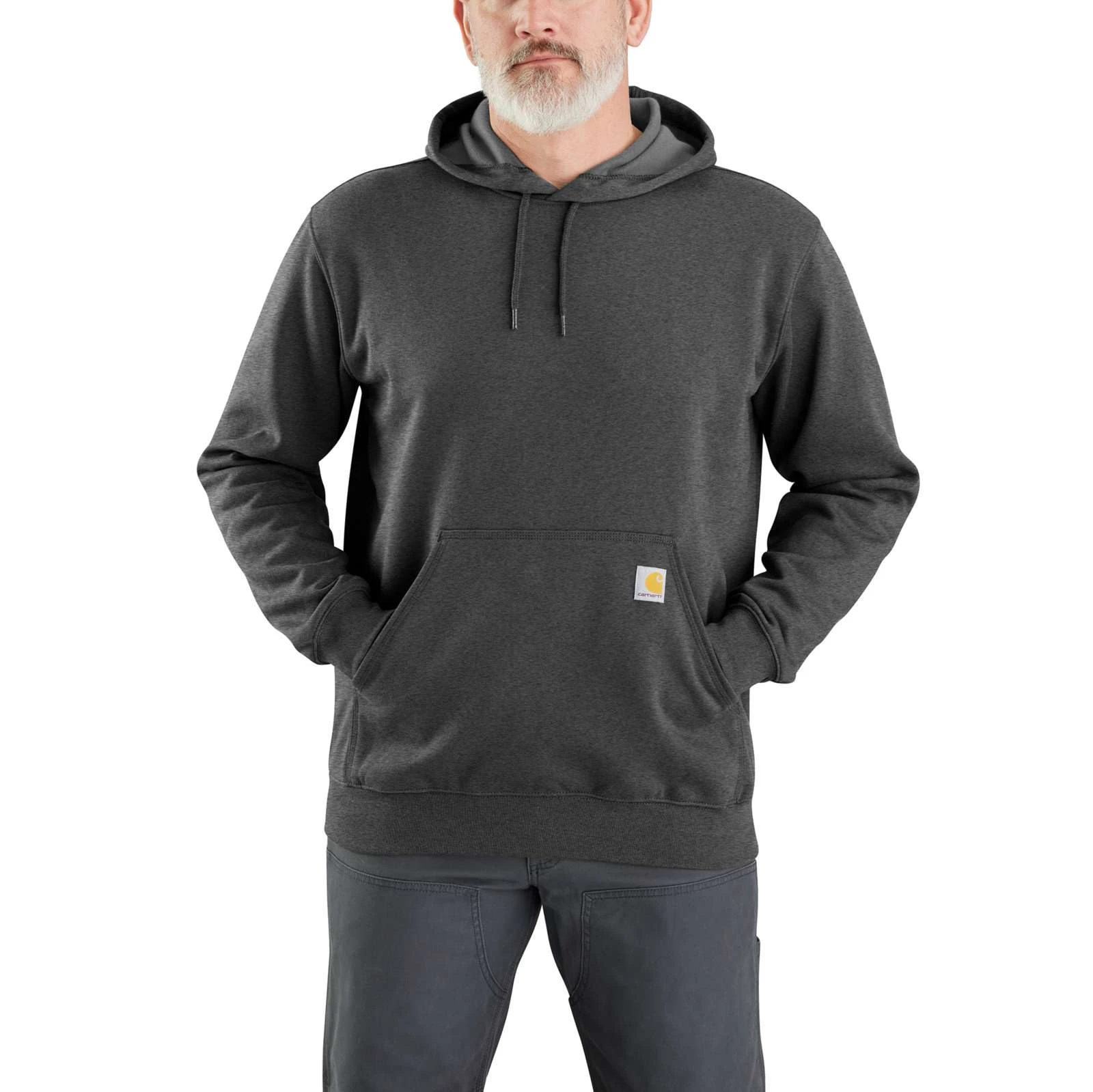
Carhartt K121 Midweight Hoodie — original brand product image; K121 · Carbon Heather / Loose Fitworn illustration referencing Carhartt K121 Midweight Hoodie K121 · Carbon Heather / Loose Fit; verify details in the original product imageProduct photo
Product photo · Carhartt

The easy off-duty layer

Carhartt K121 Midweight Hoodie

K121 · Carbon Heather / Loose Fit

You want a roomy pullover layer for casual days and cooler indoor spaces.

Details & fit

Why consider itThe midweight format fits a different role from a thin tee or a bulky outer jacket.

The tradeoffLoose Fit and color-specific fabric blends need checking; this is not a rain jacket.

Before you buyMeasure over your usual base layer and confirm K121, the exact color, size chart and care label.

Read the related guide →Build a useful office wardrobe →Brand specifications & image source
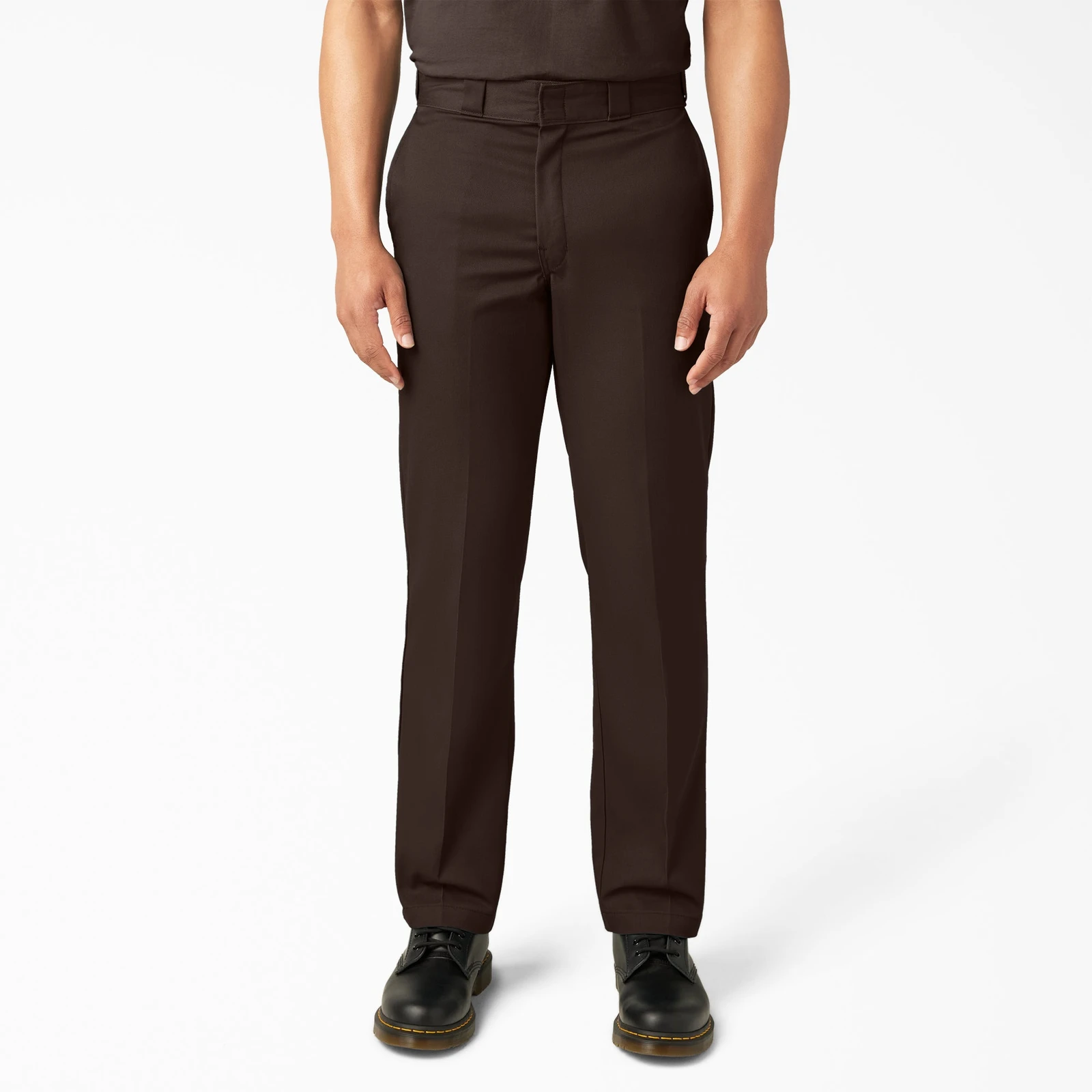
Dickies Original 874 Work Pants — original brand product image; 874 · Dark Brownworn illustration referencing Dickies Original 874 Work Pants 874 · Dark Brown; verify details in the original product imageProduct photo
Product photo · Dickies

Structure, with a straight leg

Dickies Original 874 Work Pants

874 · Dark Brown

You prefer a structured workwear shape over soft, stretchy lounge trousers.

Details & fit

Why consider itThe straight-leg cut makes an uncomplicated partner for a tee or work shirt.

The tradeoffFit at the waist and seat matters more than the familiar size number. Stiffness is part of the appeal.

Before you buyCheck 874, actual waist and inseam, the selected fabric and return terms. Do not assume denim sizing transfers.

Read the related guide →Build a useful office wardrobe →Brand specifications & image source
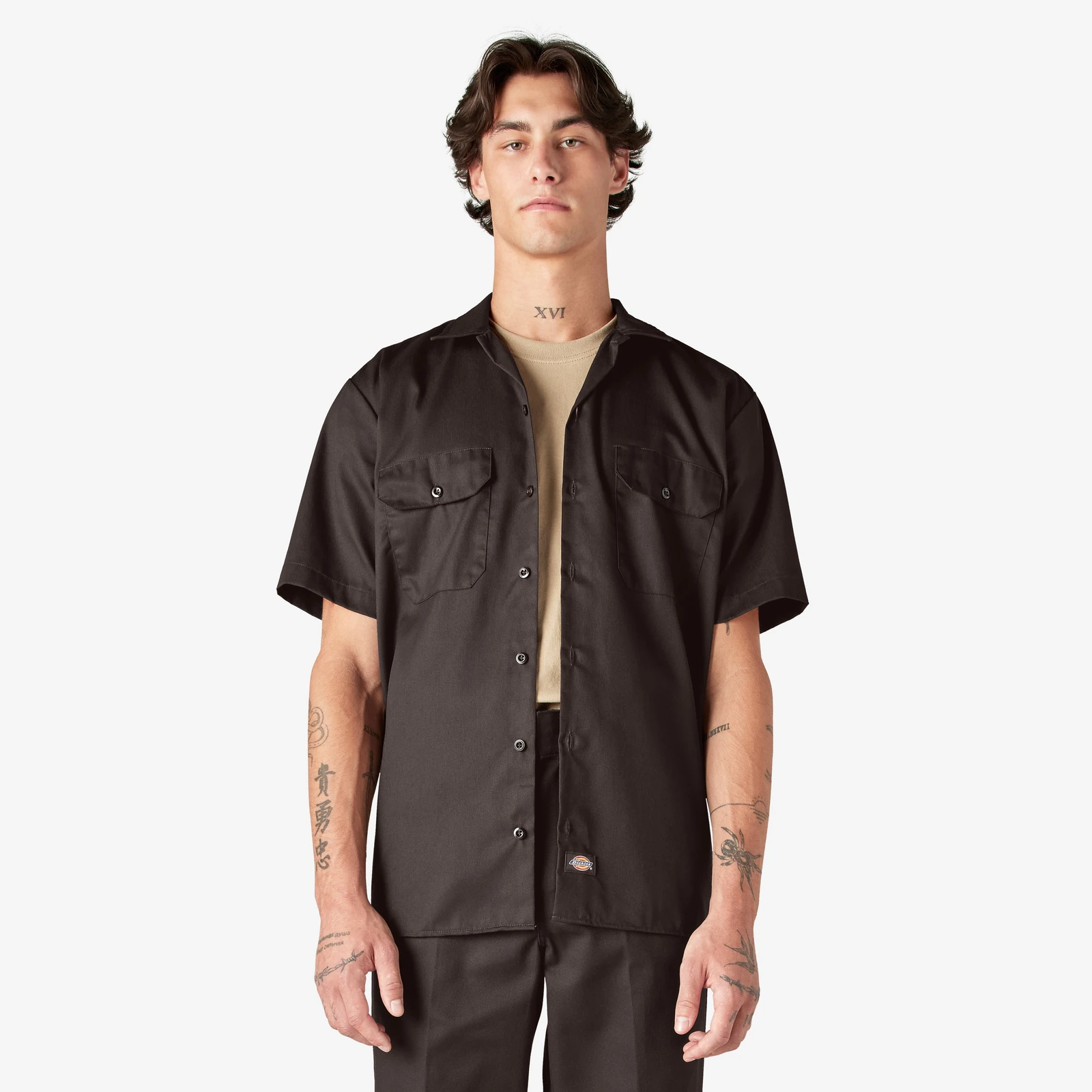
Dickies 1574 Work Shirt — original brand product image; 1574 · Dark Brown / short sleeveworn illustration referencing Dickies 1574 Work Shirt 1574 · Dark Brown / short sleeve; verify details in the original product imageProduct photo
Product photo · Dickies

Wear it open, or button it up

Dickies 1574 Work Shirt

1574 · Dark Brown / short sleeve

You want a short-sleeve workwear shirt that layers over a plain tee.

Details & fit

Why consider itThe two-pocket layout and straightforward cut keep casual outfits easy to put together.

The tradeoffThe workwear cut can be roomier than a fitted casual shirt. Fabric feel may not suit hot, humid days.

Before you buyMatch 1574 and sleeve length. Check chest, shoulder and body-length measurements over your intended base layer.

Read the related guide →Build a useful office wardrobe →Brand specifications & image source
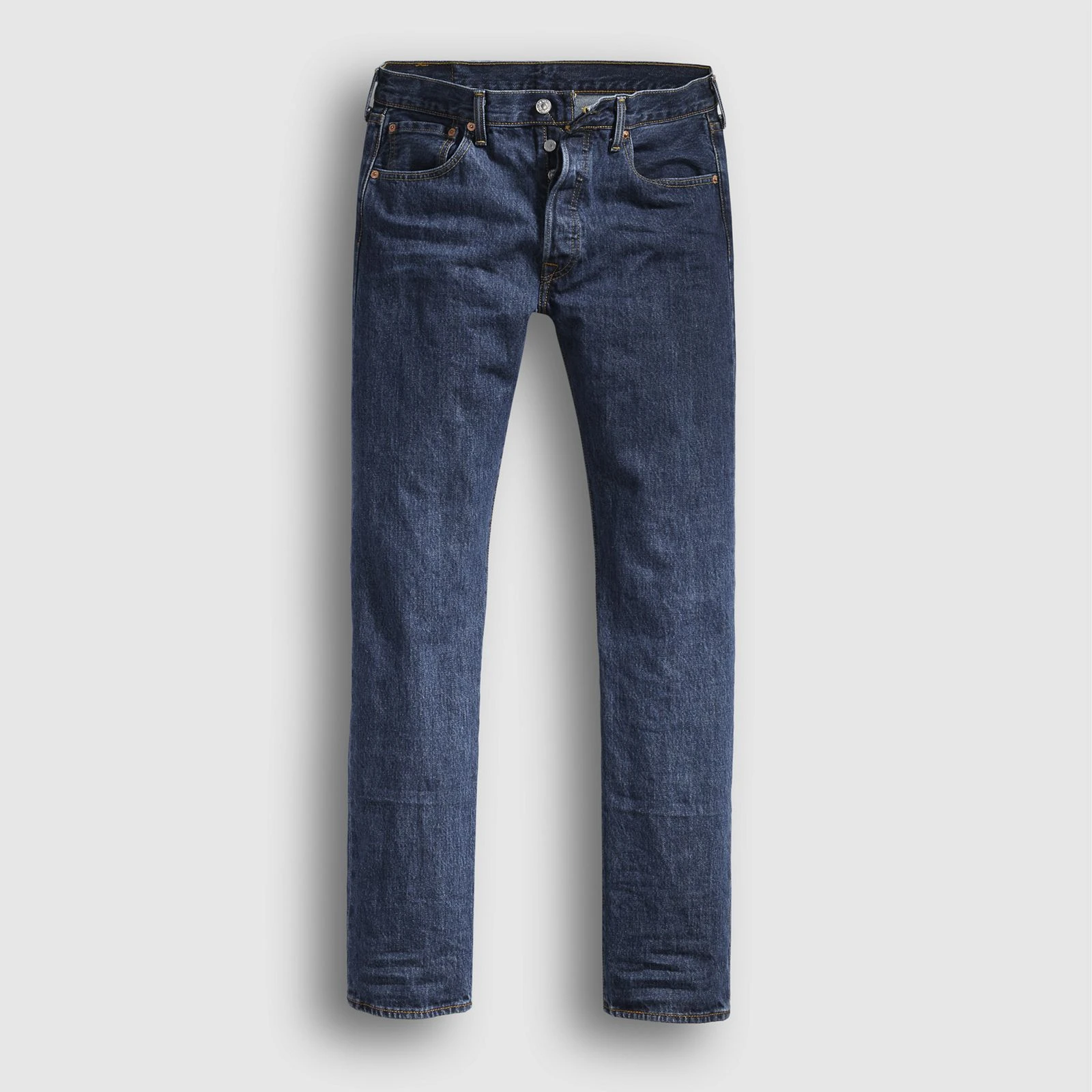
Levi’s 501 Original Jeans — original brand product image; 501 · 005010194 / Dark Stonewashworn illustration referencing Levi’s 501 Original Jeans 501 · 005010194 / Dark Stonewash; verify details in the original product imageProduct photo
Product photo · Levi’s

The familiar straight-leg option

Levi’s 501 Original Jeans

501 · 005010194 / Dark Stonewash

You want a straight-leg, button-fly jean with room to build a simple wardrobe around it.

Details & fit

Why consider itThe 501 fit gives you a clear reference when comparing narrower or more relaxed cuts.

The tradeoff501 is a family, not one identical fabric. Shrink-to-Fit versions follow a different sizing routine.

Before you buyMatch the wash and style shown, waist and inseam. Check whether the selected pair is prewashed or Shrink-to-Fit.

Read the related guide →Build a useful office wardrobe →Brand specifications & image source
Levi’s 511 Slim Jeans — original brand product image; 511 · 045111163 / Throttleworn illustration referencing Levi’s 511 Slim Jeans 511 · 045111163 / Throttle; verify details in the original product imageProduct photo
Product photo · Levi’s

A slimmer everyday silhouette

Levi’s 511 Slim Jeans

511 · 045111163 / Throttle

You prefer less fabric through the seat and thigh than a straight or relaxed jean.

Details & fit

Why consider itA slim cut can make a simple tee-and-jeans outfit feel more deliberate.

The tradeoffDifferent washes have different fabric blends. Slim does not guarantee comfort at your usual size.

Before you buyMatch 511 Throttle, waist and inseam. Compare the size chart and stretch composition rather than buying by fit name alone.

Read the related guide →Build a useful office wardrobe →Brand specifications & image source
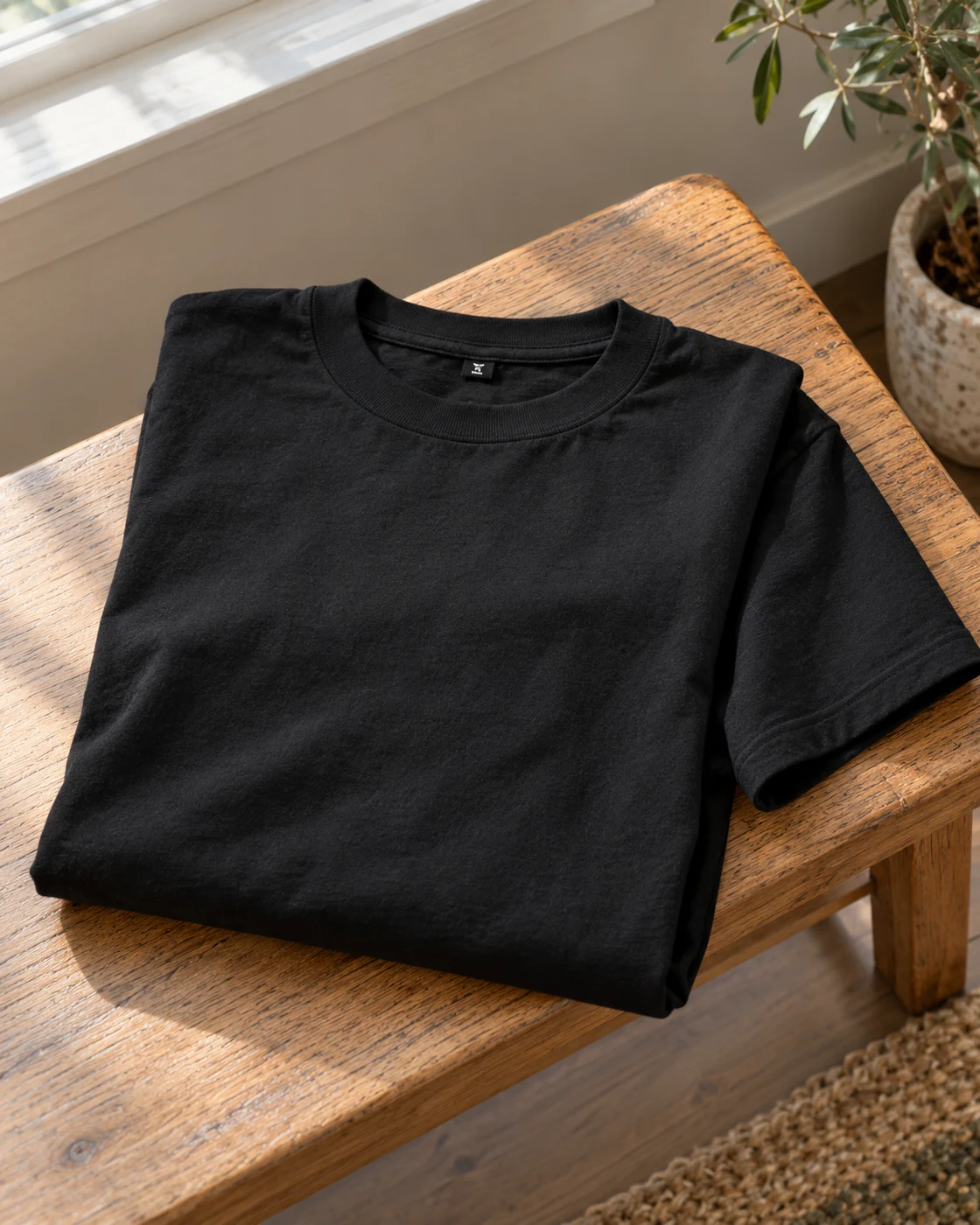
Hanes Beefy-T Two-Pack in a softly lit everyday settingHanes Beefy-T Two-Pack worn in a casual everyday outfitProduct view
Everyday setting · NextGen

A straightforward black-tee rotation

Hanes Beefy-T Two-Pack

Black · Selected adult two-pack

A wearer building a small stock of familiar everyday black T-shirts.

Details & fit

Why consider itA two-pack can make sense when you already know the size and want repeatable basics.

The tradeoffA multipack is poor value if the fit is wrong; fabric feel and shrinkage depend on care.

Before you buyCheck that the offer is the black two-pack, then compare garment measurements and the care label.

Read the related guide →Build a useful office wardrobe →Manufacturer model information
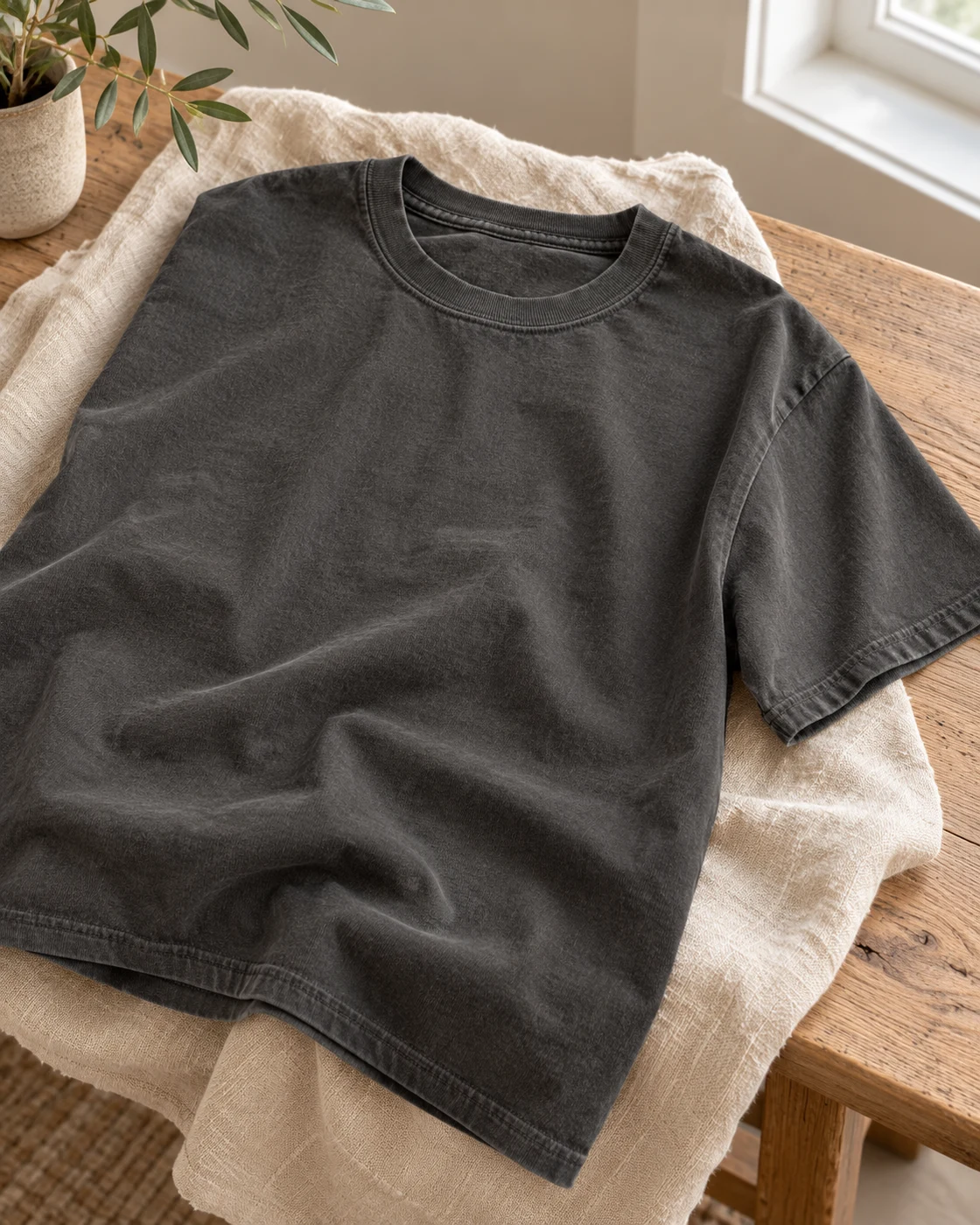
Comfort Colors 1717 in a softly lit everyday settingComfort Colors 1717 worn in a casual everyday outfitProduct view
Everyday setting · NextGen

A softer-looking neutral for casual outfits

Comfort Colors 1717

Pepper · Garment-dyed short-sleeve tee

A casual wardrobe that suits a relaxed tee in a muted charcoal-like Pepper shade.

Details & fit

Why consider itThe garment-dyed appearance can add visual texture without relying on a large graphic.

The tradeoffShade variation is part of garment-dyed clothing; screen color is not a perfect fabric reference.

Before you buyMatch 1717/G1717, Pepper, pack quantity, size chart and washing instructions.

Read the related guide →Build a useful office wardrobe →Manufacturer model information
Gildan G18000 Crewneck in a softly lit everyday settingGildan G18000 Crewneck worn in a casual everyday outfitProduct view
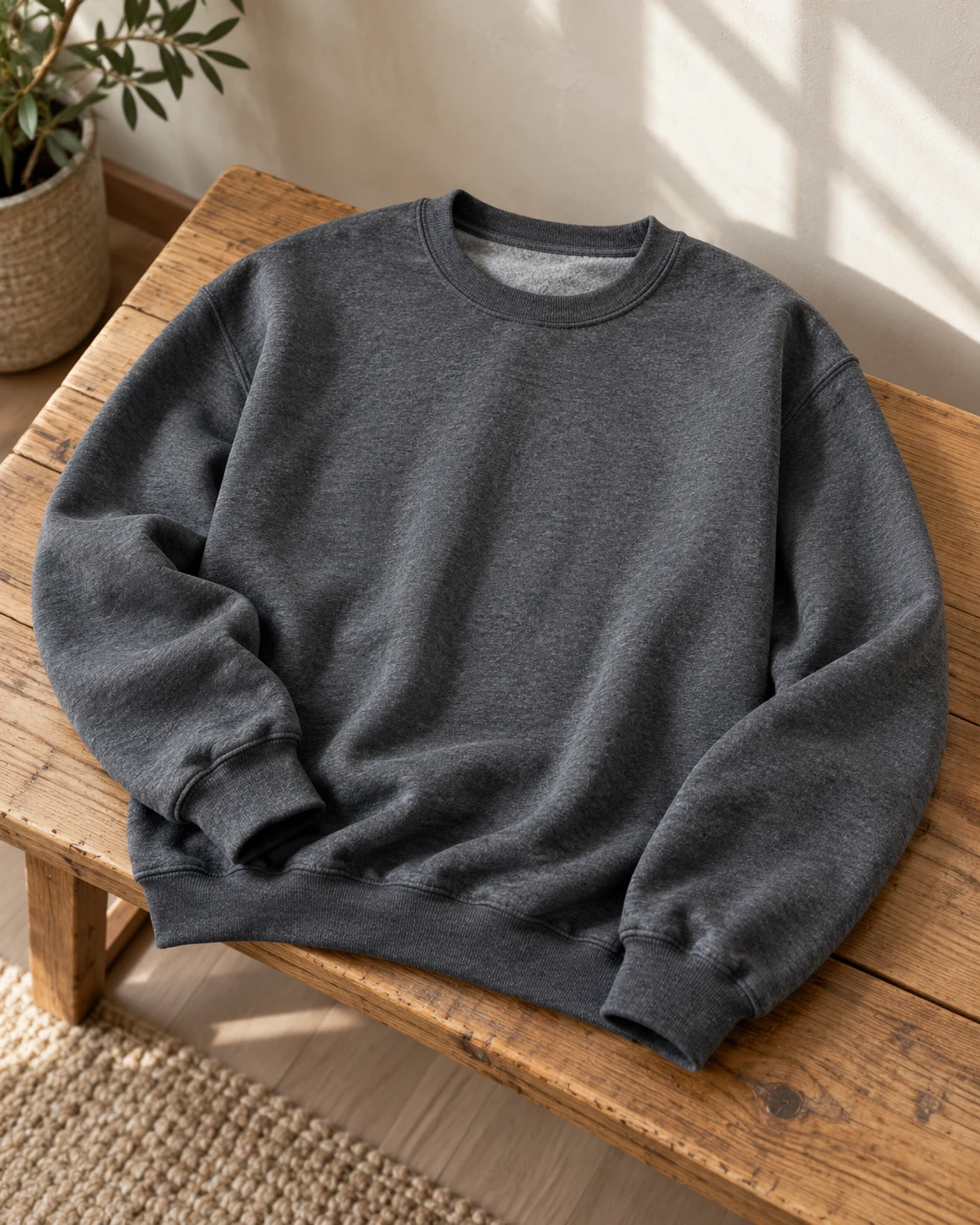
Everyday setting · NextGen

A simple layer under a jacket

Gildan G18000 Crewneck

Dark Heather · Selected single sweatshirt

A wardrobe that needs a plain crewneck rather than another hooded layer.

Details & fit

Why consider itA familiar crewneck shape can work with jeans, work trousers and an open jacket.

The tradeoffThe selected fleece blend and cut need checking; a product-family page can include different quantities.

Before you buyMatch G18000, Dark Heather, one item, garment measurements and fabric composition.

Read the related guide →Build a useful office wardrobe →Manufacturer model information
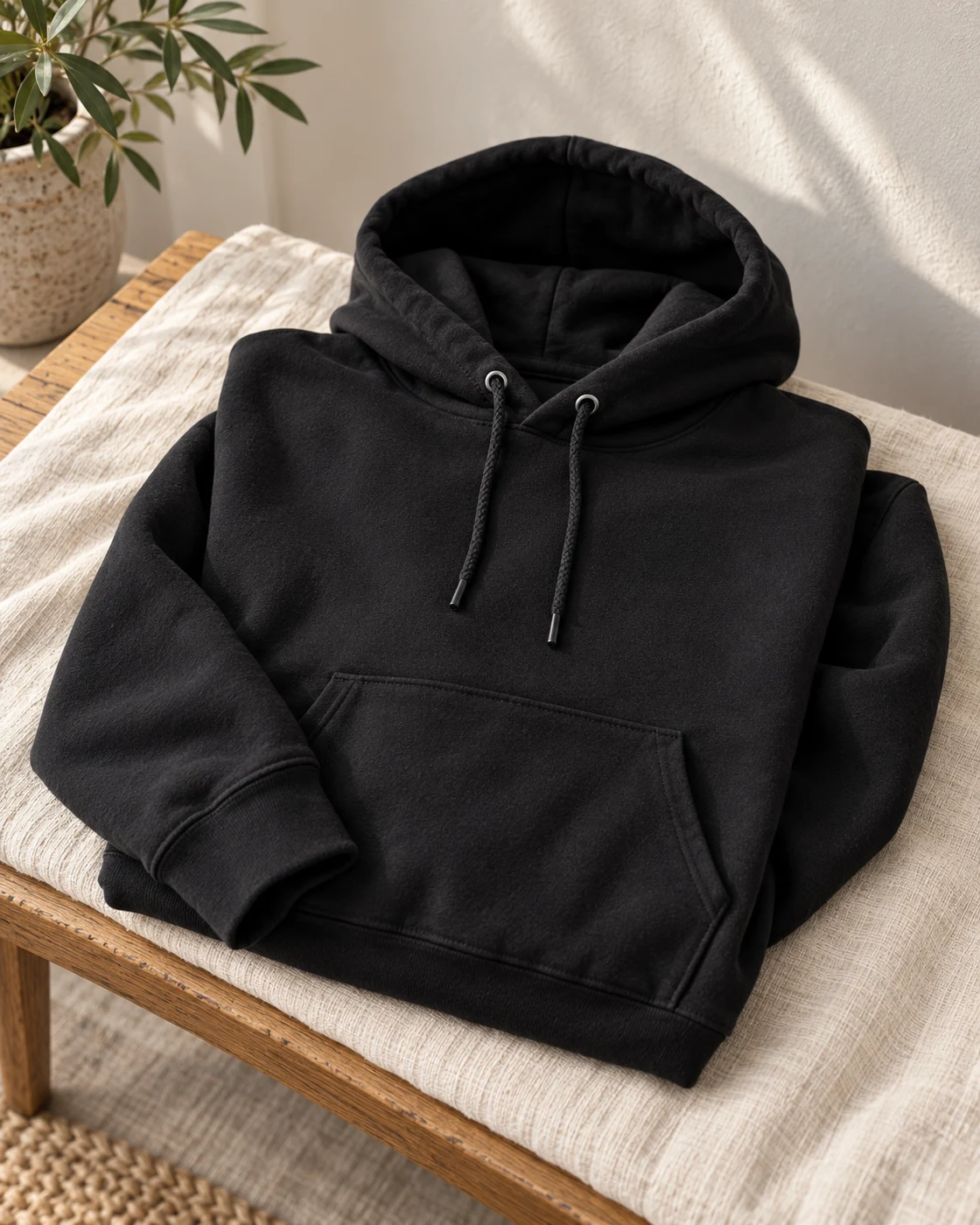
Hanes Ultimate Heavyweight Hoodie in a softly lit everyday settingHanes Ultimate Heavyweight Hoodie worn in a casual everyday outfitProduct view
Everyday setting · NextGen

An uncomplicated cold-weather casual layer

Hanes Ultimate Heavyweight Hoodie

Black · Pullover · Kangaroo pocket

A wearer who wants a plain black pullover for relaxed everyday outfits.

Details & fit

Why consider itThe simple pocket-and-drawstring design is easy to build around without a loud logo.

The tradeoffA heavier hoodie takes more room under a fitted jacket and can feel too warm indoors.

Before you buyMatch the returned Hanes Ultimate heavyweight listing; do not substitute EcoSmart P170 without checking.

Read the related guide →Build a useful office wardrobe →Amazon listing & model details ↗
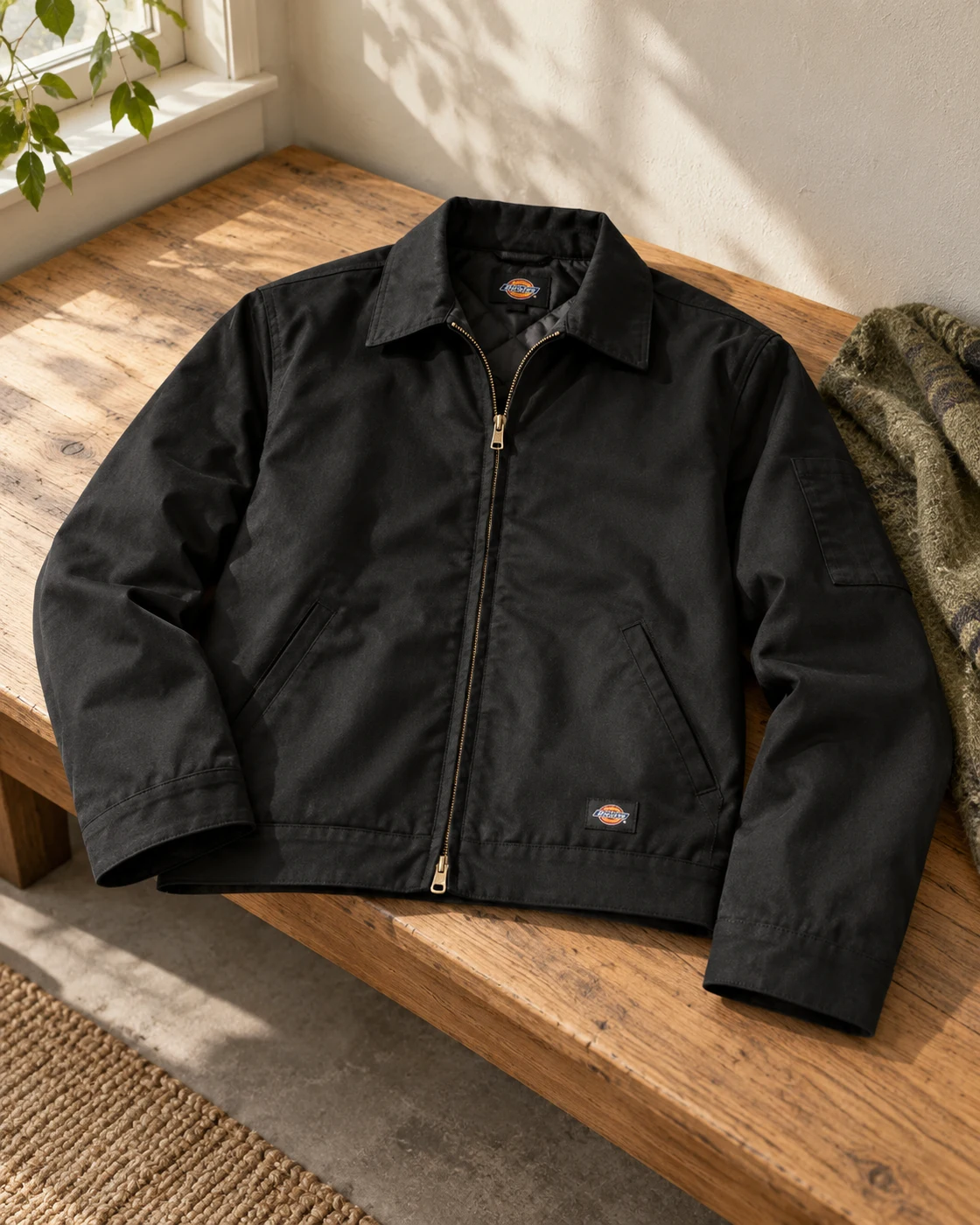
Dickies Insulated Eisenhower Jacket in a softly lit everyday settingDickies Insulated Eisenhower Jacket worn in a casual everyday outfitProduct view
Everyday setting · NextGen

A compact workwear-inspired outer layer

Dickies Insulated Eisenhower Jacket

TJ15 · Black · Regular fit

A casual wardrobe built around straight trousers, tees and simple knitwear.

Details & fit

Why consider itThe shorter jacket shape can balance roomier trousers without adding a long coat.

The tradeoffInsulation and regular-fit sizing can limit layering room; this is not an unlined jacket.

Before you buyMatch TJ15, Black, Regular sizing, chest measurements and the actual insulation specification.

Read the related guide →Build a useful office wardrobe →Manufacturer model information
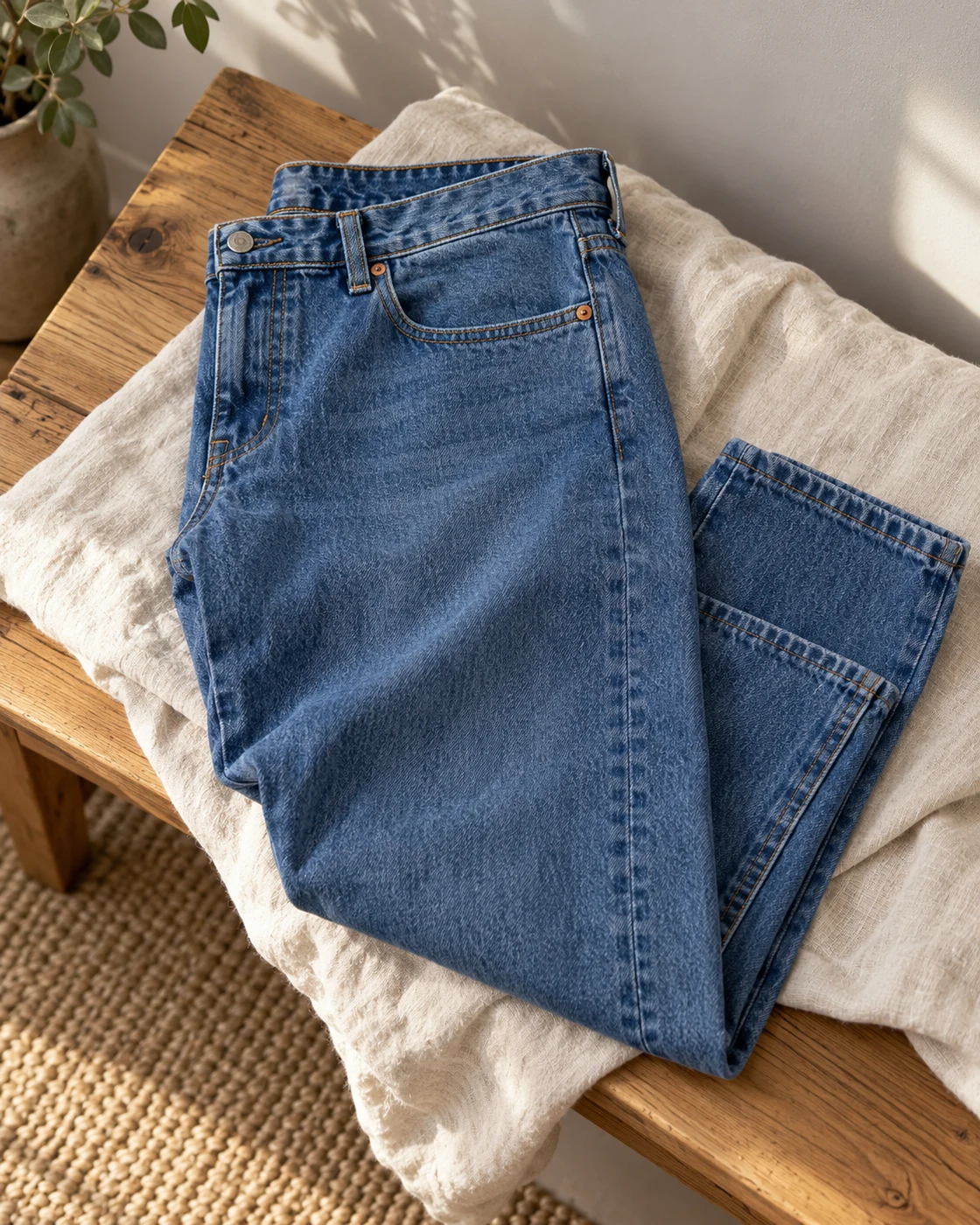
Levi’s 505 Regular in a softly lit everyday settingLevi’s 505 Regular worn in a casual everyday outfitProduct view
Everyday setting · NextGen

Familiar denim for the weekly rotation

Levi’s 505 Regular

Medium Stonewash · Straight leg

A wearer who wants a regular fit and straight leg in a medium-blue wash.

Details & fit

Why consider itA conventional denim shape can work with plain tees, crewnecks and a short work jacket.

The tradeoffWash, stretch content and measured fit can differ across 505 listings.

Before you buyMatch Medium Stonewash, waist and inseam, selected fabric blend and the seller’s return terms.

Read the related guide →Build a useful office wardrobe →Manufacturer model information

Seven guides. Better decisions.

Choose the thing
that fits your life.

Start with the question, then compare the options. Practical guides to watches, work screens, desk upgrades and the clothes you actually wear.

Citizen watch in an everyday scene based on an official product reference
Start here / Watches · 11 min read

How to Choose an Everyday Watch You’ll Actually Wear

Start with your Tuesday, not somebody else’s collection. A practical route from daily routine to a watch that earns its place.

Find your everyday watch ↗

Published October 18, 2026 · Research-based guides, with reasons to buy and reasons to pass. Explore the accompanying images and follow manufacturer sources for model details.

Fresh questions. Useful answers.

Read a little.
Choose a little better.

14 stories and practical guides about watches, work screens and the tools on your desk.

USB-C Laptop Desk Setup: A Practical Six-Piece KitDesk & tech · 11 min read

USB-C Laptop Desk Setup: A Practical Six-Piece Kit

One screen, fewer loose connections and six clearly defined jobs. Start with the laptop's limits, then buy only the pieces your desk is missing.

Read the story ↗
Dual Monitor Office Setup: A DisplayLink Desk Kit ExplainedDesk & tech · 11 min read

Dual Monitor Office Setup: A DisplayLink Desk Kit Explained

Two work screens need a compatible connection plan. Here is where the UD-3900Z fits, where it does not, and how five supporting accessories earn their place.

Read the story ↗
Work from Home Video Call Setup: Six Useful PiecesDesk & tech · 11 min read

Work from Home Video Call Setup: Six Useful Pieces

Clearer conversations start with the microphone, camera position and room. Build the desk around those jobs before paying for a longer feature list.

Read the story ↗
Home Office Desk Accessories for Focus: Six Picks ExplainedDesk & tech · 11 min read

Home Office Desk Accessories for Focus: Six Picks Explained

Choose one audio format, give charging a routine and keep room for the mouse. A quiet-looking desk is useful when the arrangement also fits the way you work.

Read the story ↗
RZE UTD-8080: A Small Digital Watch Story With a Big QuestionWatches · 10 min read

RZE UTD-8080: A Small Digital Watch Story With a Big Question

The interesting part is not another countdown timer. It is the idea that a newer watch need not make your older one obsolete.

Read the story ↗
Seiko 5 Sports vs Invicta Pro Diver: What Are You Really Paying For?Watches · 10 min read

Seiko 5 Sports vs Invicta Pro Diver: What Are You Really Paying For?

Two familiar affordable automatics, two different personalities. The useful comparison starts after you stop counting specification wins.

Read the story ↗
Omega Seamaster vs Oris Aquis: What Does the Extra Money Buy?Watches · 10 min read

Omega Seamaster vs Oris Aquis: What Does the Extra Money Buy?

Both can tell a compelling ocean story. The harder question is which parts of that story you want to pay for.

Read the story ↗
Best G-SHOCK Square for Everyday Wear: DW-5600BB or GW-M5610U?Watches · 10 min read

Best G-SHOCK Square for Everyday Wear: DW-5600BB or GW-M5610U?

The square has lasted because it knows its job. Choosing your version is less about collecting features and more about reading the time.

Read the story ↗
Best Field Watch for Everyday Wear: Why Simple Still WorksWatches · 10 min read

Best Field Watch for Everyday Wear: Why Simple Still Works

A field watch does not need a fictional expedition to earn its place. A busy ordinary day is a demanding enough brief.

Read the story ↗
144Hz Monitor for Office Work: A Useful Upgrade or a Gaming Distraction?Desk & tech · 10 min read

144Hz Monitor for Office Work: A Useful Upgrade or a Gaming Distraction?

The refresh-rate number has escaped the gaming aisle. That does not mean it should be the first thing you buy for a desk.

Read the story ↗
Factory-Calibrated Monitors: What Color Accuracy Actually MeansDesk & tech · 10 min read

Factory-Calibrated Monitors: What Color Accuracy Actually Means

A calibration report can be useful evidence. It is not a magic certificate that makes every photograph look right in every application.

Read the story ↗
Monitor Dead Pixels and Warranty: What to Check Before You BuyDesk & tech · 10 min read

Monitor Dead Pixels and Warranty: What to Check Before You Buy

The least glamorous line in a monitor purchase can become the most important one after the box is open.

Read the story ↗
Trackball vs Mouse: Does the Logitech MX Ergo S Make Sense for Work?Desk & tech · 10 min read

Trackball vs Mouse: Does the Logitech MX Ergo S Make Sense for Work?

A mouse that barely moves sounds like a contradiction. On the right desk, that is exactly the point.

Read the story ↗
Stream Deck Neo for Work: Eight Buttons That Need a Real JobDesk & tech · 10 min read

Stream Deck Neo for Work: Eight Buttons That Need a Real Job

A shortcut pad can be useful outside streaming. First give each button a job you already do, rather than inventing eight reasons to own the gadget.

Read the story ↗

Considered, with context.

How these picks earn a place.

A clear everyday job.

We choose identifiable models for a specific use: a compact digital watch, a roomy tee, or the right connections for a laptop. An editorial pick should explain both the reason to consider it and the reason to pass.

Check the actual version.

Use the published model information and retailer listing to check the exact version. Photos may show accessories sold separately. Fabric, plug region, keyboard layout and seller configuration can change the offer. Match the reference and buying checks to the listing.

A shortlist, not a sales league table.

This is an editorial collection, not a verified ranking of Amazon sales or conversion rates. Amazon’s recent-purchase badges are estimates, not conversion data. We do not publish unverified star ratings, sales counts, live stock or fixed Amazon prices.

Collection updated October 31, 2026. Individual selections carry their own research dates. Views show products and everyday wearing or use contexts; image credits appear with each card. Verify exact construction, dimensions, color and included accessories in the published model information and retailer listing. This page is based on document research, not hands-on testing. Amazon’s explanation of recent-purchase badges

A few things before you buy.

Which everyday watch should I start with?

Start with the routine you want. F-91W and A158 are compact digital options; BM8180-03E is a light-powered analog route; Invicta 8926OB, Orient Kamasu and Seiko SRPD55 are automatic options with different fit and ownership requirements. Use the buying checks before comparing delivered prices.

Will a dock make any laptop run two monitors?

No. The exact computer, host port and display method determine what is possible. A USB-C hub that uses the computer’s native video output follows different rules from a DisplayLink dock such as the UD-3900Z. Check the exact model, driver support, display resolution and whether laptop charging is included.

Should I choose a Qi stand or a magnetic Qi2 charger?

Start with the exact phone and case. The Anker 313 stand is a conventional Qi option for supported phones; the Belkin convertible Qi2 stand adds magnetic alignment and up to 15 W on compatible devices. Check charging support and the included wall adapter rather than buying by appearance alone.

Do I need a meeting headset or noise-cancelling headphones?

A boom microphone and an easy mute action can be more useful for long calls than strong listening isolation. Zone Vibe 100 is a Bluetooth meeting headset without earcup ANC; Space One and P40i offer active noise cancellation for listening. Compare fit, microphone behavior and your computer’s Bluetooth support.

How do I choose clothing sizes online?

Measure a similar garment that fits, then compare the same measurements with the seller’s chart. Confirm Regular or Tall, waist and inseam, wash, fabric blend and care label. A letter size or a fit name alone is not enough.

Where do the buttons take me?

“Find on Amazon” opens a model-specific Amazon search and may show other versions or brands. Match the reference shown here before buying. “Check price on Amazon” opens a selected product listing when a direct link is configured. The linked retailer sets the current price, availability, delivery and return terms. Match the selected model, seller and current terms on Amazon before ordering.
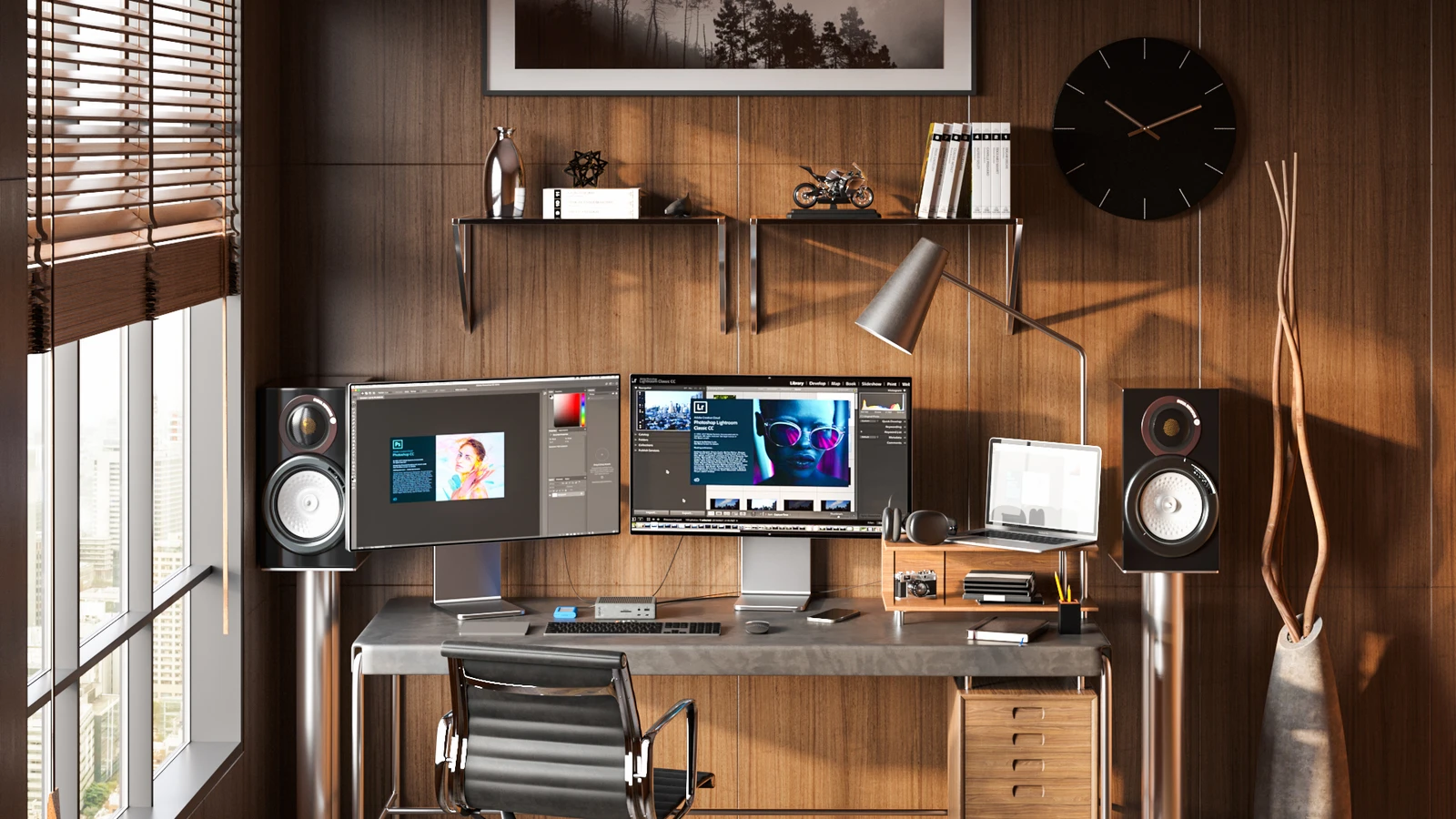
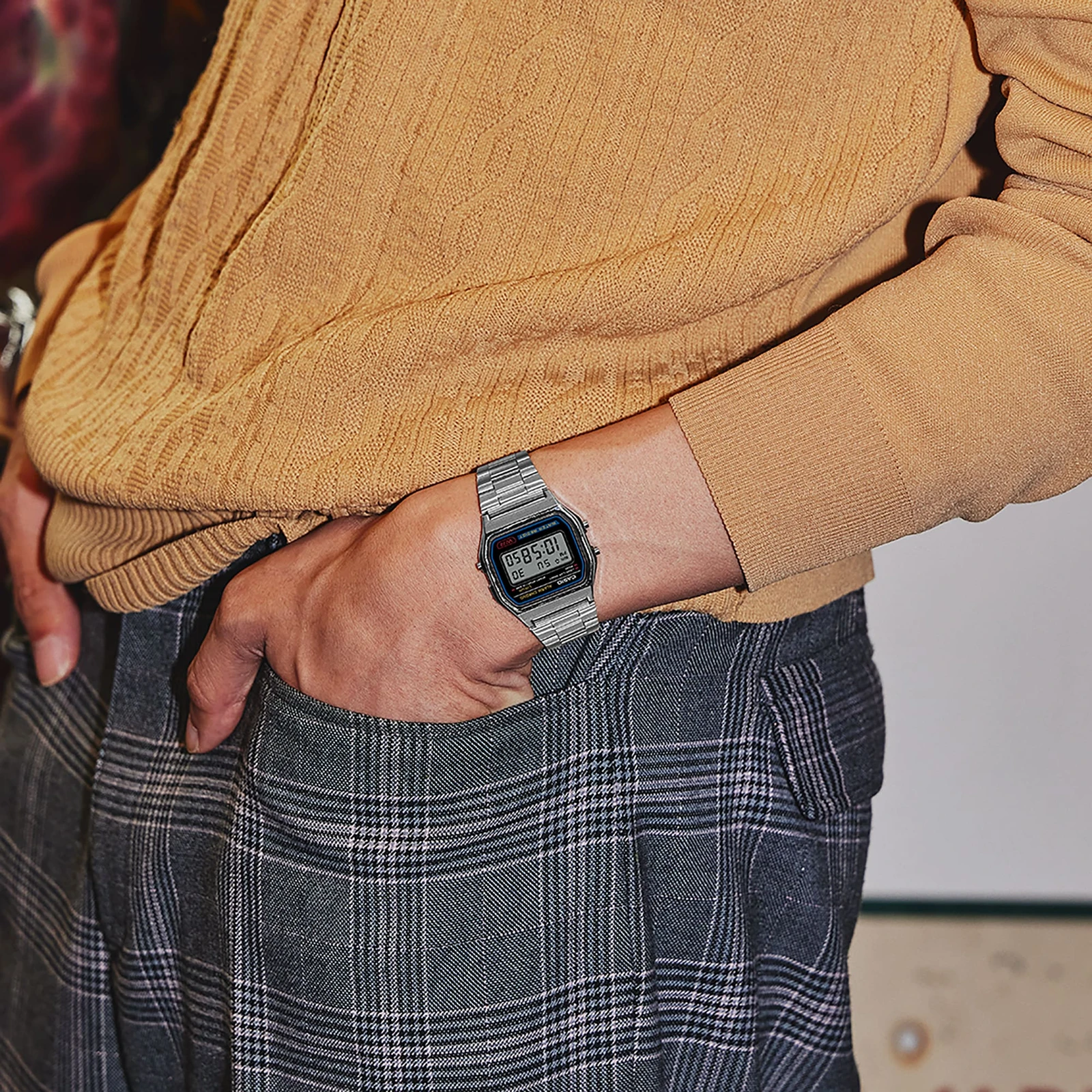
Choose something you’ll use.
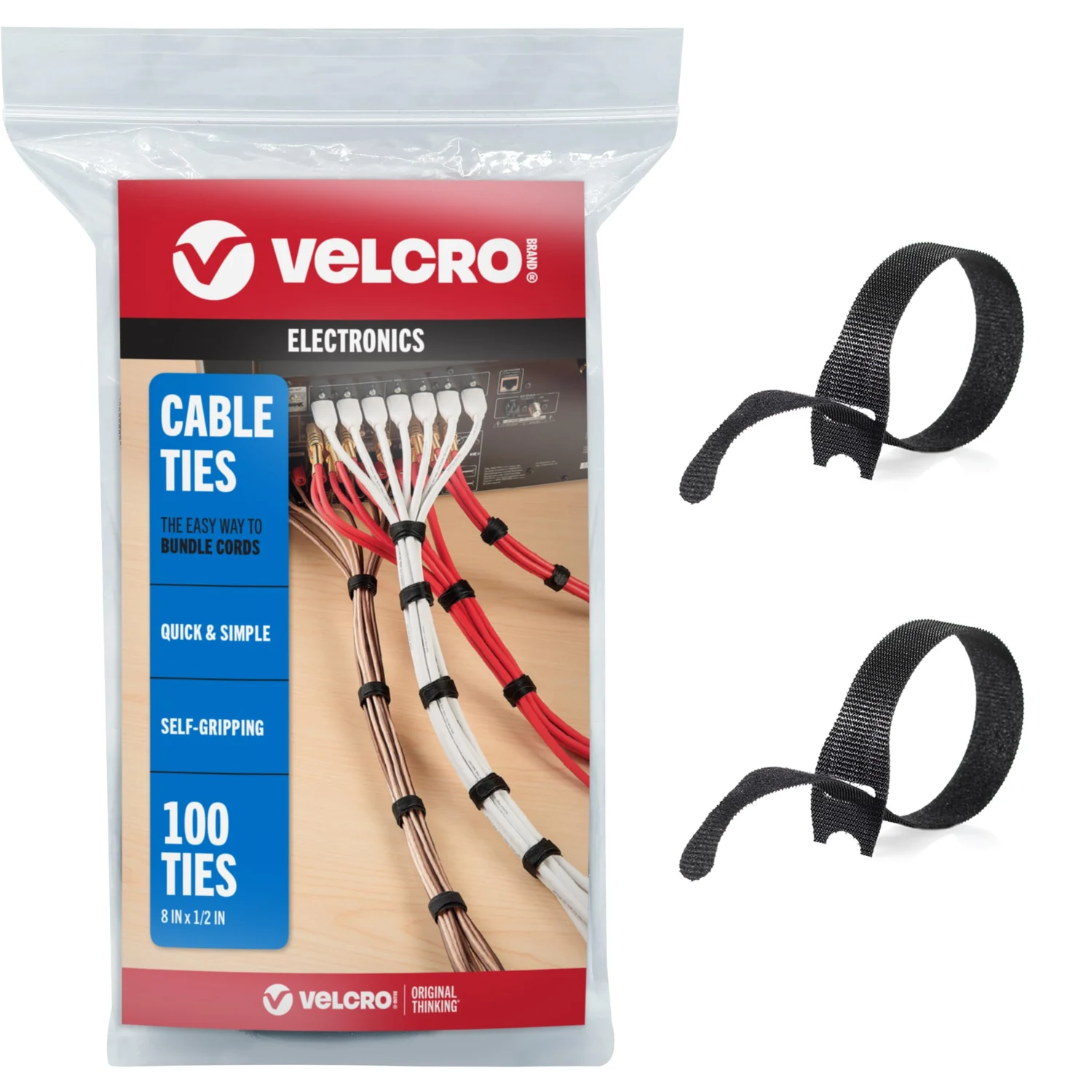
Back to the collection ↑

Your shortlist.
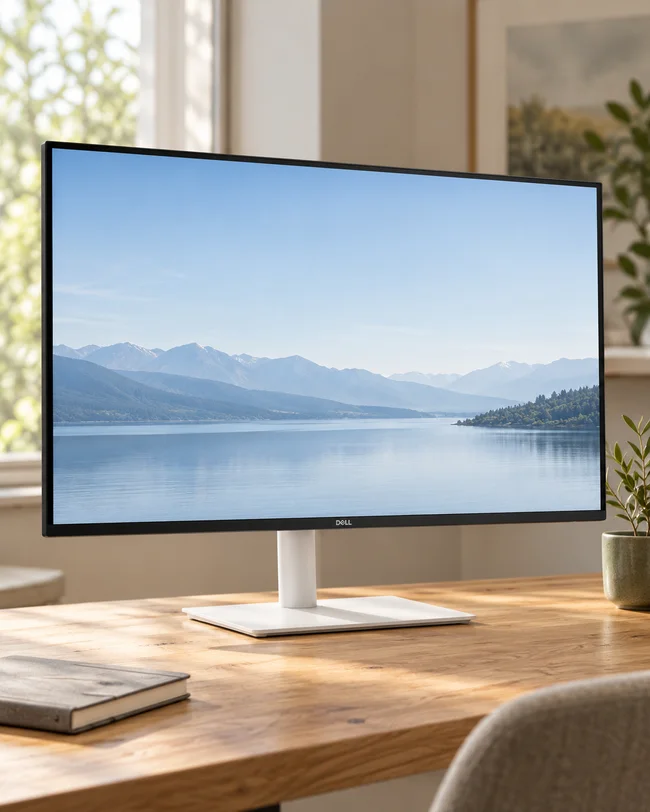
Compare the fit and the compromise. Choose after the missing answers are settled.

Find a useful guide.

Search our practical guides.

Browse the complete journal →