Desk & tech / A closer look
Minimalist Desk Setup Essentials: 7 Useful Upgrades
Seven practical upgrades, matched to a real desk problem—with the compromises left in.
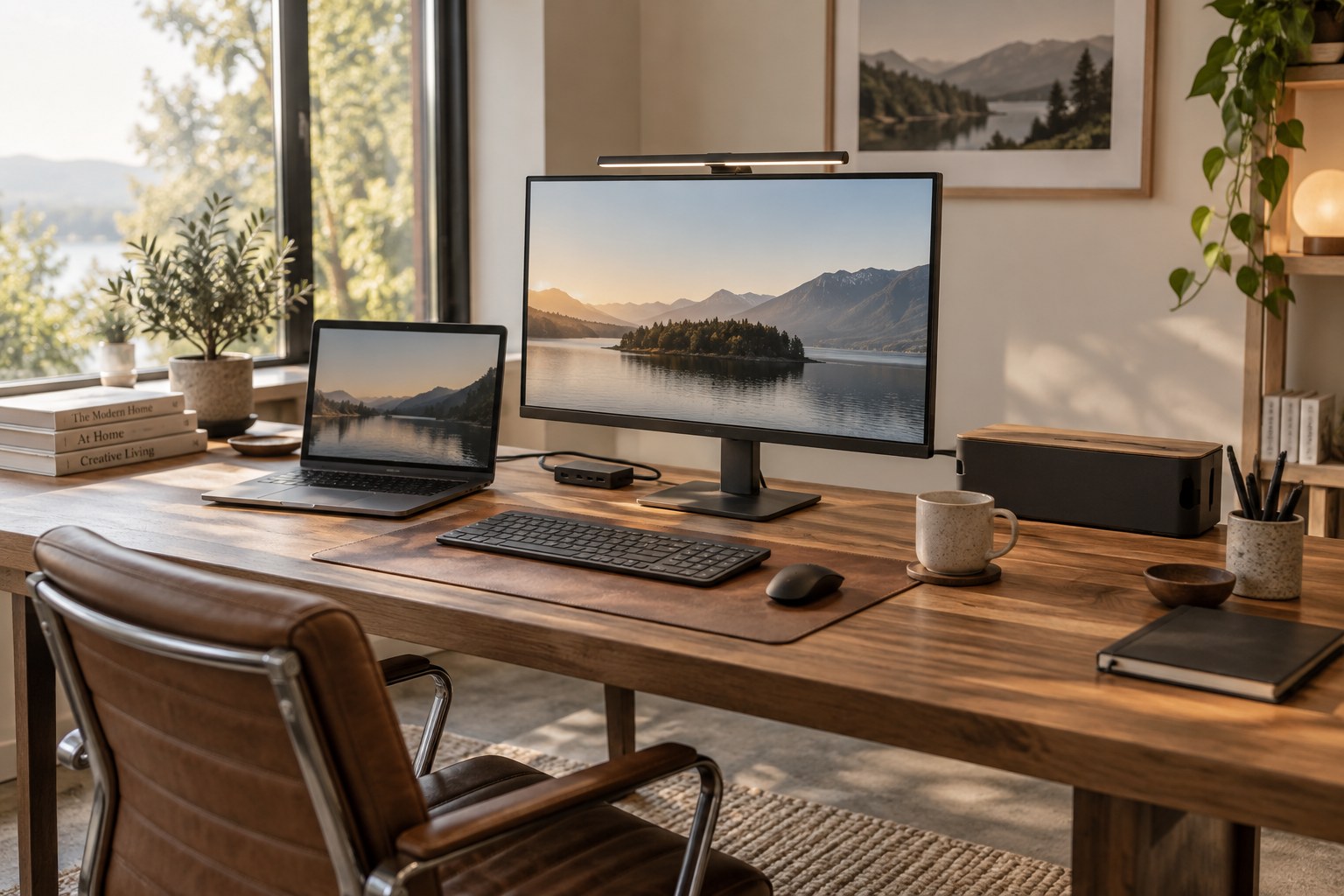
Start here
Seven practical upgrades, matched to a real desk problem—with the compromises left in.
As an Amazon Associate, we earn from qualifying purchases. How our links work ↗
A minimalist desk is not a shopping list. Start with the frustration you want to remove: loose cables, a laptop short on ports, a crowded lamp base, a fixed monitor stand, an uncomfortable mouse position, or too many chargers. Each pick below solves a different problem; most readers should choose one or two, not all seven.
Choose by the problem you have
| Your problem | Start here |
|---|---|
| Power strip and cables are visible | Cable box kit |
| Laptop needs more ports | USB-C hub |
| Desk lamp takes up room | Monitor light |
| Monitor stand eats desk depth | Monitor arm |
| You prefer an angled mouse grip | Vertical mouse |
| You need a shelf under the display | Monitor riser |
| Several devices share one charging spot | 3-in-1 charger |
Jump to a product
Select any product photo to open a larger image in a new tab.
What each one actually solves
Fit, caveat, next step
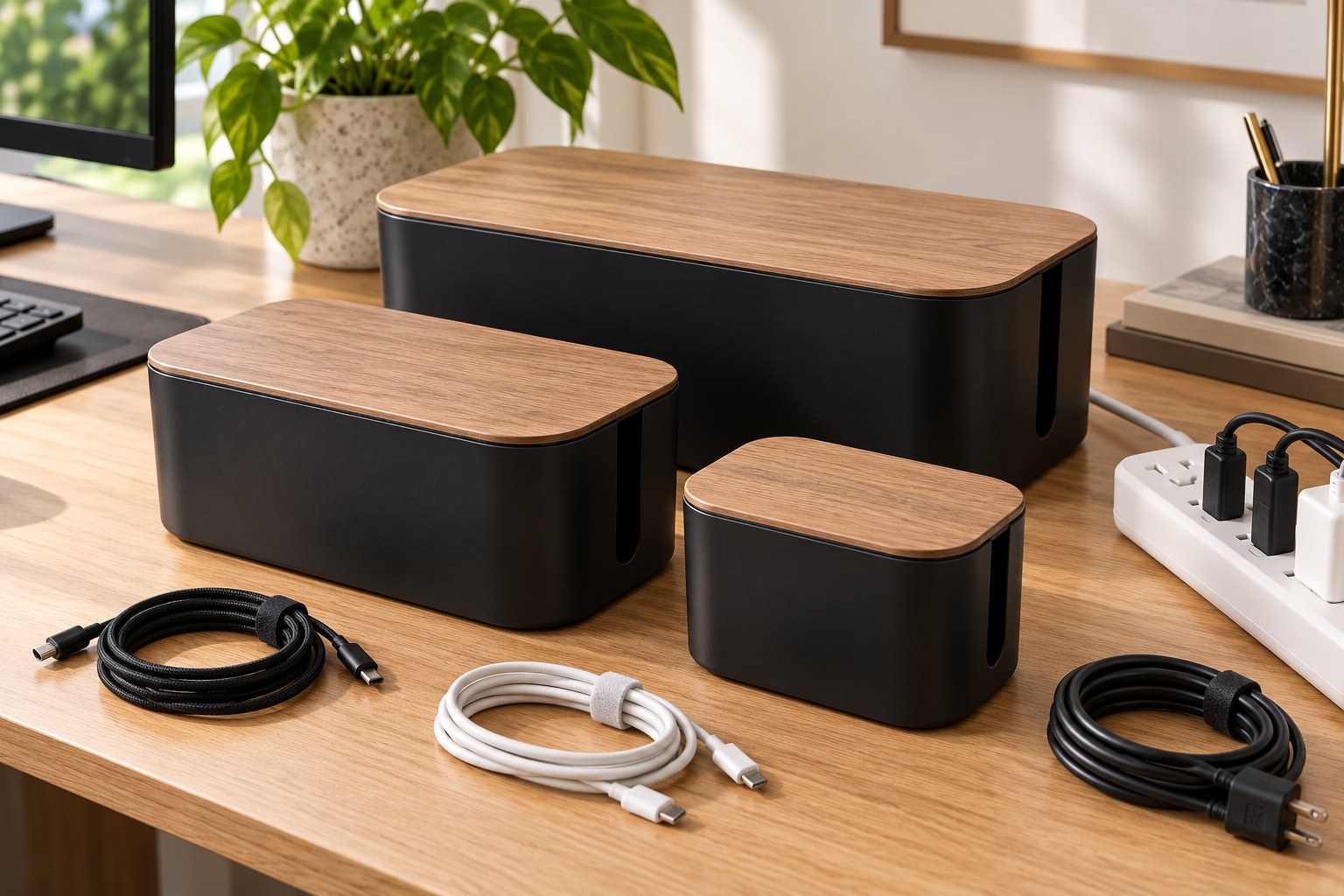 Open full-size image ↗
PICK 01 · For visible power-strip clutter
YUANYE 128-Piece Cable Management Box Kit
A low-cost way to hide a power strip and slack cables when the mess is the main thing you see. The linked Amazon listing identifies this as a YUANYE 128-piece kit.
Good fit if
Desks with an accessible power strip and several loose cords; renters who want a removable tidy-up.
Check before buying
Measure the power strip and plug heads before ordering. Leave the enclosure ventilated, do not overload a strip, and keep switches and plugs reachable.
Trade-off: It hides the bundle; it does not shorten cables or improve electrical safety by itself.
See current Amazon offer & reviews ↗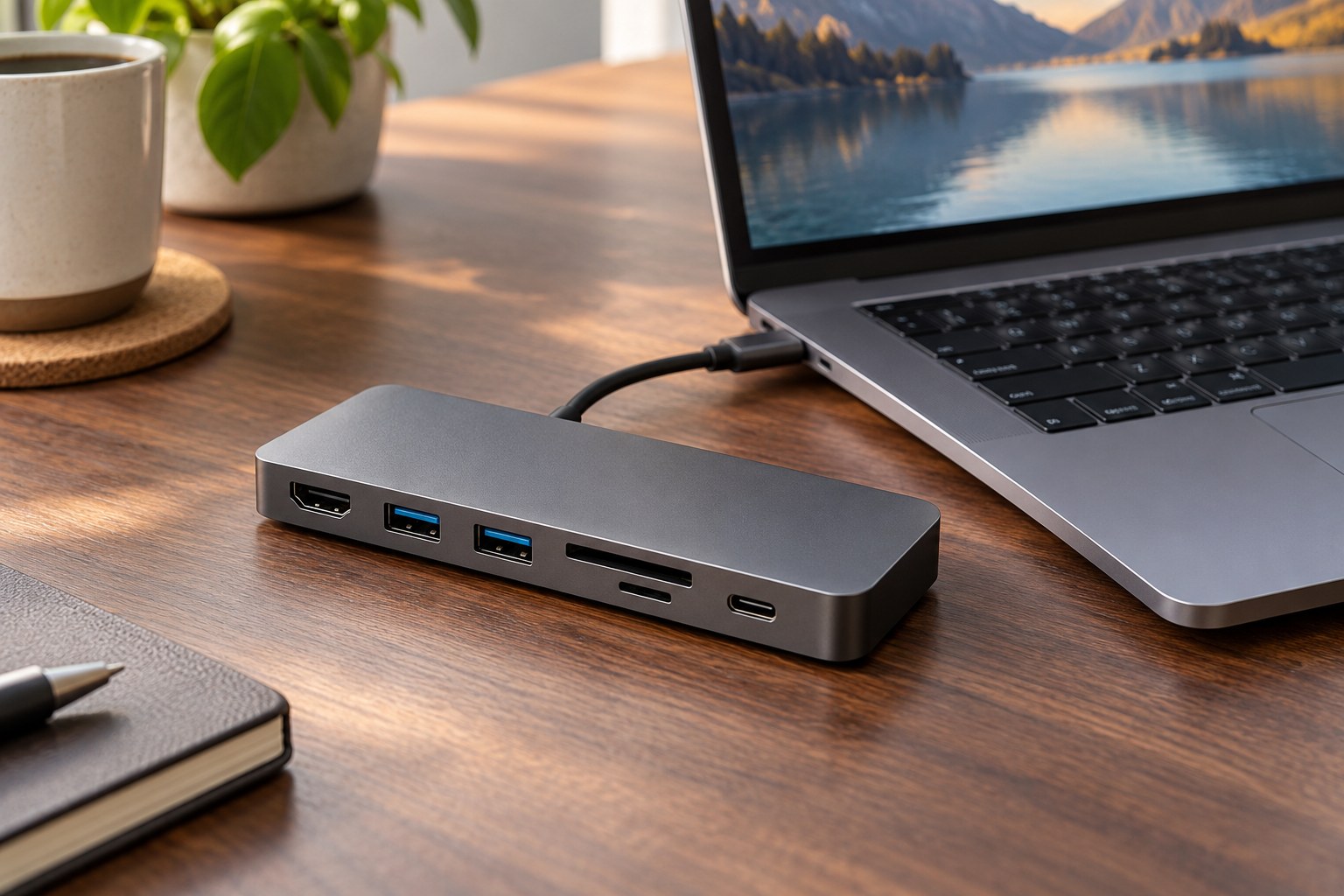 Open full-size image ↗
PICK 02 · For one-cable laptop connections
Anker PowerExpand 8-in-1 USB-C Hub
Useful when the laptop lacks ports for a display, wired network, card reader or USB accessories. This model accepts up to 100W USB-C Power Delivery input and can pass up to 85W to the laptop; that is not the same as an included wall charger.
Good fit if
A compatible USB-C laptop user who can name the ports they need and wants a compact hub for a fixed desk.
Check before buying
Video output depends on the laptop USB-C port, operating system, cable and monitor. Anker lists 4K at 60Hz only with a DP 1.4-capable host; a DP 1.2 path may be limited to 4K at 30Hz. Confirm the full chain and power budget.
Trade-off: A hub can add ports, but it cannot create video output the laptop does not support. It is not a substitute for a higher-bandwidth Thunderbolt dock in every setup.
See current Amazon offer & reviews ↗Specs: manufacturer information. Exact Amazon listing
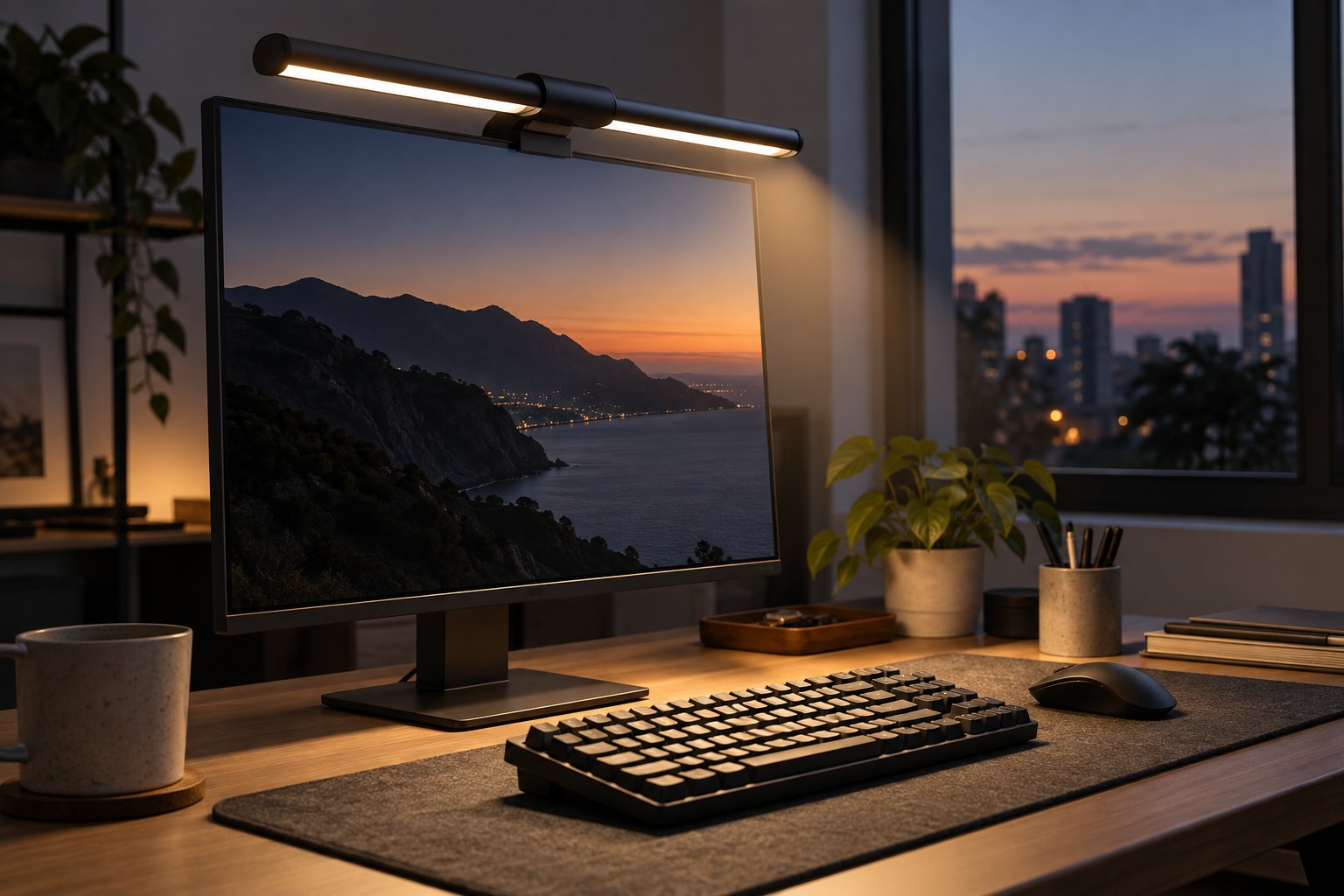 Open full-size image ↗
PICK 03 · For lighting the work surface
BenQ ScreenBar Pro Monitor Light
A monitor-mounted task light keeps a lamp base off the desk. BenQ specifies a fit range of 0.43–6.5 cm monitor thickness and describes an automatic presence sensor. Treat this as task lighting, not a medical or eye-protection product.
Good fit if
A desk with a compatible monitor top edge, little spare surface area and a preference for light aimed at the desk.
Check before buying
Measure the monitor bezel and check webcam clearance, especially on curved or unusually thick displays. Adjust brightness and angle for your room; no lamp can remove every reflection in every glossy panel.
Trade-off: Premium-priced compared with a basic desk lamp, and the clamp shape can conflict with some webcams or monitor designs.
See current Amazon offer & reviews ↗Specs: manufacturer information. Exact Amazon listing
 Open full-size image ↗
PICK 04 · For reclaiming desk depth
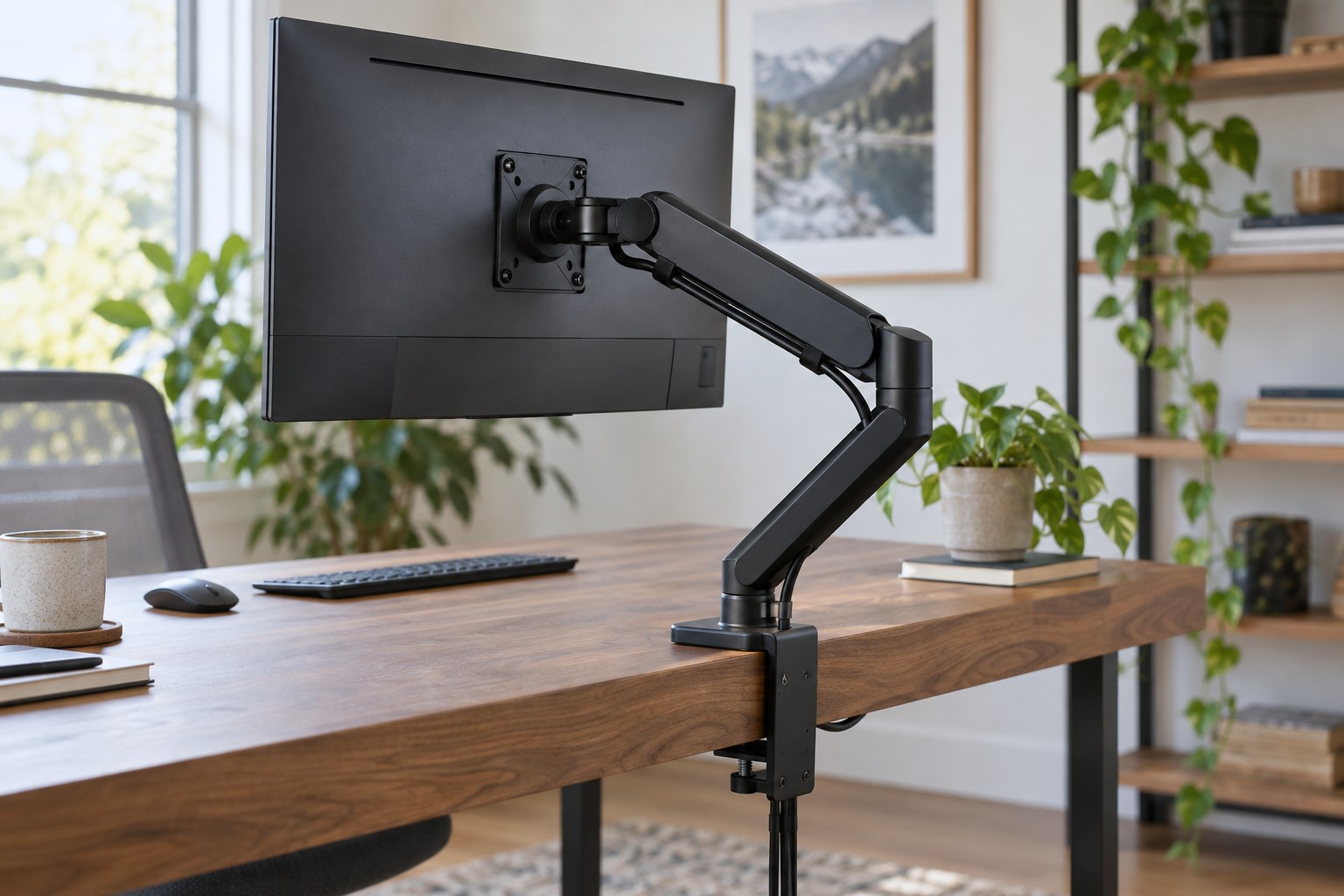
HUANUO FlowLift Pro Single Monitor Arm
An arm can free the footprint occupied by a stock stand and make screen positioning easier. The linked FlowLift Pro listing specifies monitors up to 32 inches and 19.8 lb; both screen size and weight limits matter.
Good fit if
A desk with a compatible edge or grommet and a monitor whose weight and VESA pattern fall within the exact listing limits.
Check before buying
Check monitor-only weight, VESA pattern, desk thickness, clamp clearance and the desk maker’s mounting guidance before purchase. Plan a safe cable path through the arm.
Trade-off: Installation takes more work, and a clamp cannot compensate for an incompatible monitor or weak desktop.
See current Amazon offer & reviews ↗Specs: manufacturer information. Exact Amazon listing
 Open full-size image ↗
PICK 05 · For a different mouse hand position
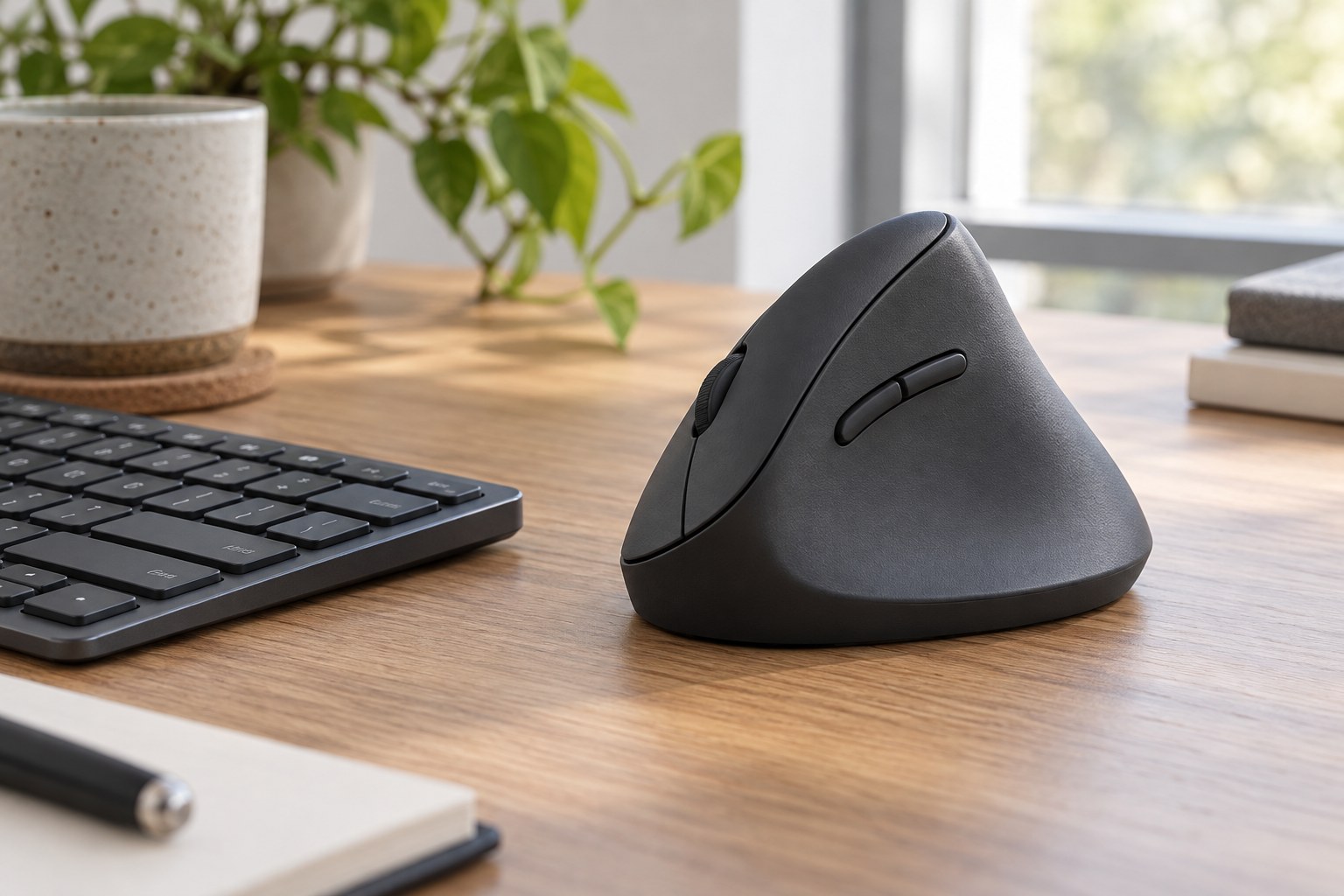
Logitech Lift Vertical Ergonomic Mouse
The angled shape changes how the hand rests compared with a conventional mouse. Logitech describes a 57-degree angle and a shape designed for small-to-medium hands. Comfort is personal; the design is not a guaranteed treatment for pain.
Good fit if
Someone who prefers a more upright mouse and can confirm the size and handedness variant fits their hand.
Check before buying
Compare the exact color, handedness, connection and included receiver in the selected offer. If possible, try a similar shape before relying on it for long work sessions.
Trade-off: The shape takes adaptation and may feel awkward to large hands or users who prefer a low, fast gaming mouse.
See current Amazon offer & reviews ↗Specs: manufacturer information. Exact Amazon listing
 Open full-size image ↗
PICK 06 · For storage below the screen
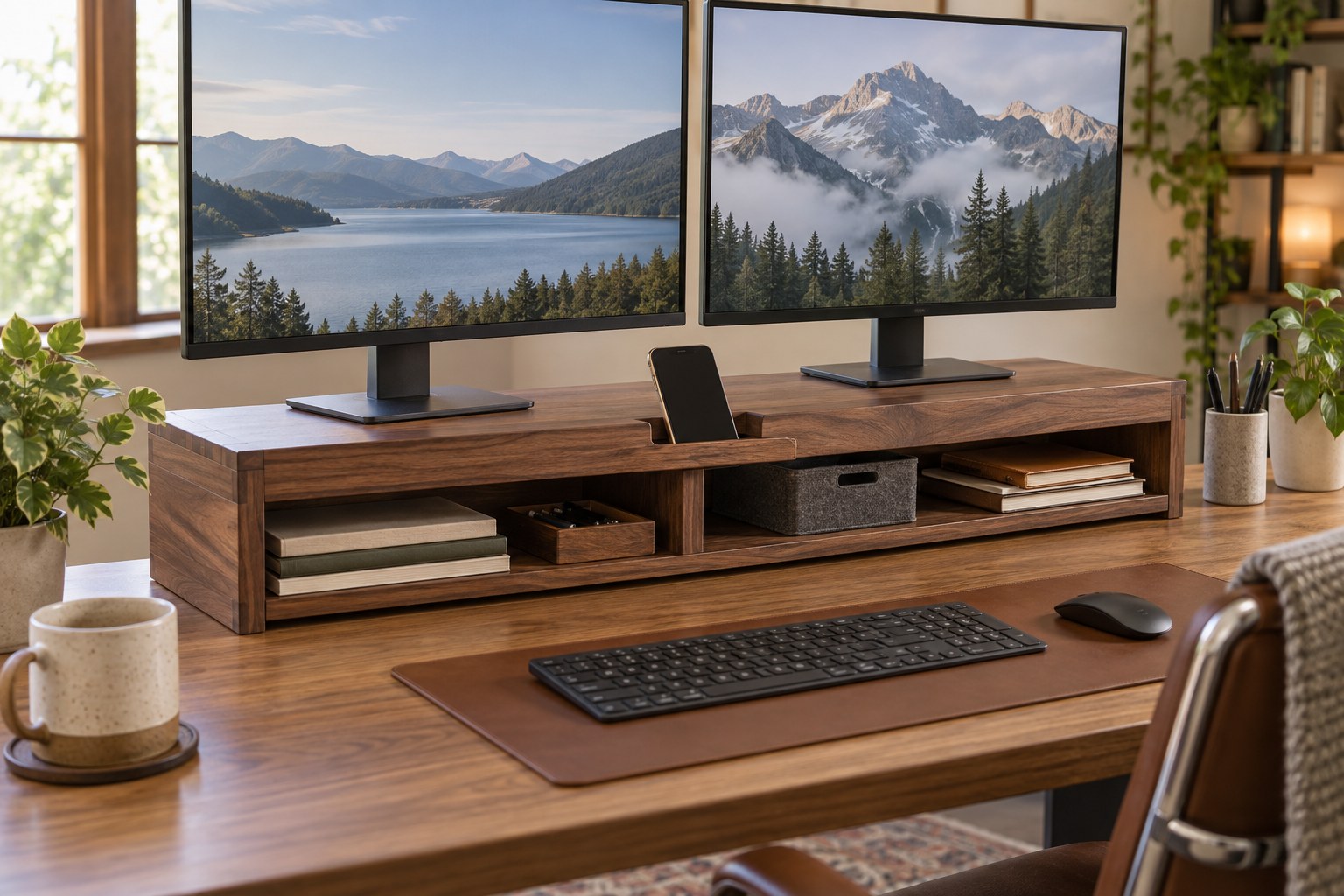
BONTEC Adjustable Dual Monitor Stand Riser
A riser raises screens while creating a shelf for a keyboard or small accessories. The linked Amazon listing is a walnut-finish adjustable-length stand; measure your devices and desk rather than relying on the staged image.
Good fit if
A desk where the display stands fit on a raised platform and you want storage below without mounting hardware.
Check before buying
Verify the exact width, depth, weight capacity and configuration in the current offer. Confirm the stand does not make the monitor too high and leaves room for the keyboard when stowed.
Trade-off: It uses desk depth and is less adjustable than a monitor arm. Two displays may still require careful width and stability checks.
See current Amazon offer & reviews ↗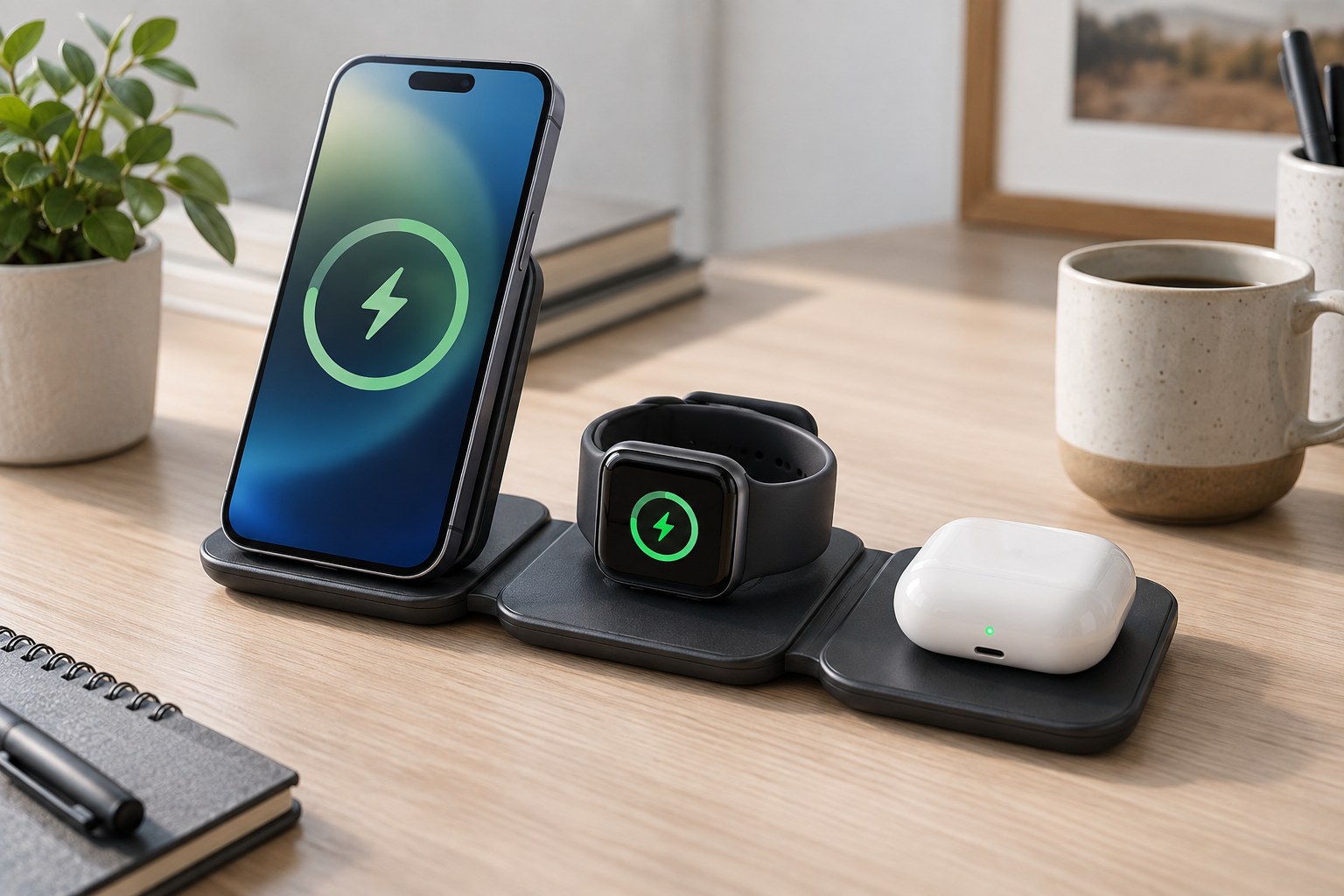 Open full-size image ↗
PICK 07 · For consolidating bedside or desk charging
Anker MagGo 3-in-1 Qi2 Magnetic Charging Station
The linked listing describes a 3-in-1 Qi2 station for compatible iPhones, Apple Watch and earbuds, with a 40W USB-C adapter and cable included. It reduces separate charging stands; it does not reduce the number of devices you need to keep powered.
Good fit if
A compatible phone/watch/earbuds owner who wants one visible charging station and already has a convenient outlet.
Check before buying
Confirm your exact phone, case, watch generation and earbuds are supported by the selected variant. Check bundle contents and charging limits on the live listing before ordering.
Trade-off: The station is for a specific device ecosystem and takes more desk space than a single-device cable. Verify supported devices, cases and power requirements before buying.
See current Amazon offer & reviews ↗Specs: manufacturer information. Exact Amazon listing
Clear about what we know—and what we did not test.
This guide compares product identities, published features and buying checks. It does not publish a current or representative Amazon rating sample. Match the exact selected version and review the current listing before ordering.
We did not conduct hands-on durability, comfort or performance tests, and we do not summarize customer-review themes without a representative, variant-matched review sample. Manufacturer links support technical limits where available. Amazon listings can change seller, included accessories and selected variant; confirm the offer before checkout.
Use reviews that match your setup
- For the hub, search reviews for your exact laptop and screen resolution.
- For an arm or riser, match your monitor size, weight and desk dimensions.
- For the mouse, consider hand size and whether you can try the shape.
- For lighting and charging, check the exact monitor or device generation.
- Sort recent reviews and read both positive and critical comments about the same variant.
Common questions
Do I need every item for a minimalist desk?
No. Buy only for a specific problem that your current setup does not solve. A clear desk may need no new accessories.
Are the images exact product photos?
No. They are large editorial illustrations showing the product category in a realistic workspace. Use the Amazon listing to inspect the exact model, color and included accessories.
Are the Amazon ratings current?
The six displayed ratings were checked on October 2, 2026 and can change. The buttons open the live listings so you can check current ratings, recent reviews, seller and price.
Was this guide hands-on tested?
No. This is a research-based comparison using product listing details and manufacturer specifications where linked. We do not claim personal testing.
The next good question
Keep exploring.
 Read the story ↗
Minimalist Desk Setup: Buy the Essentials, Skip the Clutter
Build a desk around the problems you actually have. Start with a staged plan, then compare the monitor, mouse or hub that earns its place.
 Read the story ↗
5 Best Minimalist Monitors for a Clean Desk Setup
A clean desk is nice. A screen you can read, connect and position comfortably is better. Here are five minimalist monitors for 4K office work, one-cable USB-C laptops and compact desks—plus the catches worth knowing before you buy.
 Read the story ↗
USB-C Laptop Desk Setup: A Practical Six-Piece Kit
One screen, fewer loose connections and six clearly defined jobs. Start with the laptop's limits, then buy only the pieces your desk is missing.