Vertical Mouse vs Traditional Mouse: A Fit-First Ergonomic Guide
A fit-first comparison of vertical and conventional mice, with a practical method for deciding whether a different grip will improve your desk.
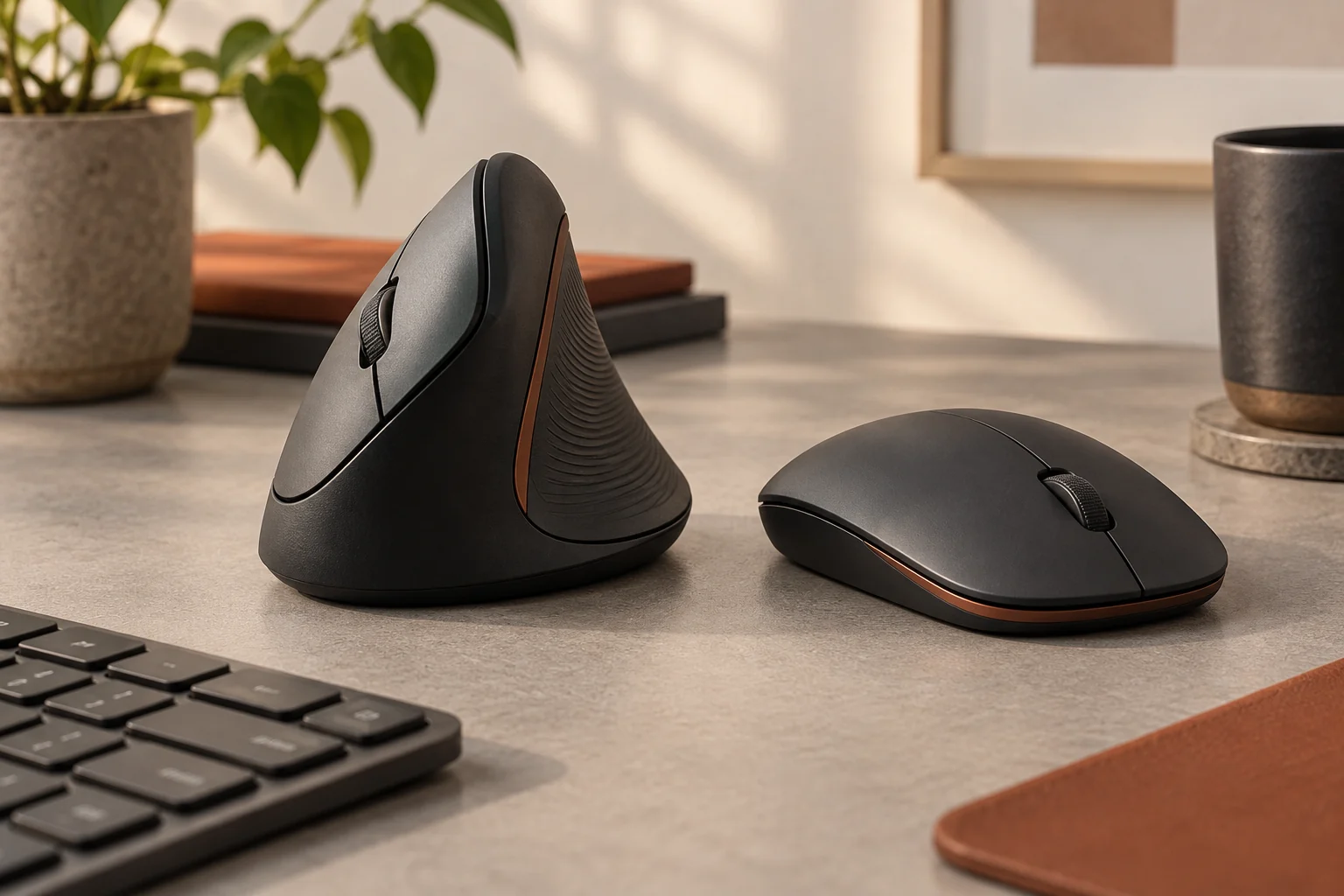
A vertical mouse can reduce forearm rotation by holding the hand in a more handshake-like position, while a traditional mouse usually offers a shorter learning curve and broader choice for speed, precision, and portability. Neither shape is universally ergonomic. The best mouse fits your hand, lets the shoulder stay relaxed, keeps the wrist close to neutral, and works at a pointer speed that prevents large repeated reaches. Try the shape with a return option before treating it as a solution.
| Factor | Vertical mouse | Traditional mouse |
|---|---|---|
| Forearm position | More rotated toward handshake posture | Palm faces more downward |
| Learning curve | Several hours to days for many users | Immediately familiar |
| Precision work | Good after adaptation; model dependent | Broad high-precision selection |
| Portability | Usually taller and bulkier | Many compact choices |
| Fit risk | Angle and hand size are critical | Height, hump, width, and grip are critical |
The ergonomic question is about the whole reach
Mouse comfort begins before the hand touches the device. If the mouse sits far from the keyboard, the upper arm moves away from the body and the shoulder must work to hold it there. If the desk is high, the wrist may bend upward. If pointer sensitivity is very low, the arm repeats large movements. A new mouse shape cannot fully compensate for those conditions. Place the mouse close to the keyboard, support the forearm without pressing the wrist into a hard edge, and adjust chair and desk height first.
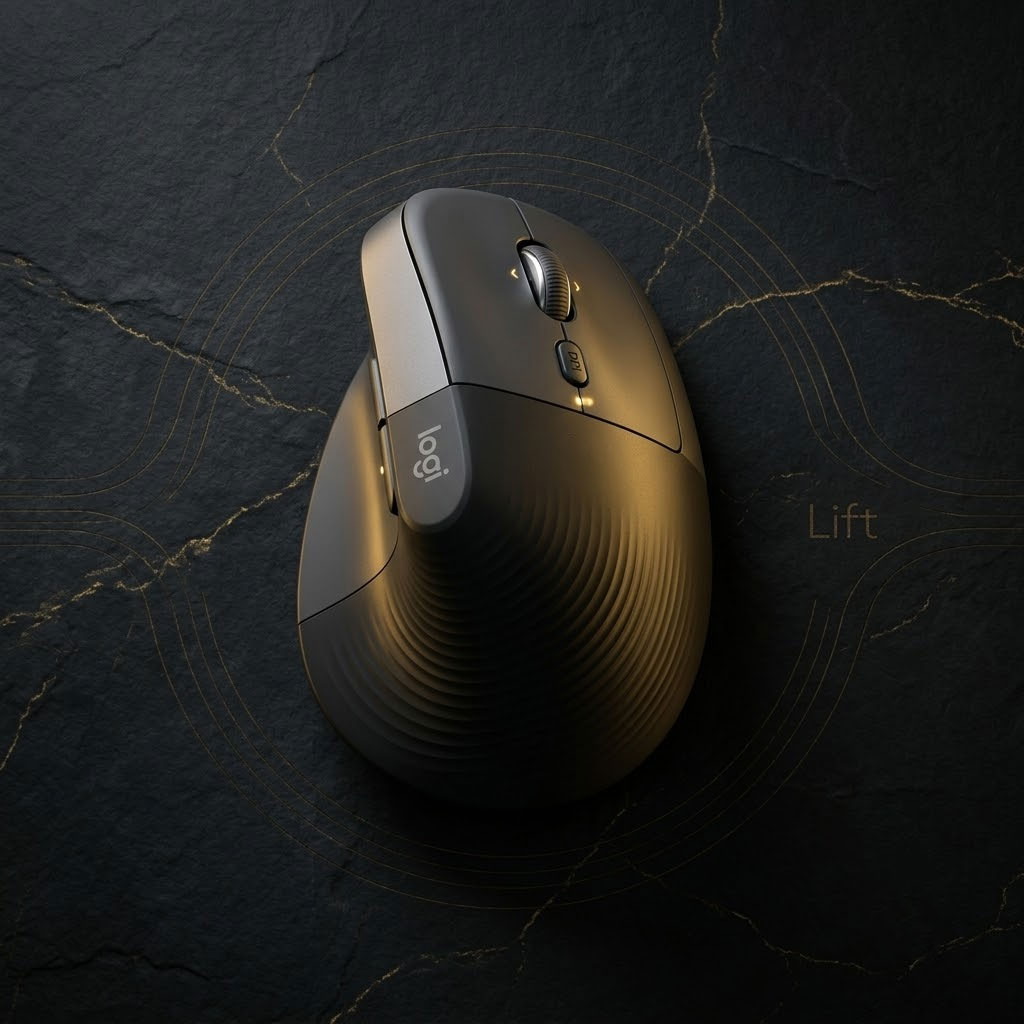
Then look at hand posture. A traditional mouse generally turns the palm downward. A vertical mouse rotates the device and buttons so the hand approaches a handshake orientation. Logitech describes a 57-degree angle on its Lift model and markets that position as a more natural posture. That describes the product geometry, not a medical outcome. The useful question is whether that angle feels stable and relaxed for your hand over a normal work session.
What changes when a mouse turns vertical
The buttons move to the side, the thumb gains a defined rest, and the hand grips a taller body. Instead of steering primarily from a palm-down position, you may use a blend of forearm and shoulder movement with less rotation. The tall shape can feel secure and calm for general navigation, documents, browsing, and spreadsheets. It also makes accidental lifting more likely if the shell is too wide or slippery, so texture and hand-size fit matter.
Clicking sideways introduces a different force direction. On a well-fitted mouse, the thumb supports the shell while the index and middle fingers click. On a poor fit, every click can squeeze the device or push it across the pad. Button weight, thumb placement, and shell width therefore matter as much as the advertised angle. A left-handed user should choose a true left-handed design rather than twisting around a right-handed shell.
Why traditional mice remain the right answer for many desks
Traditional mice come in an enormous range of heights, widths, weights, sensor positions, and grip styles. A supportive medium-height shape may already keep the wrist comfortable, especially when the forearm and desk are aligned. Creative professionals and gamers can choose precise sensors, light shells, and button layouts tuned to rapid movement. Travelers can find compact models that disappear into a small pouch. Familiarity also matters when the same device is used under deadline.
The category’s weakness is that familiar does not mean fitted. A small flat mouse may force a large hand into a clawed grip. A tall rear hump can press the palm or restrict finger movement. A heavy device at low sensitivity may demand unnecessary effort. People often tolerate these mismatches because the shape looks normal. The correct comparison is not “vertical versus normal”; it is one specific vertical mouse against one specific conventional mouse in your hand and workspace.
Hand size and grip decide more than marketing language
Measure from the wrist crease to the tip of the middle finger, then compare that number with the manufacturer’s size guidance when available. Logitech positions Lift as a smaller vertical shape and provides both right- and left-handed versions in some markets. Larger hands may prefer a fuller shell; smaller hands can struggle to reach the forward button on a long mouse. Width is equally important because excessive spread can make the hand work just to hold position.
Notice how you naturally grip a conventional mouse. Palm grippers often prefer more contact and a supportive hump. Fingertip users may dislike the fixed posture of a tall vertical shell. Claw grippers can adapt, but button placement must suit their finger arc. None of these categories is a diagnosis. They are observation tools that help explain why a well-reviewed mouse may feel wrong to one person and effortless to another.
Expect adaptation, then evaluate with specific signals
A vertical mouse often feels inaccurate during the first hours because the movement and click direction are unfamiliar. Increase pointer speed enough that the cursor crosses the screen without repeated sweeping, disable excessive acceleration if it feels unpredictable, and use the device for ordinary work before judging precision. Do not force a week of use through worsening discomfort. Adaptation should feel like learning a new control, not enduring pain.
Evaluate concrete signals: Can the shoulder stay down? Does the wrist remain close to straight? Can every main button be reached without shifting the hand? Does clicking move the cursor? Do you lift the mouse repeatedly because sensitivity is too low? After thirty to sixty minutes, is there pressure along the thumb, little finger, or wrist edge? These observations lead to useful adjustments and are more reliable than deciding that one entire mouse category is inherently comfortable.
A sensible way to buy
Choose a retailer with a practical return window and keep the packaging until the mouse has been used in real tasks. Match handedness and size, confirm that the receiver or Bluetooth mode works with your devices, and check whether button customization requires software available for your operating system. Multi-device switching is valuable for a desk that shares one mouse between a laptop and tablet. Battery life matters less when charging is easy, but a charging port that becomes inaccessible during use can be annoying.
If discomfort is persistent, significant, or accompanied by numbness, weakness, or pain, a mouse-shopping guide is not a substitute for professional assessment. For ordinary fit problems, begin with workspace position, then trial the alternative shape. A vertical mouse is a useful tool when it improves posture without sacrificing control. A well-fitted traditional mouse is equally valid when it keeps the reach compact and the hand relaxed.
The decision in one minute
- Try a vertical mouse: when palm-down rotation feels awkward and most work involves documents, browsing, coding, or general navigation.
- Keep a traditional mouse: when the current shape fits, precision and speed are priorities, or portability matters.
- Change the desk first: when the mouse sits far to the side, the desk is too high, or the forearm has no comfortable path.
- Return a poor fit: if buttons require stretching, clicking shifts the cursor, or pressure increases after ordinary use.
Frequently asked questions
Is a vertical mouse better for wrist pain?
It changes forearm and wrist posture and may feel better for some people, but it is not a universal treatment. Persistent or severe symptoms deserve professional advice, and desk position should be reviewed alongside the device.
How long does a vertical mouse take to get used to?
Many users adapt over several hours to a few days. Precision tasks may take longer. Stop if symptoms worsen; adaptation should not require pushing through pain.
Can a vertical mouse be used for design work?
Yes, if the sensor, button feel, and shape provide adequate control. Designers who make fine repeated adjustments may prefer a familiar conventional shape or use both devices for different tasks.
Should pointer speed be higher with a vertical mouse?
Often a moderate increase helps reduce repeated lifting and large arm sweeps. Adjust gradually until the cursor crosses the working area comfortably without becoming difficult to control.
How this guide was built
This is a research-based editorial guide, not a claim of laboratory testing or long-term ownership of every product mentioned. We compared manufacturer documentation, standards and workplace guidance where relevant, then translated those details into practical buying questions. We avoid inventing test results, and we link the primary references below so readers can verify specifications and model-specific limits.