Desk & tech / A closer look
Amazon Basics 24-Inch 100Hz Monitor Review: Who Should Buy?
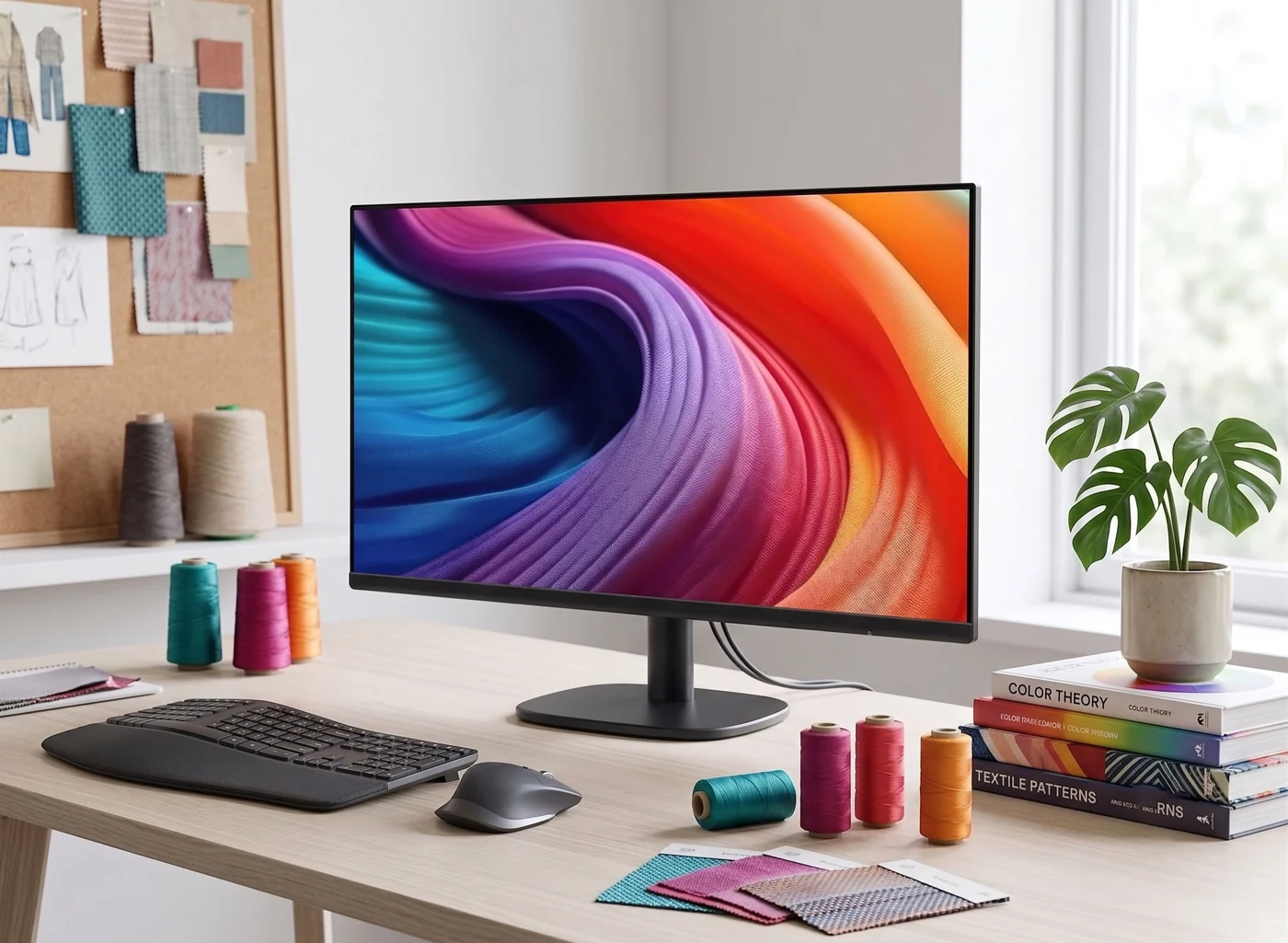
A compact screen can be the right purchase. Work out what the exact 23.8-inch model offers, what the complete setup costs, and when it is worth spending more.
Start here
The useful answer
As an Amazon Associate, we earn from qualifying purchases. How our links work ↗
The useful answer
Shortlist the Amazon Basics 23.8-inch 100Hz model for basic office work or a reference display when Full HD is sufficient and the complete cost makes sense. Check ASIN B0CP7TRZWR and the supported input mode; it is not a USB-C charging monitor.
As an Amazon Associate, we earn from qualifying purchases. How our links work. Choose the exact model and seller before ordering.
The verdict: a candidate, not an automatic bargain.
The Amazon Basics 24-inch 100Hz monitor belongs on a shortlist for a modest home-office screen, a student workspace, or a second display that mostly holds reference material. Its appeal lies in a simple combination of usable screen space and everyday essentials. Whether it represents good value depends on the current retail offer and what components you might need to add. A low headline monitor price becomes less attractive if a separate adjustable stand, cable, or video adapter eliminates the savings.
Our recommendation is conditional: consider it when you primarily manage one primary application at a time, your computer connects without complex workarounds, and the final cost remains meaningfully below an alternative that already incorporates your required ergonomic adjustments. If your workflow demands side-by-side document editing, a higher-resolution canvas, or single-cable laptop power delivery, explore our recommended alternatives before finalizing your purchase.
Good fit if
You write, browse the web, manage email, or need a dedicated reference screen where a Full HD workspace meets your daily requirements.
Look elsewhere if
Your core requirement is a USB-C laptop docking hub, a spacious high-resolution workspace, verified color-accurate editing, or competitive high-performance gaming specs.
Already own a functional 24-inch Full HD monitor? Audit your existing bottleneck first. If your current grievance is poor viewing angles or inflexible desk height, purchasing a new panel with identical resolution specs will not fix the underlying ergonomics. Similarly, if your screen real estate feels cramped for multitasking, altering refresh rates will not generate extra window space.
The details we could verify.
The corresponding Amazon listing identifies ASIN B0CP7TRZWR as the 24-inch display featuring a 23.8-inch viewable IPS panel, Full HD resolution, a maximum refresh rate of 100Hz, built-in speakers, and VESA mounting provisions. Because marketplace pages often group distinct screen sizes and refresh ratings under a shared product family, keep your exact selection verified during checkout.
| Decision Factor | Specification to Verify | Why It Matters for Your Desk |
|---|---|---|
| Exact Model Variant | 23.8-inch viewable / 100Hz (ASIN B0CP7TRZWR) | Shared listings frequently combine reviews and pricing for alternate sizes. |
| Resolution Matrix | 1920 × 1080 Full HD | Determine whether your primary daily software layouts fit comfortably. |
| Motion Bandwidth | Up to 100Hz digital | Requires a compatible computer output and proper connection cable. |
| Physical Mounting | VESA-compatible screw patterns | Confirm hole pitch, screw dimensions, and naked panel weight before mounting on an arm. |
| Ports & Stand | Inspect rear panel diagrams and user manual | Never assume port arrays or stand articulation match generic brand guidelines. |
We have not independently tested panel peak brightness, static contrast ratios, sRGB color gamuts, input latency, or pixel response times. An IPS classification guarantees wide viewing angles, not professional color calibration. Built-in speakers should also be treated as a basic convenience feature rather than an acoustic audio solution.
What the size and refresh rate mean in daily work.
A 24-inch Full HD screen serves as a capable primary display when your routine centers around single-window focus. Writing drafts, reviewing correspondence, or reading web research can happen comfortably without consuming excessive desk surface. When deployed as a secondary reference screen, it keeps auxiliary windows visible while your main display handles intensive tasks.
The primary compromise emerges when attempting to view two expansive windows side-by-side. Compressing complex layouts onto a 1080p canvas forces text scaling compromises. Before committing, test your actual workflow on an existing screen to determine if a higher-resolution canvas would eliminate daily friction.
A 100Hz refresh rate refreshes visual frames faster than standard 60Hz panels, resulting in smoother cursor tracking and window scrolling. However, it does not increase pixel density or expand workspace real estate. Without dedicated latency testing, treat the refresh rate as a minor interface refinement rather than a major performance upgrade.
For creative or visual tasks, distinguish casual photo viewing from professional color work. Without independent laboratory verification, marketing claims regarding vibrant color reproduction should not replace color-managed displays. Match your hardware investment to your actual daily output.
Check the cost of making it fit your desk.
Measure available desk depth alongside width. Account for the stand base, keyboard position, wrist clearance, and rear cable bend radius. If you intend to utilize a monitor arm, verify desk thickness, edge clearance, and clamp stability prior to purchase.
Avoid buying mounting arms based solely on VESA compatibility claims. You must verify matching hole dimensions, weight limits, bezel clearance, and desk structural integrity. Some articulating arms feature strict minimum weight thresholds where lightweight monitors fail to stay balanced.
Calculate total setup investment.
Monitor price + required specialty cables or adapters + mounting hardware + shipping fees. Compare this complete total against alternative displays whose included stands solve your ergonomic requirements out of the box.
If your laptop relies exclusively on USB-C ports, confirm whether its output supports native video transmission before purchasing video adapters. USB-C receptacle shapes do not guarantee DisplayPort Alt Mode capability. Verify end-to-end signal paths to avoid compatibility issues.
Two alternatives worth comparing.
Dell P2425H: evaluate stand ergonomics first.
The Dell P2425H provides an alternative 23.8-inch Full HD office solution featuring full ergonomic adjustment (height, tilt, swivel, pivot) up to 100Hz. Price out total equipment requirements before assuming budget panels paired with aftermarket arms yield lower costs. Note that its USB-C port functions as a downstream peripheral hub rather than a laptop charging port.
Check current offer on Amazon ↗Dell S2725QS: assess expanded resolution needs.
This 27-inch 4K display suits buyers requiring sharper typography and expanded multitasking canvas. It delivers up to 120Hz refresh rates and an adjustable stand, though it lacks USB-C laptop power delivery. Verify your host computer's graphics output capabilities and operating system scaling preferences before upgrading.
Check current offer on Amazon ↗Neither alternative represents a universal choice. If the Amazon Basics model satisfies your functional requirements using existing accessories, spending extra on unneeded features is unnecessary.
Use reviews to resolve a specific uncertainty.
Independent Review Limitations: While product listings are verifiable, aggregated customer reviews often span multiple distinct panel sizes and refresh variants within the same parent ASIN. Evaluate customer feedback critically by filtering comments explicitly matching model B0CP7TRZWR.
Examine positive and critical feedback side by side. Reports of missing cables relate to packaging logistics, whereas comments regarding text clarity often reflect operating system scaling settings. Focus your evaluation on ergonomic feedback, cable reliability, and real-world workspace integration.
Before you place the order.
Your final buying check
These validation checks remain local to your planning process and are not transmitted externally.
Review active merchant offers carefully, noting differences between new and secondary condition tiers. Verify return windows and warranty terms directly on the retailer page prior to completion.
Check current offer on Amazon ↗The manual answers the 75Hz-versus-100Hz question
Because brand-labeled budget lines encompass diverse hardware configurations, consulting the official manufacturer manual hosted via Amazon clarifies performance baselines. Documentation for the 23.8-inch series (including B0CP7TRZWR) confirms Full HD support up to 100Hz over digital HDMI or DisplayPort interfaces, with lower limits applicable to legacy analog inputs.
When connecting new hardware, verify that your operating system configuration correctly reports the target refresh rate. If your display defaults to 60Hz, inspect display adapter properties before assuming hardware constraints. Conversely, 100Hz capability does not transform general office panels into high-speed gaming monitors.
Three everyday workloads that change the verdict
For routine office productivity—handling email, calendar management, and web browsing—compact 100Hz displays offer a reliable alternative to constrained laptop screens. Physical elevation and correct viewing angles frequently outweigh raw pixel density improvements.
Spreadsheet management requires careful consideration of screen real estate. While larger physical panels enlarge text elements, they do not increase data density at standard scaling. Evaluate your text comfort and window arrangements thoroughly before purchasing.
Color-critical design tasks demand verified wide-gamut panels and hardware calibration support. Standard budget office displays satisfy general multimedia consumption, but professional imaging workflows require specialized hardware solutions.
Decide whether the smaller screen really saves money
Factor potential accessory costs into your initial budget calculation. If acquiring supplementary adapters, mounting arms, or specialized cables bridges the price gap between budget panels and premium alternatives, reassess your total hardware strategy.
How to read a mixed-model Amazon review page
Cross-reference customer feedback against exact model numbers. Screen dimensions, port availability, and stand articulation frequently vary across sibling listings. Prioritize reviews detailing similar computer configurations and daily workloads.
Set up an arrival check before the box arrives
Inspect your hardware immediately upon delivery while return options remain active. Test all physical inputs, verify native refresh rate operation, evaluate built-in audio fidelity, and check screen uniformity under normal room lighting before discarding packaging materials.
Before you decide.
Why does the monitor show 75Hz instead of 100Hz?
Check the exact model, selected operating mode, and input cable. The official manual lists varying maximum refresh rates for legacy VGA versus digital inputs like HDMI or DisplayPort.
Is it a sensible upgrade from a working Full HD screen?
Only if it solves an identified problem. A similar panel may not resolve limited desktop space, awkward ergonomics, or text scaling preferences.
The next good question
Keep exploring.
 Read the story ↗
24-Inch vs 27-Inch Monitor for Productivity: The Practical Desk Guide
A practical size-and-resolution guide for choosing a 24-inch or 27-inch monitor without crowding your desk or paying for screen space you cannot use.
 Read the story ↗
Best 24-Inch Monitor for a Small Workspace: Three Practical Routes
Choose the footprint and connection path before the bezel.
 Read the story ↗
Which Desk Upgrade Should You Buy First? A Home Office Buying Order
A better desk starts with the thing that interrupts your day. Fix that first, then stop buying when the problem is solved.