Desk & tech / A closer look
The Definitive Minimalist Monitor Guide (2026): Aesthetics, Specs & Setup
Building a truly clean desk requires far more than just hiding a few cords. We examine what defines a proper minimalist monitor, how to evaluate panel fidelity, and why a true monitor minimalist prioritizes long-term ergonomics over superficial aesthetics.
Start here
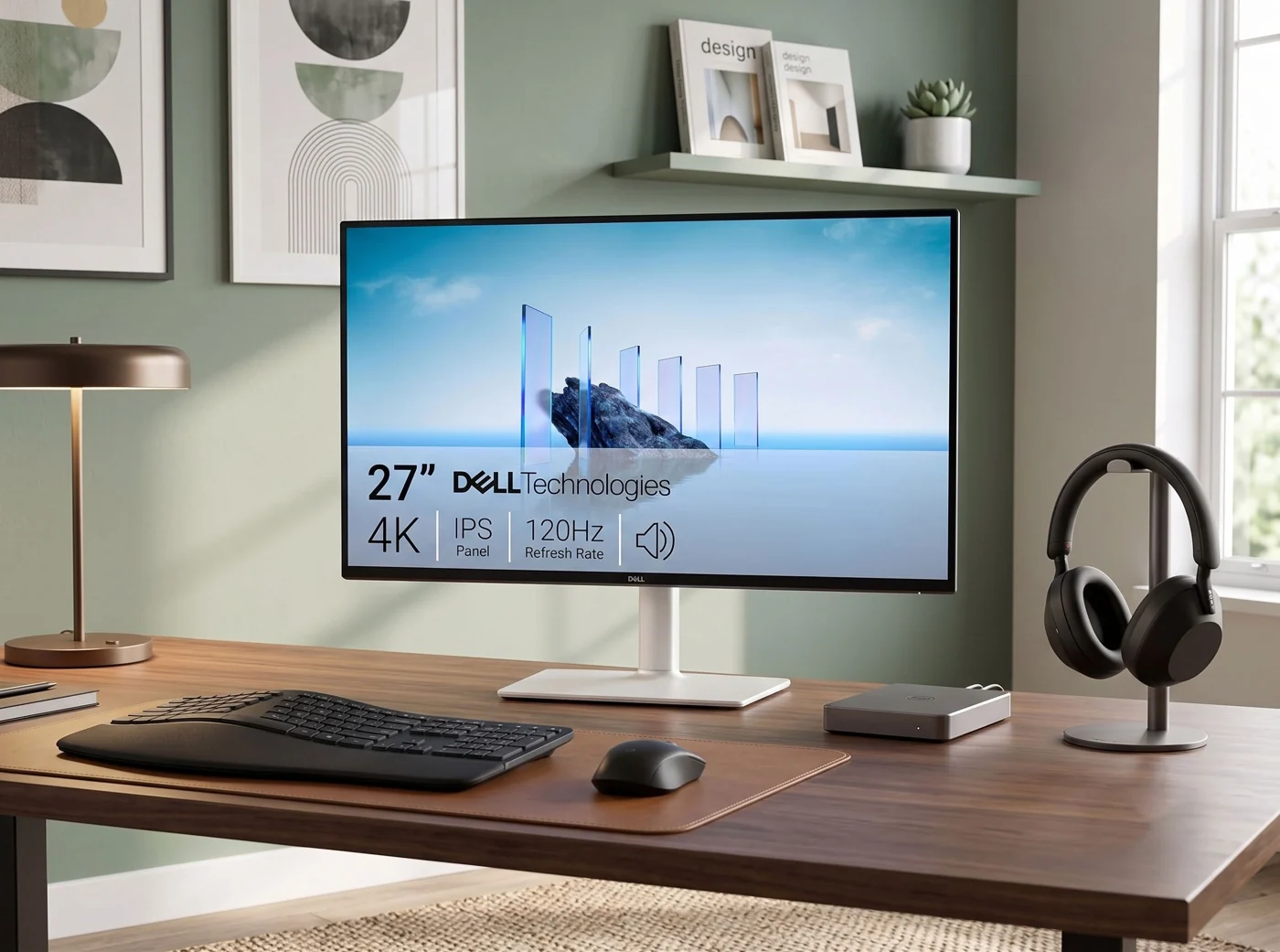
A well-chosen minimalist monitor should streamline your workflow, eliminating the need for bulky docks and messy power adapters. Look for unified bezels, intelligent cable routing, solid stand geometry, and reliable single-cable USB-C power delivery.
As an Amazon Associate, we earn from qualifying purchases. How our links work ↗
Every piece of hardware on your desktop must earn its footprint. When evaluating a minimalistic monitor, your objective is absolute visual and functional clarity: no glaring corporate logos on the chin, no aggressive gaming styling, and no dangling power blocks ruining your clean line of sight.
Anatomy of a true minimalist monitor
When enthusiasts search for a monitor minimalist setup, they often fall into the trap of purchasing hardware solely based on how it looks in sterile manufacturer marketing photos. Real-world offices demand resilience, eye comfort, and practical connectivity. A properly engineered display adheres to three strict structural principles.
First is visual restraint. The chassis should feature matte black, dark grey, or clean white finishes that absorb ambient light rather than reflecting glare. Loud accent lighting, glossy plastic bezels, and angular "gaming" geometry contradict a calm work environment. Second is structural integration. A clean display incorporates cable channels directly through the neck of the stand, directing wires straight downward rather than letting them fan out across the table.
Third is optical clarity. True minimalism is ultimately about reducing friction. If you have to squint, adjust scaling software constantly, or deal with severe color shift when moving your head, the display fails as a productive tool regardless of how thin its bezels measure.
Resolving clutter in a modern clean desk setup
Achieving a genuine clean desk setup is rarely about the monitor alone. Peripheral devices—keyboards, mice, webcams, audio interfaces, and external storage—introduce an interconnected web of wires that can quickly overwhelm a pristine desktop.
When planning your layout, evaluate how your primary computer connects to power and peripherals. Laptops introduce a unique challenge because their mobile nature means you disconnect and reconnect daily. If your workspace requires plugging in a separate power brick, an HDMI cord, and a USB hub every morning, your setup will quickly accumulate clutter. Transitioning to a unified display architecture is the single most effective way to eliminate desktop friction permanently.
Panel physics: IPS vs. VA vs. OLED for text fidelity
Display technology dictates your daily visual experience. While high-end organic light-emitting diode (OLED) screens offer infinite contrast ratios that look astonishing in dark rooms, their non-standard subpixel layouts can cause noticeable text fringing on static office documents. For writers, coders, and spreadsheet analysts, this subtle blur can induce eye fatigue over long working sessions.
Consequently, In-Plane Switching (IPS) panels remain the optimal choice for productivity-driven workspaces. They provide consistent color reproduction across wide viewing angles and render sharp, high-contrast typography without color bleeding. If your daily routine involves reading dense text for hours, prioritizing a high-ppi 4K IPS panel yields superior long-term comfort compared to exotic panel types.
Stand footprint, desk depth, and physical ergonomics
Physical dimensions dictate whether a monitor will feel natural or oppressive on your furniture. A massive, deep V-shaped stand will push your keyboard dangerously close to your chest on a standard 24-inch or 28-inch deep desk, forcing poor posture.
When selecting a minimalist display, examine the depth of the base plate. Flat, low-profile square bases occupy minimal surface area while providing robust stability. Alternatively, utilizing a sturdy VESA monitor arm reclaims your entire desk surface. Ensure that your desktop's rear edge can handle the clamping force safely, and position the top edge of your active window at or slightly below eye level to maintain a neutral neck posture.
Single-cable USB-C versus legacy multi-cable hubs
The defining benchmark of a modern, efficient workstation is cable count. Legacy configurations demand separate power cables, dedicated video adapters, and independent USB uplinks.
Modern USB-C hub monitors consolidate these functions into a single pipeline, transmitting high-resolution display signals, peripheral data, and high-wattage power delivery simultaneously. For users seeking specific recommendations that master this streamlined connection workflow, explore our detailed 5 Best Minimalist Monitors for Clean Desks guide.
Advanced cable management and under-desk routing
Even the cleanest monitor setup will look untidy if wires hang loosely beneath the table. Achieving a professional finish requires deliberate under-desk cable management.
Begin by securing power strips and heavy adapter bricks inside a dedicated under-desk cable tray. Use flexible spine tubing or fabric sleeves to bundle your monitor power cord, USB-C line, and keyboard wire together as they drop from the desk grommet. Keeping every millimeter of slack off the floor makes cleaning effortless and preserves the floating, uncluttered aesthetic of your workspace.
In-depth buyer considerations and FAQs
What color chassis works best in a minimalist office?
Matte black is universally adaptable, absorbing ambient light and remaining visually unobtrusive. White or silver chassis options look stunning in sunlit rooms with natural wood accents, but they demand frequent dusting to maintain their clean finish.
Are curved displays compatible with clean desk aesthetics?
Curved panels are engineered primarily for immersive gaming or multi-monitor simulation. For standard single-screen office work using a 16:9 aspect ratio, flat panels align flush against walls and shelves much more cleanly.
How do I verify if my laptop supports USB-C video output?
Consult your laptop manufacturer's technical specifications to verify support for DisplayPort Alt Mode (DP Alt Mode) and USB Power Delivery (USB-PD). A standard USB-C port shape alone does not guarantee video transmission capability.
Is a 4K resolution necessary on a 27-inch screen?
For text-heavy workflows, 4K resolution provides exceptional pixel density, eliminating jagged font edges and allowing flexible scaling without visual artifacting.
Continue exploring our workspace gear
The next good question
Keep exploring.
 Read the story ↗
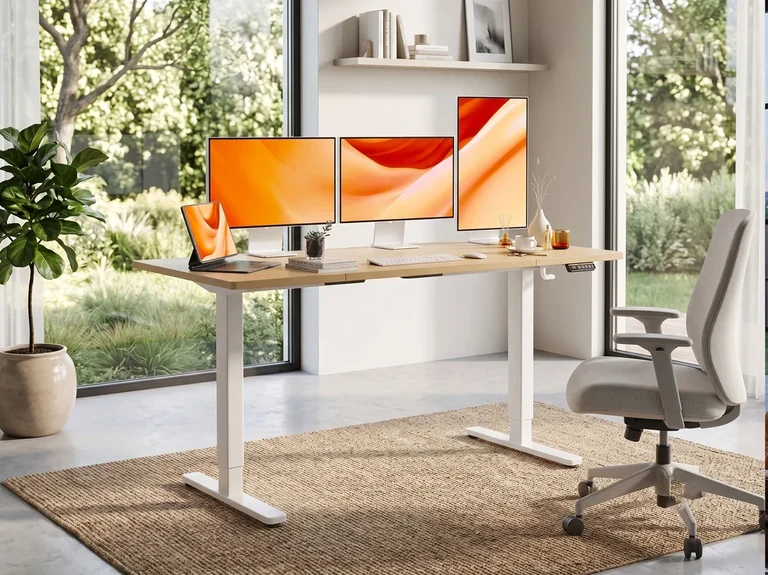
Minimalist Desk Setup: Buy the Essentials, Skip the Clutter
Build a desk around the problems you actually have. Start with a staged plan, then compare the monitor, mouse or hub that earns its place.
 Read the story ↗
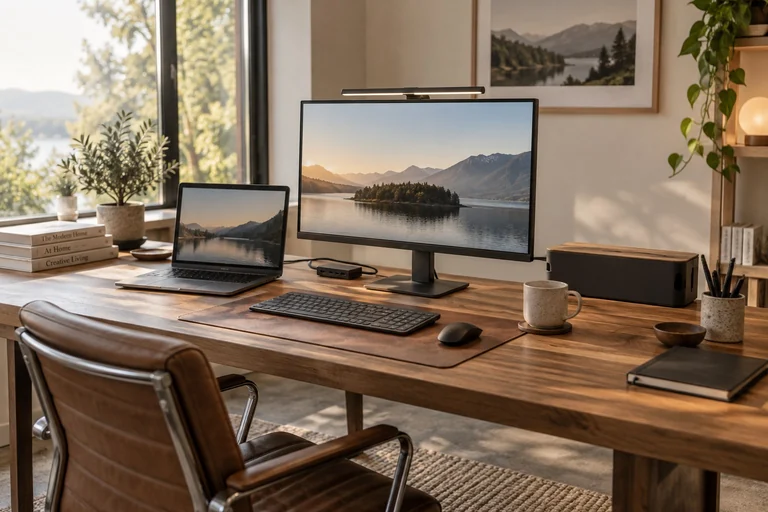
Minimalist Desk Setup Essentials: 7 Useful Upgrades
Seven practical upgrades, matched to a real desk problem—with the compromises left in.
Read the story ↗5 Best Minimalist Monitors for a Clean Desk Setup
A clean desk is nice. A screen you can read, connect and position comfortably is better. Here are five minimalist monitors for 4K office work, one-cable USB-C laptops and compact desks—plus the catches worth knowing before you buy.