Desk & tech / A closer look
Home Office Desk Accessories for Focus: Six Picks Explained
Choose one audio format, give charging a routine and keep room for the mouse. A quiet-looking desk is useful when the arrangement also fits the way you work.
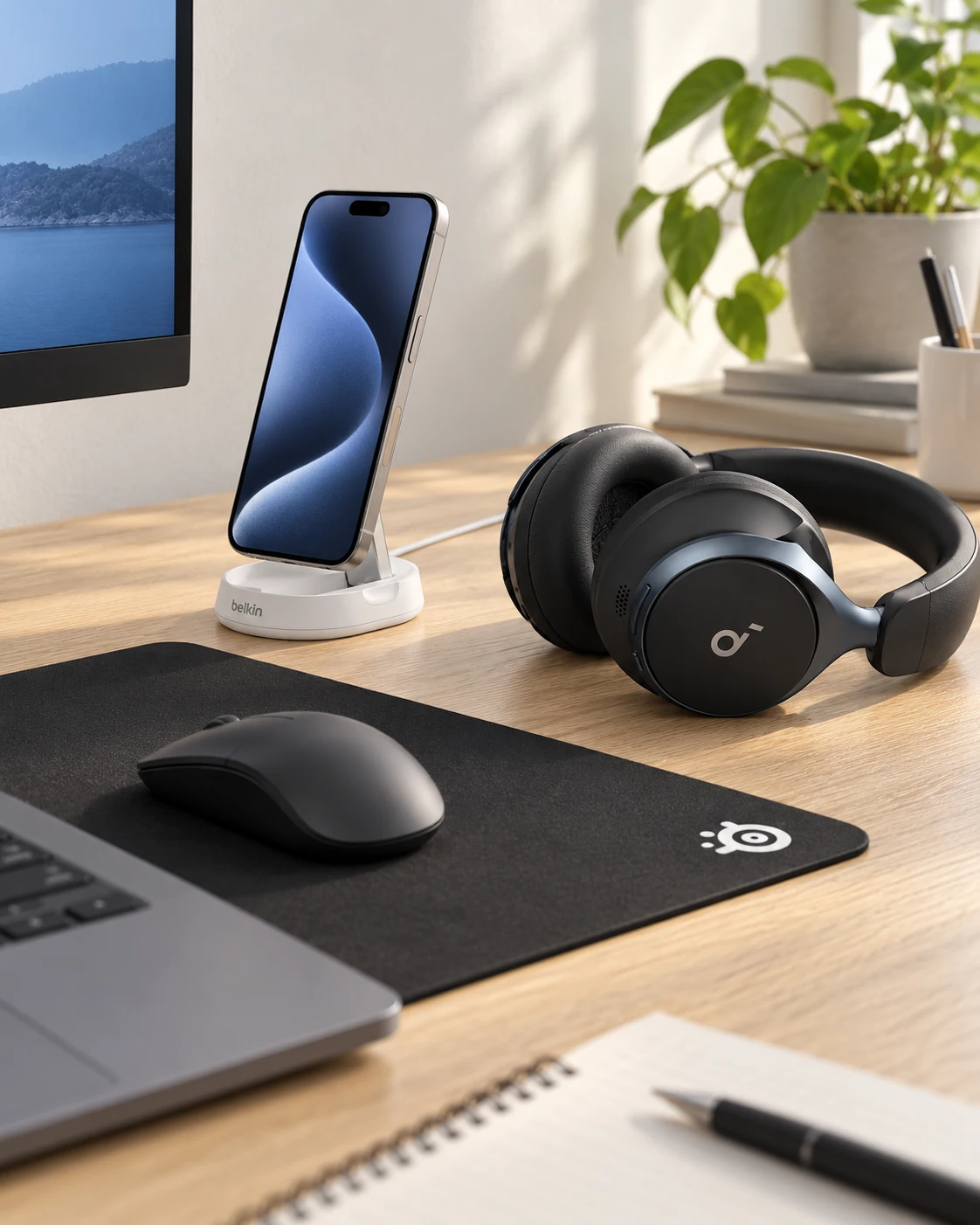
Start here
Choose Space One for an over-ear routine or P40i for a pocketable earbud routine; you do not need both. Then consider the Belkin Qi2 stand only for a compatible phone and case, QcK Large for a 450 × 400 mm mouse area, and the SABRENT hub and Anker 351 for their distinct data and power jobs. Listening ANC, microphone performance and charging compatibility are separate decisions.
As an Amazon Associate, we earn from qualifying purchases. How our links work ↗
A quieter desk does not necessarily need more equipment. Sometimes the useful change is a headphone that fits comfortably, a phone that has a predictable resting place, or a mouse surface with enough room for the way you work. The challenge is choosing those improvements without turning every empty corner into another device to charge.
This home-office accessories kit covers six products, with one important choice inside it: soundcore Space One and P40i are alternative audio routes. Start with one, then consider a Belkin Qi2 phone stand, SteelSeries QcK pad, SABRENT USB hub and Anker 351 power strip only where they solve an existing problem. You can build a coherent five-piece arrangement from these six options without buying two audio products at once.
The short answer: choose the audio shape first
Space One is the more natural starting point for someone who prefers over-ear headphones during long, mostly seated sessions. P40i suits a person who values a small charging case and movement between the desk, phone and commute. Both offer active noise cancellation, but fit, seal, settings and the room affect the result. Neither model should be chosen on the assumption that every conversation nearby will disappear.
The remaining accessories organize the routine around that audio choice. The Belkin stand is for a compatible magnetic Qi2 phone, the QcK gives the mouse a separate cloth surface, the USB hub supplies accessible data connections, and the power strip accommodates suitable US AC equipment. Each has a limit worth understanding before it reaches the cart.
What is actually interrupting your work?
Make a short list of the moments that break concentration. Is it a constant fan, intelligible conversations, a headset that becomes uncomfortable, a phone cable falling behind the desk, or a mouse squeezed against the keyboard? These problems can coexist, but one usually matters more than the rest. Give the first purchase that specific job.
For steady background sound, noise-cancelling headphones may be worth trying. For conversations you need to follow, deliberate awareness and an appropriate listening mode matter more than maximum isolation. For calls where other people struggle to hear you, a microphone placed nearer the mouth may be a more direct solution than choosing between two listening-oriented ANC models.
Also try changes that require no purchase: close unnecessary notifications, move the phone outside the main eye line, make room beside the keyboard, and arrange the existing charging lead where it stays accessible. The product kit should support a routine that works, not become a substitute for deciding what deserves attention.
Three compatibility decisions before the shortlist
First, choose the computer-and-phone audio arrangement. Check Bluetooth support, device switching and the meeting app you actually use. Music playback and a two-way call can behave differently on a Bluetooth connection. A comfortable pair used in the wrong audio mode can seem like a worse purchase than it really is, while a feature list cannot guarantee seamless switching in your specific system.
Second, identify the exact phone and case. Qi2 charging requires a compatible arrangement; magnets alone do not add the necessary charging hardware or protocol support. A case described as magnetic may help attachment without confirming the charging rate you expect. Read the selected Belkin stand's current compatibility information and the phone maker's charging support.
Third, check the physical space and connections. The QcK Large is 450 × 400 mm, so it needs a generous area beside the keyboard. The HB-UM43 connects to USB-A and shares upstream bandwidth and available power. The Anker strip is the US A9192 version. None of those details becomes interchangeable because several products are black and look tidy together.
Six products to consider, with one audio choice
| Product | Best reason to consider it | Important condition |
|---|---|---|
| Space One A3035 | Over-ear ANC for a mostly seated routine | Check heat, clamp and glasses fit |
| P40i A3955 | Pocketable audio across locations | Ear-tip seal and case charging routine |
| Belkin WIA008 Qi2 stand | A visible magnetic phone-charging position | Exact phone, case and supply compatibility |
| QcK Large 63003 | Broad cloth mouse movement | 450 × 400 × 2 mm version |
| SABRENT HB-UM43 | Simple USB-A peripheral access | Shared data connection and bus power |
| Anker 351 A9192 | AC organization with modest USB charging | US region and combined load limits |
 Product view
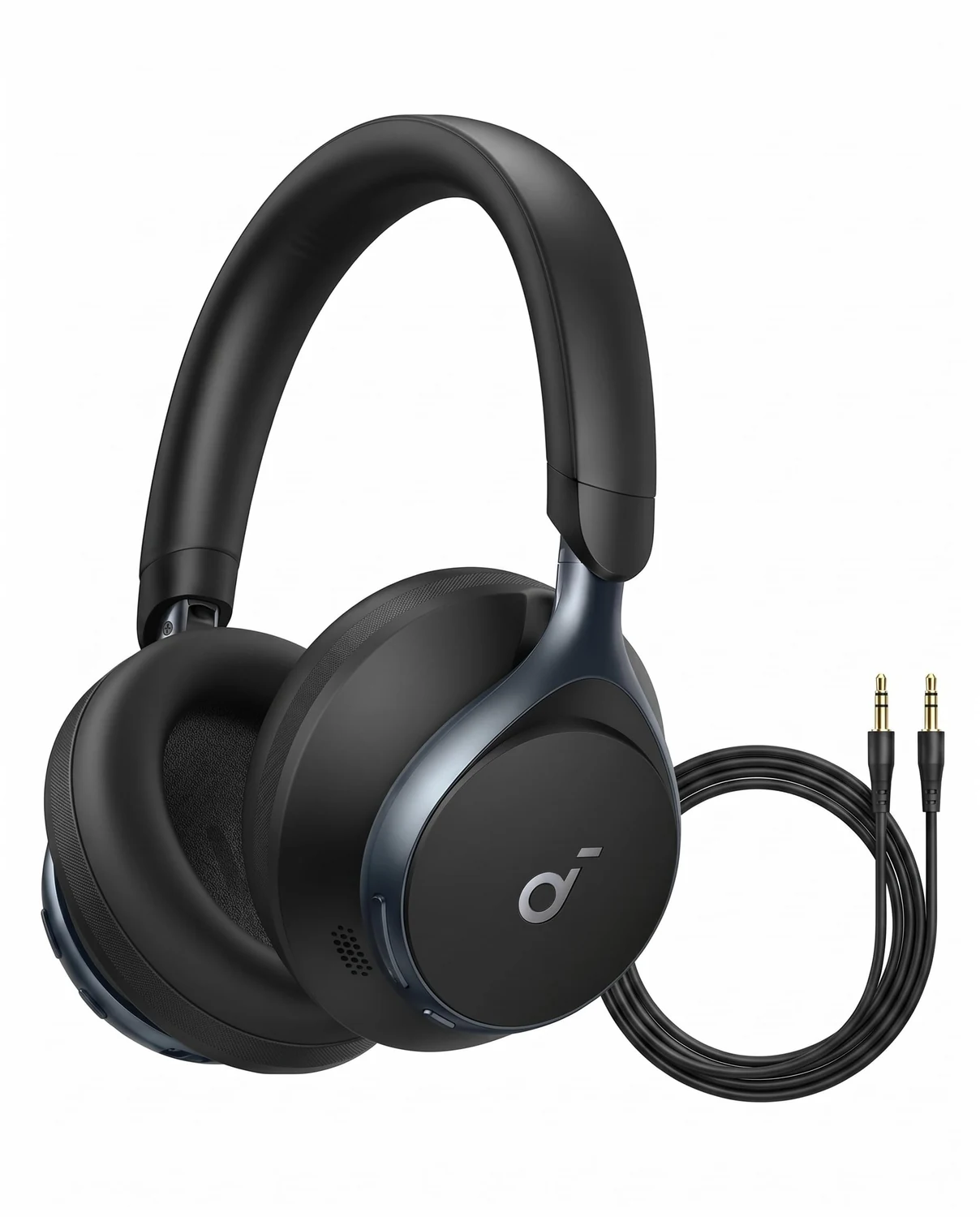
A3035 · Black · Over-ear ANC
1. soundcore Space One: the over-ear route
The black A3035 combines over-ear cushions, adaptive ANC and app-based adjustments. The maker rates playback at up to forty hours with ANC enabled or fifty-five hours without it. Those figures describe specified conditions; calls, volume, codecs and other settings affect a real working week.
The attraction is a self-contained listening tool you can leave at the desk. Over-ear cups avoid putting an ear tip in the canal, and the larger controls may feel more convenient during a long seated session. The tradeoff is the physical fit: clamp, pad warmth, glasses and head shape can matter more after an hour than during a quick first impression.
Choose Space One when that form suits your routine and the ANC behavior helps with the sounds around you. Do not confuse it with Space One Pro. Test microphone behavior separately if meetings are important, and check supported source features before paying attention to codec names. LDAC support needs a compatible source and settings; it is not a promise about every office computer.
 Product view
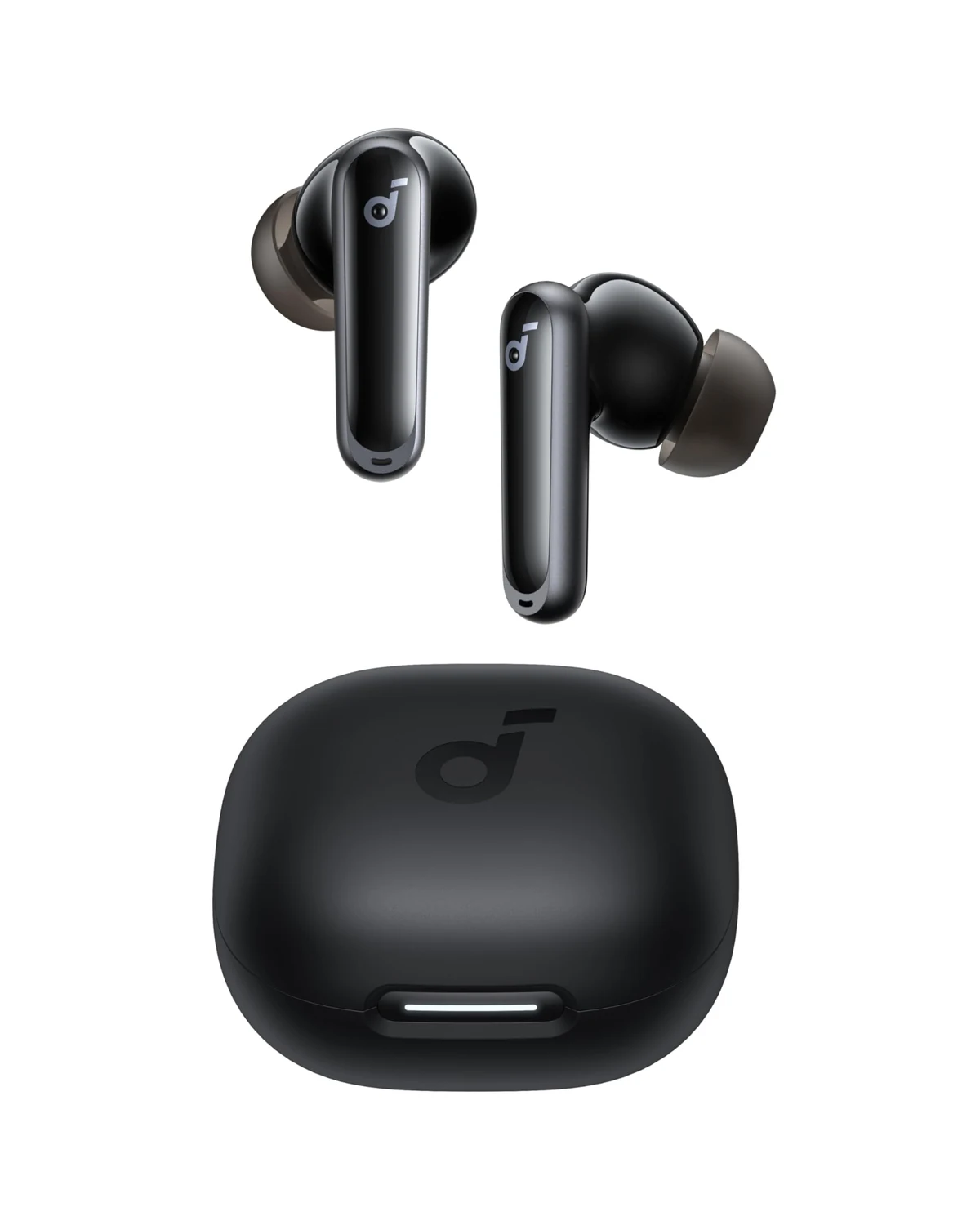
A3955 · Black · Wireless earbuds
2. soundcore P40i: the pocketable alternative
The black A3955 P40i offers adaptive ANC in a true-wireless earbud format, with a case that supports wireless charging and can serve as a phone stand. Its advertised maximum is twelve hours from the earbuds and sixty hours including case top-ups, under the maker's stated conditions. The combined figure is not one uninterrupted listening session.
Portability is the useful difference from the over-ear model. You can move between a laptop, short phone calls and a commute with a small case in a pocket. Fit is the bargain you make in return. The supplied tip sizes deserve a proper trial because the seal affects comfort, bass and isolation. A model with more features cannot compensate for an ear tip you constantly need to adjust.
The case's phone-support function is a physical stand; do not read that description as a phone-charging promise. IPX5 applies to the earbuds, not the case. Keep the case dry, check the charging routine and evaluate the exact meeting-app behavior. Choose P40i instead of Space One when mobility matters more than the over-ear form.
 Product view
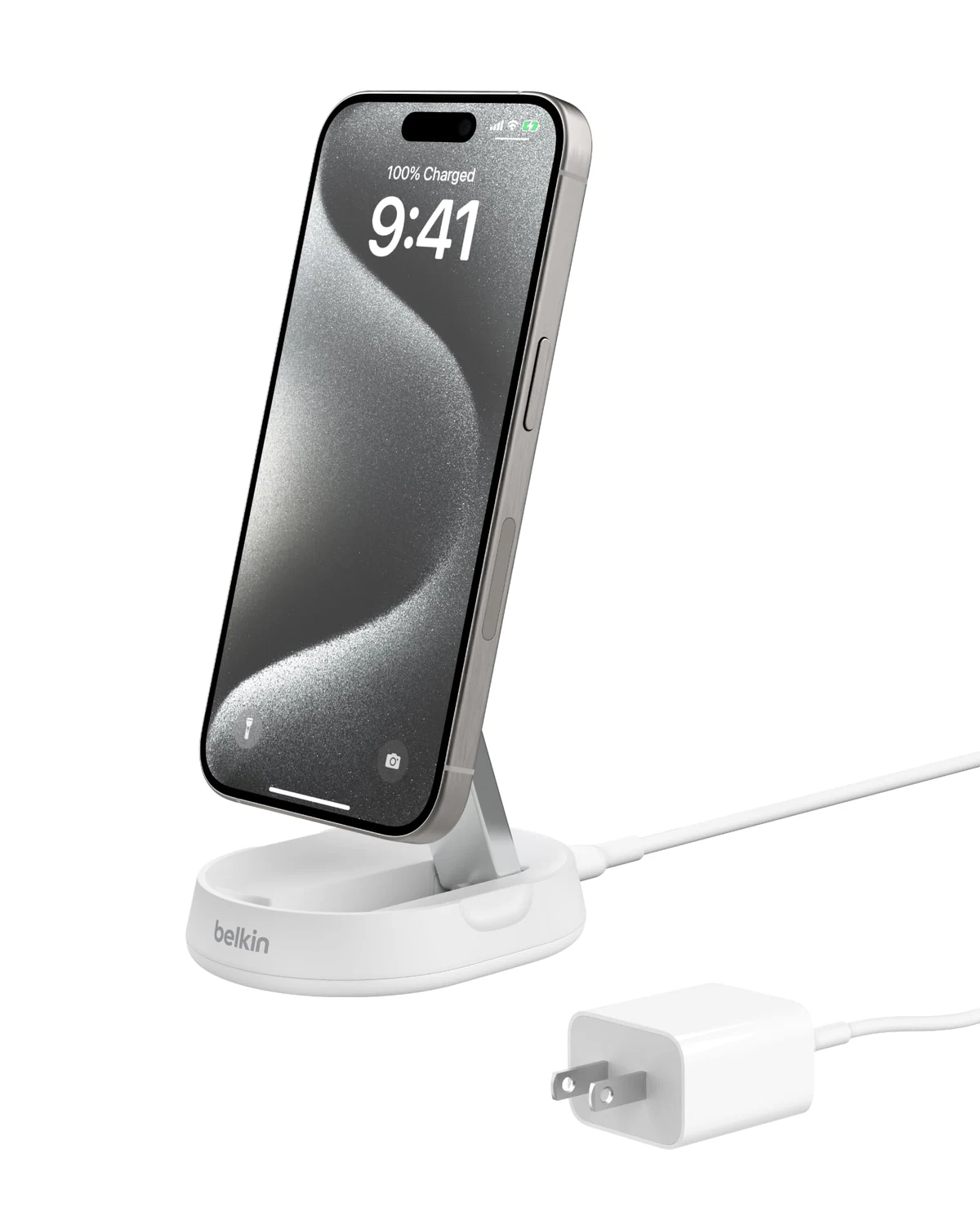
WIA008 family · 15 W Qi2 · White
3. Belkin convertible Qi2 stand: make compatibility the first specification
The selected stand is the White WIA008-family convertible model with up-to-15 W Qi2 charging on supported devices. Its magnetic mount can hold a compatible phone in portrait or landscape, and the convertible structure changes the viewing position. This is a single-device phone charger, not a three-in-one Apple Watch station.
Its best use here is a predictable place for the phone, positioned where an occasional glance is useful without filling the main working area. A comfortable viewing angle and reliable alignment can matter more day to day than a dramatic charging animation. Check that the chosen case fits the intended magnetic arrangement.
Match the exact phone, case, regional adapter and selected bundle on the listing. Use the power supply specified or supplied for that package. Do not assume the Anker strip's USB-C socket will provide the stand's required input under every shared-port condition. A suitable wall adapter in an AC outlet may be the intended setup. Check real charging behavior with your normal case before the return window ends.
 Product view
QcK+ / Large 63003 · 450 × 400 × 2 mm
4. SteelSeries QcK Large: give the mouse a clear patch of desk
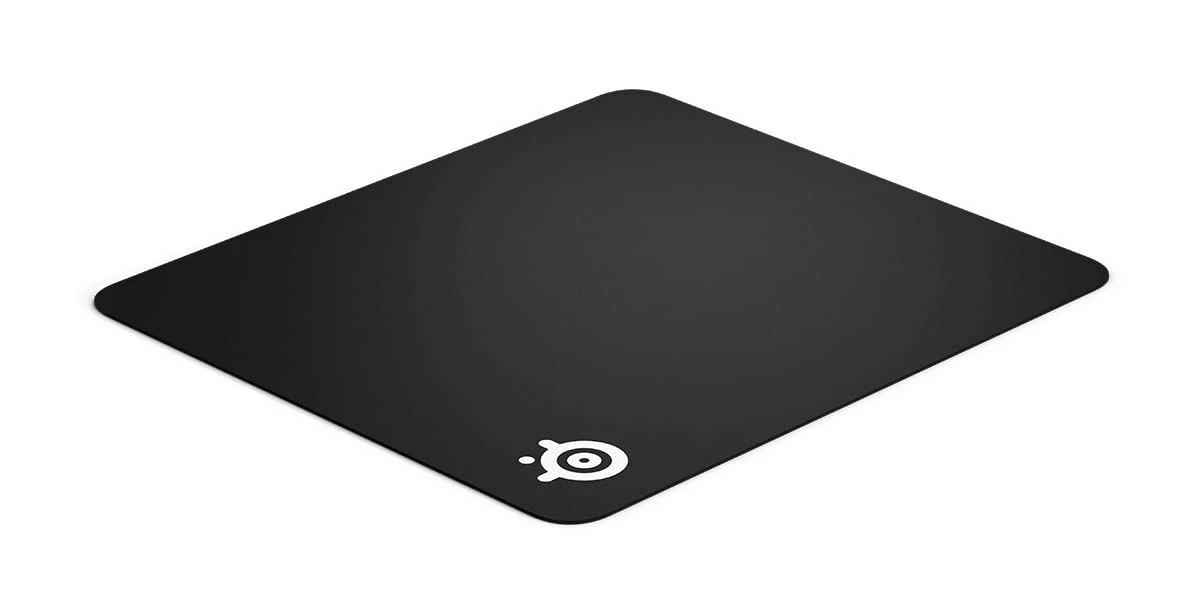
The selected QcK+ / Large 63003 is a black cloth pad measuring 450 × 400 × 2 mm. It supplies a broad mouse area with a rubber base, without lights, software or a charging connection. That is a useful fit when a narrow strip under the keyboard leaves too little front-to-back travel.
Measure the area with your actual keyboard in place. A large pad does not create more room if the keyboard forces it over the desk edge or the chair arm prevents access. Set the pointer speed for your work and check whether the surface suits the mouse feet and movements you prefer.
The standard thin QcK is different from QcK Heavy and stitched-edge variants. Confirm the size selector and model reference rather than ordering by a familiar family name. Cloth needs cleaning and can collect dust; the thin surface is not intended to level a damaged desktop. Keep an existing pad that already feels right, and choose this one for space and texture rather than an assumed productivity score.
 Product view
HB-UM43 · USB-A · Black · 2 ft cable
5. SABRENT HB-UM43: accessible data ports, not a charging station
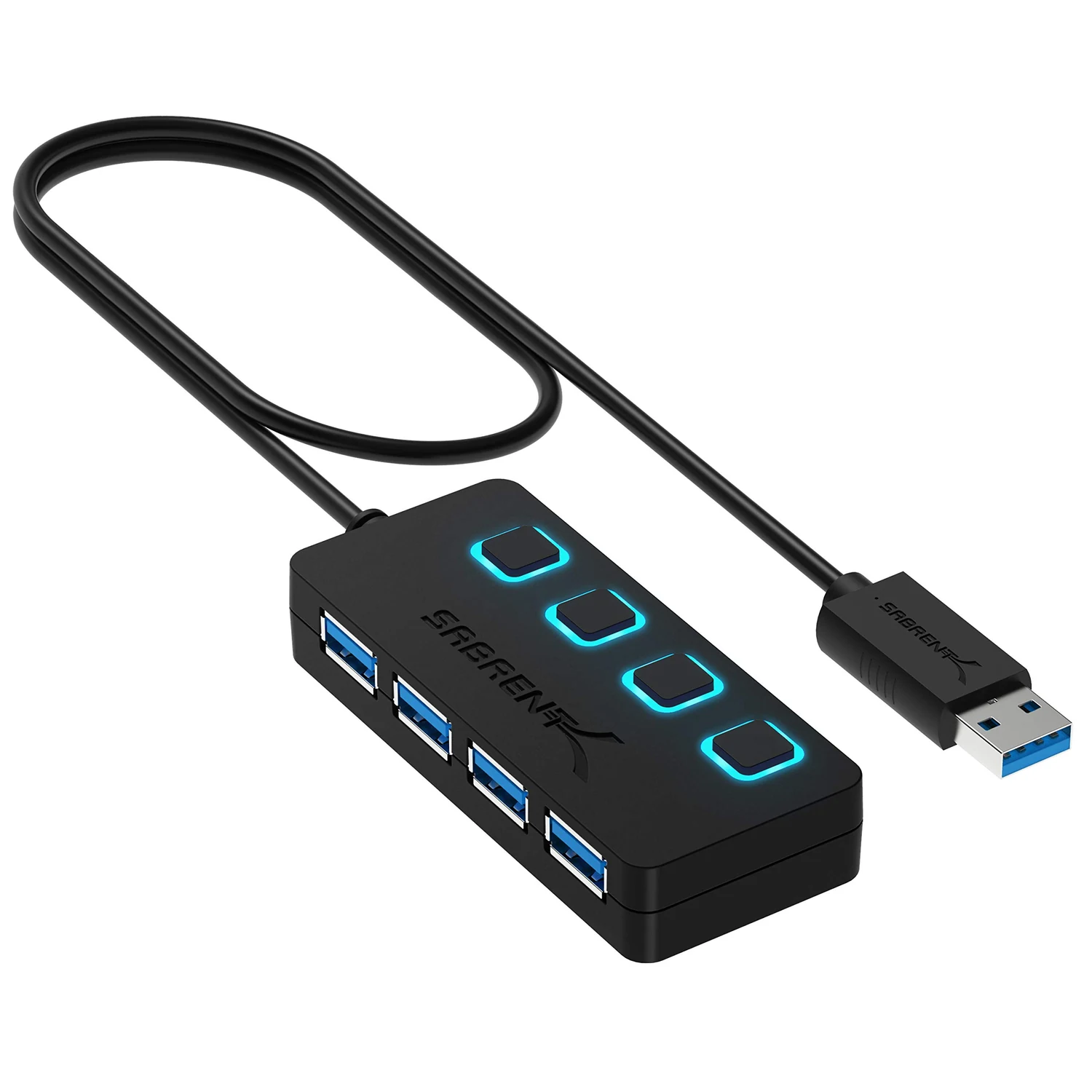
The four-port black HB-UM43 puts USB-A peripherals within reach and gives each port a switch and indicator. The selected version has a two-foot host cable. It can be convenient for a mouse receiver, keyboard or occasional flash drive when the computer's own sockets are awkwardly positioned.
The ports share the upstream connection and available bus power. That matters when several devices are active or a drive needs more power than a simple peripheral. This hub does not add HDMI, USB-C Power Delivery or a dedicated charging system for the headphones and phone.
Keep data and charging decisions separate. Check what the headphone charging cable and power supply require instead of treating every free USB socket as equivalent. Eject storage before switching off its port, and avoid using the switches casually during a file transfer. If the real need is a display dock or several power-hungry devices, choose equipment built for that job rather than stretching this inexpensive hub beyond its role.
 Product view
A9192 · 12 AC / 3 USB · Black · 5 ft
6. Anker 351: organize the charging supplies you actually need
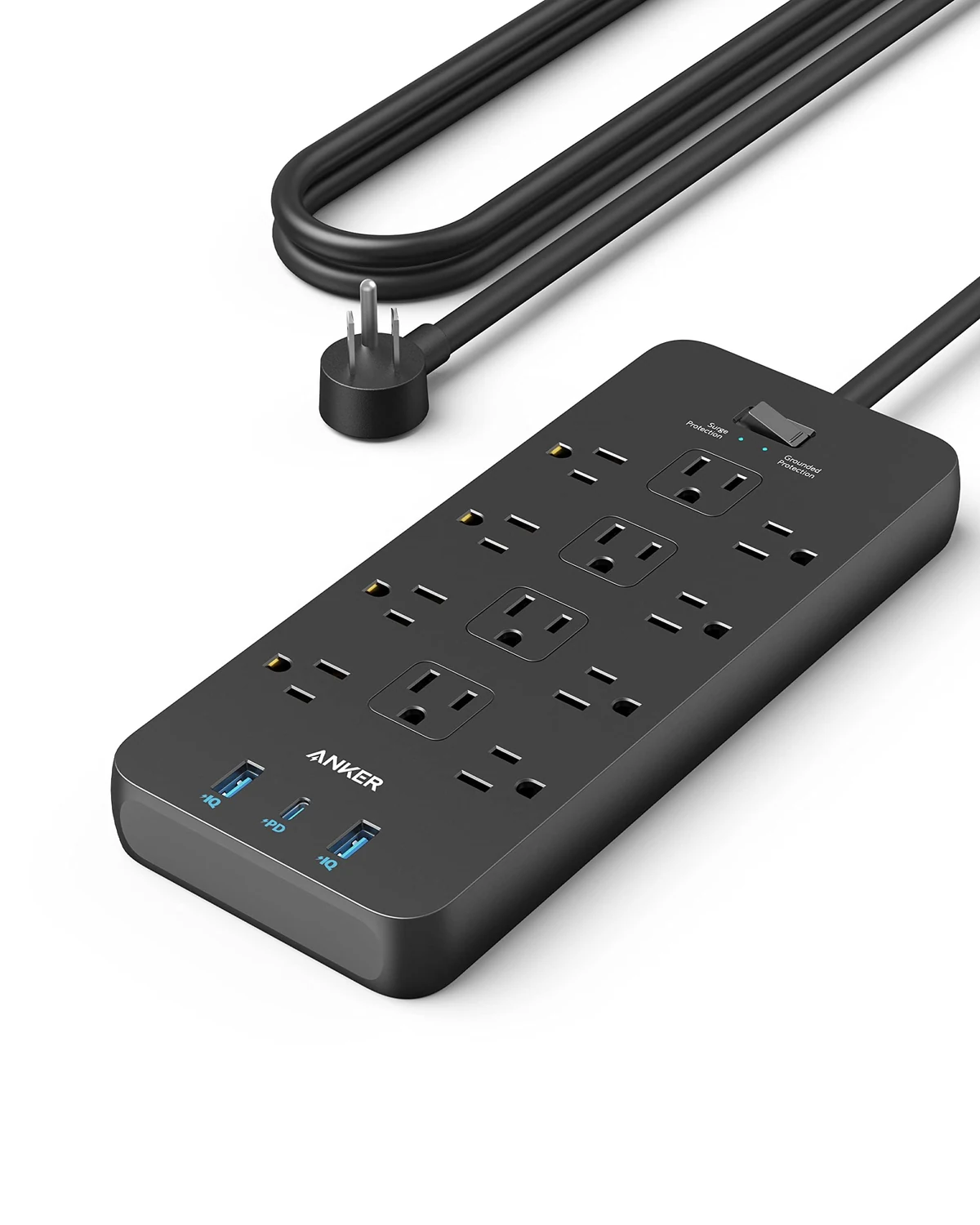
The black five-foot A9192 combines twelve US AC outlets with one USB-C and two USB-A ports. Its USB-C port offers up to 20 W when the USB-A ports are unused. That can suit a supported small-device charging task, but it is not the same specification as a laptop power supply.
On this desk, the AC outlets give the monitor, laptop charger and appropriate Qi2 adapter defined places to connect. The strip can reduce a scattered arrangement of power bricks, provided the plugs physically fit and the installation follows the supplied guidance. Leave the switch and connections reachable.
Check the US 125 V, 15 A / 1875 W combined AC limits and choose local equipment if the region does not match. Shared USB use changes the available power, so test the actual charging arrangement rather than adding together headline ratings. The useful result is simple: the phone and audio device have the supplies they require, with no need to rearrange several cables every time one battery is low.
Choose one audio device by a normal workday
Use a realistic session as the comparison: reading, typing, a short call, a break and a return to work. Over-ear pressure and heat may become noticeable gradually. Earbud seal and stability can change as you talk or move. A brief impression tells less than using the form through the activities you actually repeat.
ANC is usually most useful against steadier background sound; variable voices can remain audible. Do not turn the listening volume up simply to defeat everything around you. Use a comfortable level, take breaks and choose an awareness mode when hearing the room is important.
If outgoing speech matters more than listening isolation, compare the call-oriented Zone Vibe route in our video-call desk kit. If one existing audio device already handles the routine, there is no requirement to replace it just to make the desk accessories match.
Make charging predictable before adding more chargers
Give the phone and audio device specific charging moments. The phone can top up while you work if the supported stand and supply meet its needs. Earbuds can return to the case during breaks; over-ear headphones can charge at an appropriate time according to their instructions. A consistent routine often helps more than a second charger bought after every missed top-up.
Check case alignment, cable seating and the intended power adapter if charging repeatedly stops or behaves differently from the expected mode. Avoid treating visible magnets or a charging symbol as a complete compatibility check. Test the normal case and accessories that will stay on the desk, not only the bare phone used for an initial demonstration.
Keep the USB hub available for data and the required charging supplies available for power. Label an unusual cable if another person uses the desk. A clear arrangement is easier to maintain than a setup where every small device moves between whichever port happens to be free.
The buying order that avoids a drawer of duplicates
Choose and evaluate the audio shape first if noise or comfort is the daily problem. Add the mouse pad only if the current surface or available area is limiting movement. The phone stand belongs next when compatible wireless top-ups improve the routine. A hub and power strip can wait if existing connections are already convenient and appropriate.
Build the delivered total around missing roles, including any required charger, rather than adding all six products automatically. Sellers, bundles and prices change. Return terms matter especially for headphones and earbuds because fit is individual, while a desk measurement is the better first filter for the pad.
Questions about the focus desk kit
Do I need both Space One and P40i?
No. They are alternative listening formats. Start with the one that matches the longer part of your routine; a second device only earns a place if it covers a different need.
Does a magnetic case make every phone charge at 15 W on Qi2?
No. The phone, charger, case and power supply must support the intended arrangement. A magnet ring alone does not add wireless-charging hardware or guarantee a charging rate.
Is QcK Large the same as QcK Heavy?
No. The selected standard Large / QcK+ 63003 is 450 × 400 × 2 mm. Check the exact size and construction rather than relying on the QcK family name.
Can the SABRENT hub charge the whole desk?
It is a bus-powered USB data hub with a shared upstream connection. Choose suitable charging supplies for the phone and audio devices, and use a powered solution if the peripheral load requires one.
What supports this recommendation
The assessment uses soundcore's A3035 and A3955 model information, Belkin's WIA008 support material, SteelSeries' QcK size reference, SABRENT's HB-UM43 information and Anker's A9192 specifications. These choices turn on fit, compatibility and daily use. Listening comfort and microphone pickup are worth checking in the room where you work. Match the exact variant and current retailer terms, then evaluate the parts that matter in your own work routine.
- soundcore Space One A3035 information
- soundcore P40i A3955 information
- Belkin WIA008 Qi2 support
- SteelSeries mouse-pad size reference
- SABRENT HB-UM43 information
- Anker A9192 specifications
The next good question
Keep exploring.
 Read the story ↗
Dual Monitor Office Setup: A DisplayLink Desk Kit Explained
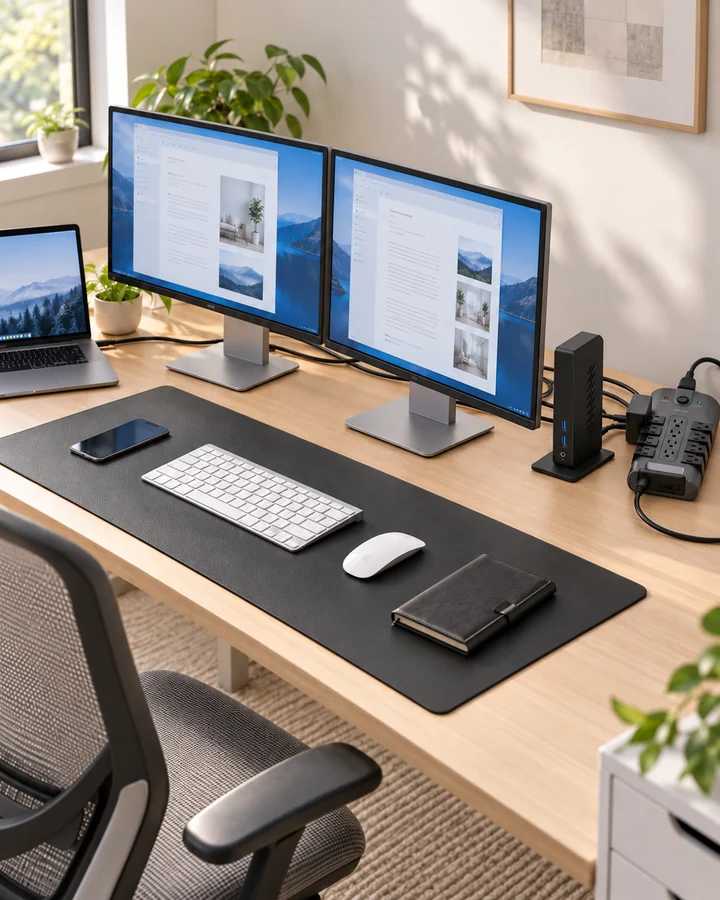
Two work screens need a compatible connection plan. Here is where the UD-3900Z fits, where it does not, and how five supporting accessories earn their place.
 Read the story ↗
Which Desk Upgrade Should You Buy First? A Home Office Buying Order
A better desk starts with the thing that interrupts your day. Fix that first, then stop buying when the problem is solved.
 Read the story ↗
USB-C Laptop Desk Setup: A Practical Six-Piece Kit
One screen, fewer loose connections and six clearly defined jobs. Start with the laptop's limits, then buy only the pieces your desk is missing.