Desk & tech / A closer look
BenQ MA270U Review: A Simpler MacBook Desk, With a Few Checks
The right cable helps. Comfortable text and a routine that works matter more.
Start here
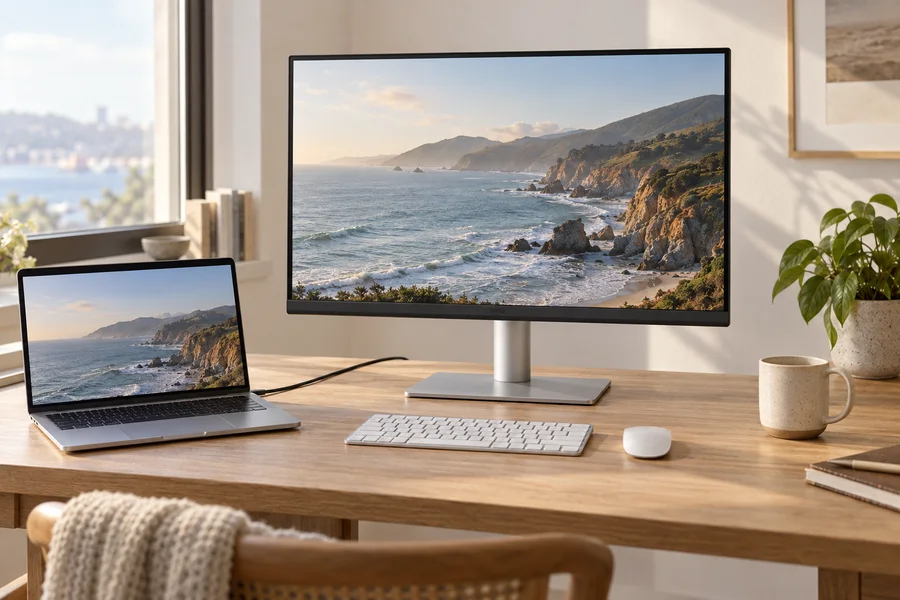
Consider the BenQ MA270U for a 27-inch 4K matte MacBook setup if 60Hz is acceptable and its USB-C and supported software features suit your computer. Confirm MA270U rather than a glossy MA-series variant, and check the exact Mac’s scaling, charging and external-display limits before ordering.
As an Amazon Associate, we earn from qualifying purchases. How our links work ↗
The useful details, in one place.
Specifications that shape the decision
| Detail | Published information | How to use it |
|---|---|---|
| Exact version | MA270U · 27-inch 4K Nano Matte | Other MA suffixes can describe different screens |
| Native grid / refresh | 3840 × 2160 / 60Hz | Not a 27-inch 5K display |
| Host connection | USB-C, up to 90W | Video / data / host charging |
| Other USB-C | 15W downstream | Not a second laptop-facing display input |
| Stand footprint | 220.2mm listed depth | Plan keyboard and screen position together |
Manufacturer information checked October 15, 2026. These are published claims, not our sample measurements. Match the exact model, revision and instructions.
The short answer: convenience for a particular kind of Mac desk
The BenQ MA270U is worth investigating if you want a 27-inch 4K monitor for a MacBook and prefer a matte surface, a simple silver stand and a direct USB-C connection. Its appeal is less about winning a specification contest and more about reducing small daily annoyances: a separate laptop charger, awkward brightness adjustment or a desk that feels assembled from unrelated accessories. That is a reasonable purchase goal, provided you first check what your particular Mac and cable can support.
This is a researched BenQ MA270U review, not a hands-on laboratory report. We have not measured its color accuracy, reflections, brightness, uniformity or wake reliability. BenQ's published features give us a useful starting point, but they do not prove how an individual screen will behave in your room. The right question is whether this model solves your MacBook workflow without introducing a compromise you dislike. A monitor that looks good beside a laptop still needs to deliver readable text, comfortable placement and a dependable daily connection.
Confirm MA270U, because the suffix changes the product
The model covered here is MA270U, the 27-inch 4K matte version. BenQ also lists other MA-series models, including glossy variants, and a similar family name is not enough to identify the screen. Check the final letters on the selected offer, the screen coating and the resolution. A retailer's comparison selector can change the product while leaving you on a page with very similar photographs. Save the exact version before comparing delivered prices or deciding whether a review applies.
That distinction is especially important if reflections are the reason you are shopping. A glossy alternative may be attractive in a controlled room, but it is a different buying decision. Do not accept a substitute purely because its model name is almost the same. Also verify condition, seller, local warranty and included accessories. We do not reproduce an unverified Amazon star rating or use a fixed price to imply that every current offer is identical. The listing you select is the one that determines the transaction.
The specifications that matter for this decision
BenQ lists a 3840 × 2160 IPS panel at 60Hz, a matte coating and USB-C upstream delivery of up to 90W. Its connection table distinguishes that laptop-facing port from a separate USB-C downstream port rated for 15W charging. There are also HDMI inputs and USB-A downstream connections. Those ports have different jobs; matching their shapes is not a sufficient connection plan. BenQ's MA270U specification page is the reference for the exact configuration discussed here.
Translate the features into a simple sketch before ordering. Your MacBook connects to the appropriate upstream port; desk peripherals attach where the monitor can pass their data to the host. A phone charging connection is not a second laptop video input merely because it uses USB-C. Mark the cable that carries the picture and identify the ones used only for accessories. A thirty-second sketch is often more valuable than reading another paragraph of product marketing about seamless connectivity.
A 27-inch 4K display is not a 27-inch Retina equivalent
The MA270U's 4K pixel grid can be useful for text and image detail, but it should not be confused with a 27-inch 5K screen. You are balancing physical size, native pixels, apparent interface size and the scaling behavior of your applications. The best setting is the one that lets you work without leaning forward or wasting the desk on oversized controls. A monitor does not become unsuitable simply because you prefer a larger-text option to its smallest possible workspace.
Try your normal writing, spreadsheet and browser applications at several comfortable settings. Keep the chair and screen position fixed while comparing, and avoid changing app zoom and system scaling together. Otherwise, you cannot tell which adjustment helped. Apple's display-resolution guidance explains where the options live. Our own blurry-text troubleshooting guide separates a resolution problem from an application issue. Neither replaces looking at your own work on the actual screen.
What Mac-oriented software can add
BenQ documents Display Pilot 2 support and related Mac-oriented controls for this model. Software convenience can be a real advantage if it removes a menu operation you repeat throughout the day. It can also be irrelevant if your work computer prevents installation or you prefer to avoid an additional utility. Check the current supported operating systems, permissions and device requirements before counting software features as a reason to pay more. An attractive screenshot is not proof that your managed laptop will allow the same setup.
It is useful to separate software controls from the underlying connection. A monitor can display a picture while an optional utility is not installed, but a particular synchronization feature may have additional requirements. Start with the direct display connection and establish a working baseline. Add the software afterwards, then check the feature you actually wanted. If something changes unexpectedly, that sequence makes it much easier to identify whether the issue comes from the display path, the operating-system setting or the utility.
Color matching is a workflow, not an identity guarantee
BenQ promotes Mac-oriented color tuning, but two different screens should not be assumed to match perfectly in every room and application. The MacBook's own display settings, any adaptive appearance features, the selected monitor mode and the image's color profile can all affect the comparison. First decide what you are trying to match. A comfortable visual relationship while writing is different from a controlled proofing requirement for client work.
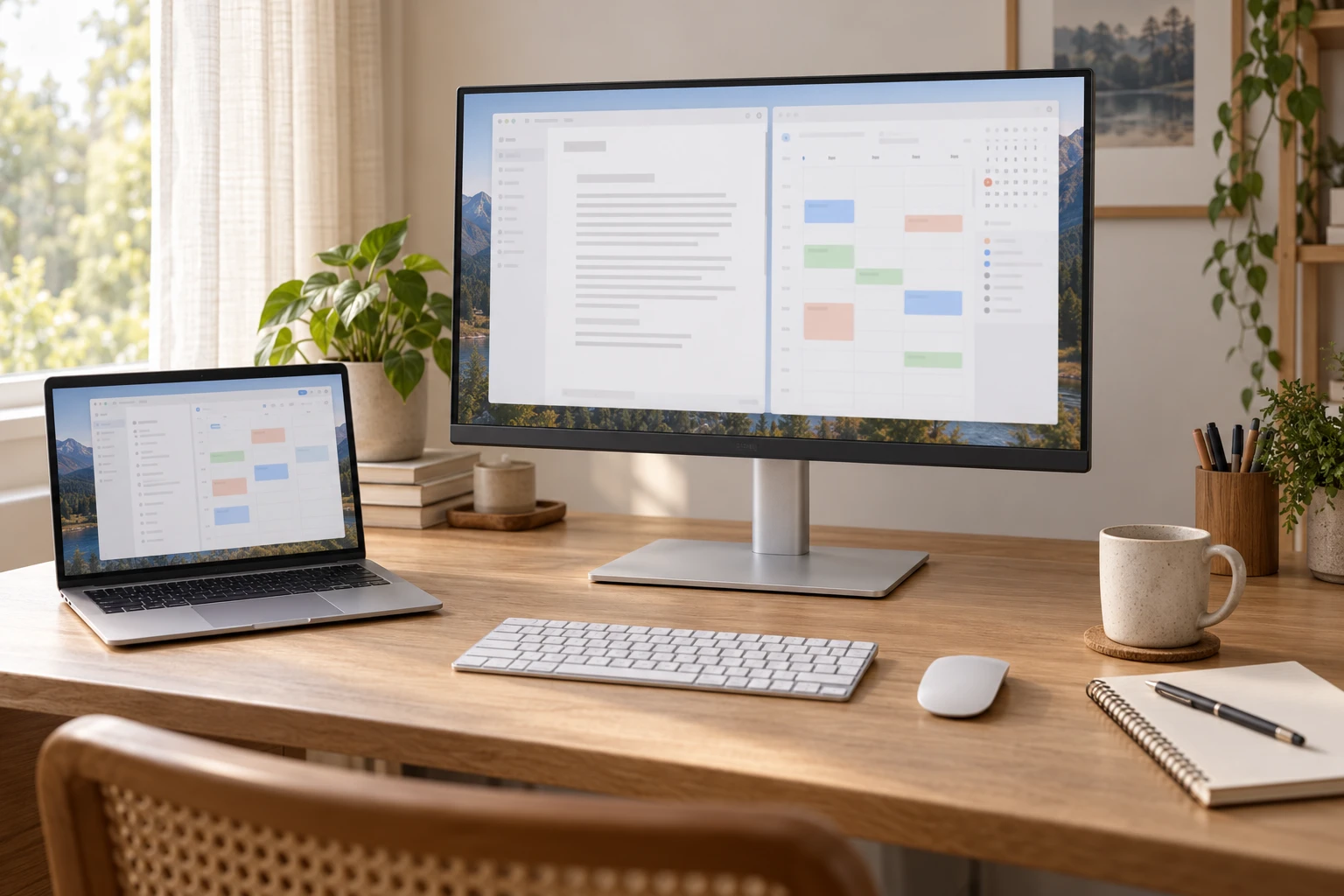
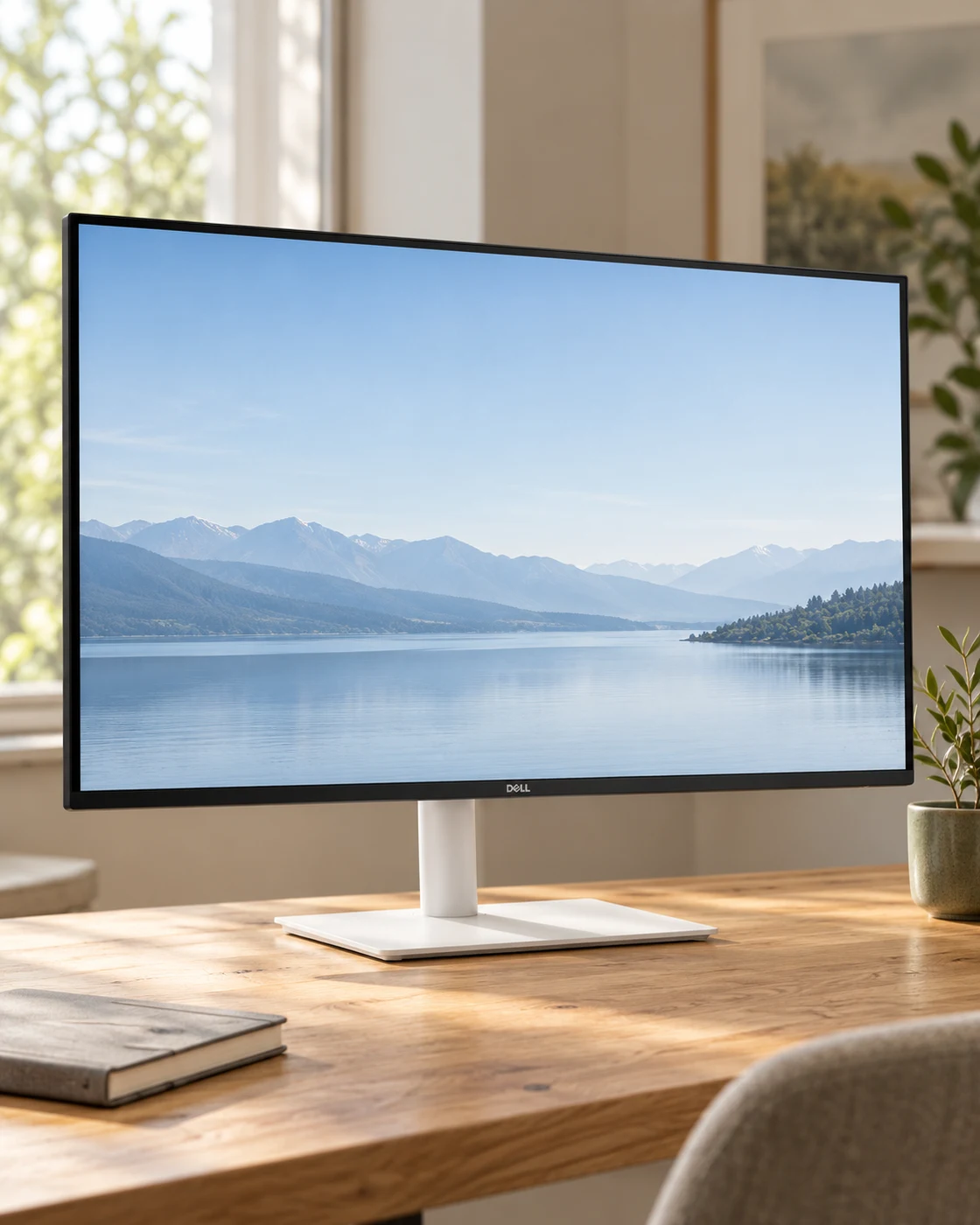
If color consistency matters professionally, use a documented workflow and a way to validate it. Do not use a lifestyle illustration on this page as evidence of color accuracy; its screens and lighting are illustrative. Likewise, two displays showing the same wallpaper in a product photograph do not constitute a calibration report. The MA270U may be a convenient choice for general Mac work, but a demanding color task needs more specific evidence than the fact that the monitor's industrial design suits the laptop.
The matte surface works with room placement, not against physics
A matte surface can change how reflections appear, but it cannot make every lighting arrangement comfortable. Position the screen so a bright window is not shining directly onto it or creating an intense reflection behind you. Consider the light at the time you actually work, not only during a tidy evening desk photograph. A room that is comfortable after sunset can be difficult at lunchtime. Curtains, desk orientation and moderate brightness may improve that situation more than an ambitious monitor specification.
During the return period, open a light document and a darker application at your normal chair position. Check whether reflections interrupt the content, whether the surface looks distracting to you and whether the chosen brightness feels comfortable. These are personal room checks, not a substitute for measured reflectance testing. We have not measured the MA270U's coating. Our matte versus glossy guide explains the broader tradeoff if the coating itself is the main reason for your purchase.
Ninety watts is a ceiling with compatibility conditions
The monitor's upstream USB-C connection can provide up to 90W, but your MacBook decides what it can accept through that path. The figure should not be read as a guarantee that any model will gain battery charge during every workload. Compare the monitor's capability with the requirements of your exact computer, including the tasks you perform when connected. A charging icon is useful feedback, but it does not tell you whether the battery will slowly decline during an unusually demanding afternoon.
Start with the supplied connection and observe normal use with a partly charged battery. Avoid judging only at a full battery, where charging behavior may be influenced by the computer's battery-management settings. If your workflow sometimes requires another charger, consider whether the simpler display and accessory connection still provides enough value. A minimalist desk is allowed to have a necessary charger. What matters is avoiding surprises, rather than trying to force every setup into an idealized single-cable photograph.
The fifteen-watt USB-C port is not a second upstream connection
The second USB-C connector is easy to misunderstand because it looks familiar. In BenQ's connection table, the downstream port is intended for data and lower-power device charging, while the upstream port handles the host display connection and higher laptop power. Follow the labels in the manual instead of testing random ports until something appears on screen. Keeping those roles clear also makes it easier to explain a problem to support if a connected accessory does not behave as expected.
Plan what remains connected to the monitor when you leave. A keyboard receiver, a mouse receiver and a small accessory may form a convenient desk hub. An external drive used for active work needs a careful eject routine before unplugging the laptop. If networking, multiple high-bandwidth drives or specialized devices are central to the setup, compare the full hub requirements with a separate dock. A monitor with several USB ports is not automatically a replacement for every kind of docking station.
Sixty hertz is a preference to settle before buying
The MA270U is a 60Hz monitor. For writing, email, document review and much everyday creative work, that can be a sensible compromise. If you are accustomed to a high-refresh laptop display, however, the difference in scrolling and pointer motion may be noticeable. Try a comparable 60Hz external screen if you can. You do not need to prove that one preference is objectively correct; you need to know whether the compromise will bother you after the novelty of a new desk arrangement fades.
If high-refresh motion is important, the Dell U2725QE is a different model to examine. If color-oriented production is the priority, compare the ASUS PA279CRV's workflow features. Those alternatives do not make the BenQ wrong; they help establish what you are paying for. Choose the feature set that serves the longest part of your week. A monitor selected mainly for one occasional use can leave you living with a small irritation during every ordinary task.
More ports do not increase a Mac's external-display limit
Identify the exact Mac model and chip before planning more than one external screen. The number of supported displays, available modes and connection requirements are computer-specific. A second HDMI input on the monitor lets you connect another source; it does not create another independent display output from the laptop. Similarly, a USB-C hub does not automatically bypass a host limitation. Avoid buying the second screen until you have a manufacturer-supported connection plan for the full arrangement.
Mirroring and extending are different outcomes. Two screens lighting up can still leave you without the extra workspace you expected. If a retailer or accessory maker claims a workaround, understand whether it needs software, drivers or permissions your work computer may not allow. Our MacBook mirrored-displays guide covers the diagnostic questions. It is better to resolve them before checkout than to discover that the monitor is working correctly but the planned topology cannot deliver the desktop you wanted.
Measure the desk as carefully as the screen
BenQ lists a stand depth of 220.2mm and display width of 613.8mm. Use those figures as planning dimensions, then account for the keyboard, chair and the position of the actual screen plane. The base does not need to sit exactly where it appears in a staged photograph. Make a paper outline, set your keyboard down and try the arrangement while seated. Check whether you can write in a notebook without moving the keyboard every time.
An arm can free surface space if the screen and desk are compatible, but it is not automatically more minimal. Confirm the monitor's mounting pattern and the arm's support range without the original stand. Check clamp clearance and the strength of the desktop. An adjustable supplied stand can be the simpler option if it already puts the display comfortably in front of you. Our desk-depth guide helps turn a screen-size preference into a workable physical arrangement.
Use the return window to test a normal week
Test direct connection, reconnecting after travel, sleep and wake, the laptop lid position you usually use, and your everyday USB accessories. Check the selected resolution and refresh rate after those transitions. Do not add several adapters and change every software setting on the first evening. A simple baseline makes an intermittent problem easier to describe. Keep notes with the exact cable and port so a successful test can be repeated rather than vaguely remembered.
Look for obvious panel defects with ordinary documents and familiar photographs. Keep packaging until you are satisfied with the unit and the connection routine. If an issue persists, record the Mac model, operating-system version, utility version, cable and symptom before contacting the seller or manufacturer. We have not established how frequently any particular issue occurs, and we do not convert isolated online comments into a failure rate. Your objective is to evaluate the actual unit within the terms of your purchase.
Who should shortlist the MA270U, and who should pass
Shortlist the MA270U if you want a manageable 27-inch 4K MacBook display, favor a matte surface and can make use of its direct USB-C arrangement and supported software controls. Be more cautious if you require high refresh, a particular multi-display topology or a specialist color-validation process. If your current screen already feels comfortable and the only issue is one loose cable, a routing change may be the better first purchase. The monitor should solve something you can name.
Before ordering, verify MA270U rather than a different MA-series suffix, the condition, seller, included cable, local warranty and return terms. Compare the complete delivered setup cost with the alternatives. Our Amazon link opens a model-specific search, so inspect the individual result before buying. The best outcome is not a perfect match to a desk photograph. It is a screen you can connect, read and adjust without repeatedly thinking about the monitor while you are trying to do the work.
Make the next step concrete.
Your before-you-buy checklist
Use this as a personal decision list. The boxes stay in this page session; your answers are not submitted.
Mark the checks that you have completed.
Clear answers, without the shortcuts.
Questions readers ask
Is the MA270U the same as the MA270UP?
No. The MA270U covered here is the matte version. Similar MA-series suffixes can indicate different coatings or other specifications; verify the exact selected model.
Is a 27-inch 4K display the same as 27-inch 5K?
No. The physical pixel grids differ. Evaluate text and interface size at comfortable macOS scaling settings rather than assuming identical presentation.
Can both USB-C ports connect a laptop display?
Do not assume that. BenQ identifies a 90W upstream display/data connection and a separate 15W downstream data/charging port. Follow the manual’s port roles.
Does the monitor remove a MacBook’s external-display limits?
No. Supported display counts and modes remain host-specific. Check the exact Mac model and chip before buying a multi-monitor arrangement.
When the checks are settled.
Compare the exact offer
The links below open model-specific Amazon searches and may include other versions, accessories or unrelated results. Check the selected reference, seller, condition, delivered total, warranty and return terms before ordering.
As an Amazon Associate, we earn from qualifying purchases. We do not publish unverified live prices, availability, sales counts or star ratings. How our links work.
Explore the everyday picks →Evidence and limits.
Sources and how this review was prepared
This article was prepared by NextGen Editorial Desk from the published manufacturer specifications and manuals, checked October 15, 2026. It is a researched assessment. We have not claimed hands-on ownership, laboratory measurements, pressure tests, scratch tests or a representative analysis of Amazon reviews. Suggested arrival checks and arithmetic examples are guidance, not results from a tested sample.
Lifestyle scenes illustrate everyday settings and styling. They do not establish exact dimensions, fit, color accuracy or performance. Use the manufacturer's original product information to verify fine details. Manufacturer claims, our interpretation and your own checks are kept distinct.
- BenQ MA270U: model overview and software positioning
- BenQ MA270U: exact published specifications
- BenQ MA270U: user manual
- Apple: change display resolution
If a specification or model revision has changed, use the site contact information and include the exact reference and source. An update should improve the evidence, not merely change the date.
Keep following the useful question.
Read next
The next good question
Keep exploring.
 Read the story ↗
USB-C Laptop Desk Setup: A Practical Six-Piece Kit
One screen, fewer loose connections and six clearly defined jobs. Start with the laptop's limits, then buy only the pieces your desk is missing.
 Read the story ↗
Dual Monitor Office Setup: A DisplayLink Desk Kit Explained
Two work screens need a compatible connection plan. Here is where the UD-3900Z fits, where it does not, and how five supporting accessories earn their place.
 Read the story ↗
144Hz Monitor for Office Work: A Useful Upgrade or a Gaming Distraction?
The refresh-rate number has escaped the gaming aisle. That does not mean it should be the first thing you buy for a desk.