Watches / A closer look
Amazfit Bip 6 Review: AMOLED, GPS, Battery and Key Trade-offs
A specification-led Amazfit Bip 6 review with the official display, battery and water-resistance claims, plus the practical questions to check before buying.
Start here
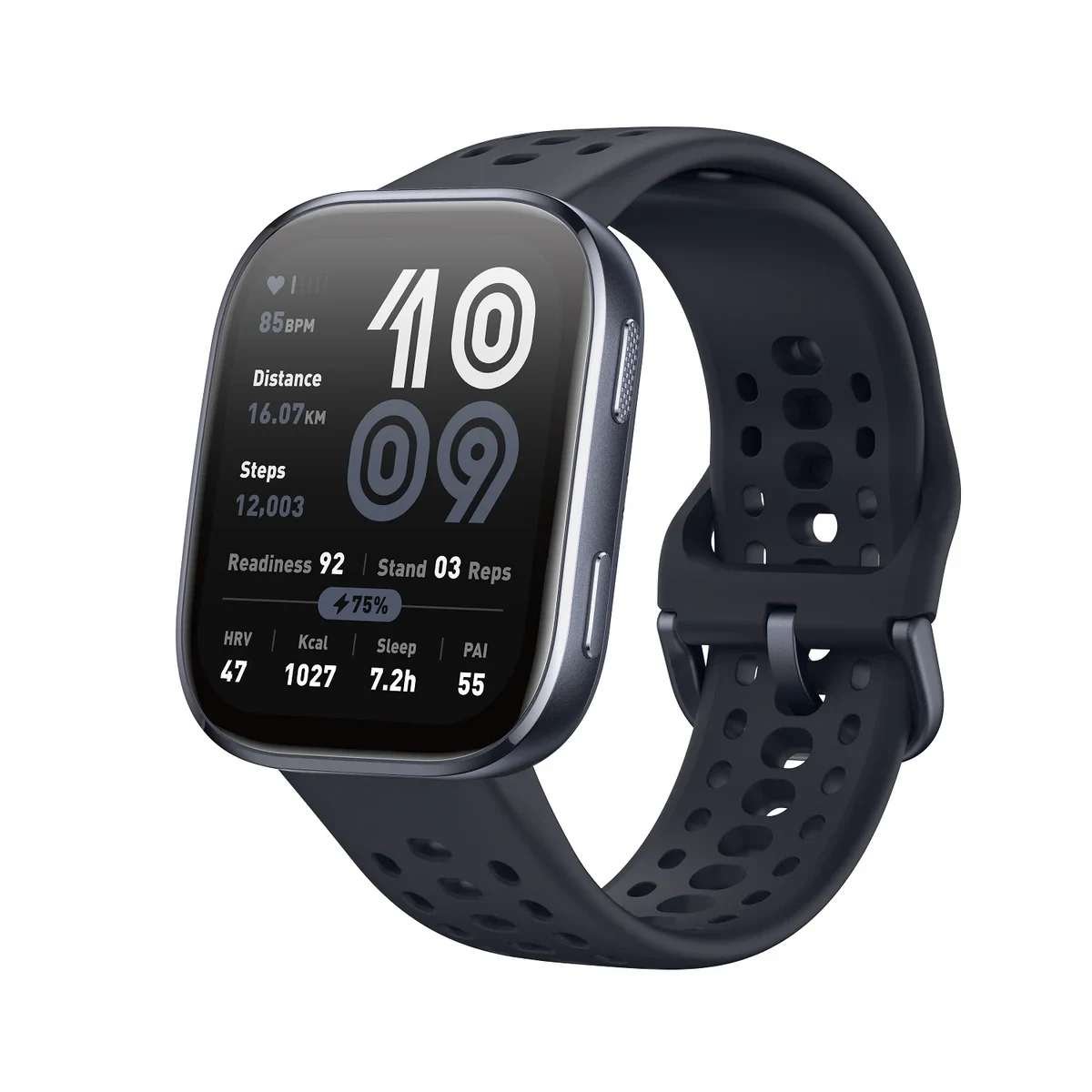
The Bip 6 is the stronger everyday shortlist when you want its large AMOLED screen and supported swimming use. Check fit, phone functions and charging expectations first. Bluetooth calls still depend on the connected phone.
As an Amazon Associate, we earn from qualifying purchases. How our links work ↗
The verdict: the display is the upgrade you will notice most often
The Amazfit Bip 6 is a stronger starting point than the older Bip 5 for someone who wants a large-screen everyday fitness watch and can use its basic connected features. Its AMOLED panel, onboard positioning and manufacturer-permitted swimming use address different needs, but the display is the part you encounter every time you check the wrist. That is the clearest reason to compare it closely rather than choosing the cheapest rectangular watch you find.
The case for it gets weaker when you expect a miniature version of a full phone, independent cellular calls or independently established accuracy for serious training. Those are different requirements. This evaluation uses the published model information to explain where the Bip 6 fits and where another kind of watch may suit you better. A long feature list can make a watch look universally capable; the purchase becomes clearer when you decide which three functions must work for your day.
What the AMOLED screen changes—and what the specification cannot prove
Amazfit lists a 1.97-inch AMOLED panel with a 390 by 450 resolution. The screen technology is a meaningful difference from the Bip 5’s TFT display. It gives the newer watch a different visual proposition, particularly for someone who wants a clean watch face and a modern-looking interface. It does not follow that every face is equally legible or that a promotional brightness number describes every real viewing condition.
Choose a face that gives the time enough space. Then check the information you actually use: perhaps an activity total, the battery state and an incoming message. A display can look impressive while presenting too much tiny information. On a watch, the best layout often requires fewer details. If you need reading glasses for small text, screen diagonal alone is not a reliable buying shortcut. Look at actual text size and whether the interface offers the adjustments you need.
We have not measured brightness, dimming behavior or reflections. Try the watch under ordinary indoor light and, where possible, in the outdoor conditions that matter to you. Think about late-night viewing as well as daytime visibility. A face that looks excellent in a product photograph may not be the one you want to illuminate a bedroom. The useful result is a screen setup you can live with, not the largest number on the product page.
Size and comfort: assess the rectangle on your wrist
The Bip 6 remains a fairly broad rectangular watch even though its published weight is low. Check the actual dimensions and do not translate its screen diagonal into the diameter of a traditional round watch. Length, width, case shape and the way the strap leaves the case all contribute to fit. A light watch can still sit awkwardly at the edges of a smaller wrist or collide with a jacket cuff.
Try it at the tightness you would use for an ordinary day, not only at the tightness that keeps it still for a photograph. Bend your wrist, type and pull a sleeve over it. If sleep tracking matters, imagine wearing the same shape for the whole night. A sports-oriented appearance is not a substitute for a fit you can tolerate consistently. Nor should buying a softer strap be used to explain away a case that is simply too large for your preference.
Strap changes can make a watch more personal, but confirm the attachment and compatible size before ordering. Also look at the clasp and the tail of the strap. A strap that is just long enough when standing may feel restrictive after an exercise session, while a long loose tail may catch on clothing. These small checks are worth doing during the return period, because comfort has a direct effect on how often the watch stays on your wrist.
Battery claims need a usage plan
The headline manufacturer claim is up to fourteen days in its typical-use scenario. That is useful context, but it is not fourteen days of every feature operating at its maximum setting. Screen behavior, alerts, calls, activity recording and background measurements belong in the comparison. Decide which settings are part of your routine before estimating how often you will need the charger.
An always-visible display can be appealing on an AMOLED watch, but consider the charging tradeoff rather than assuming the headline interval still applies. The same goes for long outdoor recordings. Compare the manufacturer’s stated scenarios with the way you will actually use the watch. We have not completed a controlled battery rundown, so we do not replace the published claims with an invented result presented as a measurement from our own sample.
The practical goal is a charging routine that leaves the features you care about available. If you want sleep records, find a daytime charging window. If you use the watch for exercise after work, avoid leaving it nearly empty before that session. Keep the correct charging accessory where you will remember it. The longer interval is valuable only if it makes the routine easier; it is not a reason to ignore battery state until the watch stops recording.
GPS and maps: useful tools need a route-specific expectation
Onboard positioning lets the Bip 6 record a supported outdoor activity using its own positioning system. That is different from depending entirely on a phone to supply the route. It does not remove every reason to carry the phone: calls, online information, emergency planning and other connected functions have separate requirements. Keep the activity-recording function and the communication function separate in your buying decision.
The model also offers supported offline-map features. Read the current instructions for preparing and using them before you leave a connection behind. Check what must be downloaded, which map or route functions are available and what the watch shows when you move away from a planned path. An advertised map feature does not automatically establish street-by-street navigation, every regional map service or every feature available on a dedicated outdoor navigation device.
We do not have reference-device recordings that establish the Bip 6’s route accuracy in different environments. A specification cannot replace those tests. If you need dependable pacing for a training plan, seek independent comparisons that name the route, comparison equipment and conditions. For ordinary ownership, start a short familiar route correctly and inspect the result afterward. Carry appropriate navigation and communication equipment for a trip rather than treating a smartwatch map as a complete safety plan.
Calls and messages: connected convenience, not a cellular replacement
Bluetooth calling is useful when your compatible phone is nearby and connected. It can save you from searching through a bag for a short call. It should not be confused with an independent cellular connection. Before buying, decide whether you want a wrist-based extension of the phone or a watch that can perform the communication job after the phone has been left at home. Those expectations lead to different product categories.
Reply actions, voice functions and application support can depend on the phone platform, region and software. Verify the specific action you care about rather than interpreting the words smart notifications as a promise of identical behavior on every phone. During setup, select a small number of useful notifications and test them. A watch that mirrors every application can feel busier without making you more reachable in the ways that matter.
Call sound is another separate question. We have not performed a microphone or wind-noise comparison. Make a short call in a typical place, ask the other person about clarity and check whether speaking through the wrist feels appropriate. An open watch speaker in a shared office may be less practical than earbuds. That is a use-case limit rather than a defect; buying decisions improve when the setting is part of the review.
Swimming: use the Bip 6’s instructions, not a depth conversion
Amazfit specifies a 5 ATM water-resistance grade and describes supported swimming use under the model’s conditions. This is a meaningful distinction from the Bip 5’s IP68 specification and guidance. It is not permission to interpret the number as a recreational diving depth or to assume every activity around water is covered. Read the manual’s restrictions on heat, water pressure, buttons and aftercare.
If swimming is the reason for buying, inspect the supported activity and the data you expect to see as well as the water rating. A watch permitted in a pool does not automatically meet every swimmer’s training requirement. Rinse and dry it as the manufacturer directs, and keep the charging contacts dry before charging. A used, damaged or serviced watch also needs its condition assessed; the original specification does not establish the present condition of its seals.
Health and recovery information: trends need context
The Bip 6 includes optical wellness tracking and presents information through the Zepp ecosystem. We have not validated its measurements against reference equipment, so we do not describe it as a medical instrument or assign it a sensor-accuracy score. Decide whether you want broad records of activity and habits, then consider how you will interpret them. A detailed dashboard can be interesting without every number being suitable for a medical or training decision.
For sleep tracking, comfort and a reliable charging routine affect how complete your records can be. For exercise, correct wearing position and the way you start an activity matter. Read the instructions rather than assuming a strap fitted loosely for a casual day is appropriate for every measurement. If a reading concerns you, seek suitable professional advice; repeated checking of a consumer watch is not a substitute for proper assessment.
Look at the application before committing to the device. You will probably spend more time reviewing longer records on the phone than on the wrist. Check that the information you want is available on the current app and understand any optional service terms separately. Do not treat a screenshot of an elaborate report as proof that every displayed service is included indefinitely in every region or on every account.
Bip 6 versus Bip 5: what should justify the extra money?
Start with the visible difference: AMOLED versus TFT. Then consider the different water-use guidance and the features you can genuinely use. Compare today’s seller offers for the exact watches, including condition, warranty and included charger. An older model can still make sense at a sufficiently lower total cost, but it should be chosen with its compromises understood. A small saving is less attractive if it removes the feature that prompted the upgrade.
If you already own a working Bip 5, ask what has actually become frustrating. If the answer is simply that a newer watch exists, there may be no urgent reason to replace it. If you want the newer screen or supported swimming use, the comparison has a clearer purpose. Moving to the Bip 6 should solve a real limitation in your routine, rather than restarting the same habit of checking specification lists without a clear requirement.
Who should buy it, and who should keep looking?
The Bip 6 belongs on a shortlist for someone who likes a large rectangular AMOLED watch, wants everyday activity and notification functions, and is comfortable using it alongside a phone. It is particularly worth comparing with the older Bip when the current price gap is modest. Confirm the supported phone, fit, selected variant and package before paying. The right offer is the one attached to the exact watch and seller terms you intend to buy.
Keep looking if your priority is independent cellular communication, a particular third-party application, a smaller traditional-watch shape or measured performance that this evidence does not establish. Serious training requirements deserve specific independent testing rather than a count of workout modes. Choose the watch for a few functions you will use repeatedly, and judge those functions carefully. That is a better route to value than expecting an affordable smartwatch to win every comparison at once.
Research notes
The screen, battery, water-use and positioning references are based on Amazfit’s Bip 6 documentation. The buying conclusions are an editorial interpretation of those features and their limits. This publication has not performed a GPS comparison, battery rundown, microphone recording comparison or reference-sensor validation, and does not present marketplace ratings as its own test results. Model functions and phone compatibility should be checked against the current documentation and the exact selected offer.
Model documentation
Amazfit Bip 6 specifications and operating conditions
Check the exact offer
Confirm the model, color, condition, included charger, seller and return terms.
Check current Amazon offer ↗The next good question
Keep exploring.
 Read the story ↗
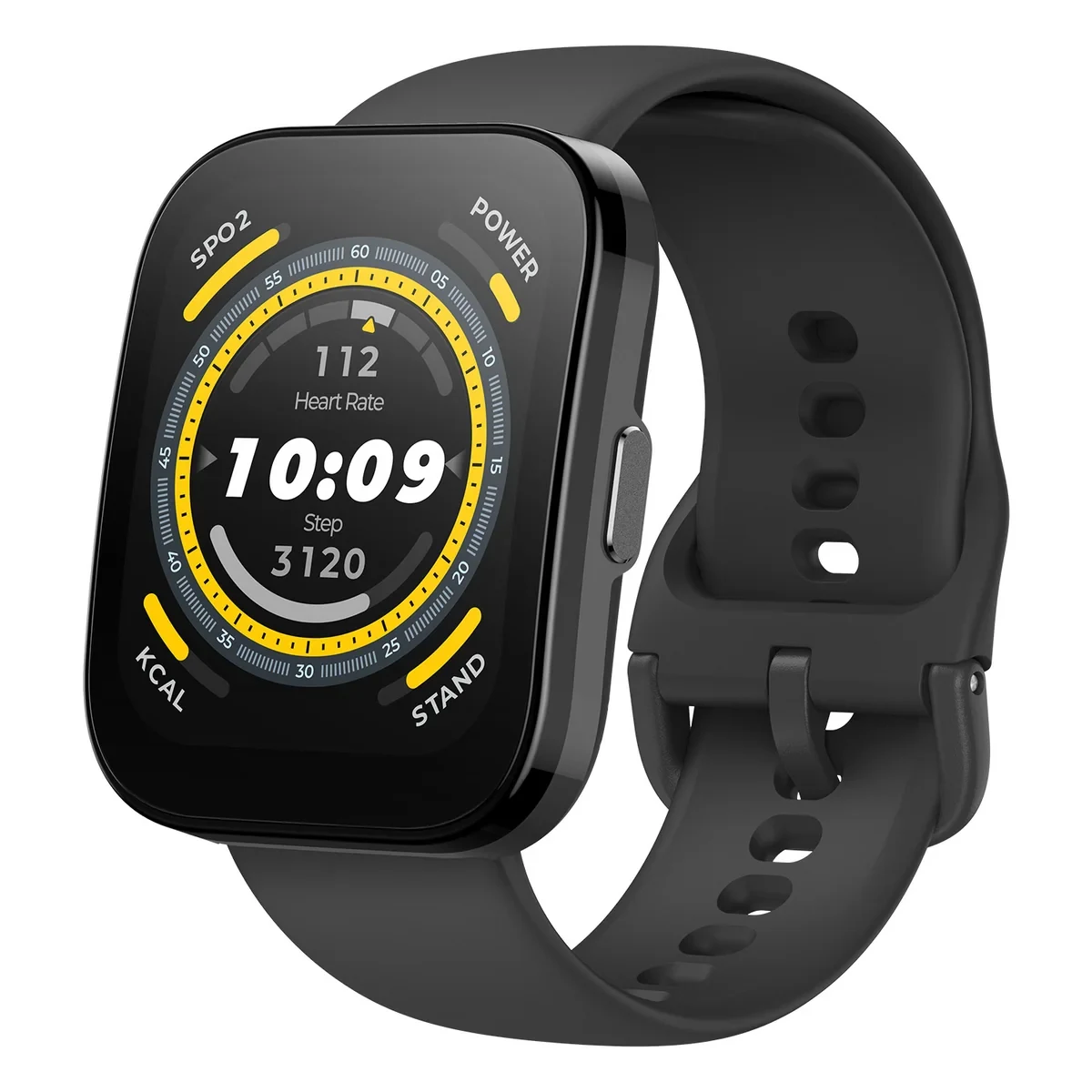
Amazfit Bip 5 Review: GPS, Battery Life, Display and Who It Suits
A practical Amazfit Bip 5 buying guide covering its 1.91-inch display, built-in GPS, advertised battery life, water-resistance limits and trade-offs.
 Read the story ↗
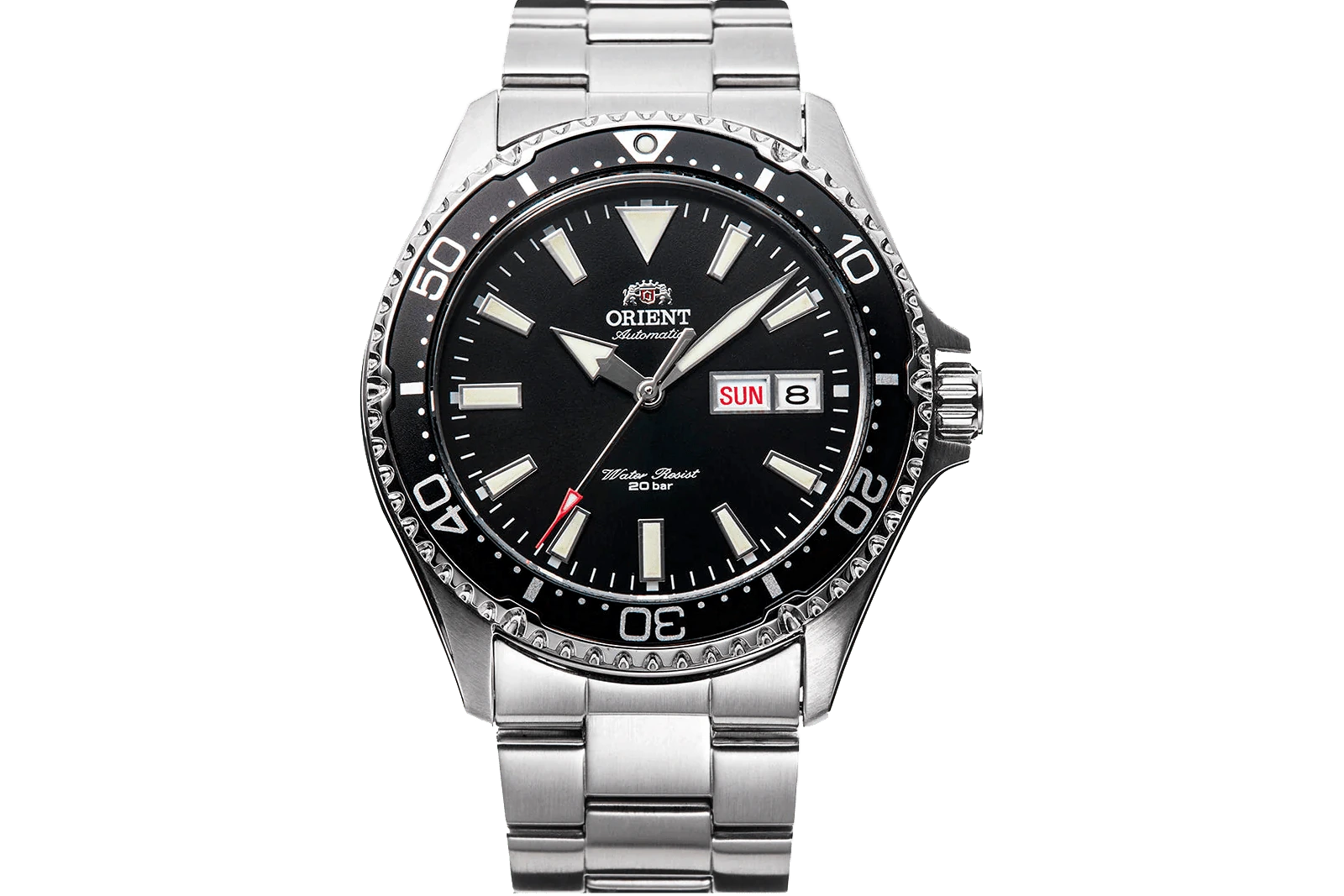
10 Automatic Watches Beginners Can Shortlist: Specs and Trade-offs
A beginner’s shortlist of automatic watches with different styles and trade-offs, plus a simple framework for checking fit, movement and price.
 Read the story ↗
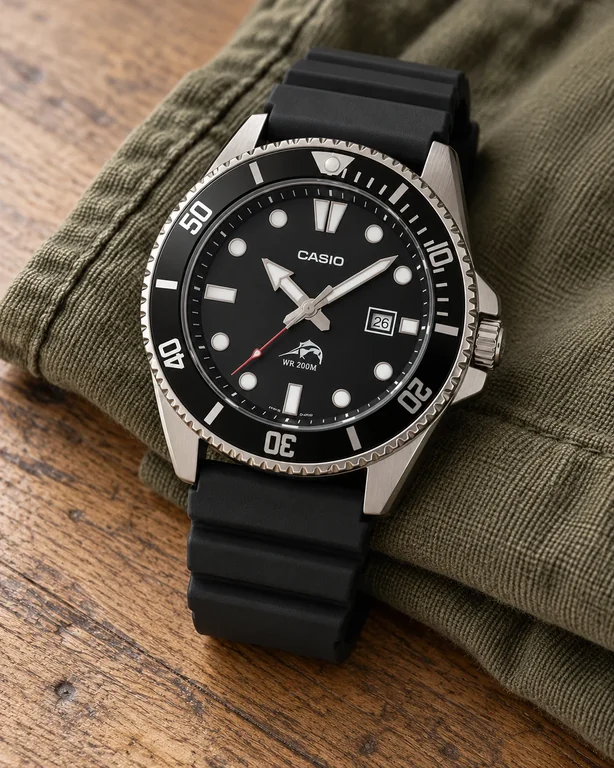
Best Watches Under $100: 6 Practical Everyday Choices
Small digitals, a bracelet classic, an analog sports watch and a field-style option. Choose the job first, then keep the complete purchase inside your budget.